My Little Puppy Torrent Download

Table of Contents
📚 My Little Puppy Overview
Bong-gu is a Welsh Corgi who spent his early years as an abandoned dog. He was around 8 years old and had several illnesses, making it hard for anyone to adopt him. His docked tail showed that someone had once cared for him, but he still ended up alone in an animal shelter.
One day, a man came and took Bong-gu home. The man looked a little rough around the edges, but Bong-gu loved his scent right away. From that point on, Bong-gu got to do all the things a happy dog does — playing tug-of-war, running, eating, and sleeping. He lived out his final years in a warm and loving home.
After Bong-gu passes away, he ends up in dog heaven. While resting there, he wakes up and catches a very familiar scent. It is the scent of his dad. Even though it is faint, Bong-gu recognizes it right away and becomes very excited.
Bong-gu then escapes dog heaven to find his dad. The path ahead is not safe, and unexpected dangers wait for him along the way. The story is built around the strong bond between a dog and the person who gave him a second chance at happiness.
My Little Puppy is based on a true story. Bong-gu was a real dog, and the game is a tribute to his short but joyful time with his family. The game carries a quiet emotional weight, telling a simple story about love, loyalty, and what it means to be wanted after being forgotten.
🎮 Game Information
| 🕹️ TITLE: | My Little Puppy |
|---|---|
| ⚡ VERSION: | v1.0.2517.124175 |
| 🛠️ DEVELOPER: | Dreamotion Inc. |
| 💻 PUBLISHER: | Dreamotion Inc., KRAFTON, Inc. |
| 📅 RELEASE DATE: | Nov 6, 2025 |
| 📂 GENRE: | Action, Adventure, Casual, Indie |
| 💾 SIZE: | 3.3 GB |
| 🔒 CRACKED BY: | Goldberg Crackfix |
| 💸 BUY LINK: | Store Page |
| ⭐ USER RATING: |
⚙️ Installation Instructions
We have simple instructions for downloading and installing the My Little Puppy torrent game on your Windows operating system. The procedure is the same for all Windows operating systems. Before proceeding, ensure that your system meets the minimum system requirements to play the Game.
You must have zip file extracting software and torrent software installed on your PC. If you do not have these two software programs installed on your PC, then you will first need to download and install the two software programs on your PC before following the steps.
You can use any zip file extracting software and torrent software, (We recommend "WinRAR" and "qBittorrent" Software). WinRAR / 7-Zip / µTorrent Classic / qBittorrent (64-bit) / qBittorrent (32-bit).
Follow the simple instructions:
- First, click on the "Torrent Download" button, and download the torrent My Little Puppy.zip file on your PC.
- Right-click on the My Little Puppy.zip file and click on the "extract here" option from the dropdown menu.
- Double click on the .torrent file. Then, choose the download folder.
- After Download Completed, Open the My Little Puppy Game folder.
- Double-click on the Setup.exe file.
- Follow the on-screen installation wizard to install the game on your PC.
- You may need to provide administrator permissions for the installation to proceed. If asked, click Yes to continue.
If you get any missing dll errors or the game is not launching, then Download Redist File and install all programs available in the "Redist" folder.
Done!. Now you can launch the game from your desktop.
⬇️ My Little Puppy Torrent Download Link
🖥️ Minimum Requirements
- OS: Windows 10
- Processor: Intel Core i5-6500 | AMD Ryzen 5 1600
- Memory: 8 GB RAM
- Graphics: NVIDIA GeForce GTX 1050 Ti | AMD Radeon RX 570 4GB
- DirectX: Version 11
- Storage: 10 GB available space
⭐ Recommended Requirements
- OS: Windows 10
- Processor: Intel Core i5-9400 | AMD Ryzen 5 3500
- Memory: 8 GB RAM
- Graphics: NVIDIA GeForce GTX 1660 Ti | AMD Radeon RX 5600 XT
- DirectX: Version 11
- Storage: 10 GB available space
📷 Gameplay Screenshots

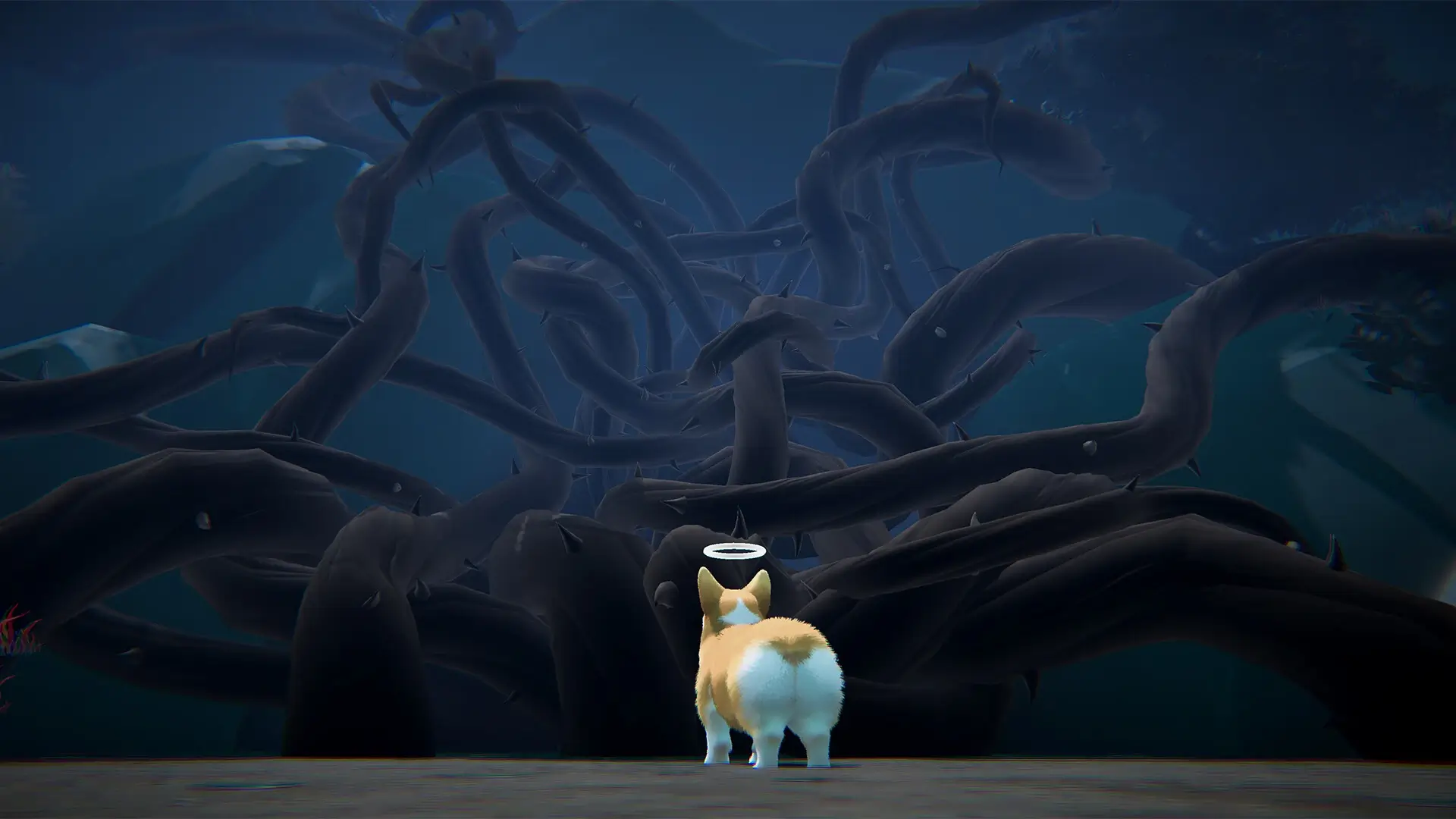
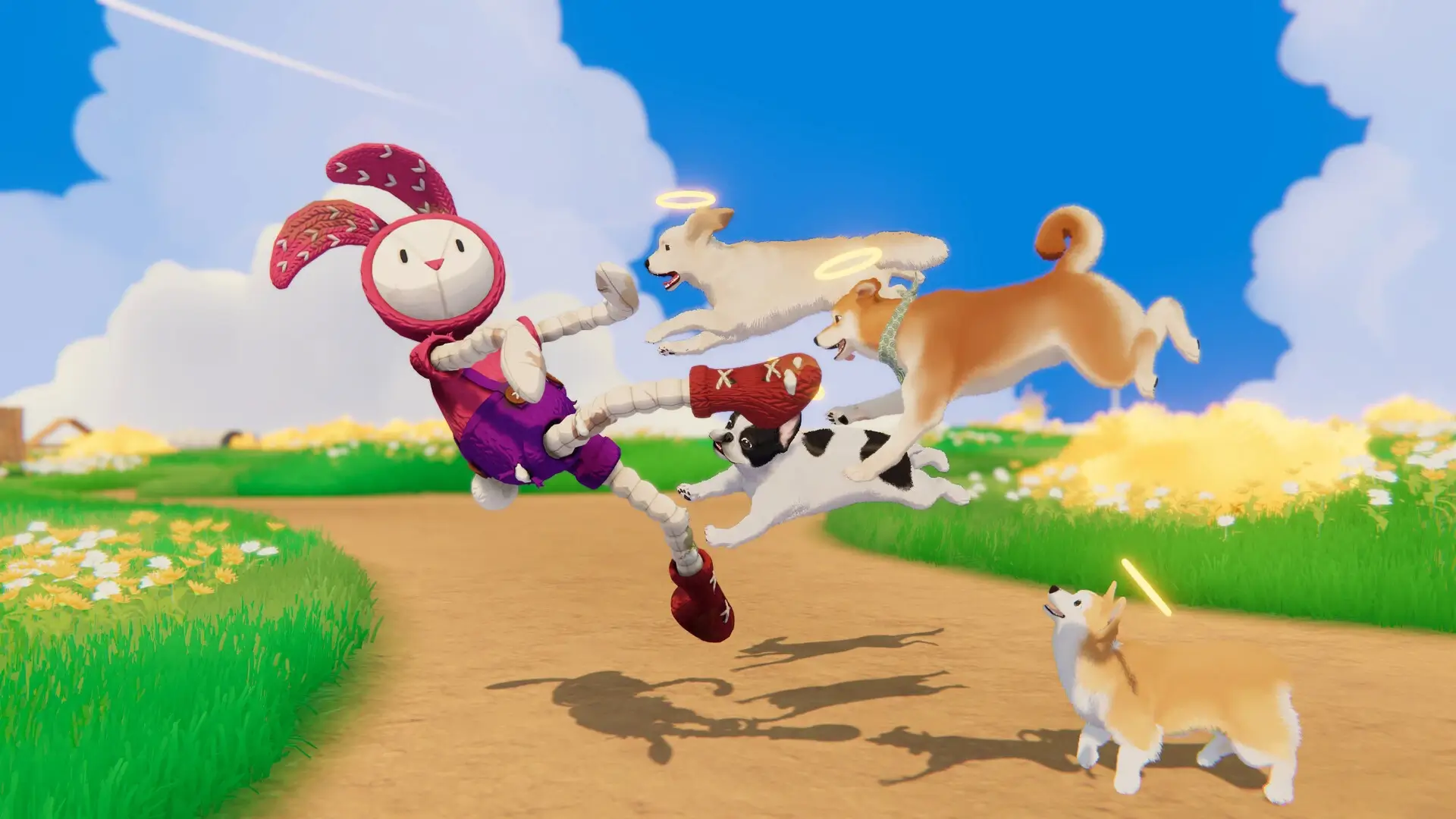
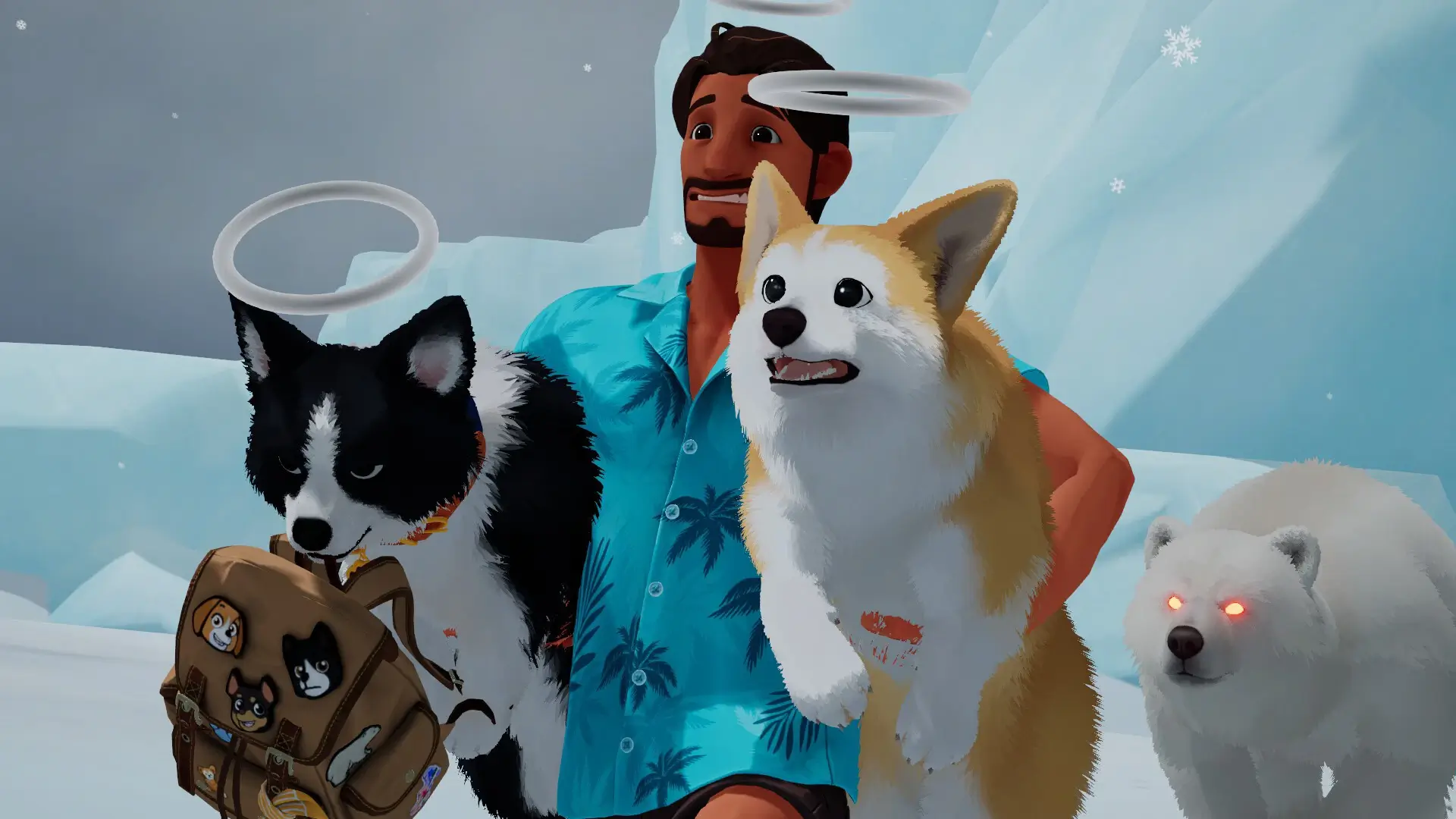
🎬 Gameplay Video










Comments
Leave a Comment
Your email address will not be published. Required fields are marked *