Firmament Torrent Download

Table of Contents
📚 Firmament Overview
Firmament is a puzzle-adventure game developed by the creators of Myst and Riven. The game is set in a seemingly abandoned world with three unique Realms to explore. It features a steampunk aesthetic and offers deep storytelling and world-building. Players will discover the story as they explore and unlock the mysteries of these Realms.
In Firmament, players carry a device called an “Adjunct.” This device serves as the interface for interacting with various devices in the game. The Adjunct is crucial for solving the puzzles found in the Realms. By using the Adjunct, players can unlock secrets and progress further in the game.
The game is visually impressive, offering new sights to see around every corner. The world of Firmament feels plausible, as though it was constructed with a bigger purpose in mind. This sense of purpose is something players will be compelled to uncover as they play.
While exploring, players are not entirely alone in Firmament. The game offers a sense of companionship, adding another layer to the storytelling. The combination of the Adjunct and the world-building creates a unique experience for players as they delve into the mysteries of Firmament.
🎮 Game Information
| 🕹️ TITLE: | Firmament |
|---|---|
| ⚡ VERSION: | v1.0.0 (e9748-p17307) + Windows 7 Fix |
| 🛠️ DEVELOPER: | Cyan Worlds, Inc. |
| 💻 PUBLISHER: | Cyan Worlds, Inc. |
| 📅 RELEASE DATE: | May 18, 2023 |
| 📂 GENRE: | Adventure, Indie |
| 💾 SIZE: | 6.7 GB |
| 🔒 CRACKED BY: | FAiRLiGHT |
| 💸 BUY LINK: | Store Page |
| ⭐ USER RATING: |
⚙️ Installation Instructions
We have simple instructions for downloading and installing the Firmament torrent game on your Windows operating system. The procedure is the same for all Windows operating systems. Before proceeding, ensure that your system meets the minimum system requirements to play the Game.
You must have zip file extracting software and torrent software installed on your PC. If you do not have these two software programs installed on your PC, then you will first need to download and install the two software programs on your PC before following the steps.
You can use any zip file extracting software and torrent software, (We recommend "WinRAR" and "qBittorrent" Software). WinRAR / 7-Zip / µTorrent Classic / qBittorrent (64-bit) / qBittorrent (32-bit).
Follow the simple instructions:
- First, click on the "Torrent Download" button, and download the torrent Firmament.zip file on your PC.
- Right-click on the Firmament.zip file and click on the "extract here" option from the dropdown menu.
- Double click on the .torrent file. Then, choose the download folder.
- After Download Completed, Open the Firmament Game folder.
- Double-click on the Setup.exe file.
- Follow the on-screen installation wizard to install the game on your PC.
- You may need to provide administrator permissions for the installation to proceed. If asked, click Yes to continue.
If you get any missing dll errors or the game is not launching, then Download Redist File and install all programs available in the "Redist" folder.
Done!. Now you can launch the game from your desktop.
⬇️ Firmament Torrent Download Link
🖥️ Minimum Requirements
- Requires a 64-bit processor and operating system
- OS: Windows 10
- Processor: AMD Ryzen 7 2700X Eight-Core Processor (16 CPUs), ~3.7GHz; Intel i5 7000 series
- Memory: 16 GB RAM
- Graphics: AMD Radeon RX 5700XT; NVIDIA GeForce GTX 1070 8GB
- DirectX: Version 12
- Storage: 20 GB available space
- Sound Card: N/A
- VR Support: Quest 2 over Airlink or Link cable, HTC Vive Pro, Valve Index
⭐ Recommended Requirements
- Requires a 64-bit processor and operating system
- OS: Windows 11
- Processor: AMD Ryzen 7 3800X 8-Core Processor (16 CPUs), ~3.9GHz; Intel i5 11000 series
- Memory: 32 GB RAM
- Graphics: AMD Radeon RX 6800XT; NVIDIA GeForce GTX 1080 Ti 12GB
- DirectX: Version 12
- Storage: 20 GB available space
- Sound Card: N/A
- VR Support: Quest 3 over Airlink or Link cable, HTC Vive Pro, Valve Index
📷 Gameplay Screenshots
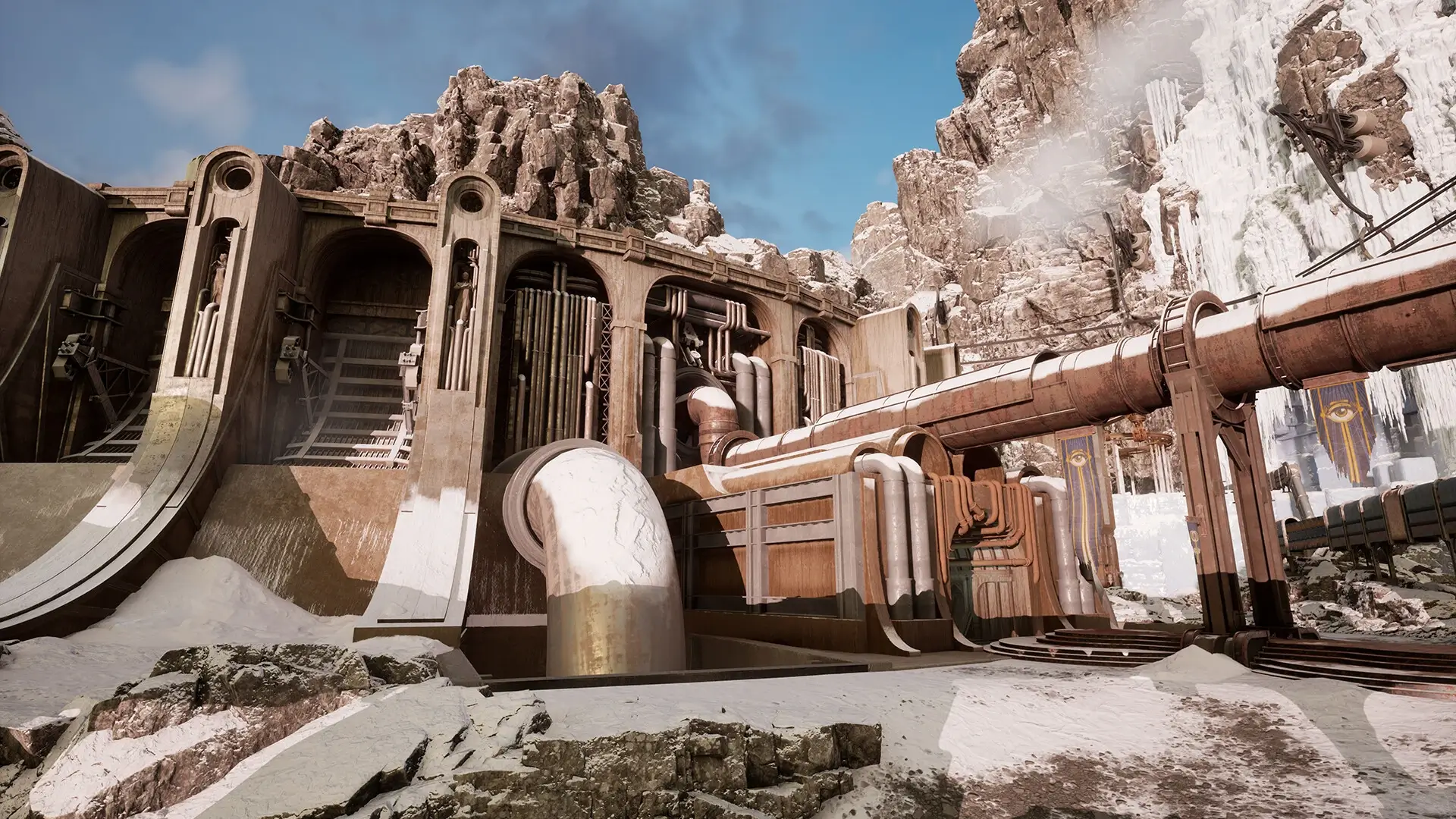
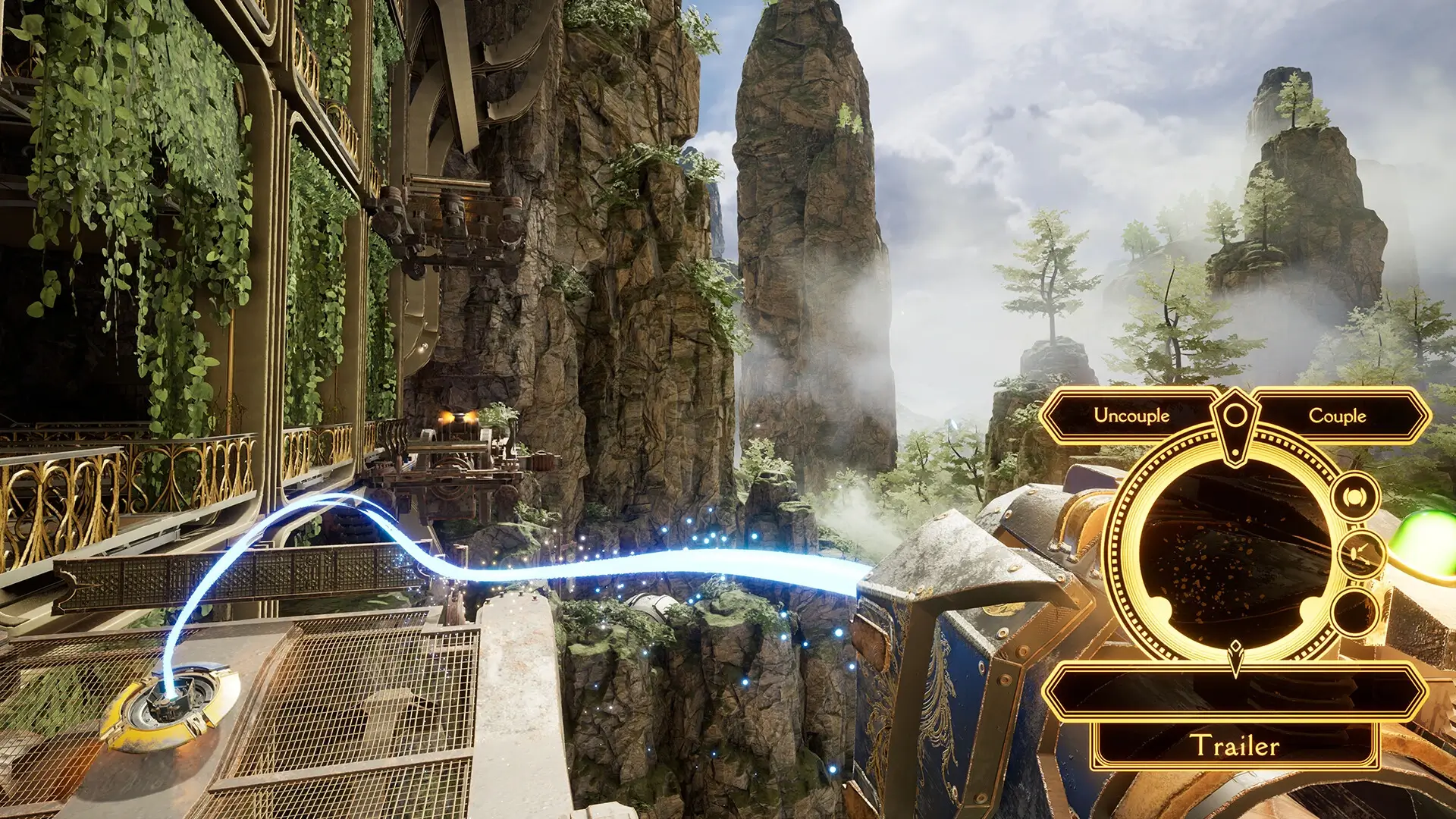
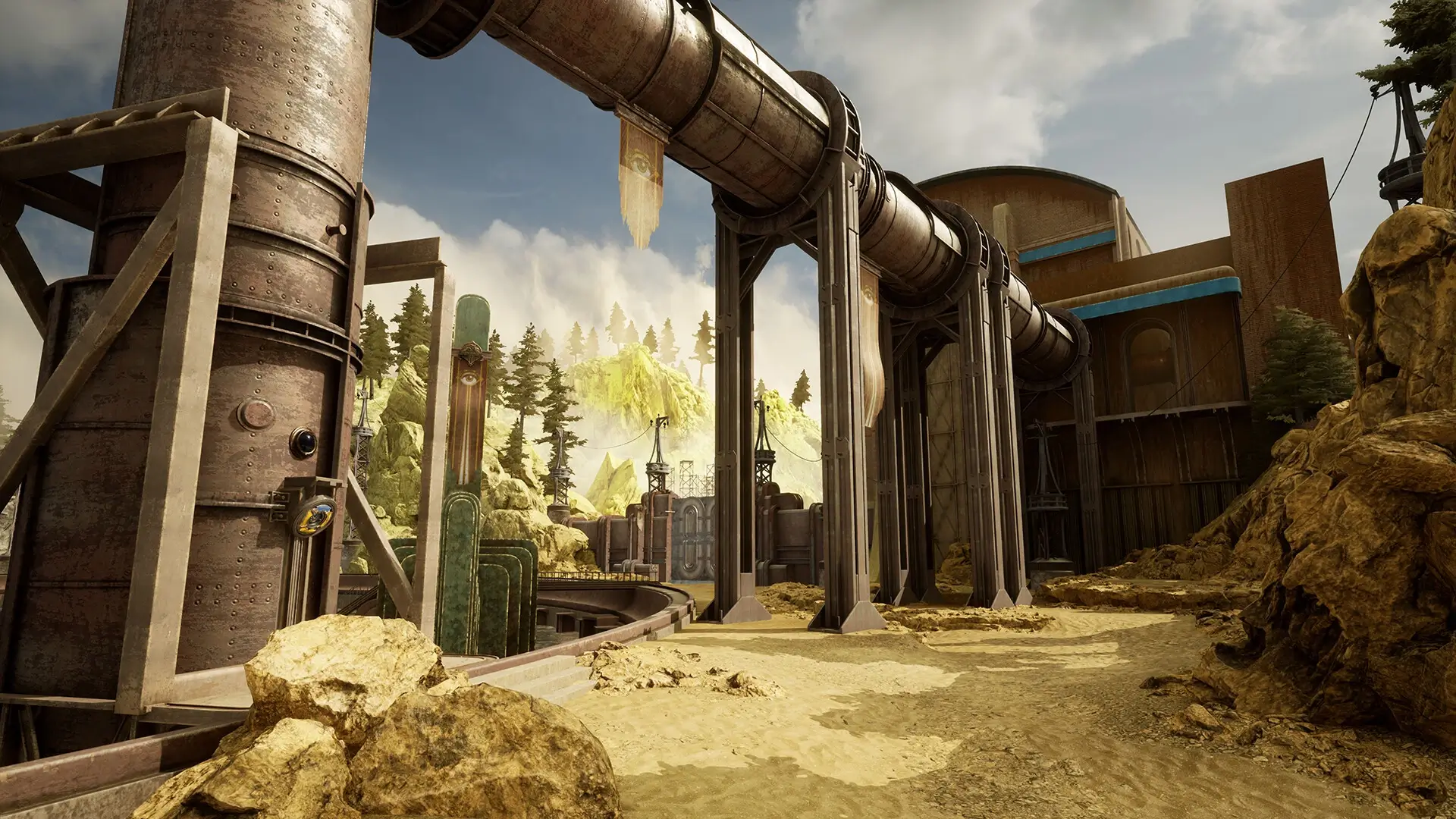
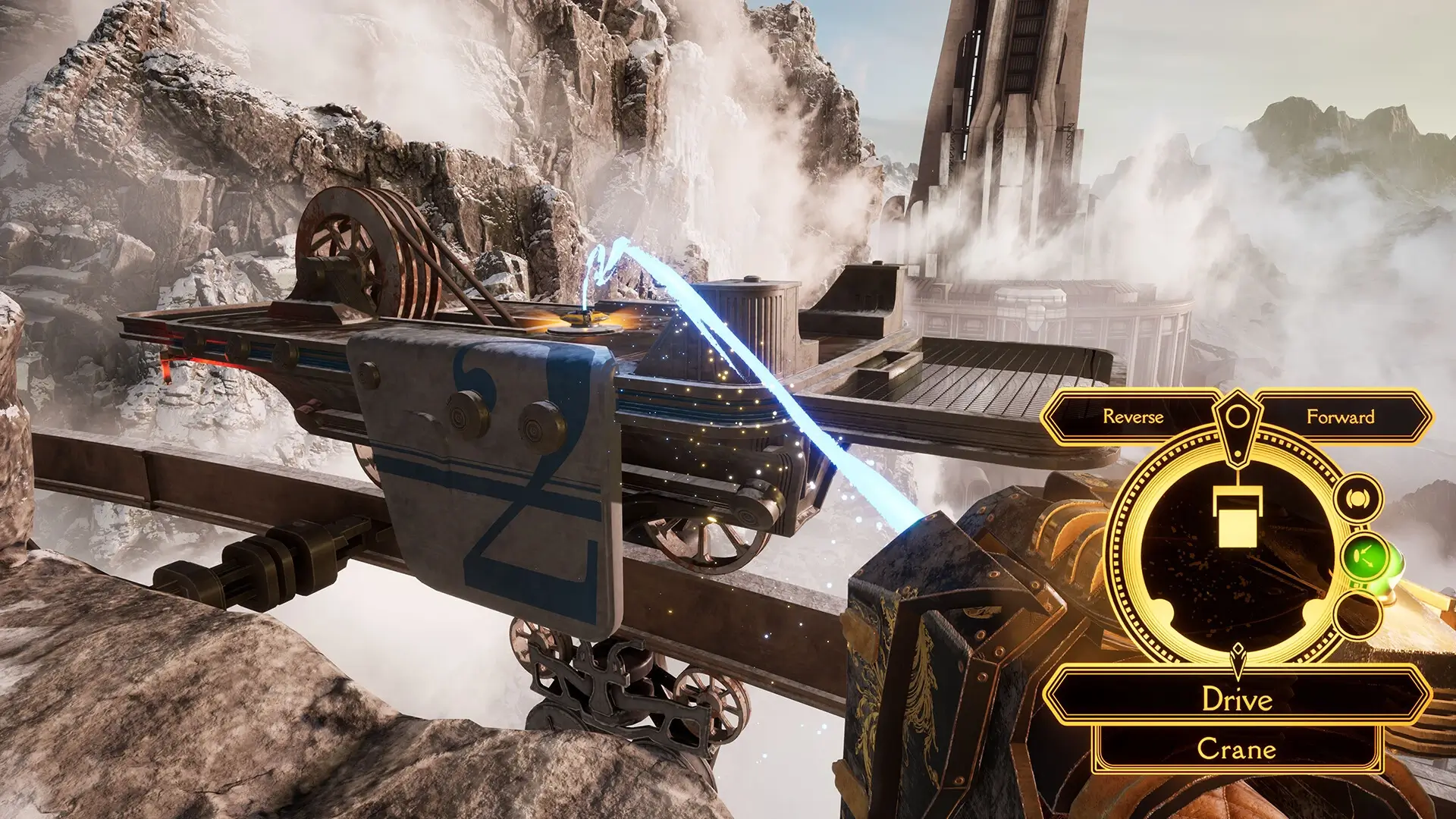
🎬 Gameplay Video














Comments
Leave a Comment
Your email address will not be published. Required fields are marked *