Potion Shop Simulator Torrent Download
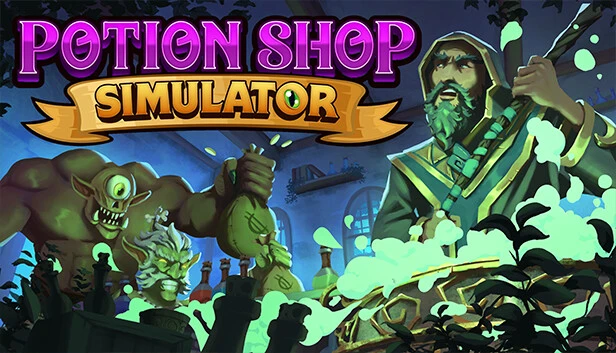
Table of Contents
📚 Potion Shop Simulator Overview
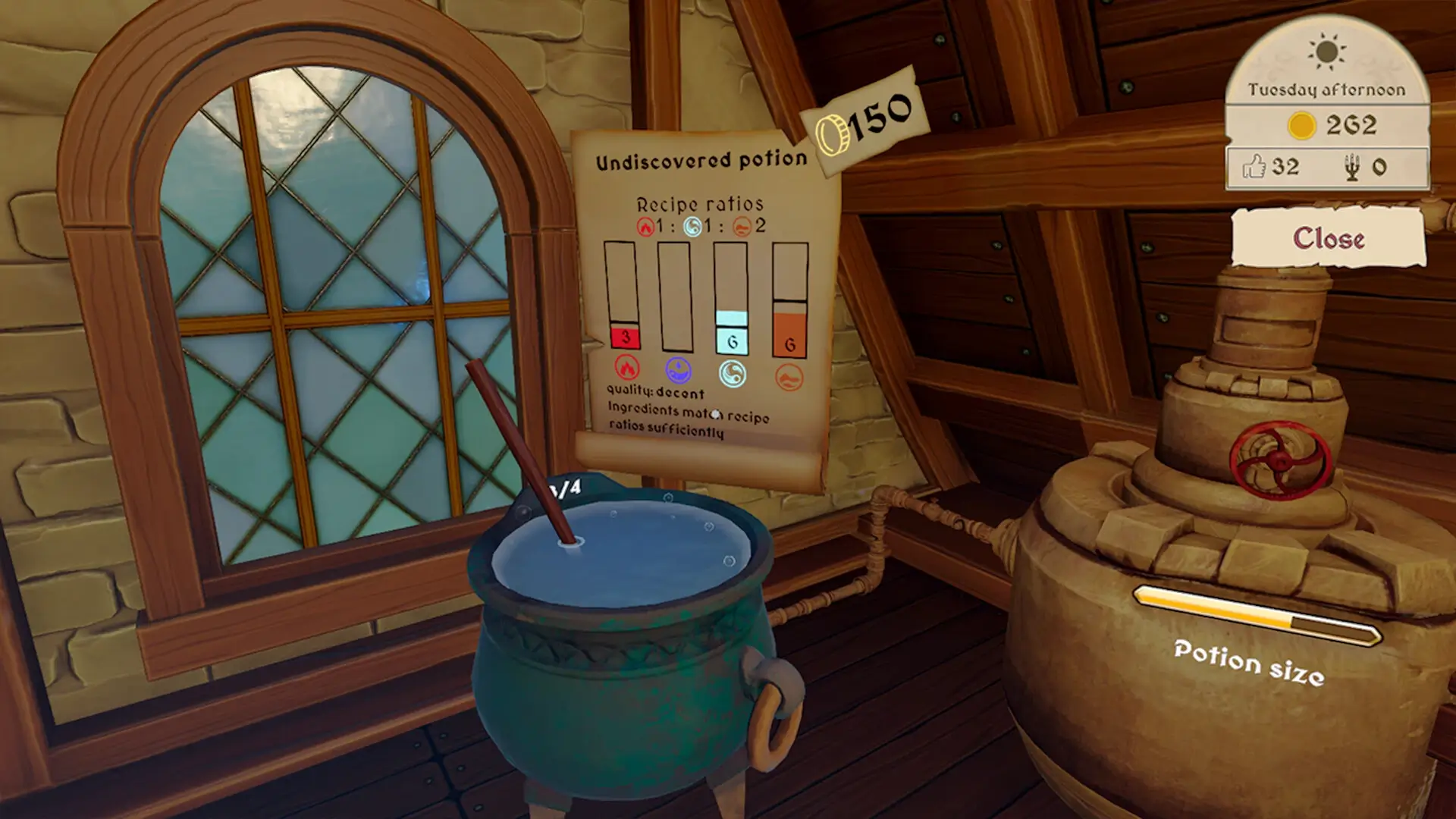
Potion Shop Simulator invites players to step into the enchanting realm of alchemy. After graduating from Wizard U, you find yourself managing a potion shop on the outskirts of a kingdom. The game allows you to use the classical elements of Fire, Water, Air, and Earth in various combinations to brew potions for a unique clientele. As you master potion brewing and shopkeeping, you can build your reputation and unlock new opportunities for your business.
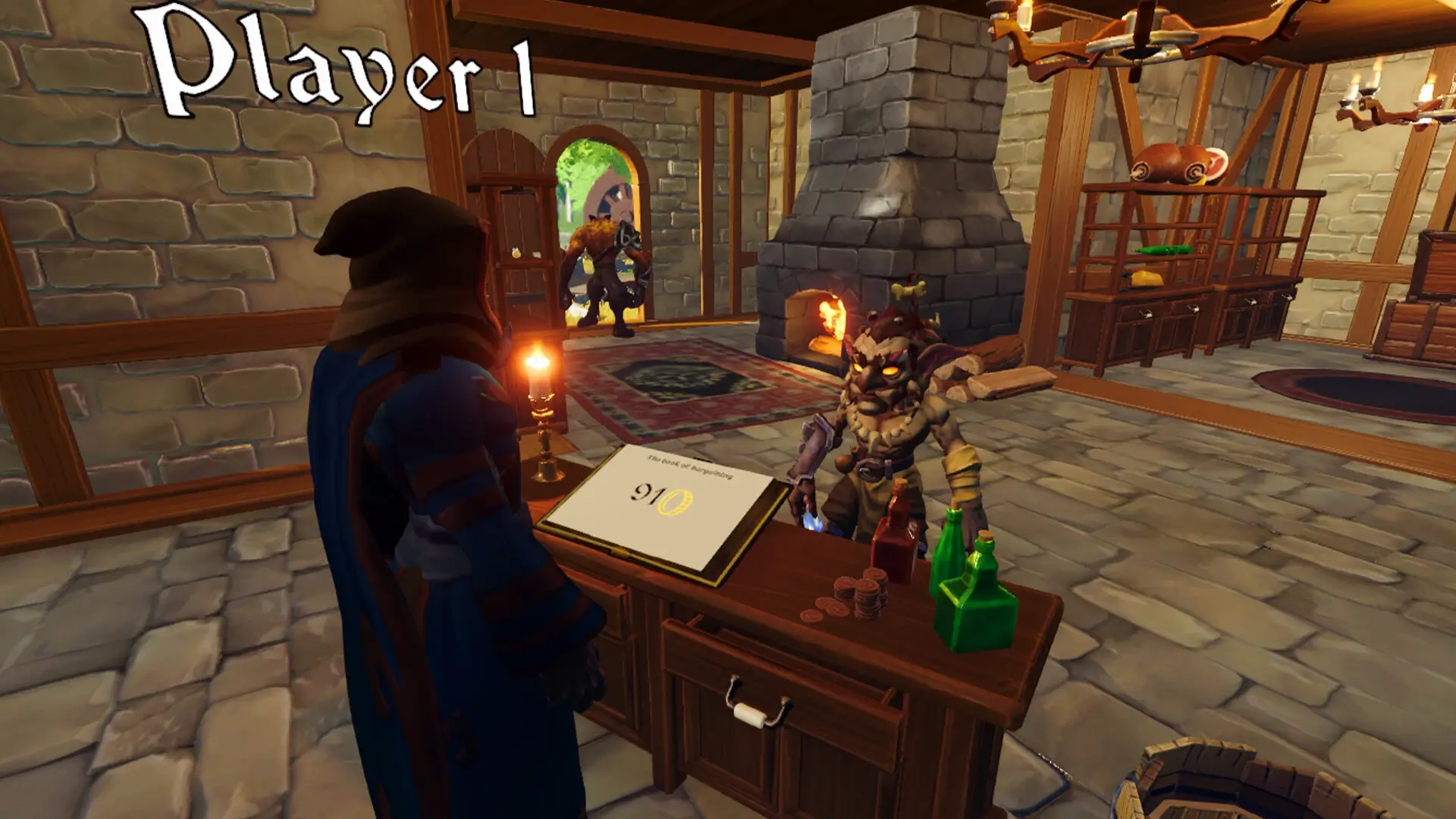
In Potion Shop Simulator, managing your potion shop involves more than just brewing. You can choose to sell your potions as they are or engage in haggling to maximize your profits. Be cautious, as a misstep might lead you to sell below market value. The coins you earn can be reinvested into upgrading your shop’s space and purchasing decorations and furnishings. These improvements not only enhance productivity but also attract more customers.
The game also features a cooperative mode, allowing you to manage the business with friends. In co-op, you can divide tasks such as tending to the garden, collecting plants, brewing potions, and managing the shop. This teamwork approach helps streamline daily chores and enhances the overall efficiency of your potion shop.
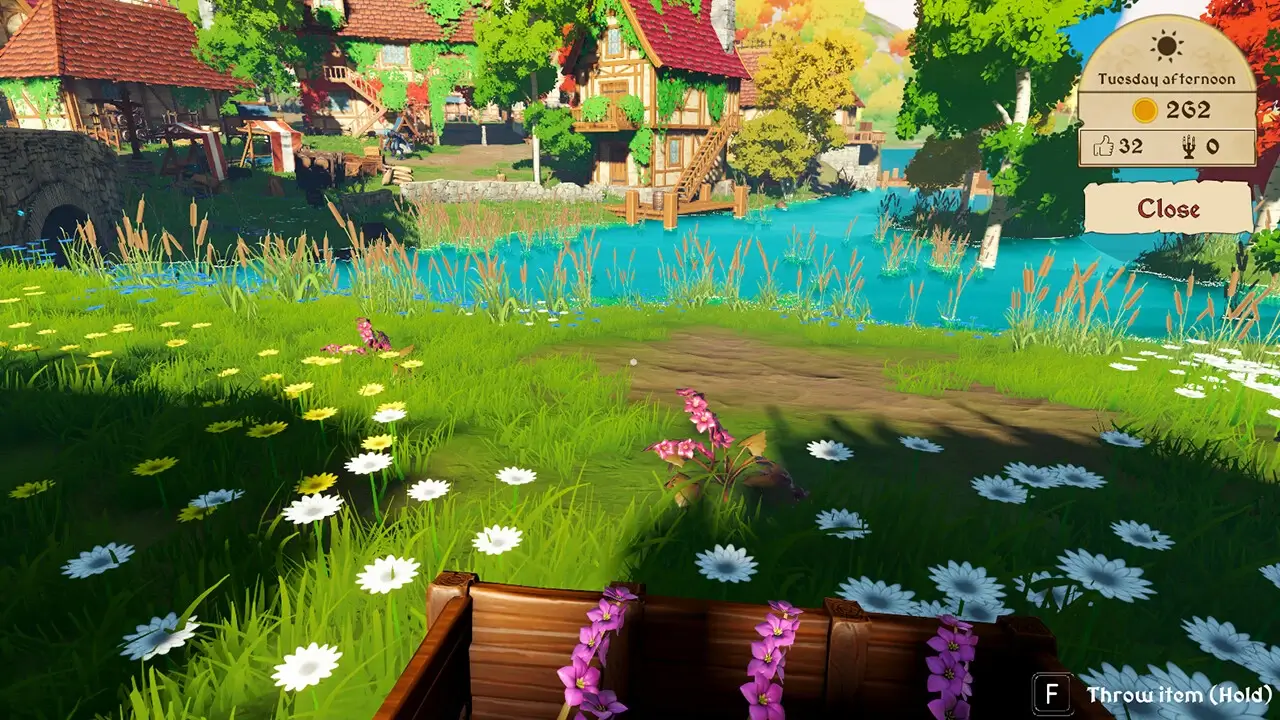
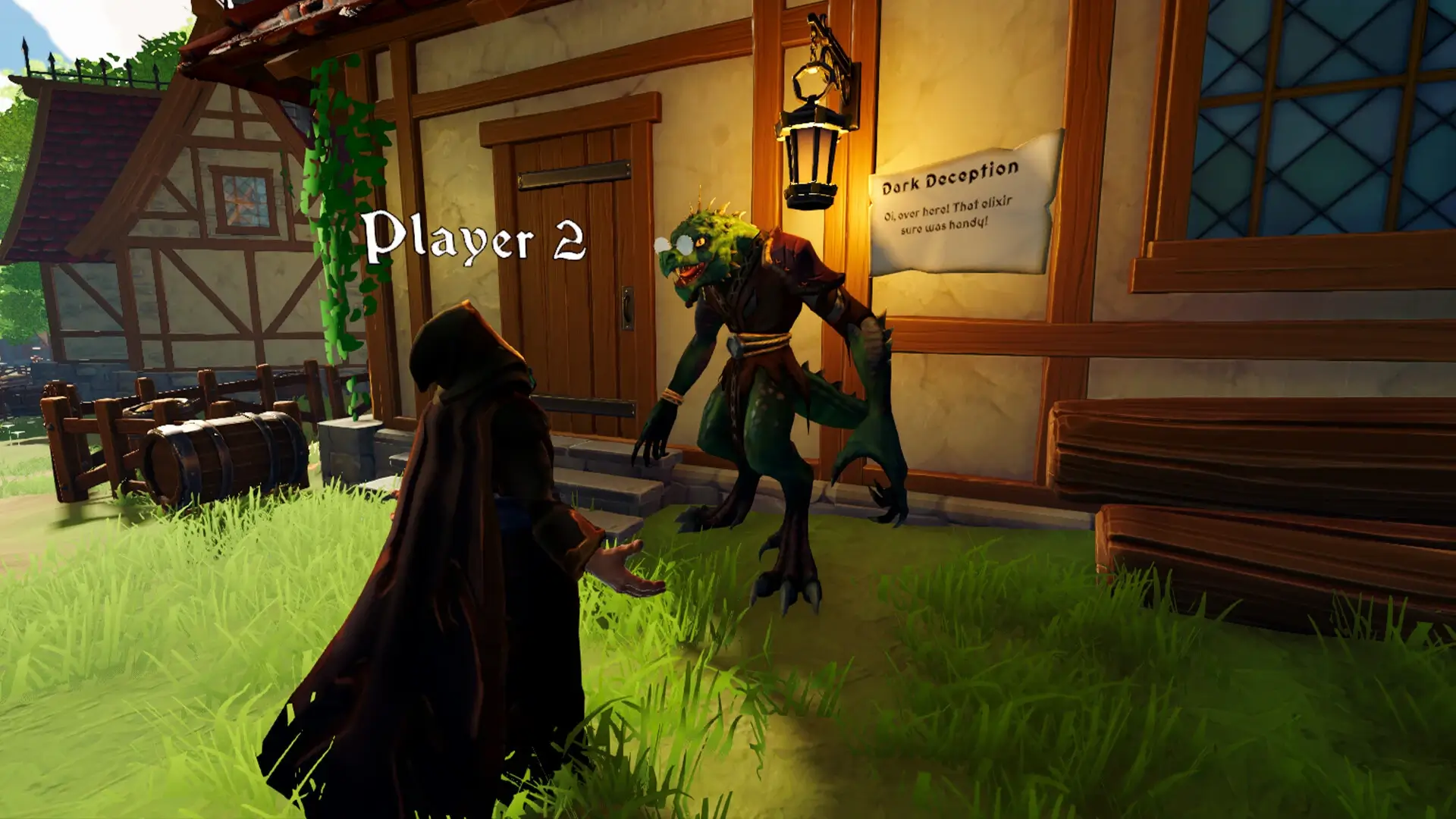
Set in a cozy medieval village, Potion Shop Simulator combines elements of fantasy with friendly monsters. As you explore this charming setting, you’ll encounter various characters and situations that add depth to your potion-brewing adventures. The game’s focus on alchemy and shop management offers a unique blend of tasks and challenges, making it a distinctive addition to the simulation genre.
🎮 Game Information
| 🕹️ TITLE: | Potion Shop Simulator |
|---|---|
| ⚡ VERSION: | v1.0 |
| 🛠️ DEVELOPER: | Pebbles Games, Bird Pals SIA |
| 💻 PUBLISHER: | Pebbles Games |
| 📅 RELEASE DATE: | Mar 5, 2025 |
| 📂 GENRE: | Adventure, Casual, Indie, Simulation |
| 💾 SIZE: | 883.1 MB |
| 🔒 CRACKED BY: | TENOKE |
| 💸 BUY LINK: | Store Page |
| ⭐ USER RATING: |
⚙️ Installation Instructions
We have simple instructions for downloading and installing the Potion Shop Simulator torrent game on your Windows operating system. The procedure is the same for all Windows operating systems. Before proceeding, ensure that your system meets the minimum system requirements to play the Game.
You must have zip file extracting software and torrent software installed on your PC. If you do not have these two software programs installed on your PC, then you will first need to download and install the two software programs on your PC before following the steps.
You can use any zip file extracting software and torrent software, (We recommend "WinRAR" and "qBittorrent" Software). WinRAR / 7-Zip / µTorrent Classic / qBittorrent (64-bit) / qBittorrent (32-bit).
Follow the simple instructions:
- First, click on the "Torrent Download" button, and download the torrent Potion Shop Simulator.zip file on your PC.
- Right-click on the Potion Shop Simulator.zip file and click on the "extract here" option from the dropdown menu.
- Double click on the .torrent file. Then, choose the download folder.
- After Download Completed, Open the Potion Shop Simulator Game folder.
- Double-click on the Setup.exe file.
- Follow the on-screen installation wizard to install the game on your PC.
- You may need to provide administrator permissions for the installation to proceed. If asked, click Yes to continue.
If you get any missing dll errors or the game is not launching, then Download Redist File and install all programs available in the "Redist" folder.
Done!. Now you can launch the game from your desktop.
⬇️ Potion Shop Simulator Torrent Download Link
🖥️ Minimum Requirements
- Requires a 64-bit processor and operating system
- OS *: Windows 8.1, Windows 10, Windows 11
- Processor: Intel Core I5 6600 @ 3.3GHz
- Memory: 4 GB RAM
- Graphics: Nvidia GeForce GTX 960
- DirectX: Version 11
- Storage: 2 GB available space
📷 Gameplay Screenshots
🎬 Gameplay Video


















Comments
Leave a Comment
Your email address will not be published. Required fields are marked *