Outside the Blocks Torrent Download

Table of Contents
📚 Outside the Blocks Overview
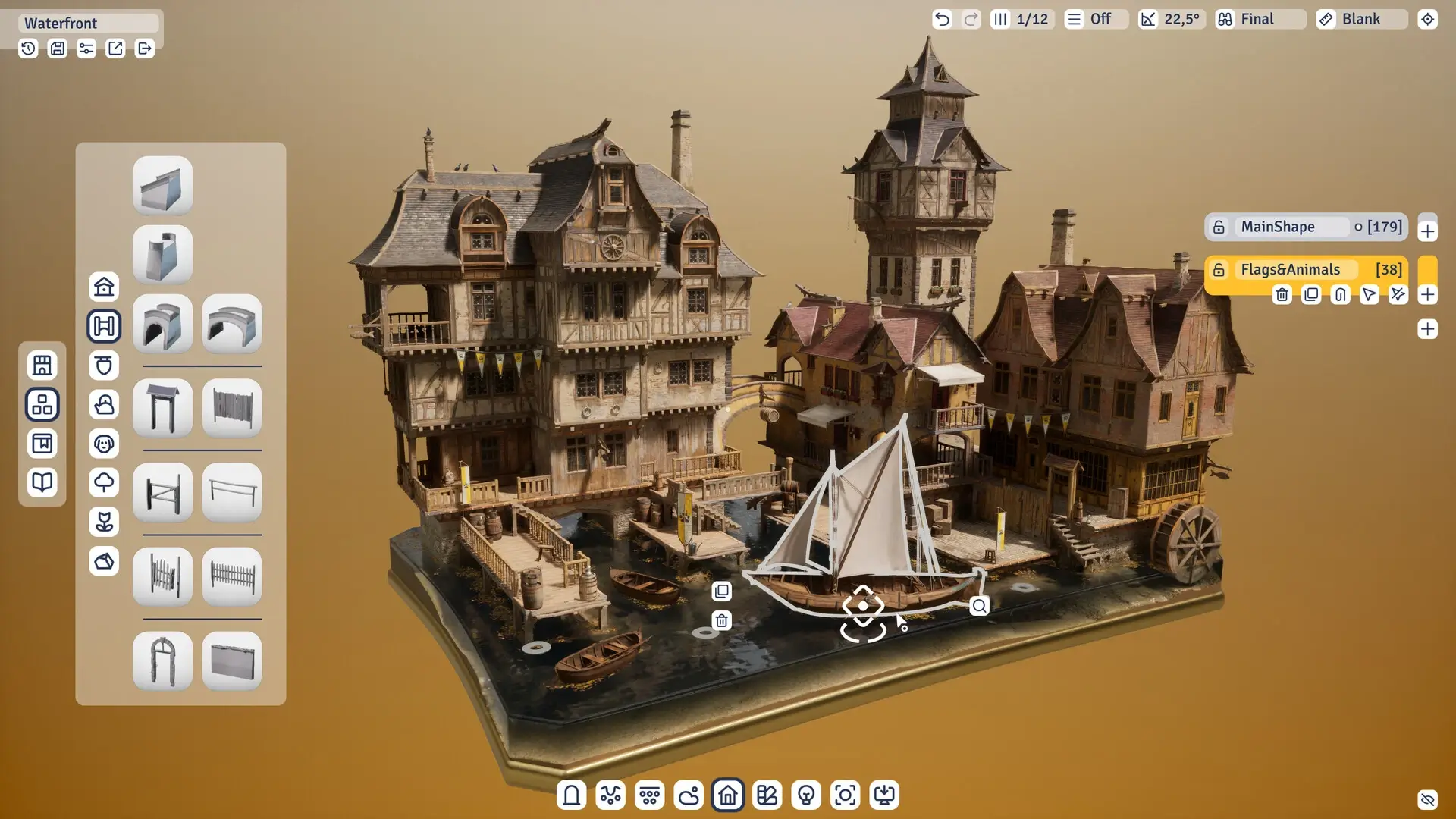
Outside the Blocks is a building game for PC where you create structures and scenes without any goals or time limits. There are no missions to complete or scores to chase. The game is built for people who want to build freely and enjoy the process without stress.
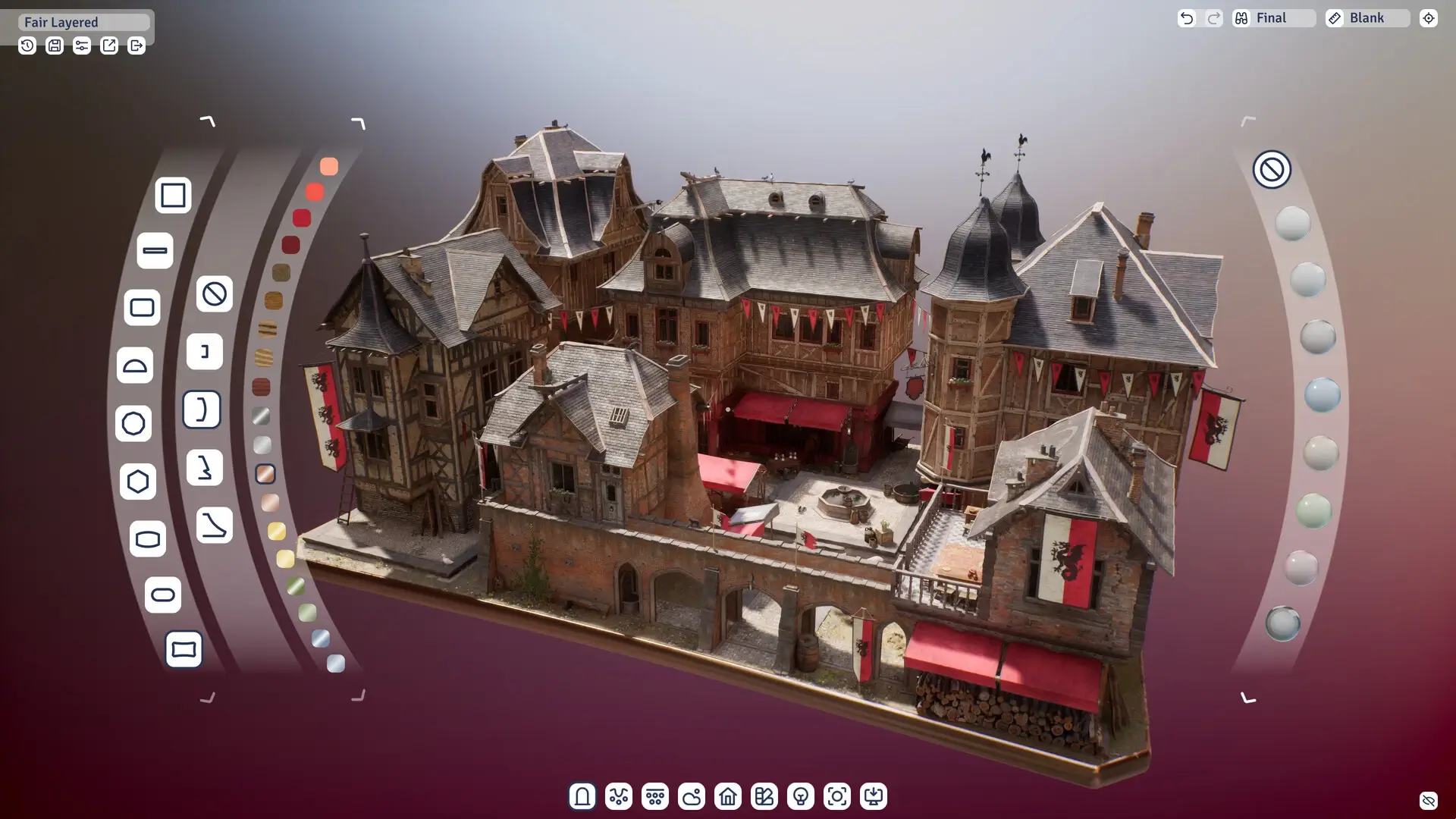
The game uses a modular architectural block set that makes it easy to put together buildings. A tool called Autobuild lets you move and adjust whole sections of a building at once. You can also change the surface materials on objects to get the look you want.
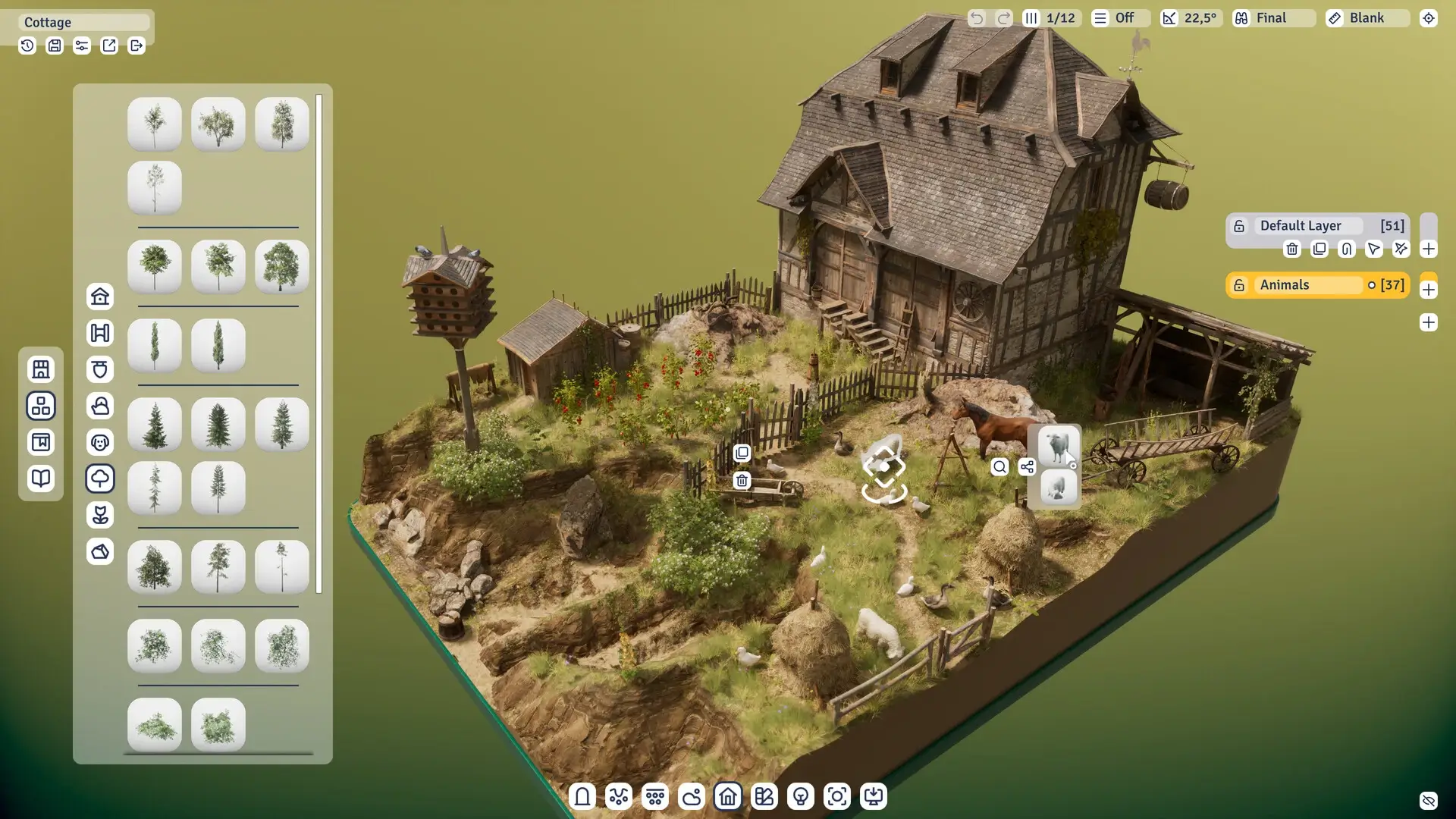
Your scenes can include props and animated characters to make them feel more complete. The layer control gives you precise placement when building complex structures. These tools work together to help you create detailed and unique designs.
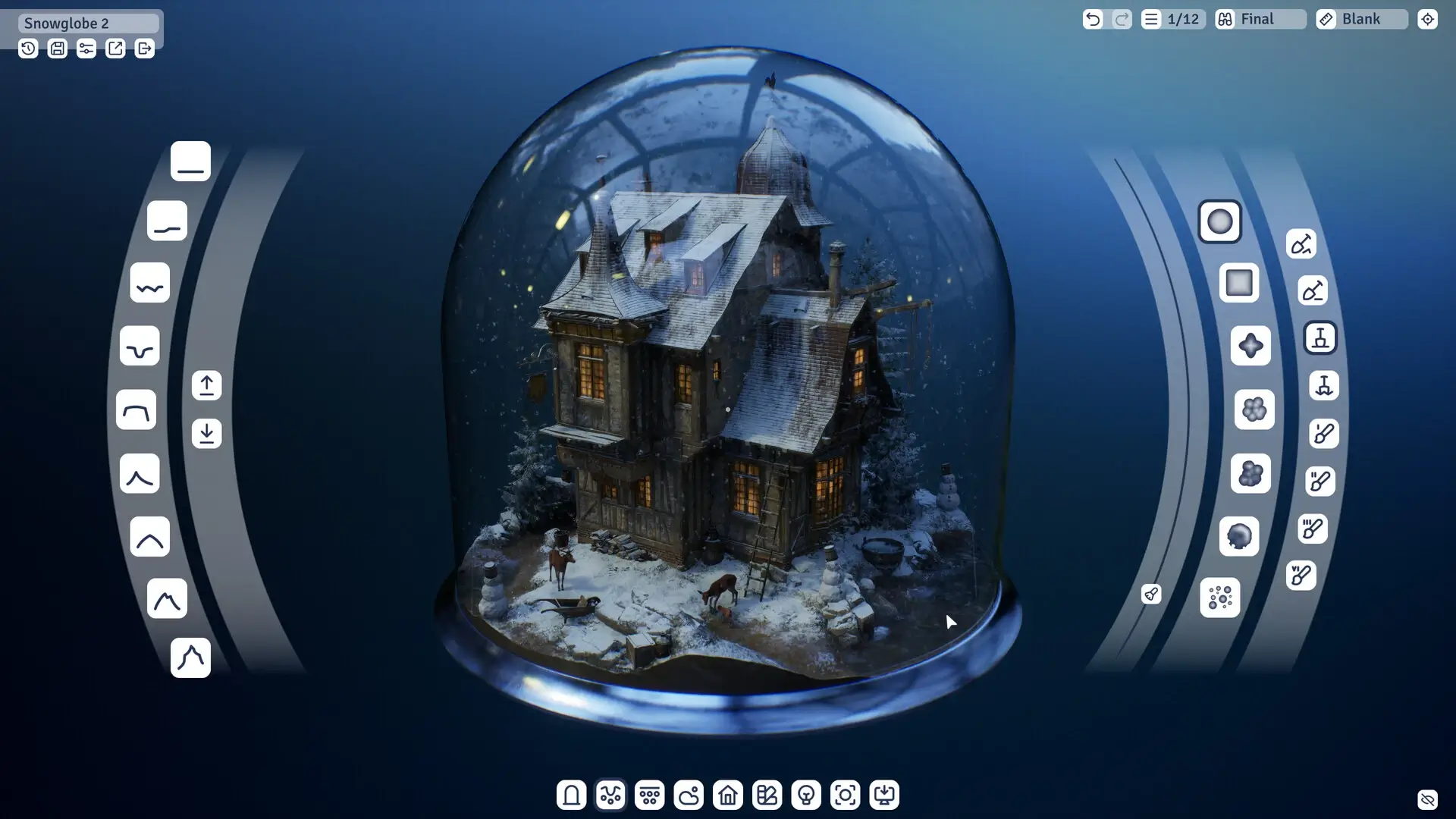
Outside the Blocks also lets you build the ground and space around your structures. You can add terrain, plants, and organic objects to fill out your scene. Glass domes and bases help frame your finished build. You can even add water using an epoxy resin tool, and adjust weather and lighting to change how the scene looks.
Once your build is ready, the built-in Photo Mode lets you take pictures of your creation. You can share these photos with friends or the wider community. The game is designed for both experienced builders and people who are new to this type of creative play. It focuses on giving you the tools to express yourself without putting any pressure on how or what you build.
🎮 Game Information
| 🕹️ TITLE: | Outside the Blocks |
|---|---|
| ⚡ VERSION: | v1.0 |
| 🛠️ DEVELOPER: | Michał Kubas |
| 💻 PUBLISHER: | Michał Kubas |
| 📅 RELEASE DATE: | Nov 4, 2025 |
| 📂 GENRE: | Casual, Indie, Simulation |
| 💾 SIZE: | 2.5 GB |
| 🔒 CRACKED BY: | TENOKE |
| 💸 BUY LINK: | Store Page |
| ⭐ USER RATING: |
⚙️ Installation Instructions
We have simple instructions for downloading and installing the Outside the Blocks torrent game on your Windows operating system. The procedure is the same for all Windows operating systems. Before proceeding, ensure that your system meets the minimum system requirements to play the Game.
You must have zip file extracting software and torrent software installed on your PC. If you do not have these two software programs installed on your PC, then you will first need to download and install the two software programs on your PC before following the steps.
You can use any zip file extracting software and torrent software, (We recommend "WinRAR" and "qBittorrent" Software). WinRAR / 7-Zip / µTorrent Classic / qBittorrent (64-bit) / qBittorrent (32-bit).
Follow the simple instructions:
- First, click on the "Torrent Download" button, and download the torrent Outside the Blocks.zip file on your PC.
- Right-click on the Outside the Blocks.zip file and click on the "extract here" option from the dropdown menu.
- Double click on the .torrent file. Then, choose the download folder.
- After Download Completed, Open the Outside the Blocks Game folder.
- Double-click on the Setup.exe file.
- Follow the on-screen installation wizard to install the game on your PC.
- You may need to provide administrator permissions for the installation to proceed. If asked, click Yes to continue.
If you get any missing dll errors or the game is not launching, then Download Redist File and install all programs available in the "Redist" folder.
Done!. Now you can launch the game from your desktop.
⬇️ Outside the Blocks Torrent Download Link
🖥️ Minimum Requirements
- Requires a 64-bit processor and operating system
- OS *: Windows 7
- Processor: Intel i5
- Memory: 4 GB RAM
- Graphics: NVIDIA GeForce GTX 1070Ti
- DirectX: Version 12
- Storage: 8 GB available space
⭐ Recommended Requirements
- Requires a 64-bit processor and operating system
- OS: Windows 10
- Processor: Intel i7
- Memory: 8 GB RAM
- Graphics: NVIDIA GeForce RTX 3070
- DirectX: Version 12
- Storage: 8 GB available space
📷 Gameplay Screenshots
🎬 Gameplay Video







Comments
Leave a Comment
Your email address will not be published. Required fields are marked *