Fossilfuel Torrent Download

Table of Contents
📚 Fossilfuel Overview
Fossilfuel is a survival horror game that places players in a vast underground research facility on Great Sitkin Island, Alaska. The game begins with a thrilling premise where players must navigate through the Sierra facility, which is overrun by mutant dinosaurs and shadowy special forces. The primary goal is to escape the facility by using clues and solving intricate puzzles.
The game offers a variety of massive maps, allowing players to choose their path and influence the game’s ending. As players progress, they are faced with numerous challenges, including combat scenarios that require strategic use of the diverse weapons arsenal available. The presence of mutant dinosaurs and special forces adds layers of tension and urgency to the gameplay.
Fossilfuel features a main story campaign that spans approximately 6 to 10 hours, depending on the player’s skill level. This duration provides ample time for players to explore the intricacies of the facility and the surrounding island. The game’s design encourages players to think critically and adapt to unexpected situations as they attempt to survive and escape.
The environment in Fossilfuel is designed to be immersive, with detailed settings that enhance the survival horror experience. Players must remain vigilant as they encounter jump scares and intense combat scenarios. The combination of exploration, puzzle-solving, and combat creates a dynamic gameplay experience that is unique to Fossilfuel.
🎮 Game Information
| 🕹️ TITLE: | Fossilfuel |
|---|---|
| ⚡ VERSION: | v1.07 + Raptor Isolation DLC v1.0 |
| 🛠️ DEVELOPER: | DangerousBob Studio LLC |
| 💻 PUBLISHER: | DangerousBob Studio LLC |
| 📅 RELEASE DATE: | Aug 20, 2021 |
| 📂 GENRE: | Action, Adventure, Horror, Indie |
| 💾 SIZE: | 8.2 GB |
| 🔒 CRACKED BY: | CODEX-PLAZA |
| 💸 BUY LINK: | Store Page |
| ⭐ USER RATING: |
⚙️ Installation Instructions
We have simple instructions for downloading and installing the Fossilfuel torrent game on your Windows operating system. The procedure is the same for all Windows operating systems. Before proceeding, ensure that your system meets the minimum system requirements to play the Game.
You must have zip file extracting software and torrent software installed on your PC. If you do not have these two software programs installed on your PC, then you will first need to download and install the two software programs on your PC before following the steps.
You can use any zip file extracting software and torrent software, (We recommend "WinRAR" and "qBittorrent" Software). WinRAR / 7-Zip / µTorrent Classic / qBittorrent (64-bit) / qBittorrent (32-bit).
Follow the simple instructions:
- First, click on the "Torrent Download" button, and download the torrent Fossilfuel.zip file on your PC.
- Right-click on the Fossilfuel.zip file and click on the "extract here" option from the dropdown menu.
- Double click on the .torrent file. Then, choose the download folder.
- After Download Completed, Open the Fossilfuel Game folder.
- Double-click on the Setup.exe file.
- Follow the on-screen installation wizard to install the game on your PC.
- You may need to provide administrator permissions for the installation to proceed. If asked, click Yes to continue.
If you get any missing dll errors or the game is not launching, then Download Redist File and install all programs available in the "Redist" folder.
Done!. Now you can launch the game from your desktop.
⬇️ Fossilfuel Torrent Download Link
🖥️ Minimum Requirements
- OS *: Windows 7 64-bit or later
- Processor: Quad-core Intel or AMD 2.5 GHz or faster
- Memory: 4 GB RAM
- Graphics: NVIDIA GeForce 470 GTX or AMD Radeon 6870 or better
- DirectX: Version 12
- Storage: 15 GB available space
⭐ Recommended Requirements
- OS: Windows 10 64-bit or later
- Processor: Intel core i7-9700k or AMD 3700x or better
- Memory: 4 GB RAM
- Graphics: NVIDIA GTX 1080 ti or AMD Radeon 5700 XT or better
- DirectX: Version 12
- Storage: 15 GB available space
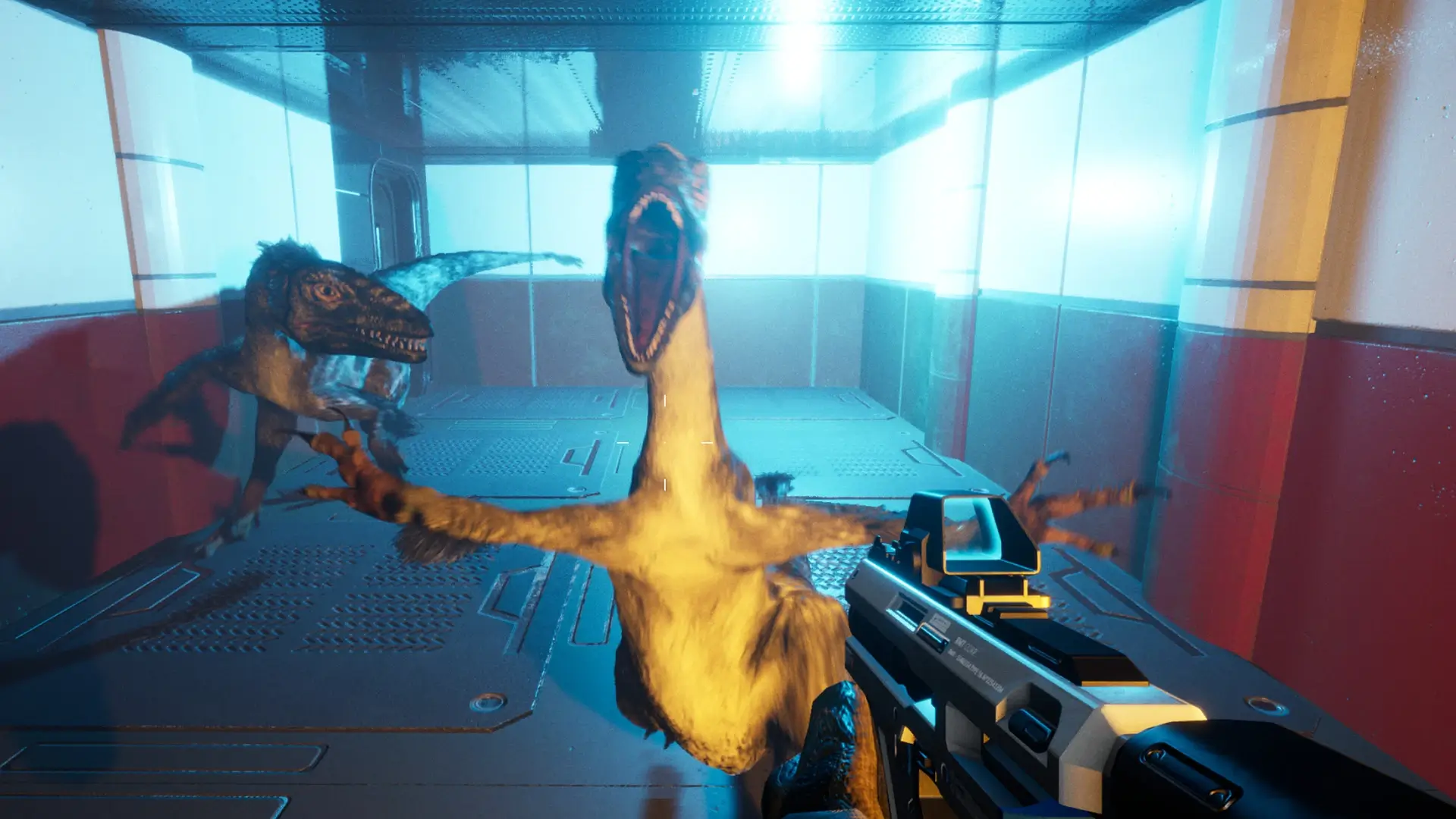
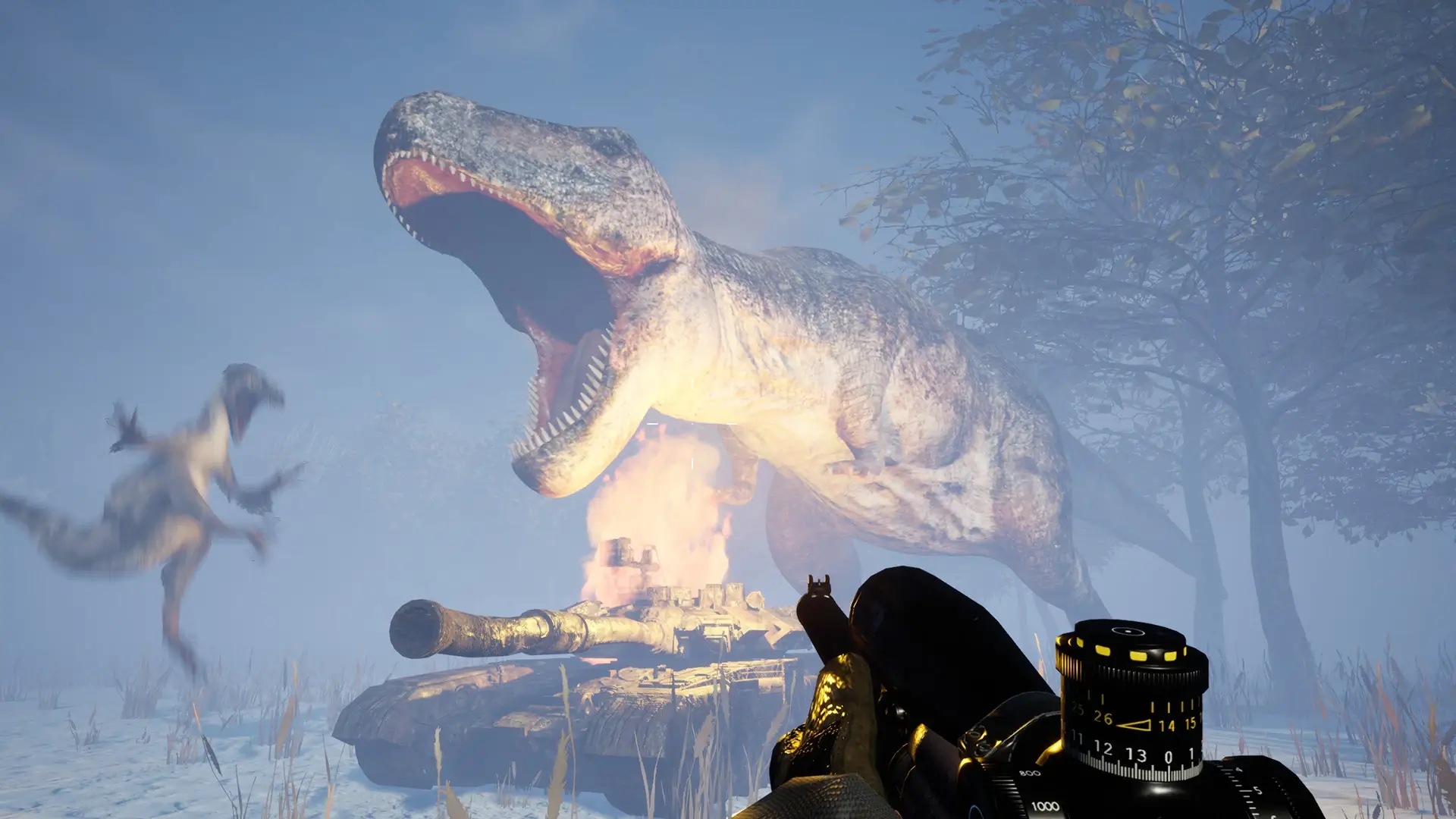
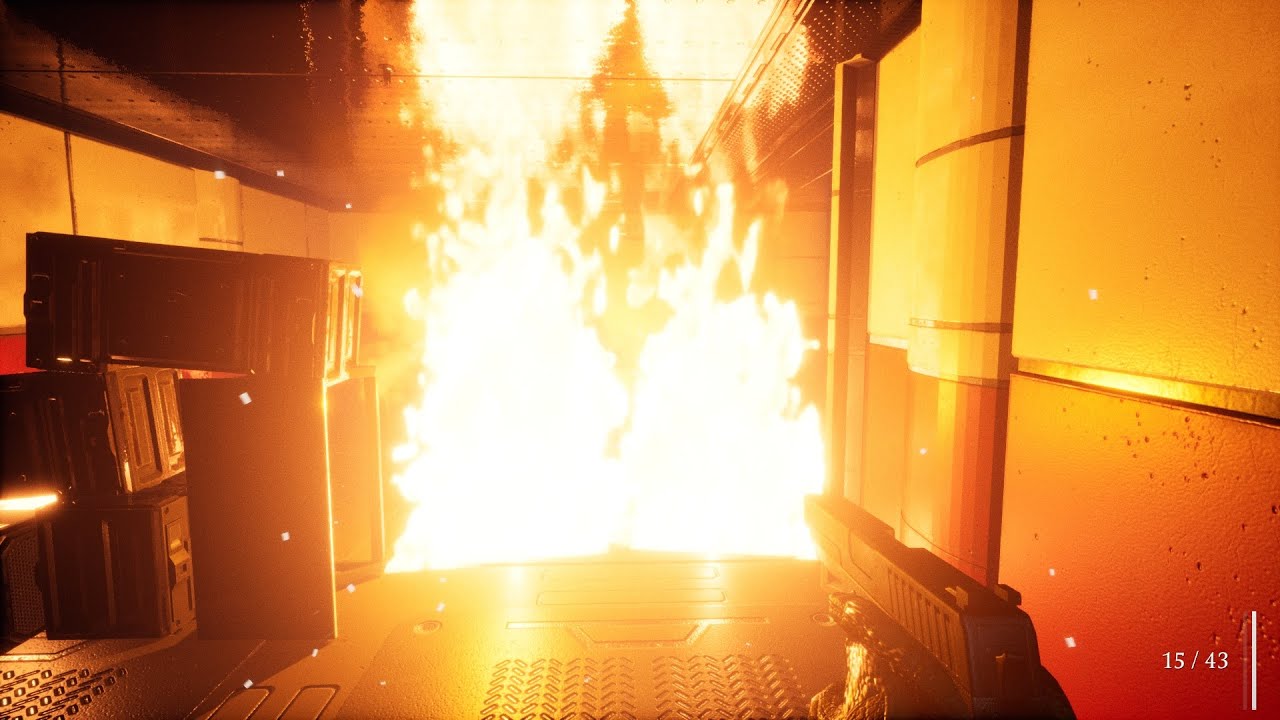
📷 Gameplay Screenshots


🎬 Gameplay Video

















Comments
Leave a Comment
Your email address will not be published. Required fields are marked *