Earth’s Shadow Torrent Download
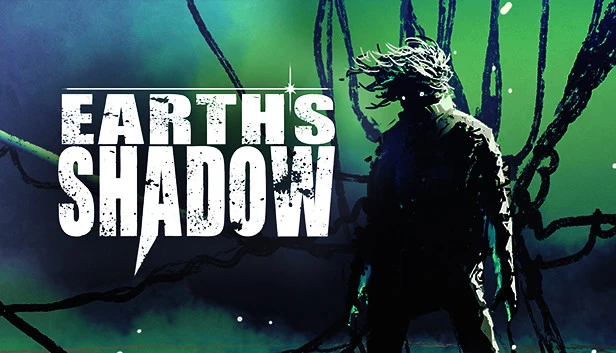
Table of Contents
📚 Earth’s Shadow Overview
Earth’s Shadow is a third-person action Sci-Fi dungeon crawler set in the year 3081 on the alien planet Sumbra. This remote planet is shrouded in legends of valuable relics, attracting explorers who are eager to uncover its secrets. The protagonist, Alexi-Ru, is a cyborg cargo ship pilot who becomes fascinated by the mysterious stories surrounding Sumbra, also known as Earth’s Shadow.
In Earth’s Shadow, players take on the role of Alexi-Ru, who is intrigued by the history of Earth and its galaxy, which has been dead for centuries. Despite his mundane job, Alexi-Ru often deviates from his regular cargo route, drawn to the enigmatic planet in hopes of discovering something significant on its surface. The game explores the remnants of Earth’s legacy, with Sumbra serving as a shadow of the original planet.
The narrative unfolds as Alexi-Ru navigates the alien terrain, searching for relics and uncovering the darker past of Sumbra. The game’s setting in the distant future, where only a few humans remain in faraway sectors, adds depth to the exploration of Earth’s forgotten history. The allure of Sumbra lies in its potential to reveal relics that could change the fate of those who dare to explore it.
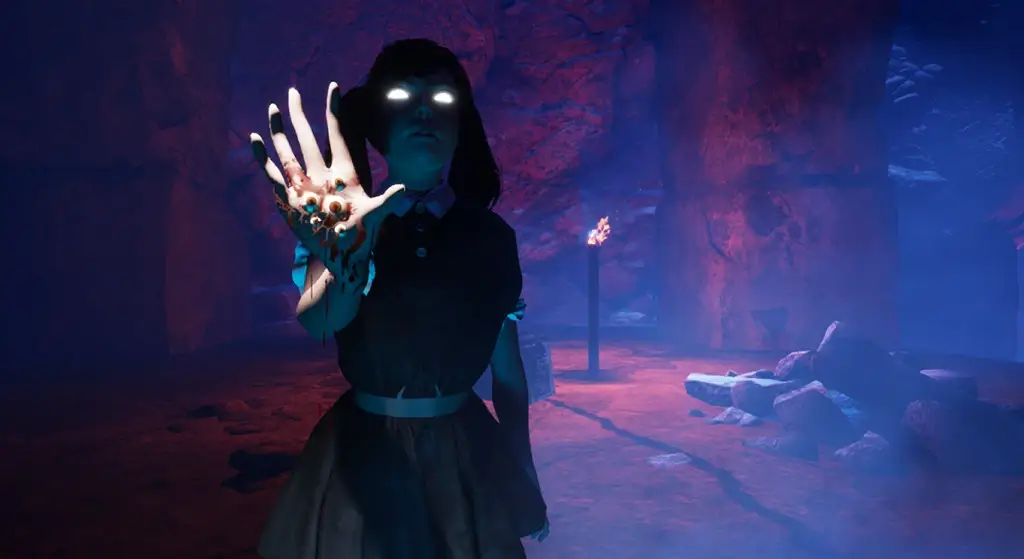
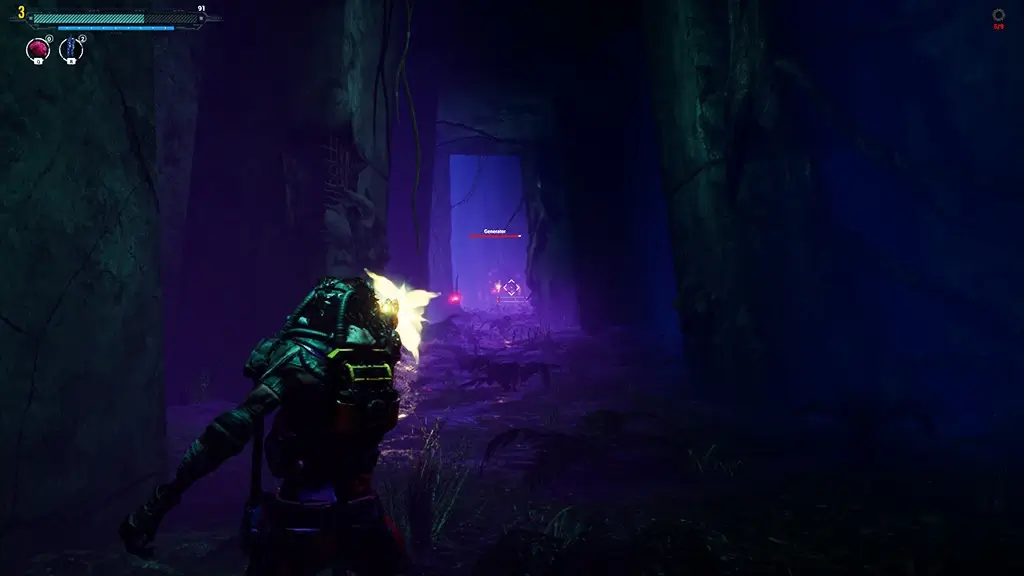
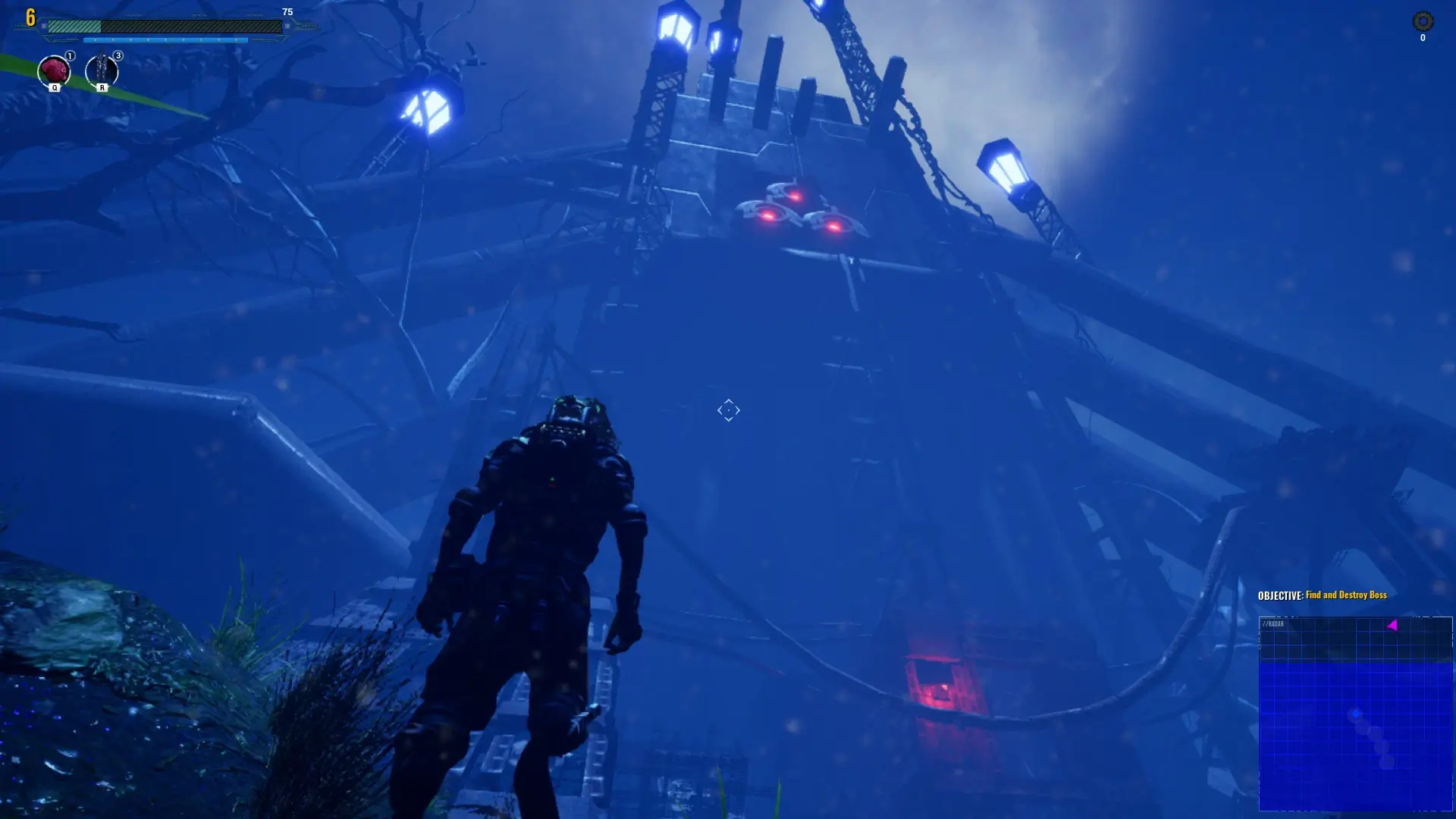
Earth’s Shadow combines action and exploration, allowing players to delve into the mysteries of Sumbra. The game provides a unique perspective on a future where Earth’s legacy is not entirely forgotten, and the shadow it casts continues to intrigue and challenge those who seek to uncover its secrets.
🎮 Game Information
| 🕹️ TITLE: | Earth’s Shadow |
|---|---|
| ⚡ VERSION: | v2.4.1U |
| 🛠️ DEVELOPER: | WRF Studios |
| 💻 PUBLISHER: | WRF Studios |
| 📅 RELEASE DATE: | Jan 31, 2023 |
| 📂 GENRE: | Action, RPG Game |
| 💾 SIZE: | 17.1 GB |
| 🔒 CRACKED BY: | TENOKE |
| 💸 BUY LINK: | Store Page |
| ⭐ USER RATING: |
⚙️ Installation Instructions
We have simple instructions for downloading and installing the Earth’s Shadow torrent game on your Windows operating system. The procedure is the same for all Windows operating systems. Before proceeding, ensure that your system meets the minimum system requirements to play the Game.
You must have zip file extracting software and torrent software installed on your PC. If you do not have these two software programs installed on your PC, then you will first need to download and install the two software programs on your PC before following the steps.
You can use any zip file extracting software and torrent software, (We recommend "WinRAR" and "qBittorrent" Software). WinRAR / 7-Zip / µTorrent Classic / qBittorrent (64-bit) / qBittorrent (32-bit).
Follow the simple instructions:
- First, click on the "Torrent Download" button, and download the torrent Earth’s Shadow.zip file on your PC.
- Right-click on the Earth’s Shadow.zip file and click on the "extract here" option from the dropdown menu.
- Double click on the .torrent file. Then, choose the download folder.
- After Download Completed, Open the Earth’s Shadow Game folder.
- Double-click on the Setup.exe file.
- Follow the on-screen installation wizard to install the game on your PC.
- You may need to provide administrator permissions for the installation to proceed. If asked, click Yes to continue.
If you get any missing dll errors or the game is not launching, then Download Redist File and install all programs available in the "Redist" folder.
Done!. Now you can launch the game from your desktop.
⬇️ Earth’s Shadow Torrent Download Link
🖥️ Minimum Requirements
- Requires a 64-bit processor and operating system
- OS *: Windows 7, 8, 10
- Processor: Intel Core i5 or AMD Quad-Core or better
- Memory: 6 GB RAM
- Graphics: Nvidia GTX 780 / AMD Radeon R9 280X
- Storage: 21 GB available space
⭐ Recommended Requirements
- Requires a 64-bit processor and operating system
- OS: Windows 10
- Processor: Intel i7 4770k / AMD Ryzen 5 1500X
- Memory: 12 GB RAM
- Graphics: Nvidia GTX 1060 6GB / AMD RX580
- Storage: 21 GB available space
📷 Gameplay Screenshots

🎬 Gameplay Video










Comments
Leave a Comment
Your email address will not be published. Required fields are marked *