Blue Fire Torrent Download
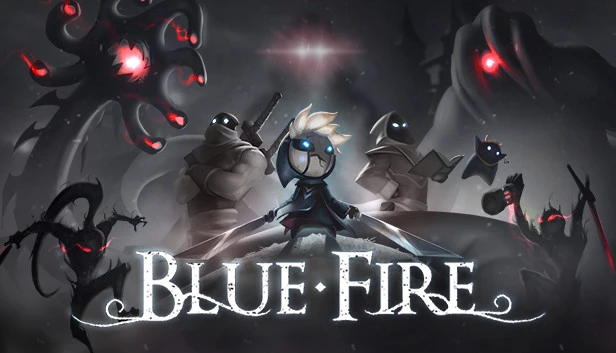
Table of Contents
📚 Blue Fire Overview
Blue Fire is a 3D metroidvania platformer set in the fallen kingdom of Penumbra. Players must master fluid, high-speed movement to navigate deadly traps and complex platforming gauntlets. The game challenges players with traversal tasks that require precision, timing, and skill. Blue Fire combines fast-paced combat with challenging precision platforming and deep exploration.
In Blue Fire, players face dangerous enemies with unique fighting styles. Combat encounters are intense, requiring players to strike, dodge, and slash their way through powerful enemies. The game features powerful bosses, known as the deadly knights of the darkness, which test the player’s combat skills. Mastery of movement and combat is essential to progress in the game.
Players can discover mysterious Void entrances hidden across Penumbra. These entrances lead to surreal platforming trials that push movement skills to the limit. Successfully completing these trials offers great rewards. Players can claim powerful swords, hidden spirits, and valuable loot. These elements are crucial for upgrading gear and unlocking new abilities.
Customizing your build is an important aspect of Blue Fire. Players can tailor their abilities to face ever-deadlier foes. The game demands precision and skill in every jump, slash, and dodge. Blue Fire provides an adventure where every action counts, making it a unique experience in the metroidvania genre.
🎮 Game Information
| 🕹️ TITLE: | Blue Fire |
|---|---|
| ⚡ VERSION: | v5.0.5 + Void of Sorrows DLC + 2 Bonus OSTs + Windows 7 Fix |
| 🛠️ DEVELOPER: | Robi Studios |
| 💻 PUBLISHER: | Graffiti Games |
| 📅 RELEASE DATE: | Feb 4, 2021 |
| 📂 GENRE: | Action, Adventure, Indie |
| 💾 SIZE: | 2.4 GB |
| 🔒 CRACKED BY: | CODEX-PLAZA |
| 💸 BUY LINK: | Store Page |
| ⭐ USER RATING: |
⚙️ Installation Instructions
We have simple instructions for downloading and installing the Blue Fire torrent game on your Windows operating system. The procedure is the same for all Windows operating systems. Before proceeding, ensure that your system meets the minimum system requirements to play the Game.
You must have zip file extracting software and torrent software installed on your PC. If you do not have these two software programs installed on your PC, then you will first need to download and install the two software programs on your PC before following the steps.
You can use any zip file extracting software and torrent software, (We recommend "WinRAR" and "qBittorrent" Software). WinRAR / 7-Zip / µTorrent Classic / qBittorrent (64-bit) / qBittorrent (32-bit).
Follow the simple instructions:
- First, click on the "Torrent Download" button, and download the torrent Blue Fire.zip file on your PC.
- Right-click on the Blue Fire.zip file and click on the "extract here" option from the dropdown menu.
- Double click on the .torrent file. Then, choose the download folder.
- After Download Completed, Open the Blue Fire Game folder.
- Double-click on the Setup.exe file.
- Follow the on-screen installation wizard to install the game on your PC.
- You may need to provide administrator permissions for the installation to proceed. If asked, click Yes to continue.
If you get any missing dll errors or the game is not launching, then Download Redist File and install all programs available in the "Redist" folder.
Done!. Now you can launch the game from your desktop.
⬇️ Blue Fire Torrent Download Link
🖥️ Minimum Requirements
- OS: Windows 10 64-bit
- Processor: Requires a 64-bit, Dual Core 3.0GHz processor
- Memory: 8 GB RAM
- Graphics: DirectX 11 or DirectX 12 compatible graphics card
- DirectX: Version 11
- Storage: 5 GB available space
⭐ Recommended Requirements
- OS: Windows 10 64-bit
- Processor: Quad-core Intel or AMD, 3.0 GHz or faster
- Memory: 16 GB RAM
- Graphics: DirectX 11 or DirectX 12 compatible graphics card
- DirectX: Version 11
- Storage: 5 GB available space
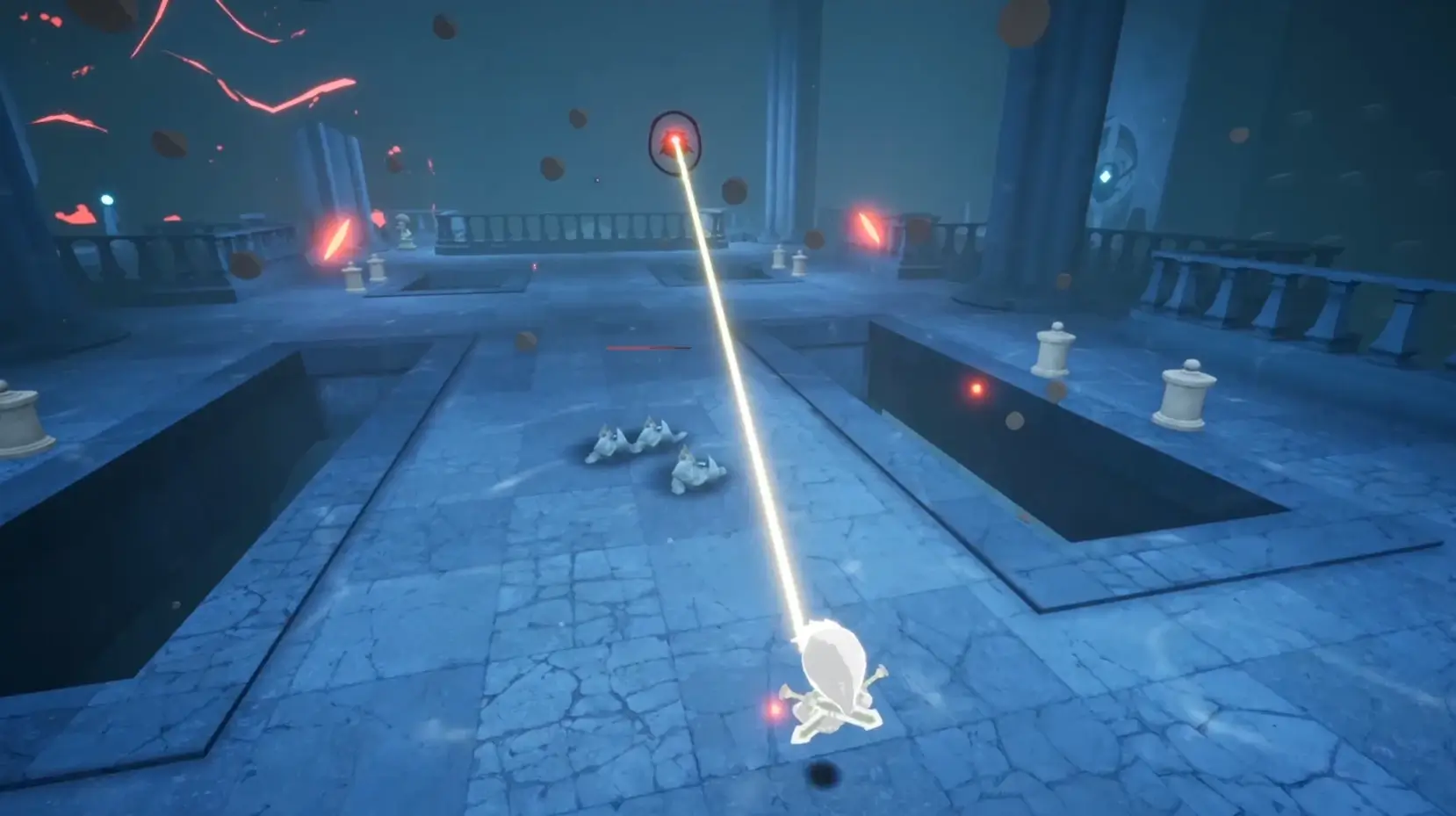
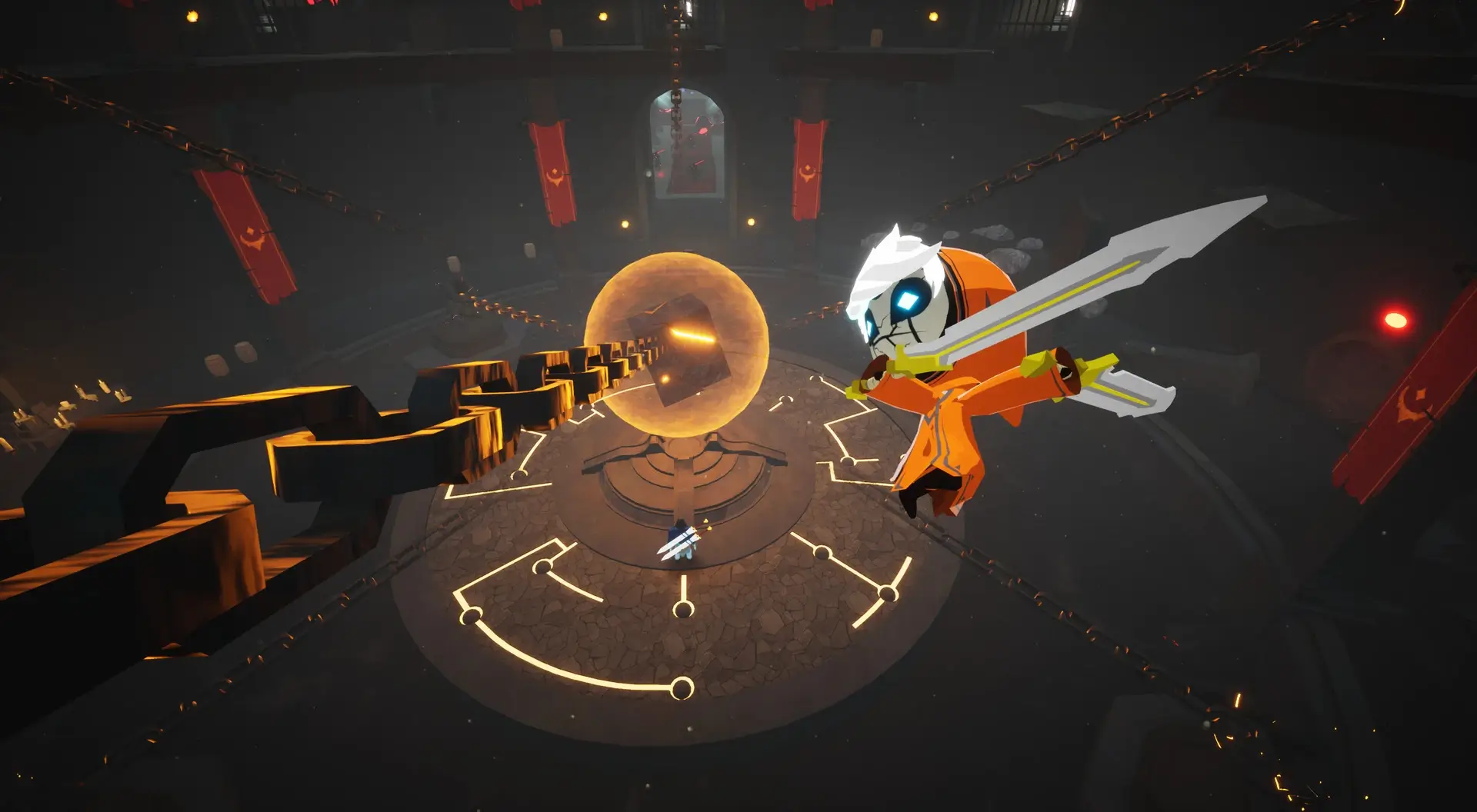
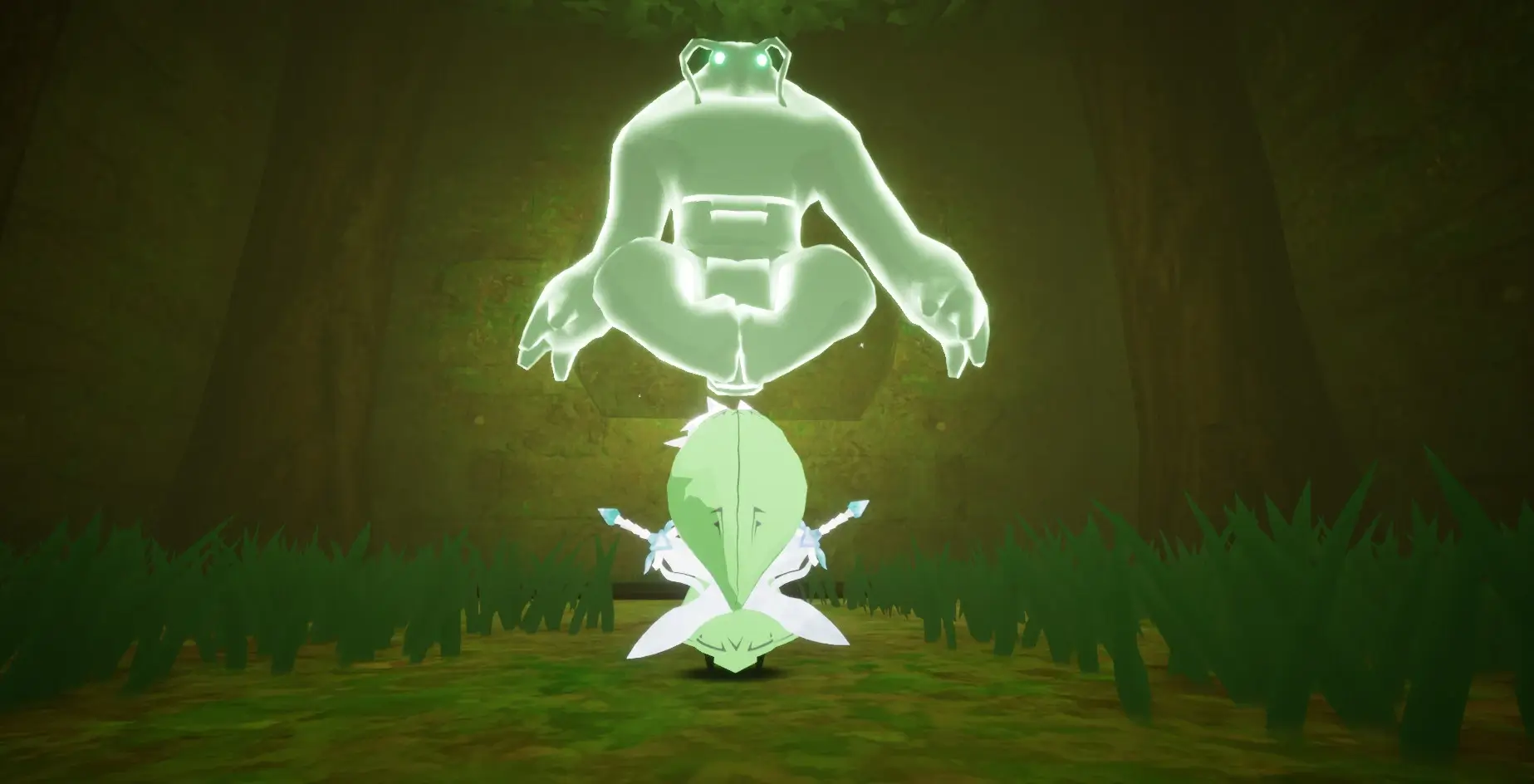
📷 Gameplay Screenshots

🎬 Gameplay Video
















Comments
Leave a Comment
Your email address will not be published. Required fields are marked *