Dragon Ball Z: Kakarot – Legendary Edition Torrent Download
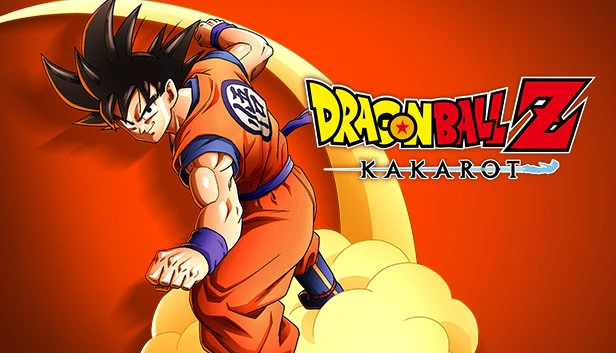
Table of Contents
📚 Dragon Ball Z: Kakarot – Legendary Edition Overview
In Dragon Ball Z: Kakarot – Legendary Edition, players step into the universe of Dragon Ball Z. This game lets you experience the story in a new way. You become a hero on a quest to be the greatest warrior. As the son of a legendary fighter, you train to live up to your father’s legacy. Every moment is full of clarity and excitement.
Players meet important characters who influence the story. You take on a hero’s life and discover what is worth fighting for. The game offers various activities on Earth. You can relax by fishing after battles or enjoy a large meal with friends. Exploring the city and flying to distant places add to the adventure.
The game also features unique side Story Quests. These quests allow you to help people in cities and villages. These peaceful moments help you connect with the characters. This connection is deeper than ever before. You get to know the world of Dragon Ball in a personal way.
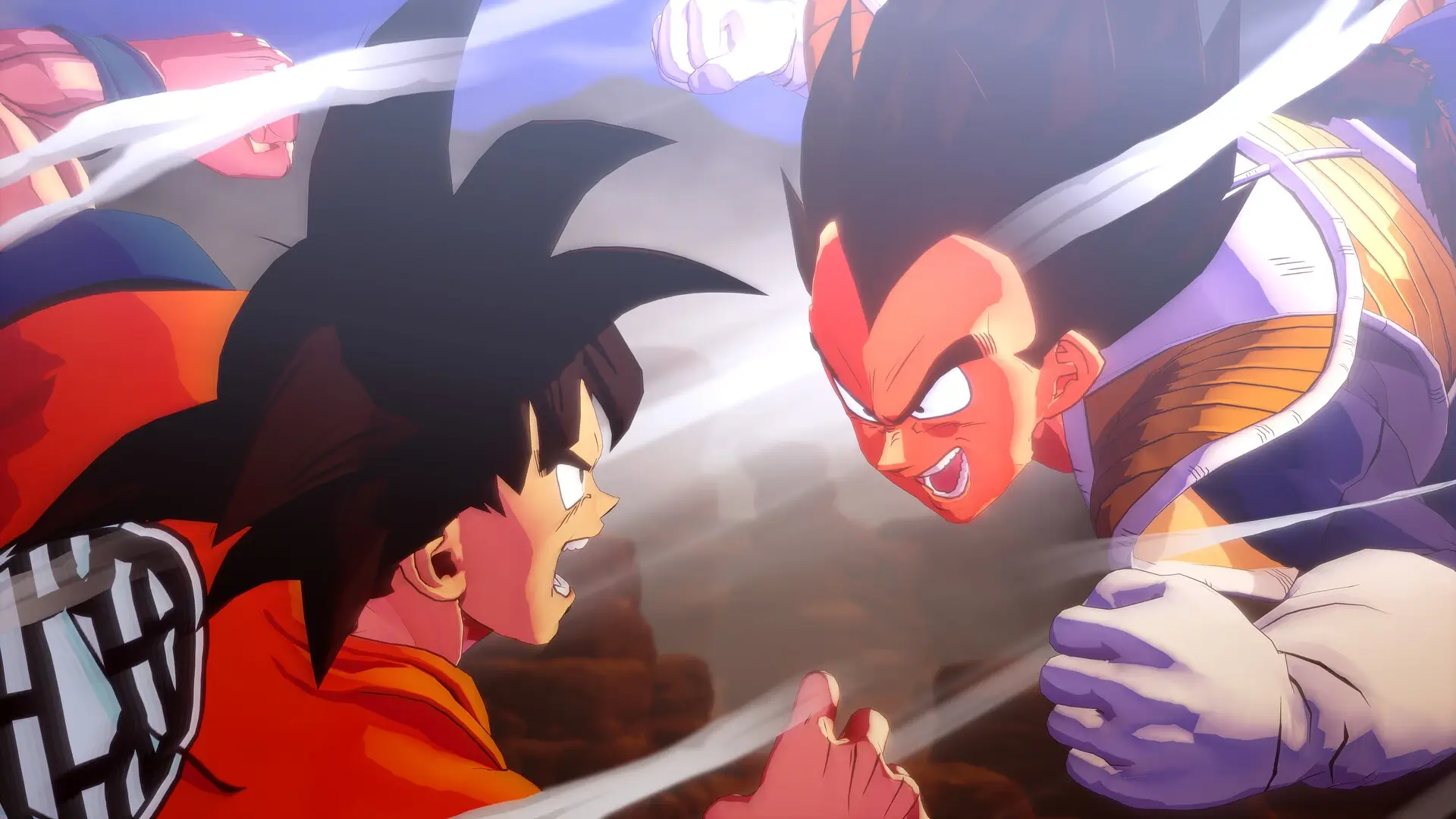
Experiencing everything the planet offers makes battles more intense. Opponents threaten to destroy what you have come to love. The stakes are higher, and every fight matters. This adds a layer of urgency to your actions. Dragon Ball Z: Kakarot – Legendary Edition is more than just a game; it is an adventure where you become the hero.
🎮 Game Information
| 🕹️ TITLE: | Dragon Ball Z: Kakarot – Legendary Edition |
|---|---|
| ⚡ VERSION: | vHD v1.30 + 18 DLCs |
| 🛠️ DEVELOPER: | CyberConnect2 Co. Ltd. |
| 💻 PUBLISHER: | Bandai Namco Entertainment Inc. |
| 📅 RELEASE DATE: | Jan 16, 2020 |
| 📂 GENRE: | Action, RPG Game |
| 💾 SIZE: | 43.1 GB |
| 🔒 CRACKED BY: | CODEX-RUNE |
| 💸 BUY LINK: | Store Page |
| ⭐ USER RATING: |
⚙️ Installation Instructions
We have simple instructions for downloading and installing the Dragon Ball Z: Kakarot – Legendary Edition torrent game on your Windows operating system. The procedure is the same for all Windows operating systems. Before proceeding, ensure that your system meets the minimum system requirements to play the Game.
You must have zip file extracting software and torrent software installed on your PC. If you do not have these two software programs installed on your PC, then you will first need to download and install the two software programs on your PC before following the steps.
You can use any zip file extracting software and torrent software, (We recommend "WinRAR" and "qBittorrent" Software). WinRAR / 7-Zip / µTorrent Classic / qBittorrent (64-bit) / qBittorrent (32-bit).
Follow the simple instructions:
- First, click on the "Torrent Download" button, and download the torrent Dragon Ball Z: Kakarot – Legendary Edition.zip file on your PC.
- Right-click on the Dragon Ball Z: Kakarot – Legendary Edition.zip file and click on the "extract here" option from the dropdown menu.
- Double click on the .torrent file. Then, choose the download folder.
- After Download Completed, Open the Dragon Ball Z: Kakarot – Legendary Edition Game folder.
- Double-click on the Setup.exe file.
- Follow the on-screen installation wizard to install the game on your PC.
- You may need to provide administrator permissions for the installation to proceed. If asked, click Yes to continue.
If you get any missing dll errors or the game is not launching, then Download Redist File and install all programs available in the "Redist" folder.
Done!. Now you can launch the game from your desktop.
⬇️ Dragon Ball Z: Kakarot – Legendary Edition Torrent Download Link
🖥️ Minimum Requirements
- Requires a 64-bit processor and operating system
- OS *: Windows 7 SP1 64-bit
- Processor: Intel Core i5-2400 or AMD Phenom II X6 1100T
- Memory: 4 GB RAM
- Graphics: GeForce GTX 750 Ti or Radeon HD 7950
- DirectX: Version 11
- Network: Broadband Internet connection
- Storage: 36 GB available space
⭐ Recommended Requirements
- Requires a 64-bit processor and operating system
- OS: Windows 10 64-bit
- Processor: Intel Core i5-3470 or AMD Ryzen 3 1200
- Memory: 8 GB RAM
- Graphics: GeForce GTX 960 or Radeon R9 280X
- DirectX: Version 11
- Network: Broadband Internet connection
- Storage: 40 GB available space
📷 Gameplay Screenshots

🎬 Gameplay Video













Comments
Leave a Comment
Your email address will not be published. Required fields are marked *