The Green Light Torrent Download
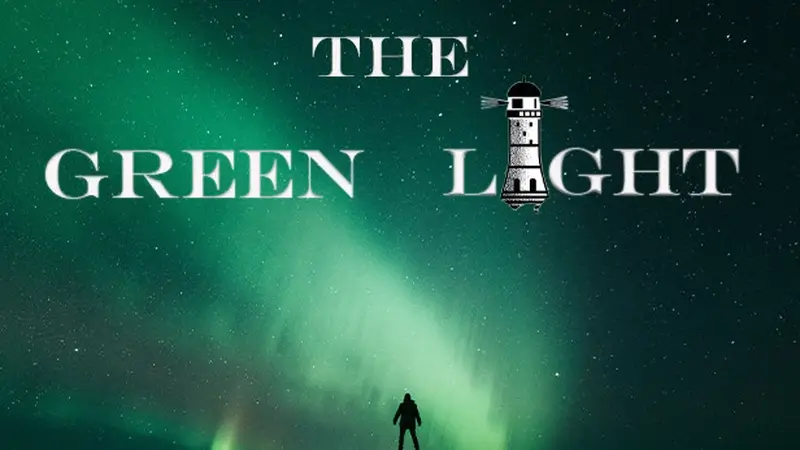
Table of Contents
📚 The Green Light Overview
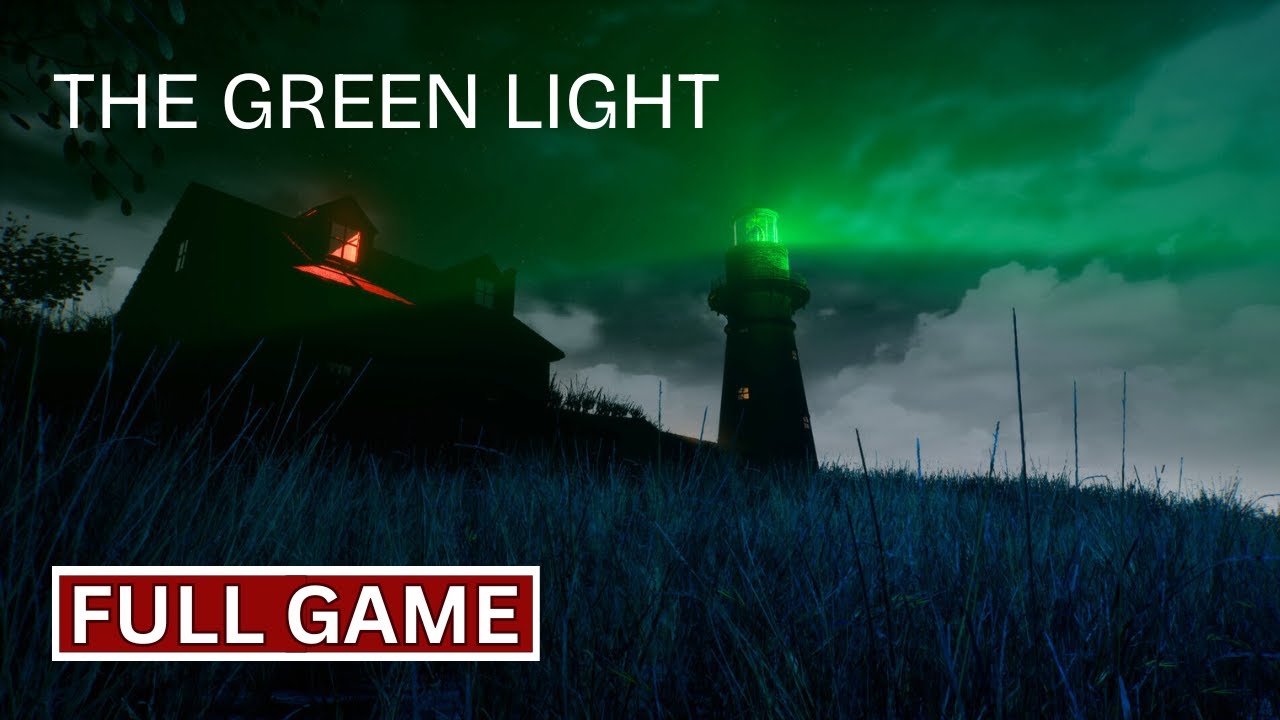
The Green Light is a first-person psychological horror game with a strong story focus. The player takes the role of Fred, a man who is stuck in a dead-end job and deeply unhappy with his daily routine. He dislikes his work and his life feels like a constant disappointment with no way out.
One late night during his work shift, Fred hears a voice on the radio. The voice tells him that peace and freedom are waiting for him at a distant lighthouse. Drawn by this promise, Fred sets out to reach the lighthouse, even though it may cost him his life.
The game is a walking simulator, meaning players explore the environment and follow the story without traditional combat. The experience is built around Fred’s mental state, as he is haunted by hallucinations. The dark and tense tone runs all the way from the beginning to the end of the game. It is a personal story about a man confronting the limits of his own mind while searching for an escape.
The Green Light has received a Very Positive rating overall from users on Steam, with 81 percent of reviews being positive. Recent reviews are Mixed, with 66 percent positive in the last 30 days.
The game is a single-player experience. It is available in English, Spanish, Portuguese, Russian, and Simplified Chinese. It requires 15 GB of storage space and runs on Windows systems. The game also supports Family Sharing.
🎮 Game Information
| 🕹️ TITLE: | The Green Light |
|---|---|
| ⚡ VERSION: | v1.0 |
| 🛠️ DEVELOPER: | waleedzo |
| 💻 PUBLISHER: | waleedzo |
| 📅 RELEASE DATE: | 29 Jan, 2026 |
| 📂 GENRE: | Horror, Indie |
| 💾 SIZE: | 10.1 GB |
| 💸 BUY LINK: | Store Page |
| ⭐ USER RATING: |
⚙️ Installation Instructions
We have simple instructions for downloading and installing the The Green Light torrent game on your Windows operating system. The procedure is the same for all Windows operating systems. Before proceeding, ensure that your system meets the minimum system requirements to play the Game.
You must have zip file extracting software and torrent software installed on your PC. If you do not have these two software programs installed on your PC, then you will first need to download and install the two software programs on your PC before following the steps.
You can use any zip file extracting software and torrent software, (We recommend "WinRAR" and "qBittorrent" Software). WinRAR / 7-Zip / µTorrent Classic / qBittorrent (64-bit) / qBittorrent (32-bit).
Follow the simple instructions:
- First, click on the "Torrent Download" button, and download the torrent The Green Light.zip file on your PC.
- Right-click on the The Green Light.zip file and click on the "extract here" option from the dropdown menu.
- Double click on the .torrent file. Then, choose the download folder.
- After Download Completed, Open the The Green Light Game folder.
- Double-click on the Setup.exe file.
- Follow the on-screen installation wizard to install the game on your PC.
- You may need to provide administrator permissions for the installation to proceed. If asked, click Yes to continue.
If you get any missing dll errors or the game is not launching, then Download Redist File and install all programs available in the "Redist" folder.
Done!. Now you can launch the game from your desktop.
⬇️ The Green Light Torrent Download Link
🖥️ Minimum Requirements
- Requires a 64-bit processor and operating system
- OS *: 64-bit Windows 7
- Processor: intel core i5 4400 / AMD Ryzen 5 1600
- Memory: 4 GB RAM
- Graphics: Nvidia GTX 1060 3GB
- Storage: 15 GB available space
- Sound Card: 15 GB available space
- Additional Notes: Minimum Requirements may cause framedrops.
⭐ Recommended Requirements
- Requires a 64-bit processor and operating system
- OS: 64-bit Windows 10
- Processor: AMD Ryzen 7 3700X / Intel Core i7-7600K
- Memory: 12 GB RAM
- Graphics: Nvidia GTX 1660 Super 6GB
- Storage: 15 GB available space
- Sound Card: 15 GB available space
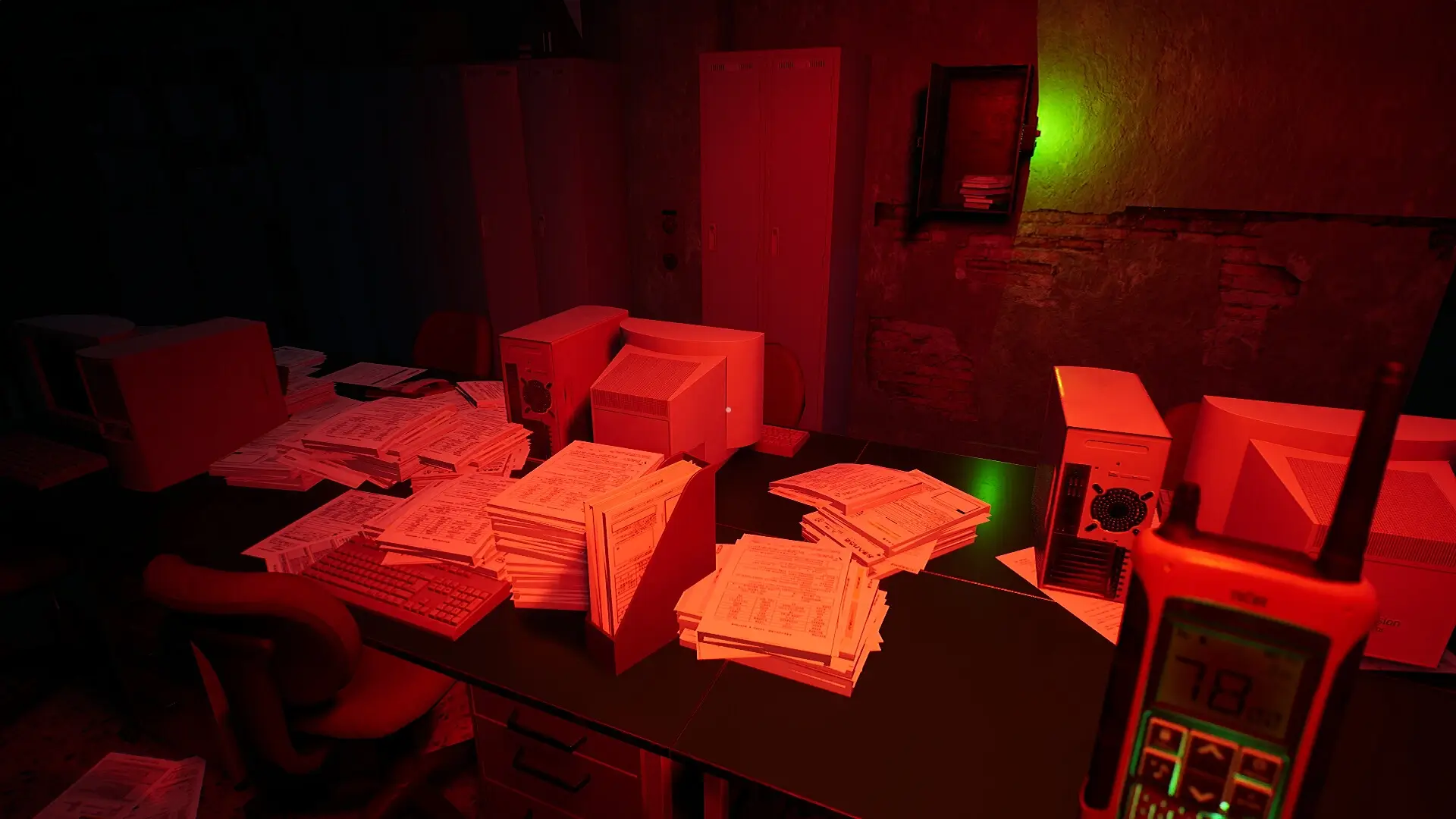
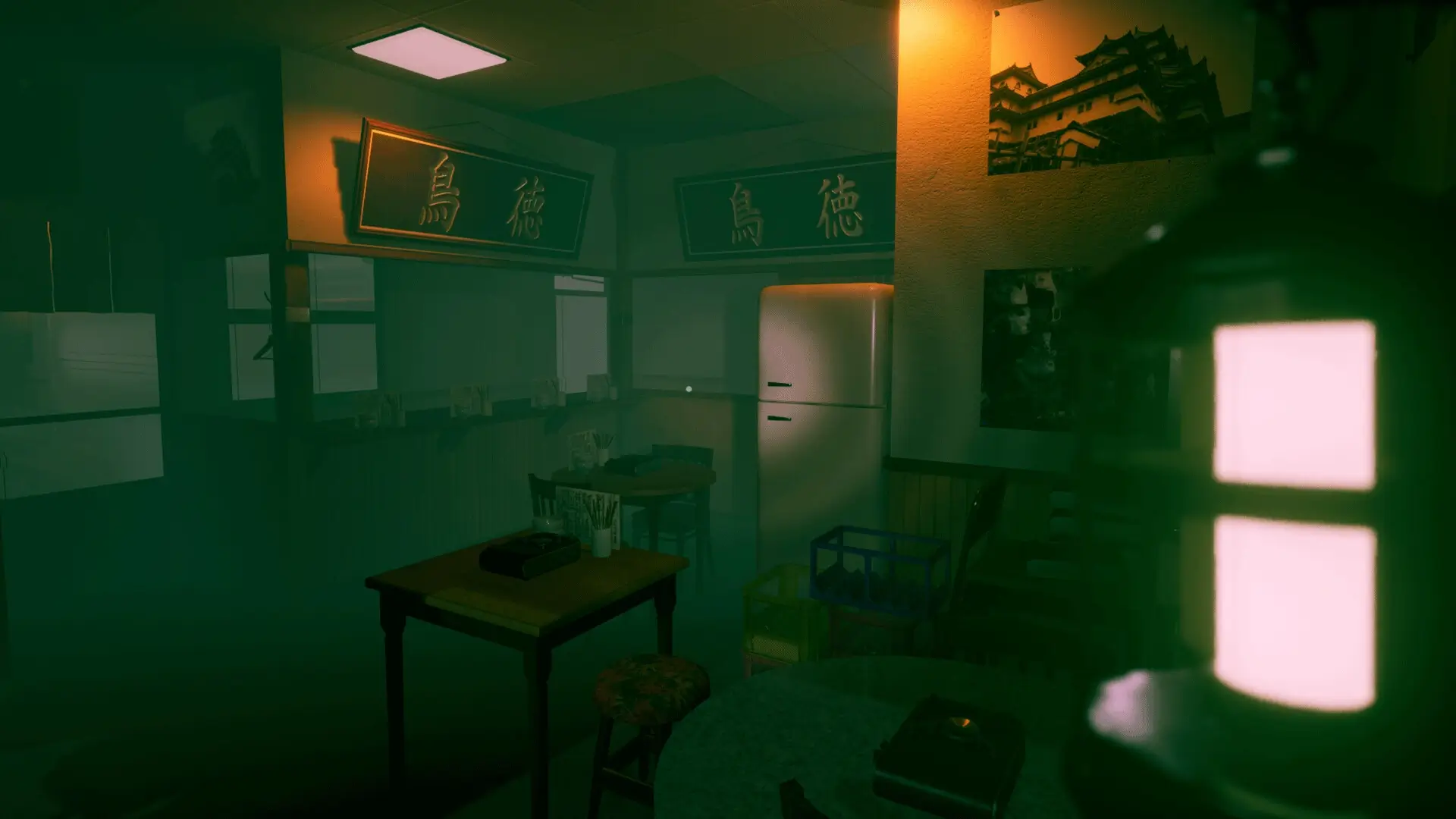
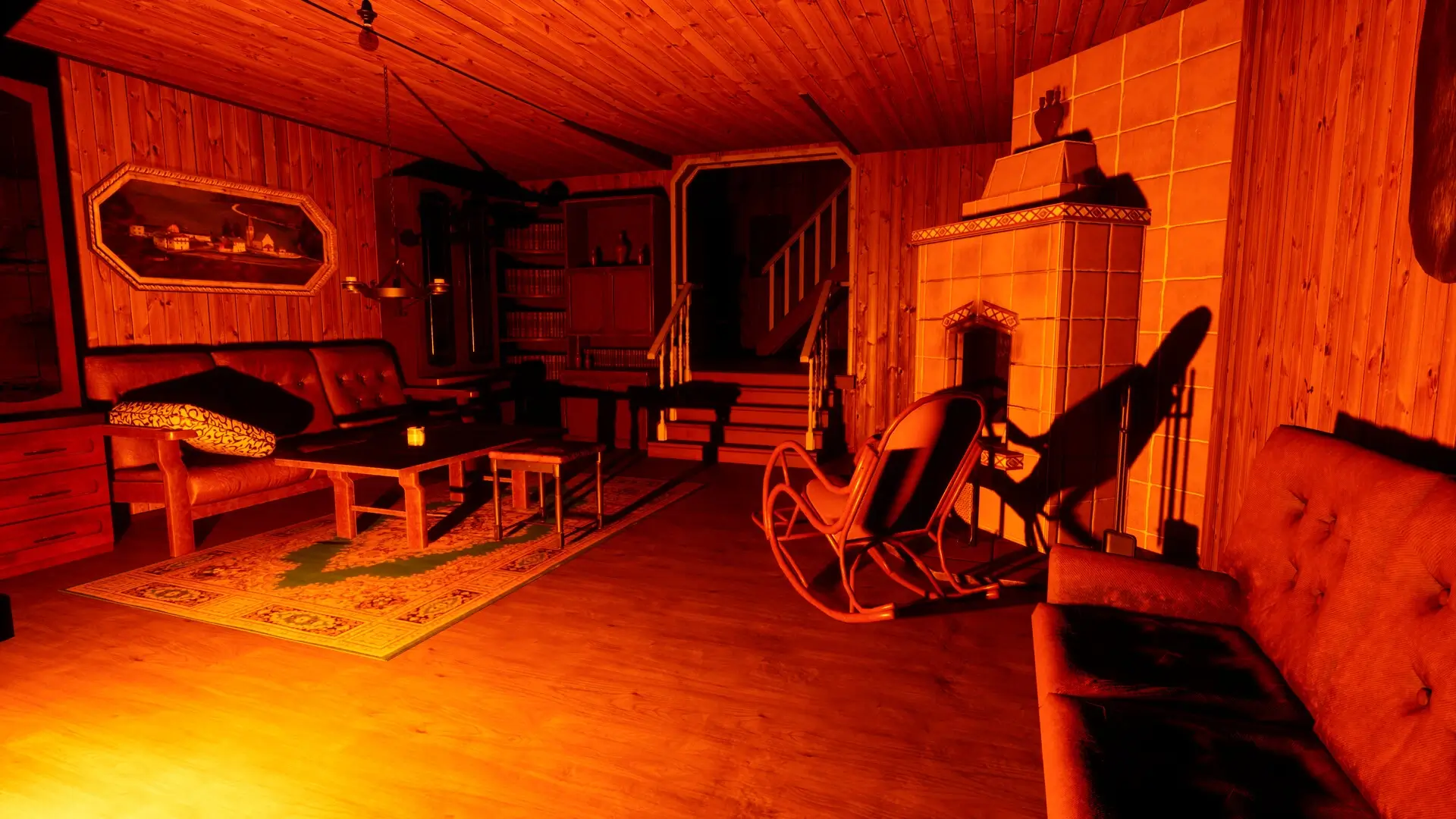
📷 Gameplay Screenshots

🎬 Gameplay Video









Comments
Leave a Comment
Your email address will not be published. Required fields are marked *