Esports Godfather – Bundle Torrent Download
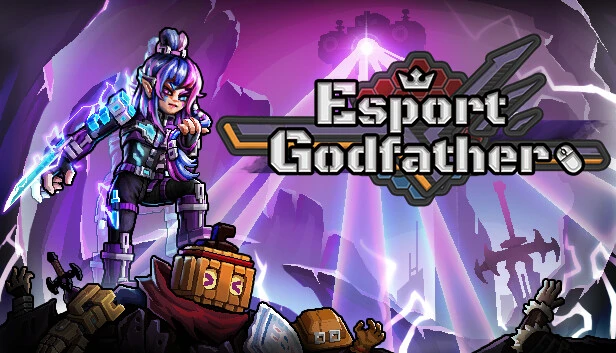
Table of Contents
📚 Esports Godfather – Bundle Overview
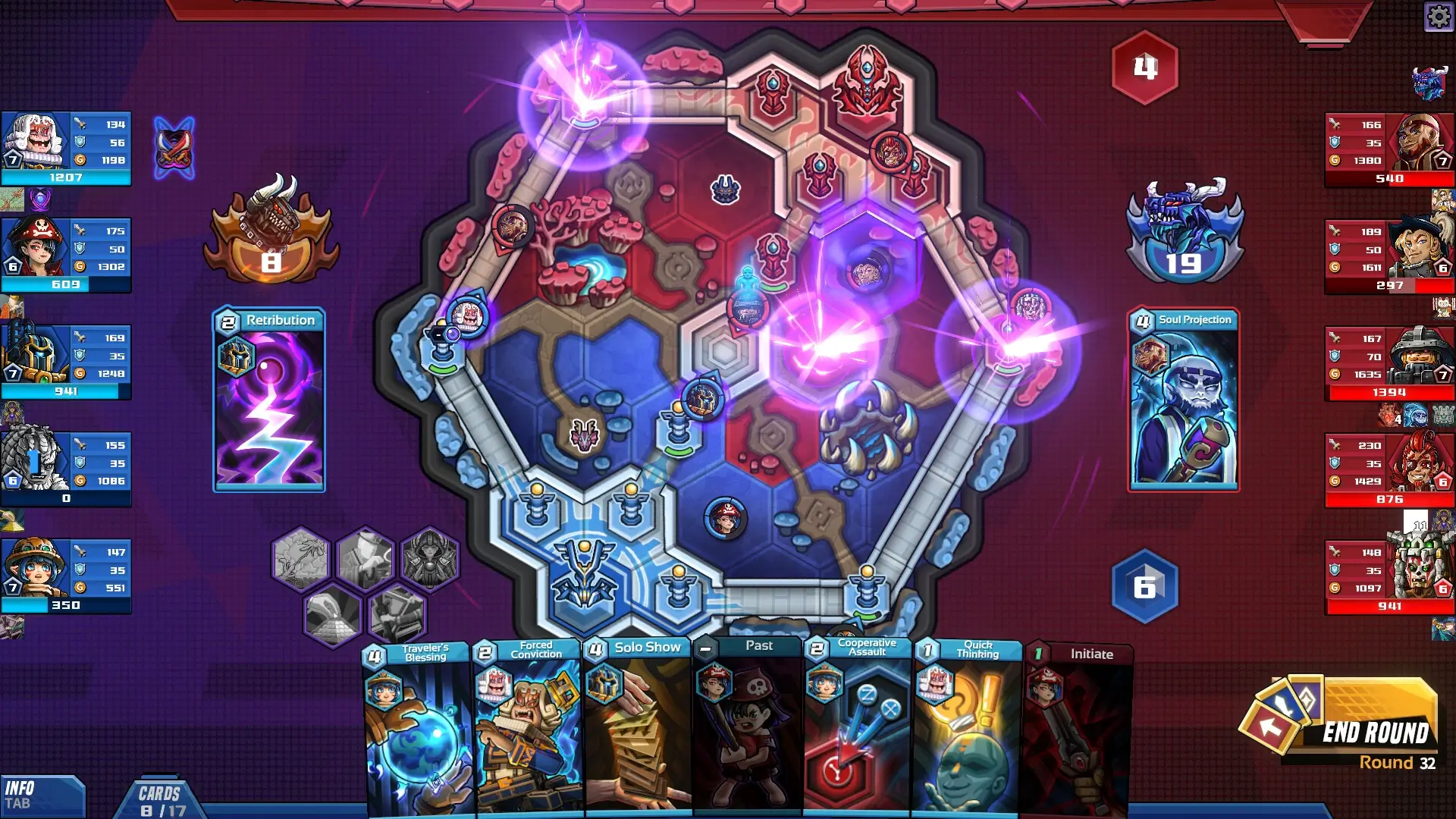
“Esport Godfather” offers an intriguing dive into the world of MOBA esports. As a coach, you take charge of an esports club, building your team from the ground up. The game challenges you to craft a playstyle that suits your team’s strengths. Will you choose a strategy centered on a single carry or focus on top lane duels? The choices are yours to explore.
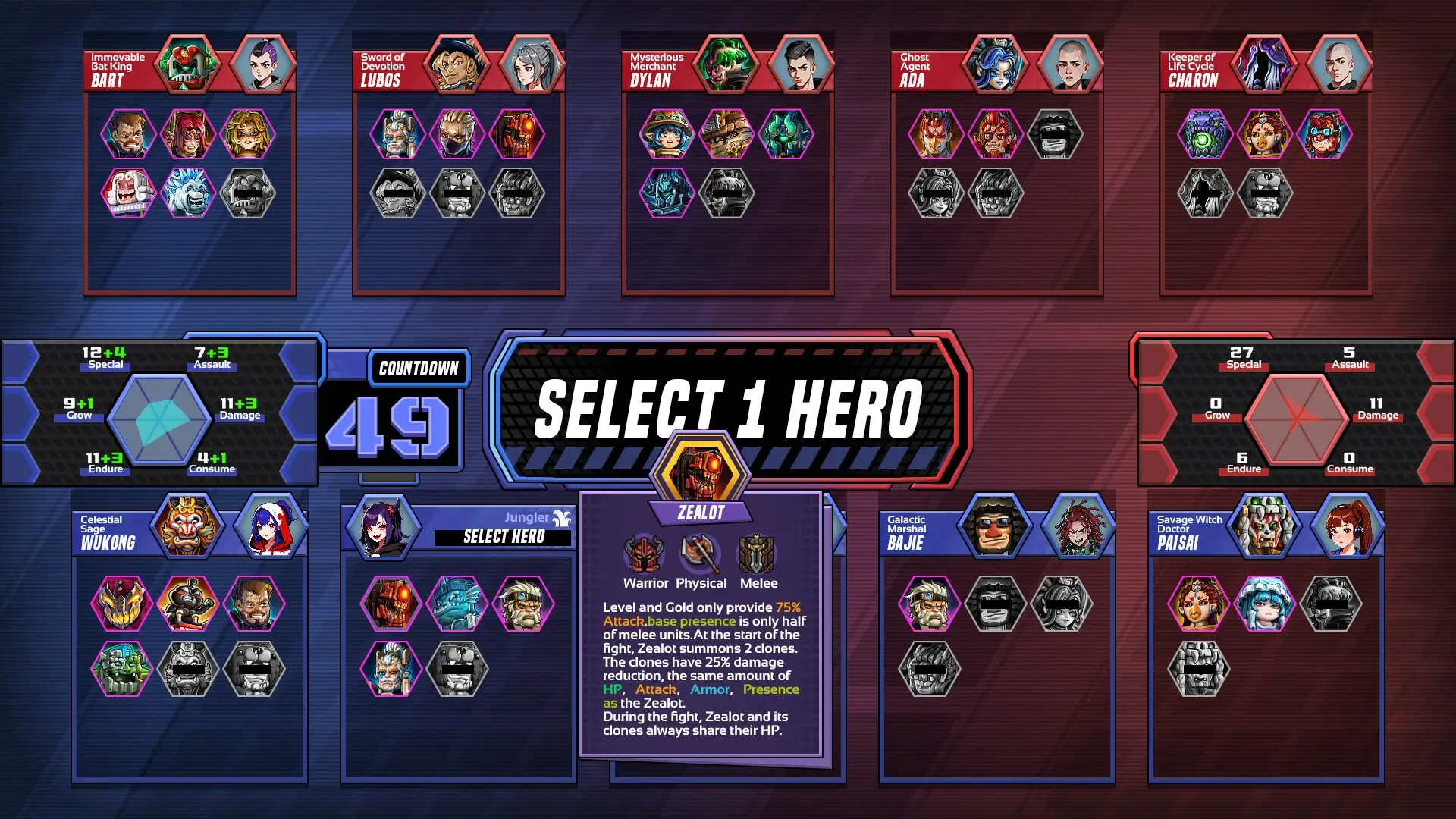
The game’s dynamic nature keeps you on your toes. The meta is always evolving, demanding you to stay ahead of the curve. Your understanding of winning strategies must adapt as you face new challenges. Coordination between roles, like the Mid laner and Jungler, becomes a key factor in your success. This constant change adds layers of depth to your coaching journey.
Customization is a highlight in “Esport Godfather.” You can personalize your team’s identity by creating a unique name and logo. The game provides tools for logo creation, and you can even import local images. This feature allows you to leave a personal mark on your virtual esports club, making it truly your own.
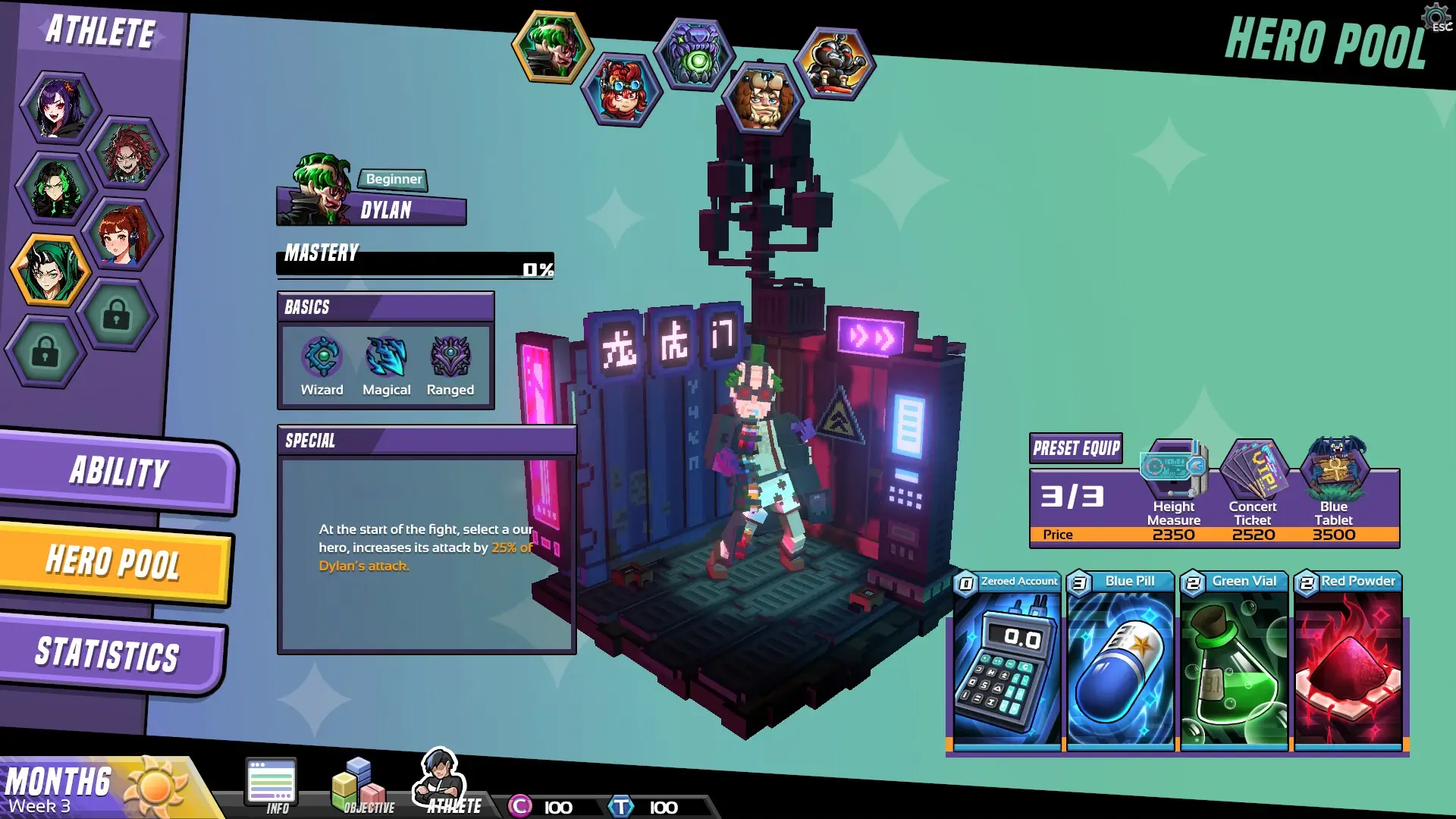
Selecting and inspiring athletes is a crucial part of the game. As you scout for talent, you must mold these players into superstars. Your leadership and vision will guide them to greatness. The ultimate goal is to lead your team to victory, lifting the championship trophy and writing your esports legend.
“Esport Godfather” immerses you in the role of a coach, presenting challenges and opportunities to shine. With every decision, you shape the future of your team. Can you navigate the competitive landscape and achieve greatness? The journey awaits you, full of strategy and excitement.
🎮 Game Information
| 🕹️ TITLE: | Esports Godfather – Bundle |
|---|---|
| ⚡ VERSION: | v3.1.9 + 2 DLCs |
| 🛠️ DEVELOPER: | Asteroid Game Studio |
| 💻 PUBLISHER: | Asteroid Game Studio |
| 📅 RELEASE DATE: | May 23, 2024 |
| 📂 GENRE: | Casual, Indie, RPG Game, Simulation |
| 💾 SIZE: | 2.4 GB |
| 🔒 CRACKED BY: | TENOKE |
| 💸 BUY LINK: | Store Page |
| ⭐ USER RATING: |
⚙️ Installation Instructions
We have simple instructions for downloading and installing the Esports Godfather – Bundle torrent game on your Windows operating system. The procedure is the same for all Windows operating systems. Before proceeding, ensure that your system meets the minimum system requirements to play the Game.
You must have zip file extracting software and torrent software installed on your PC. If you do not have these two software programs installed on your PC, then you will first need to download and install the two software programs on your PC before following the steps.
You can use any zip file extracting software and torrent software, (We recommend "WinRAR" and "qBittorrent" Software). WinRAR / 7-Zip / µTorrent Classic / qBittorrent (64-bit) / qBittorrent (32-bit).
Follow the simple instructions:
- First, click on the "Torrent Download" button, and download the torrent Esports Godfather – Bundle.zip file on your PC.
- Right-click on the Esports Godfather – Bundle.zip file and click on the "extract here" option from the dropdown menu.
- Double click on the .torrent file. Then, choose the download folder.
- After Download Completed, Open the Esports Godfather – Bundle Game folder.
- Double-click on the Setup.exe file.
- Follow the on-screen installation wizard to install the game on your PC.
- You may need to provide administrator permissions for the installation to proceed. If asked, click Yes to continue.
If you get any missing dll errors or the game is not launching, then Download Redist File and install all programs available in the "Redist" folder.
Done!. Now you can launch the game from your desktop.
⬇️ Esports Godfather – Bundle Torrent Download Link
🖥️ Minimum Requirements
- Requires a 64-bit processor and operating system
- OS *: Windows XP/7/8/8.1/10/11
- Processor: 2.0Ghz
- Memory: 8 GB RAM
- Graphics: 256mb Video Memory, capable of OpenGL 2.0+ support
- Storage: 8 GB available space
📷 Gameplay Screenshots
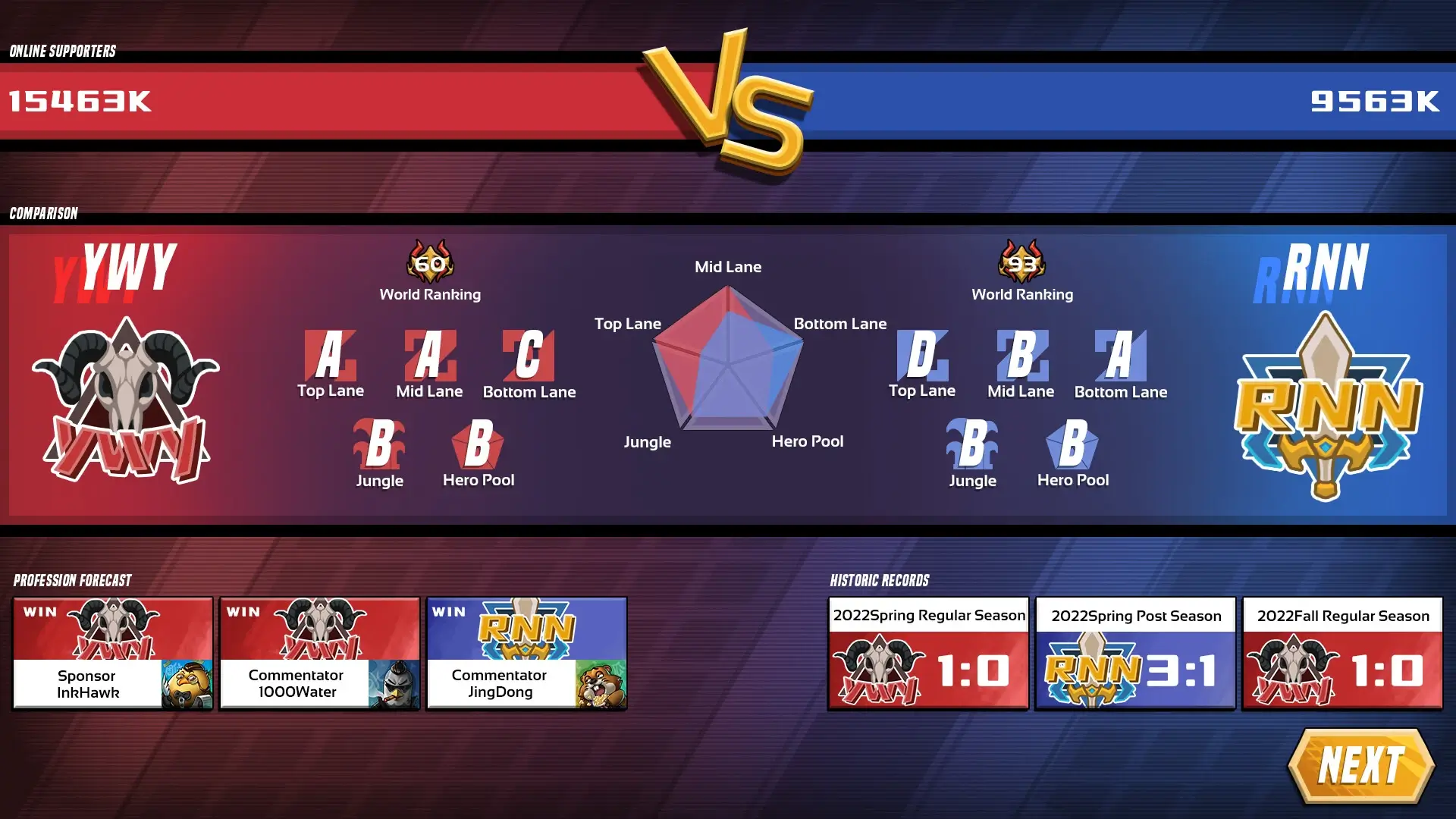
🎬 Gameplay Video











Comments
Leave a Comment
Your email address will not be published. Required fields are marked *