Lumo 2 Torrent Download
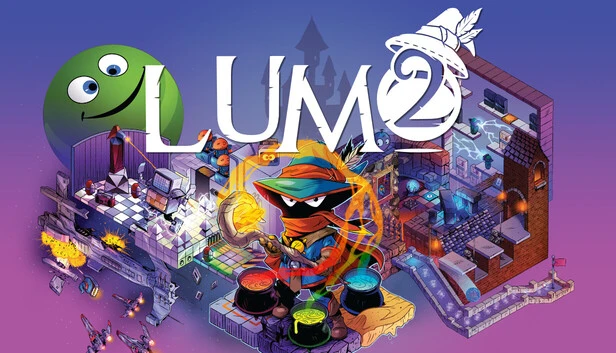
Table of Contents
📚 Lumo 2 Overview
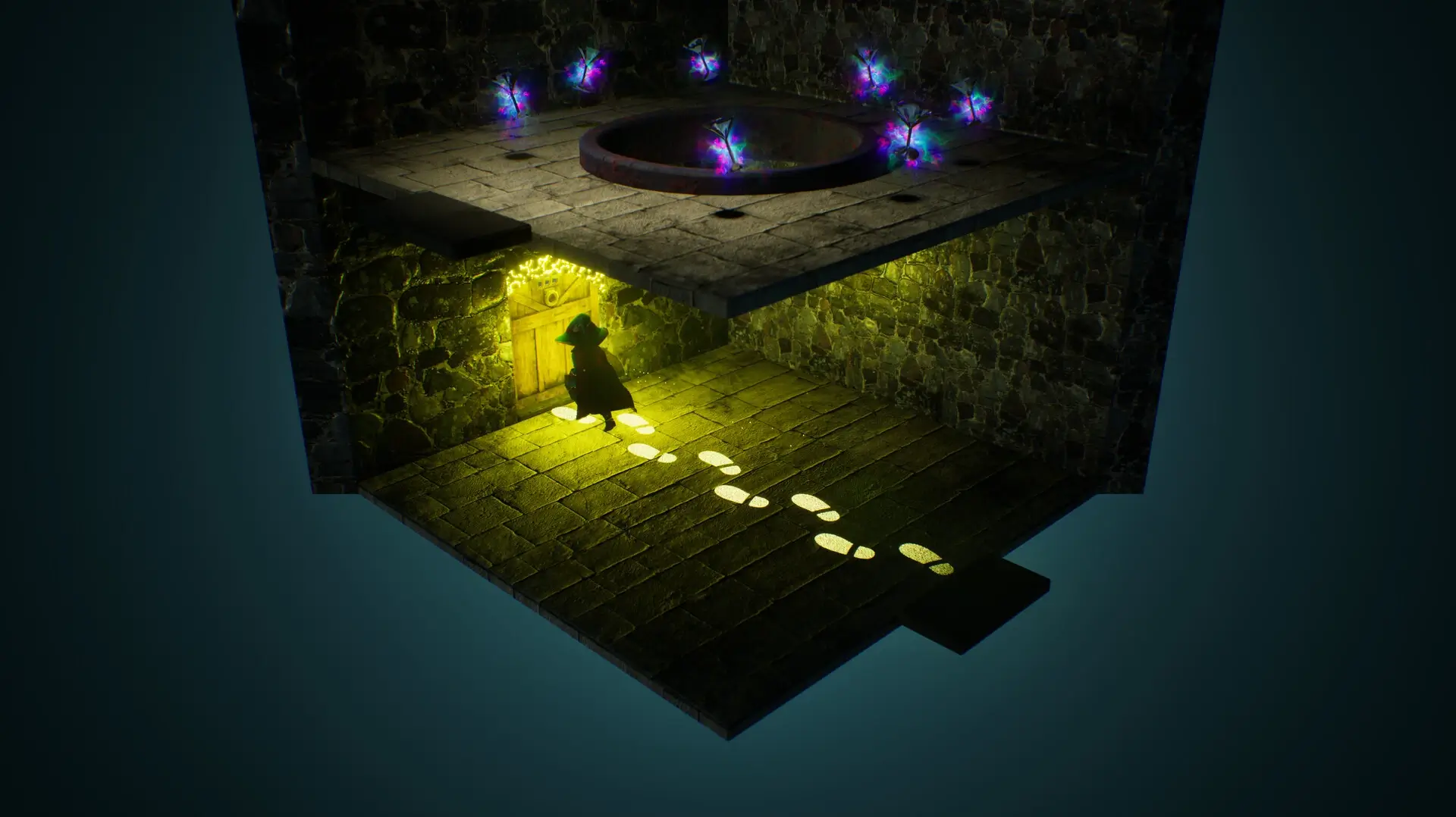
Lumo 2 is a puzzle-platforming game that takes players into a colorful and layered space full of rooms to explore. Every room presents a new challenge, and the game keeps shifting what it asks you to do. You might be jumping over traps one moment and solving a logic puzzle the next.
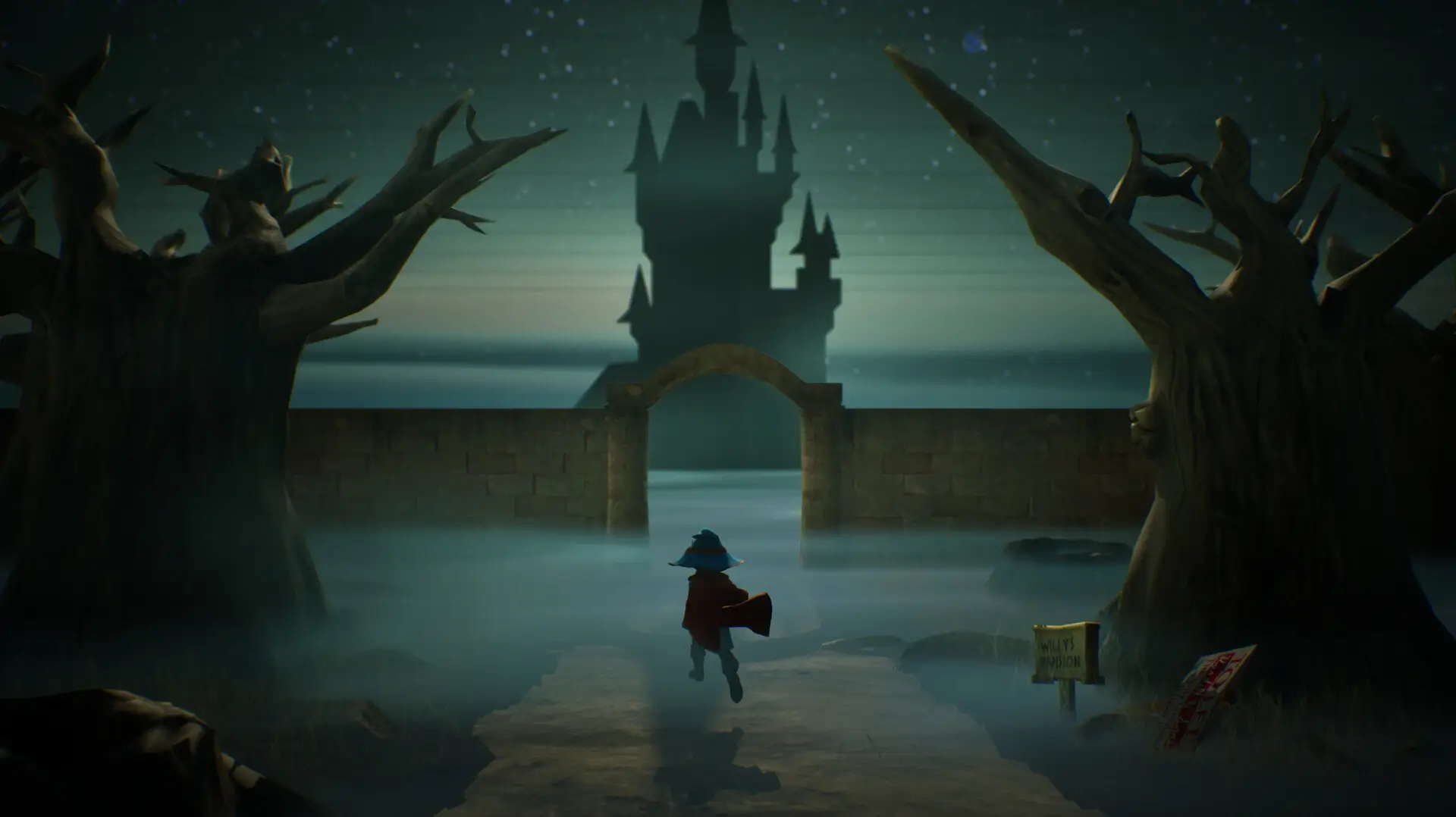
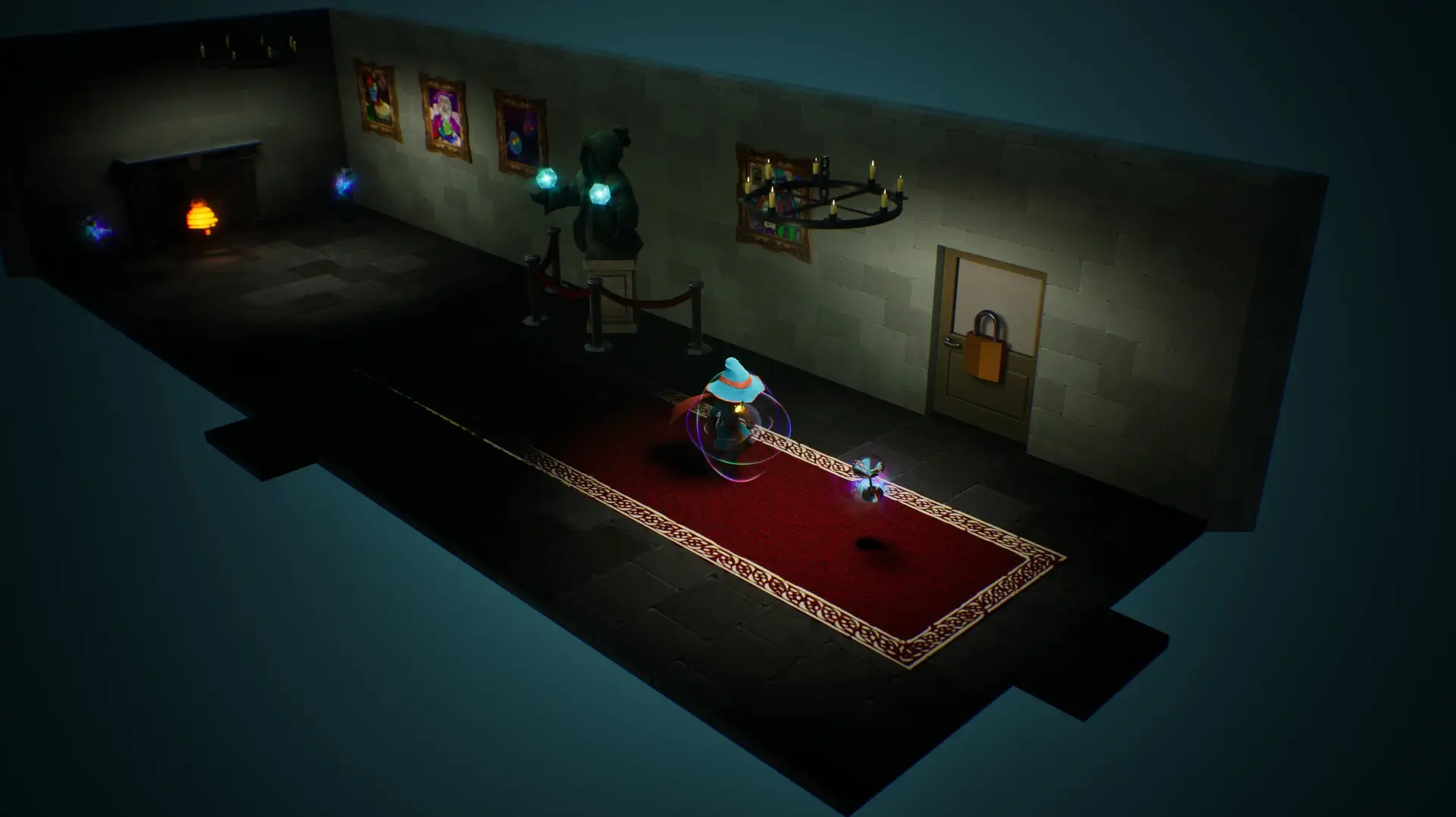
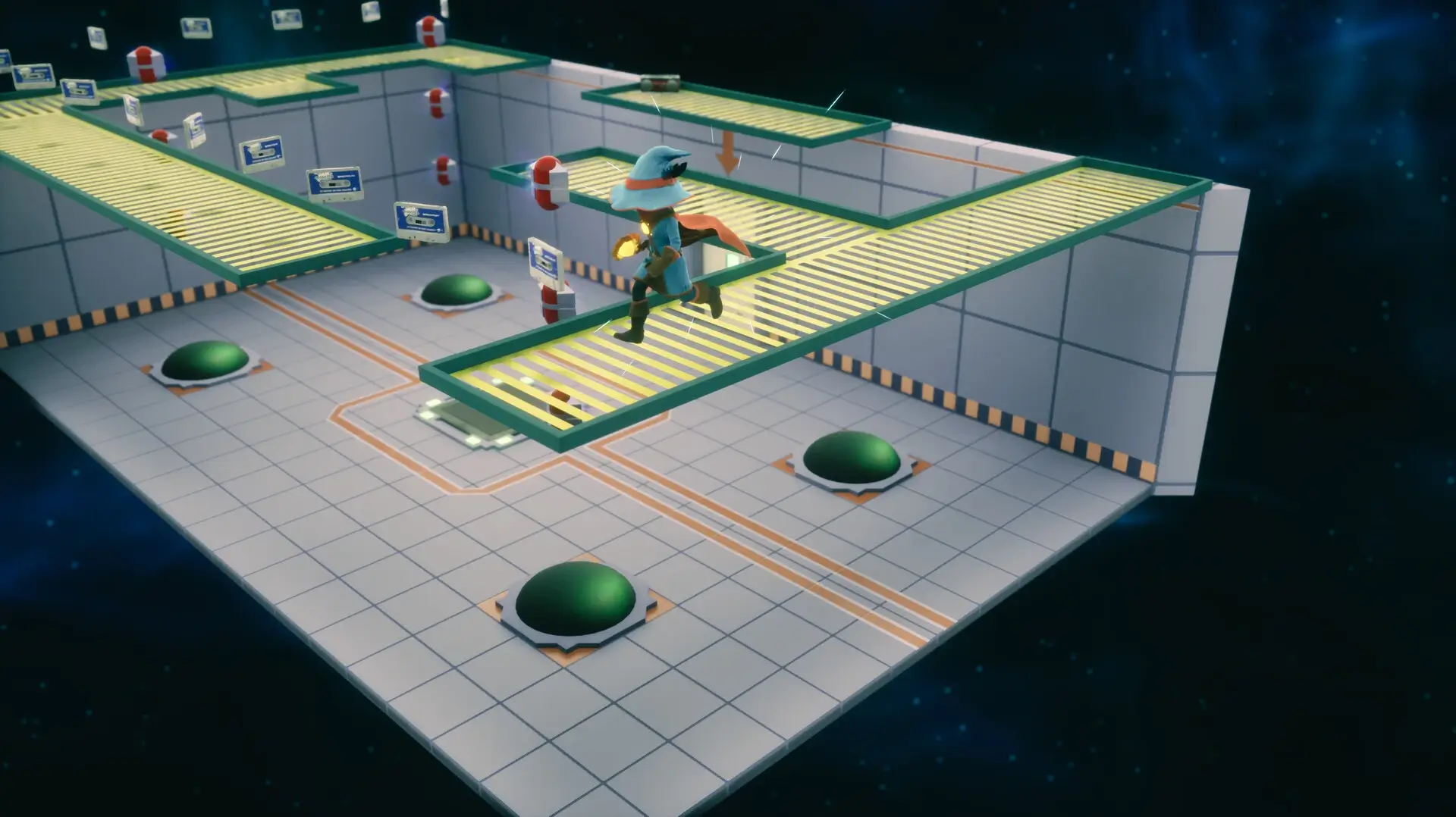
The game changes its perspective and mechanics as you move forward. Some areas play out in 3D mazes, while others switch to a top-down view. There are also arcade-style mini-games that pop up along the way. No two areas look or play the same.
As you explore, you unlock new paths and abilities. The game rewards curiosity, so players who look around carefully will find secrets hidden in the rooms. You are not pushed in one direction, and you can find your own rhythm as you go.
Lumo 2 is built to work for players of all skill levels. Whether you have played many games before or are just starting out, the game adjusts to how you play. Younger players and experienced ones can both enjoy what it has to offer.
The game builds on the first Lumo title and adds three new environments to explore. These spaces are visually striking and introduce new ideas that were not in the original game. The variety in design means there is always something new waiting in the next room.
Puzzle-solving, sharp reflexes, and careful observation are all needed at different points. The game asks you to pay attention to your surroundings and think before you act. It is a game that rewards players who take their time and stay curious.
🎮 Game Information
| 🕹️ TITLE: | Lumo 2 |
|---|---|
| ⚡ VERSION: | v1.0 + Bonus OST |
| 🛠️ DEVELOPER: | Triple Eh? Ltd |
| 💻 PUBLISHER: | Numskull Games |
| 📅 RELEASE DATE: | Oct 17, 2025 |
| 📂 GENRE: | Action, Adventure, Indie |
| 💾 SIZE: | 1.2 GB |
| 🔒 CRACKED BY: | TENOKE |
| 💸 BUY LINK: | Store Page |
| ⭐ USER RATING: |
⚙️ Installation Instructions
We have simple instructions for downloading and installing the Lumo 2 torrent game on your Windows operating system. The procedure is the same for all Windows operating systems. Before proceeding, ensure that your system meets the minimum system requirements to play the Game.
You must have zip file extracting software and torrent software installed on your PC. If you do not have these two software programs installed on your PC, then you will first need to download and install the two software programs on your PC before following the steps.
You can use any zip file extracting software and torrent software, (We recommend "WinRAR" and "qBittorrent" Software). WinRAR / 7-Zip / µTorrent Classic / qBittorrent (64-bit) / qBittorrent (32-bit).
Follow the simple instructions:
- First, click on the "Torrent Download" button, and download the torrent Lumo 2.zip file on your PC.
- Right-click on the Lumo 2.zip file and click on the "extract here" option from the dropdown menu.
- Double click on the .torrent file. Then, choose the download folder.
- After Download Completed, Open the Lumo 2 Game folder.
- Double-click on the Setup.exe file.
- Follow the on-screen installation wizard to install the game on your PC.
- You may need to provide administrator permissions for the installation to proceed. If asked, click Yes to continue.
If you get any missing dll errors or the game is not launching, then Download Redist File and install all programs available in the "Redist" folder.
Done!. Now you can launch the game from your desktop.
⬇️ Lumo 2 Torrent Download Link
🖥️ Minimum Requirements
- Requires a 64-bit processor and operating system
- OS: Windows 10 64-bit
- Processor: Quad-core Intel or AMD, 2.5 GHz or faster
- Memory: 8 GB RAM
- Graphics: DirectX 12 compatible graphics card
- Storage: 3 GB available space
⭐ Recommended Requirements
- Requires a 64-bit processor and operating system
- OS: Windows 10 64-bit
- Processor: Eight-core Intel or AMD, 2.5 GHz or faster
- Memory: 16 GB RAM
- Graphics: GPU with ~6-8 GB VRAM, capable of DX12 / SM6 (e.g. NVIDIA GTX 1660 Ti / RTX 2060, AMD RX 5600 / RX 6600 class or higher)
- Storage: 3 GB available space
📷 Gameplay Screenshots
🎬 Gameplay Video









Comments
Leave a Comment
Your email address will not be published. Required fields are marked *