Radiolight Torrent Download
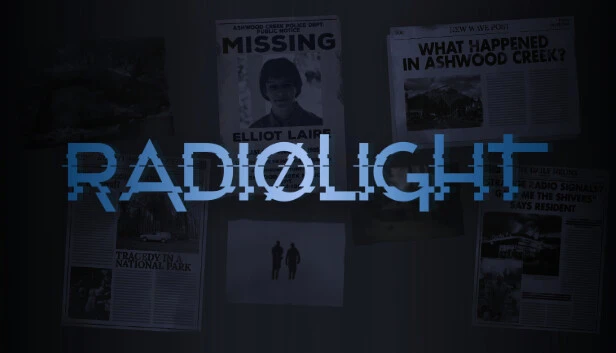
Table of Contents
📚 Radiolight Overview
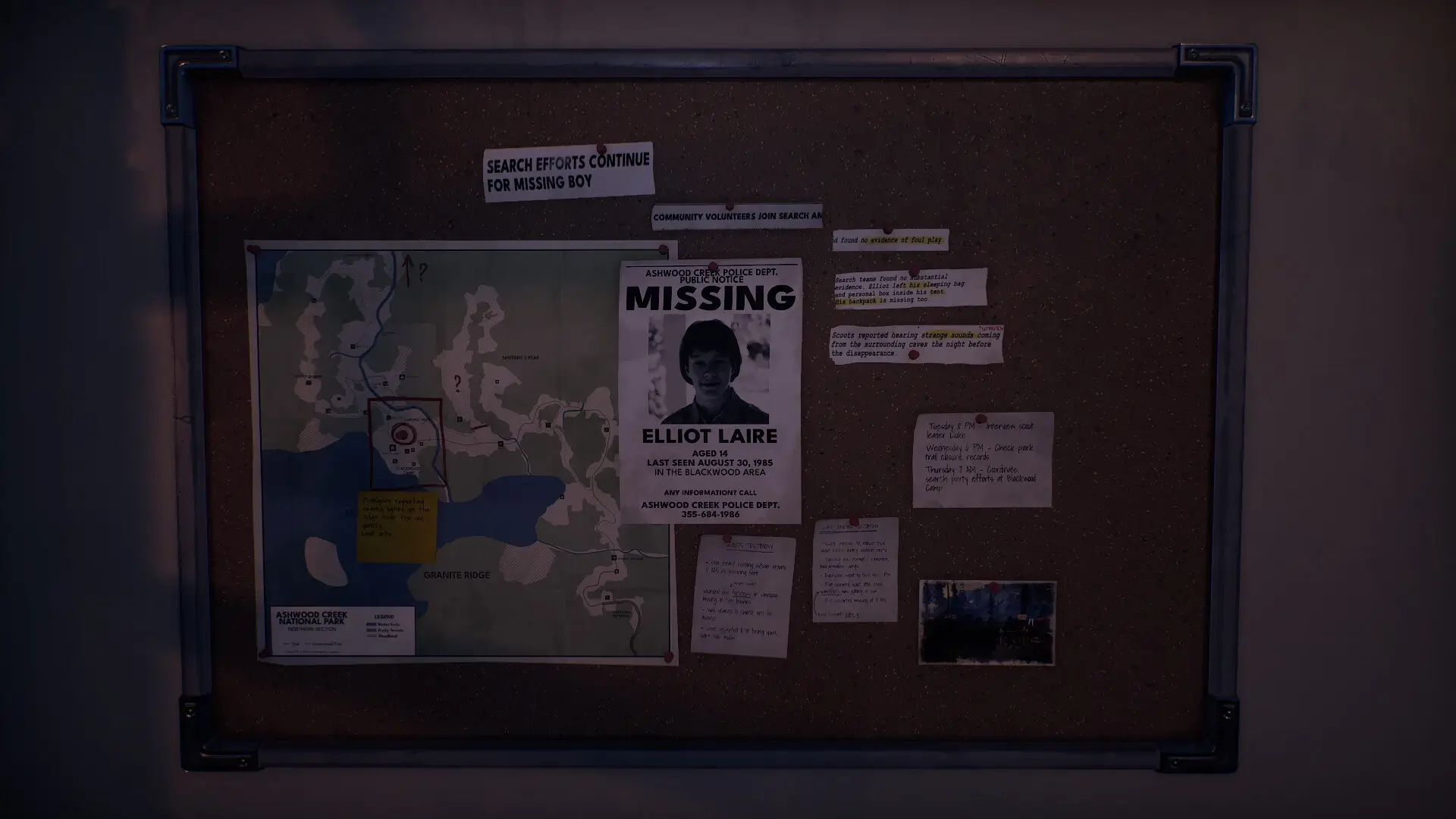
Radiolight is a mystery game set in Ashwood Creek, a small and quiet town in September 1985. You play as Ethan, a police officer sent to look into a missing teenager case. The town sits near mountains and forests, and it feels cut off from the rest of the country.
Ashwood Creek looks peaceful, but something is wrong beneath the surface. A teenager has disappeared, and strange signals are breaking into local radio stations. Ethan must follow these clues into Ashwood Creek National Park, where the truth seems to be hiding.
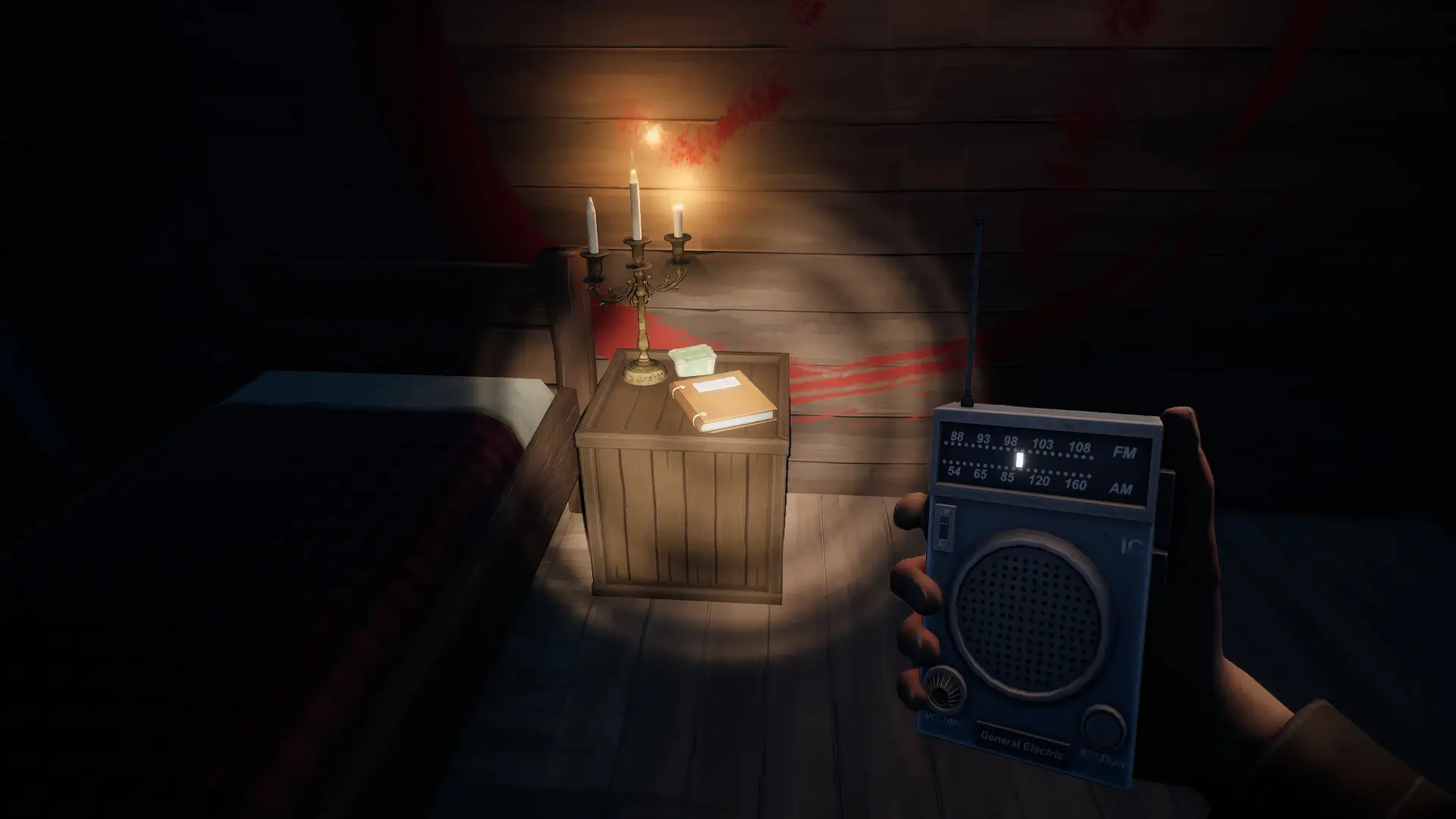
Your radio is one of the most important tools in the game. It picks up supernatural signals and odd transmissions from unknown sources. Not every signal is helpful, though. Some are meant to pull you away from the truth and push you further into danger.
The park is large and unsettling. As you explore it, you will come across echoes of the past that connect to the mystery. The game asks you to pay close attention to what you hear, not just what you see. Sounds and signals carry information that can change where you go next.
Radiolight puts a strong focus on trust and doubt. You will question whether the signals you follow are leading you to answers or traps. The deeper Ethan goes into the park, the more the past seems to close in around him. The missing teenager case turns out to be far more complicated than it first appeared.
🎮 Game Information
| 🕹️ TITLE: | Radiolight |
|---|---|
| ⚡ VERSION: | v0.4 (v0.3 in-game) |
| 🛠️ DEVELOPER: | Krystof Knesl |
| 💻 PUBLISHER: | Iceberg Interactive |
| 📅 RELEASE DATE: | Oct 23, 2025 |
| 📂 GENRE: | Adventure, Indie |
| 💾 SIZE: | 3.3 GB |
| 🔒 CRACKED BY: | GOG DRM-free |
| 💸 BUY LINK: | Store Page |
| ⭐ USER RATING: |
⚙️ Installation Instructions
We have simple instructions for downloading and installing the Radiolight torrent game on your Windows operating system. The procedure is the same for all Windows operating systems. Before proceeding, ensure that your system meets the minimum system requirements to play the Game.
You must have zip file extracting software and torrent software installed on your PC. If you do not have these two software programs installed on your PC, then you will first need to download and install the two software programs on your PC before following the steps.
You can use any zip file extracting software and torrent software, (We recommend "WinRAR" and "qBittorrent" Software). WinRAR / 7-Zip / µTorrent Classic / qBittorrent (64-bit) / qBittorrent (32-bit).
Follow the simple instructions:
- First, click on the "Torrent Download" button, and download the torrent Radiolight.zip file on your PC.
- Right-click on the Radiolight.zip file and click on the "extract here" option from the dropdown menu.
- Double click on the .torrent file. Then, choose the download folder.
- After Download Completed, Open the Radiolight Game folder.
- Double-click on the Setup.exe file.
- Follow the on-screen installation wizard to install the game on your PC.
- You may need to provide administrator permissions for the installation to proceed. If asked, click Yes to continue.
If you get any missing dll errors or the game is not launching, then Download Redist File and install all programs available in the "Redist" folder.
Done!. Now you can launch the game from your desktop.
⬇️ Radiolight Torrent Download Link
🖥️ Minimum Requirements
- OS: Windows 10 64Bit
- Processor: Intel Core i5-9600 / AMD R5 3600
- Memory: 6 GB RAM
- Graphics: NVIDIA GTX 1060 6GB/ AMD Radeon RX 480
- DirectX: Version 11
- Storage: 6 GB available space
- Additional Notes: Older and weaker devices might run the game but are more likely to have occasional frame drops below what we consider playable.
⭐ Recommended Requirements
- OS: Windows 11 64Bit
- Processor: Intel Core i3-14100 / AMD r5 5600
- Memory: 16 GB RAM
- Graphics: NVIDIA RTX 2070 / AMD Radeon RX 6700
- Storage: 6 GB available space
- Additional Notes: These settings target great framerates also on higher resolution monitors
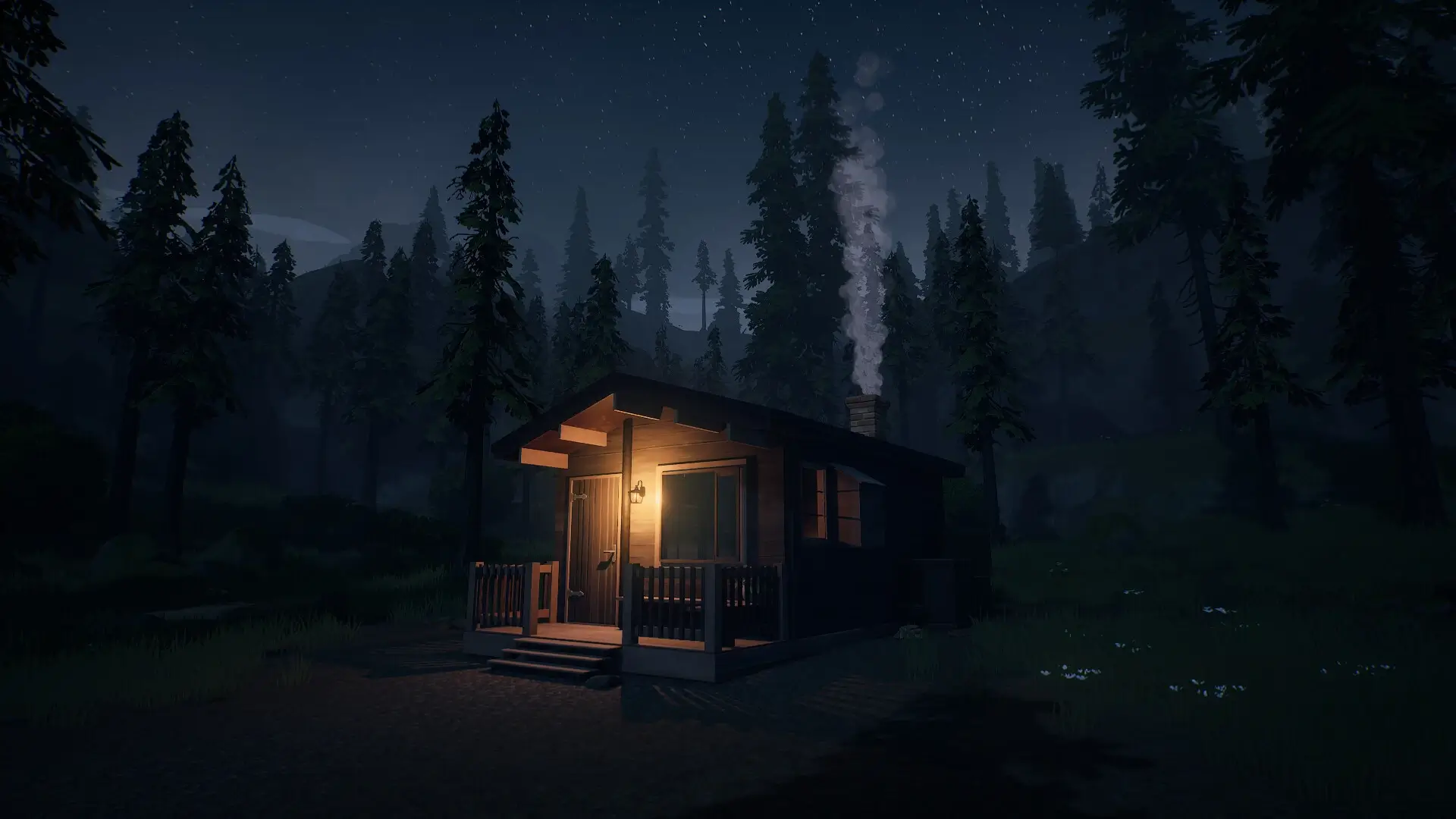
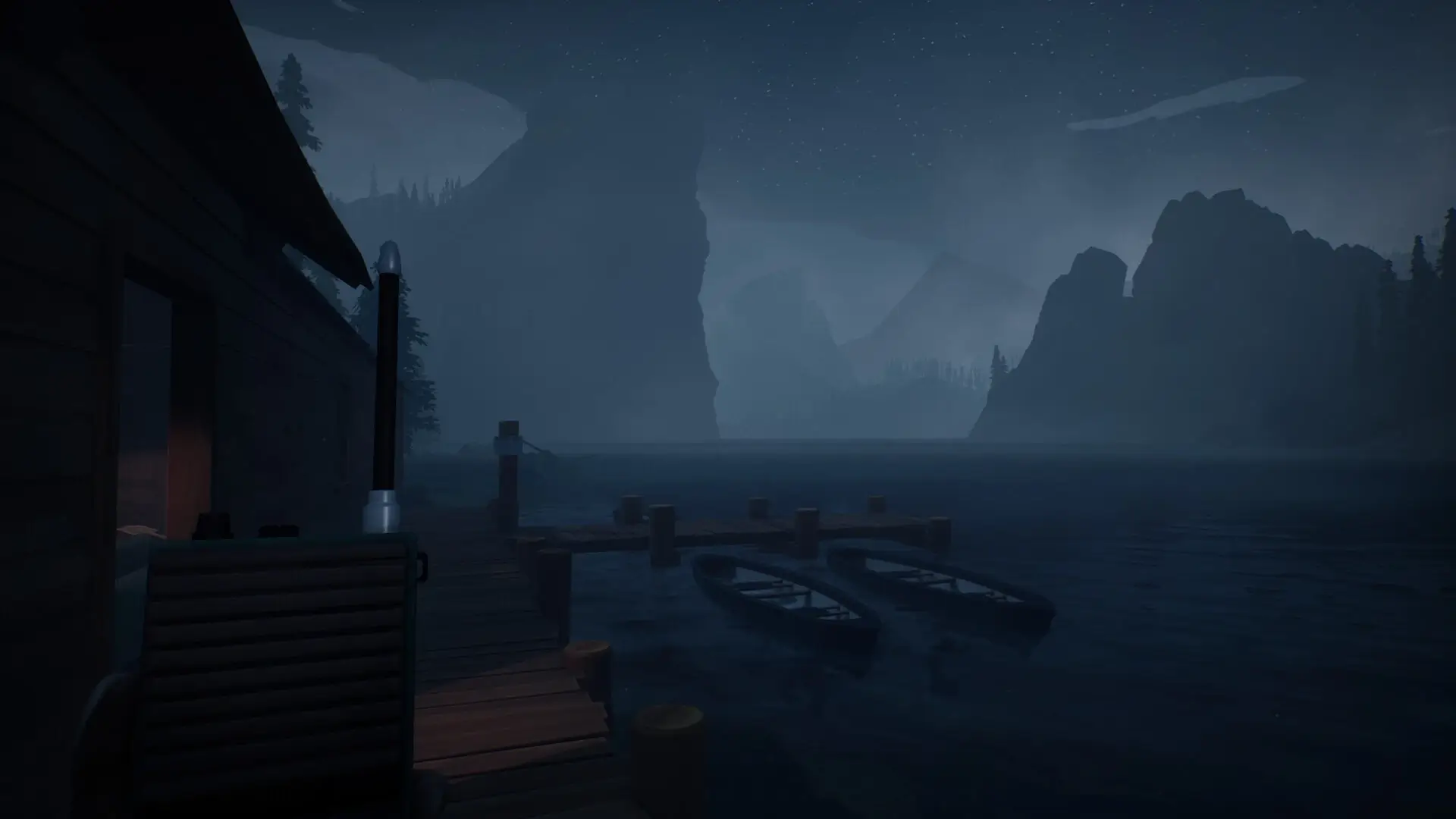
📷 Gameplay Screenshots
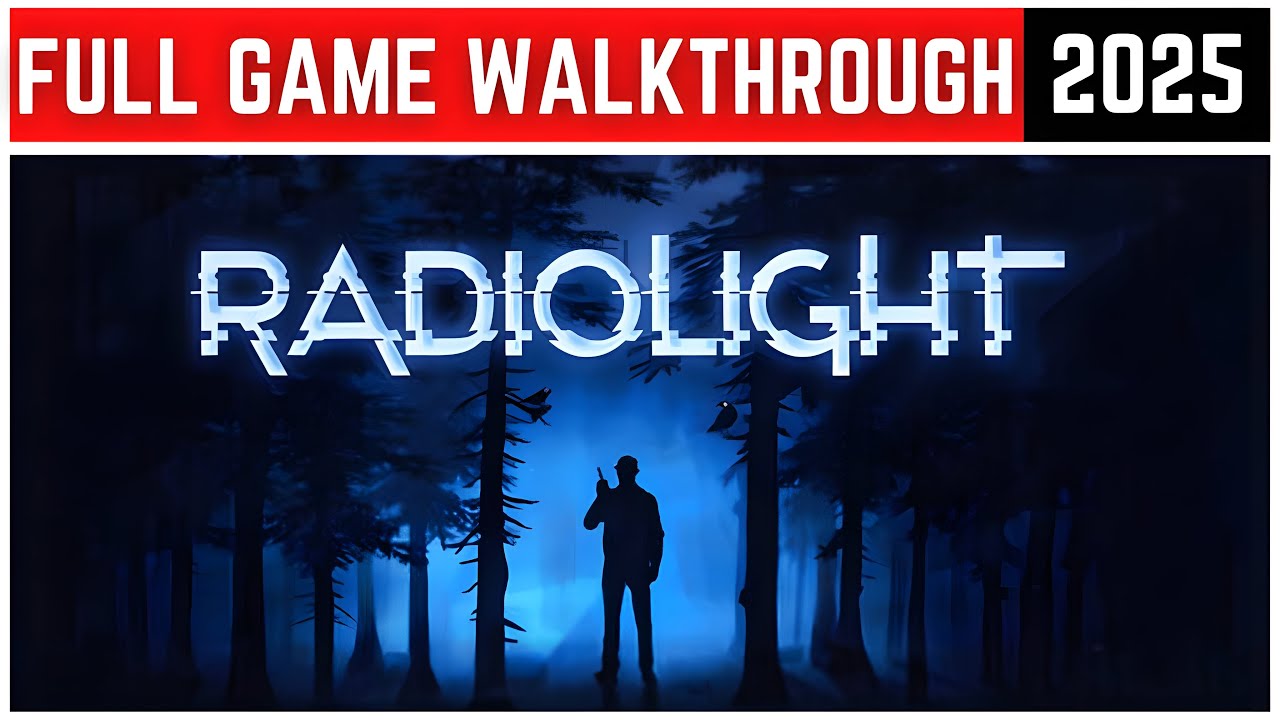
🎬 Gameplay Video













Comments
Leave a Comment
Your email address will not be published. Required fields are marked *