Star Ocean: The Divine Force – Digital Deluxe Edition Torrent Download
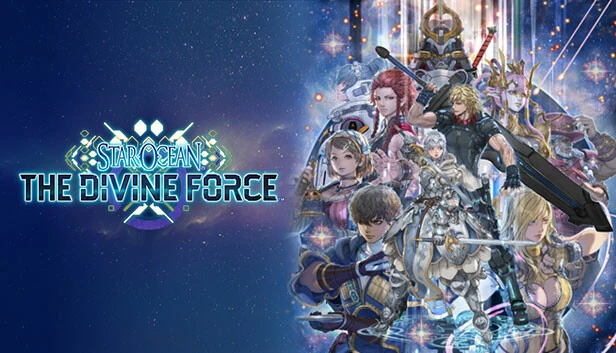
Table of Contents
- 📚 Star Ocean: The Divine Force – Digital Deluxe Edition Overview
- 🎮 Game Information
- ➕ Included DLCs/Bonuses
- 🌐 Game Language
- ⚙️ Installation Instructions
- ⬇️ Star Ocean: The Divine Force – Digital Deluxe Edition Torrent Download Link
- 🖥️ Minimum Requirements
- ⭐ Recommended Requirements
- 📷 Gameplay Screenshots
- 🎬 Gameplay Video
📚 Star Ocean: The Divine Force – Digital Deluxe Edition Overview
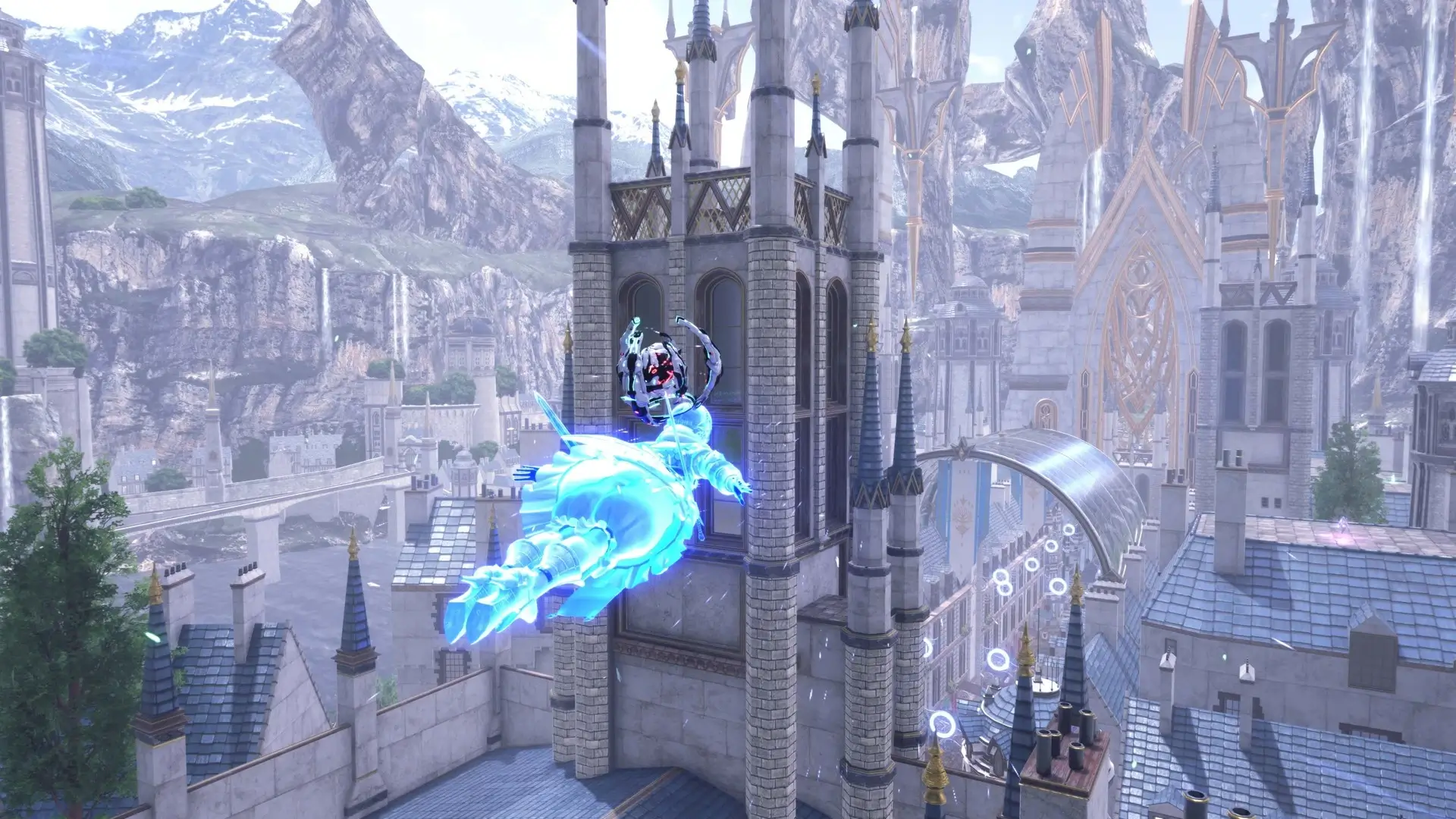
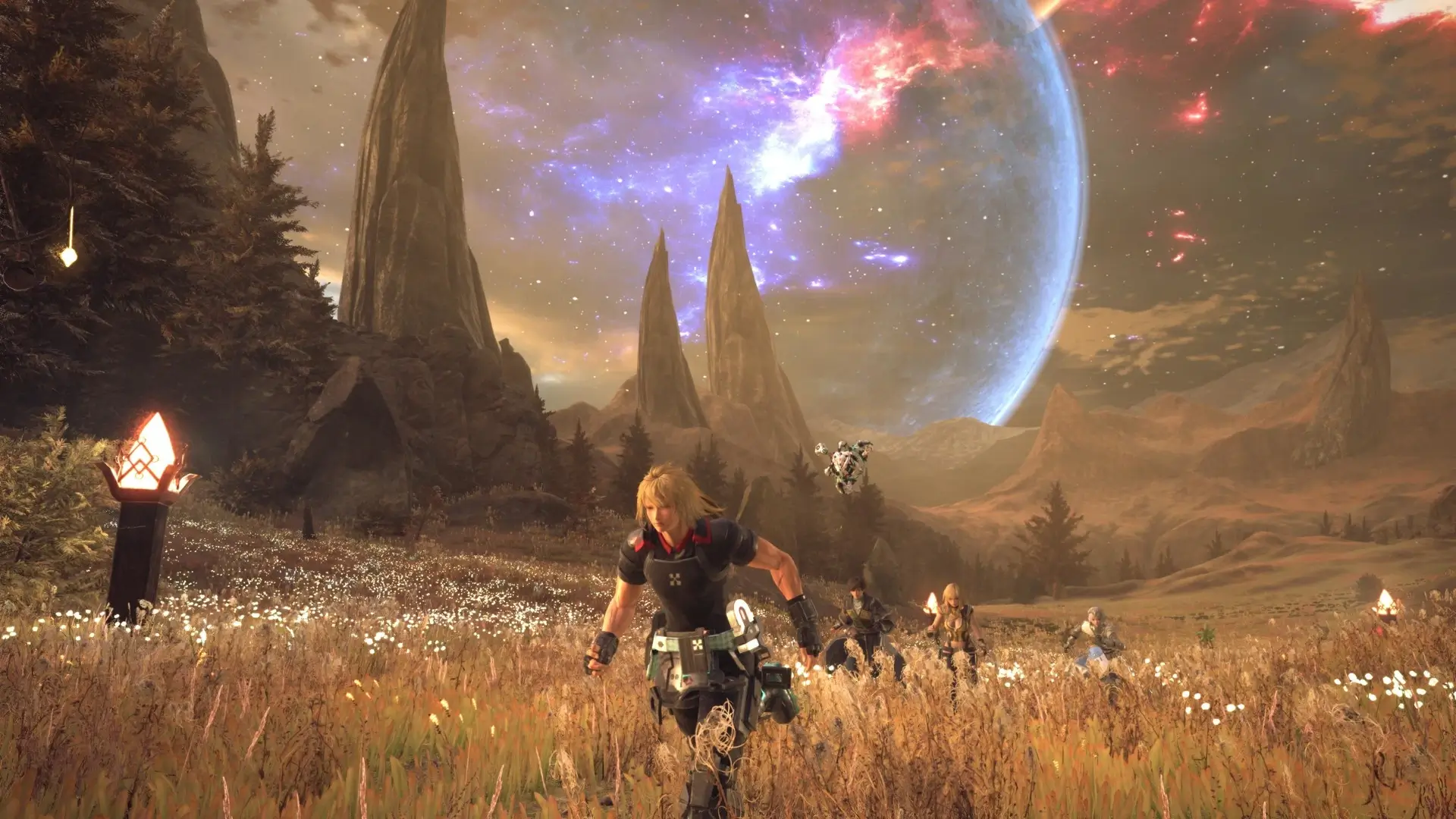
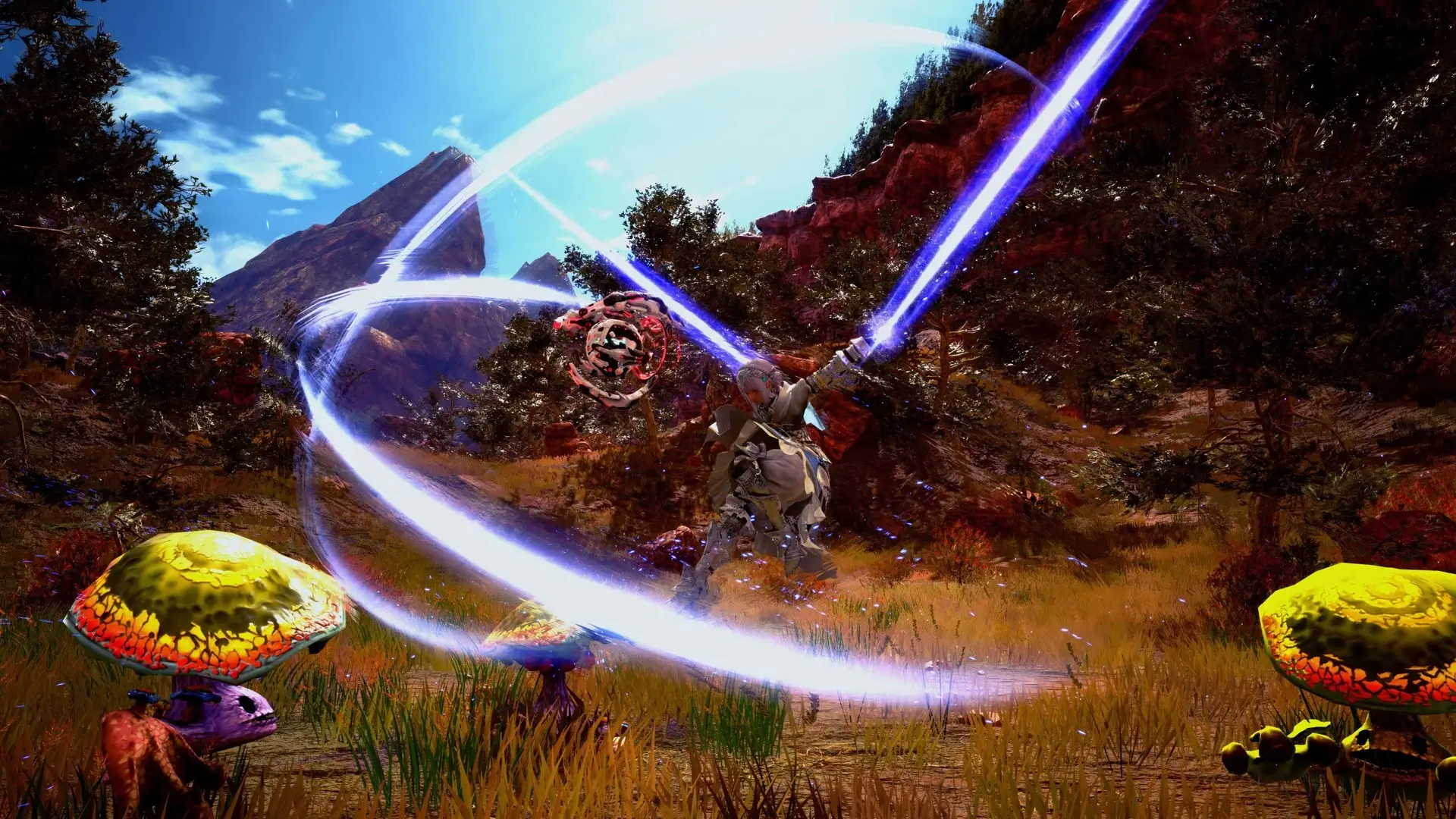
Star Ocean: The Divine Force – Digital Deluxe Edition offers players the freedom to explore vast environments with 360° movement. Characters can fly around and explore rockfaces and rooftops in cities, as well as leap off cliffs to seamlessly enter battles. The game allows exploration in three dimensions, providing an expansive area to traverse.
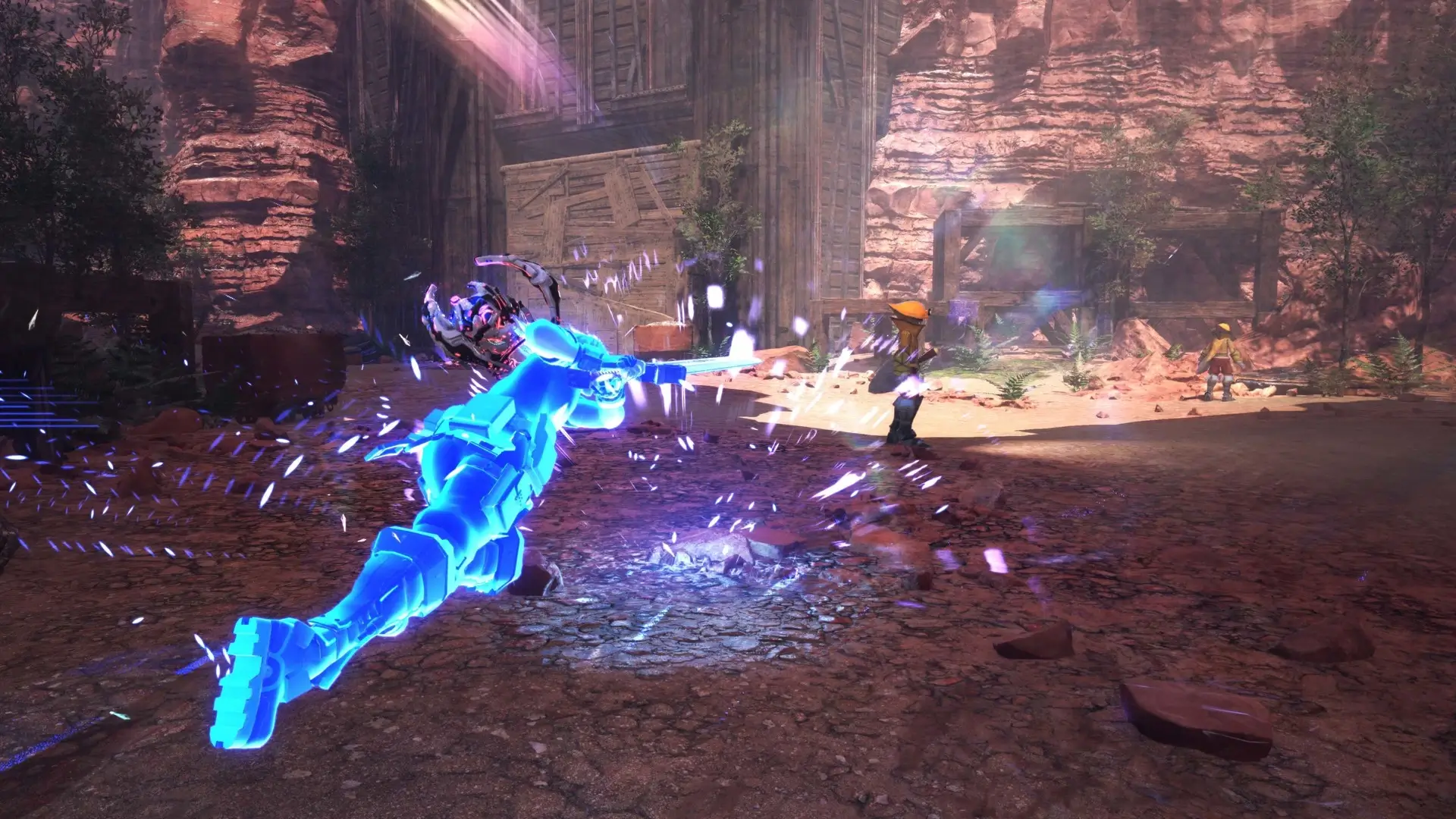
The game features the fastest and strongest action in the series, with battles that have evolved significantly. Characters can perform high-speed movement attacks and special abilities that allow them to vanish momentarily from enemies’ sight. Additionally, there is a skill that enables characters to defeat enemies with a single hit, offering a challenging battle experience.
Players will find themselves engaging in battles where they can subdue large numbers of enemies. The ability to soar through the skies during combat adds a dynamic element to the gameplay. This freedom in both adventuring and battling sets the game apart from previous entries in the series.
Star Ocean: The Divine Force – Digital Deluxe Edition emphasizes player choice in how they navigate and interact with the game world. The seamless transition between exploration and combat ensures that players can enjoy a fluid and uninterrupted experience. This edition of the game is designed to provide a thrilling adventure with its expansive environments and advanced combat mechanics.
🎮 Game Information
| 🕹️ TITLE: | Star Ocean: The Divine Force – Digital Deluxe Edition |
|---|---|
| ⚡ VERSION: | v1.0 + All DLCs |
| 🛠️ DEVELOPER: | Square Enix, tri-Ace |
| 💻 PUBLISHER: | Square Enix |
| 📅 RELEASE DATE: | Oct 27, 2022 |
| 📂 GENRE: | Action, RPG Game |
| 💾 SIZE: | 44.6 GB |
| 💸 BUY LINK: | Store Page |
| ⭐ USER RATING: |
➕ Included DLCs/Bonuses
- STAR OCEAN THE DIVINE FORCE: Playing Piece / Accessory: Lenneth
- STAR OCEAN THE DIVINE FORCE: Playing Piece / Accessory: Lezard
- STAR OCEAN THE DIVINE FORCE: Playing Piece / Accessory: Jack
- STAR OCEAN THE DIVINE FORCE: Playing Piece / Accessory: Ridley
- STAR OCEAN THE DIVINE FORCE: Lionheart's Blutgang
- STAR OCEAN THE DIVINE FORCE: Flashing Naglering
- STAR OCEAN THE DIVINE FORCE: Radiant Hildegrim
- STAR OCEAN THE DIVINE FORCE: Holy Sigrdrifa
- STAR OCEAN THE DIVINE FORCE: Bunny the Lagomower Brooch
- STAR OCEAN THE DIVINE FORCE: tri-Emblum
- STAR OCEAN THE DIVINE FORCE: Gold Bunny Statue
- STAR OCEAN THE DIVINE FORCE: Andvaranaut's Ring
- STAR OCEAN THE DIVINE FORCE: Special Blueberry Potion
- STAR OCEAN THE DIVINE FORCE: Special Aquaberry Potion
- STAR OCEAN THE DIVINE FORCE: Special Resurrection Elixir
- STAR OCEAN THE DIVINE FORCE DIGITAL DELUXE UPGRADE
🌐 Game Language
Interface Language: English, French, Japanese, Korean, Simplified Chinese, Traditional Chinese
Audio Language: English, Japanese
⚙️ Installation Instructions
We have simple instructions for downloading and installing the Star Ocean: The Divine Force – Digital Deluxe Edition torrent game on your Windows operating system. The procedure is the same for all Windows operating systems. Before proceeding, ensure that your system meets the minimum system requirements to play the Game.
You must have zip file extracting software and torrent software installed on your PC. If you do not have these two software programs installed on your PC, then you will first need to download and install the two software programs on your PC before following the steps.
You can use any zip file extracting software and torrent software, (We recommend "WinRAR" and "qBittorrent" Software). WinRAR / 7-Zip / µTorrent Classic / qBittorrent (64-bit) / qBittorrent (32-bit).
Follow the simple instructions:
- First, click on the "Torrent Download" button, and Download the "Star-Ocean-The-Divine-Force-Digital-Deluxe-Edition.zip" file on your PC.
- Right-click on the "Star-Ocean-The-Divine-Force-Digital-Deluxe-Edition.zip" file and click on the "extract here" option from the dropdown menu.
- Double click on the "Star-Ocean-The-Divine-Force-Digital-Deluxe-Edition.torrent" file. Then, choose the download folder.
- After Download Completed, Open the Game folder.
- Double-click on the Setup.exe file.
- You may need to provide administrator permissions for the installation to proceed. If asked, click Yes to continue.
- Follow the on-screen installation wizard to install the game on your PC.
If you get any missing dll errors or the game is not launching, then Download Redist File and install all programs available in the "Redist" folder.
Done!. Now you can launch the game from your desktop.
⬇️ Star Ocean: The Divine Force – Digital Deluxe Edition Torrent Download Link
🖥️ Minimum Requirements
- Requires a 64-bit processor and operating system
- OS: Windows® 10 / Windows® 11 64-bit
- Processor: Intel® Core™ i7-7700 / AMD Ryzen™ 5 1500X
- Memory: 16 GB RAM
- Graphics: NVIDIA® GeForce® GTX 1060 6 GB VRAM / AMD Radeon™ RX 580
- DirectX: Version 11
- Storage: 70 GB available space
- Additional Notes: 1280x720, "Prioritize Image Quality", Quality Preset "Normal", 50+ FPS Minimum 4GB VRAM required SSD storage recommended
⭐ Recommended Requirements
- Requires a 64-bit processor and operating system
- OS: Windows® 10 / Windows® 11 64-bit
- Processor: Intel® Core™ i7-8700K / AMD Ryzen™ 5 3600X
- Memory: 16 GB RAM
- Graphics: NVIDIA® GeForce® RTX 2070 / AMD Radeon™ RX 5700 XT
- DirectX: Version 11
- Storage: 70 GB available space
- Additional Notes: 1920x1080, "Prioritize Image Quality", Quality Preset "High", 60 FPS (capped) SSD storage recommended
📷 Gameplay Screenshots
🎬 Gameplay Video













Comments
Leave a Comment
Your email address will not be published. Required fields are marked *