Torchlight III Torrent Download
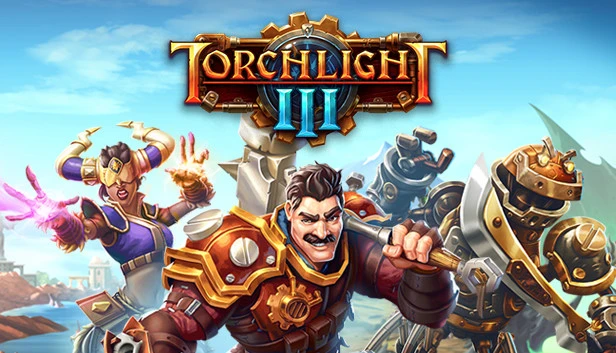
Table of Contents
📚 Torchlight III Overview
Torchlight III takes place a century after Torchlight II, with the Ember Empire facing decline. In this game, players must protect Novastraia from the invading Netherim and its allies. You can explore the wilderness of Novastraia alone or with friends, battling through dungeons and encountering dangerous enemies. The game offers a chance to discover armor, weapons, and new pets as you venture forward.
Players can choose from four unique classes and five Relic subclasses, allowing for varied hero builds. This customization helps maximize damage and tailor gameplay to individual preferences. As you progress, you’ll collect epic gear that can be customized to complement your hero’s unique abilities. This gear enhancement is crucial for tackling the challenges that await.
Torchlight III also introduces the concept of forts, where players can upgrade their gear and renovate their space. These forts serve as a personal hub, showcasing your achievements to friends and other players. The fort system adds a personal touch, allowing players to express themselves within the game.
The game emphasizes cooperative play, where you can team up with friends to face the threats together. Having a loyal companion by your side adds another layer to the gameplay, providing support in battles. This companionship is an integral part of the Torchlight III experience, making the adventure more engaging and dynamic.
🎮 Game Information
| 🕹️ TITLE: | Torchlight III |
|---|---|
| ⚡ VERSION: | vBuild 6655570 (Spring Update) + 3 DLCs |
| 🛠️ DEVELOPER: | Echtra Inc. |
| 💻 PUBLISHER: | XD |
| 📅 RELEASE DATE: | Oct 13, 2020 |
| 📂 GENRE: | Action, Adventure, RPG Game |
| 💾 SIZE: | 3.6 GB |
| 🔒 CRACKED BY: | CODEX |
| 💸 BUY LINK: | Store Page |
| ⭐ USER RATING: |
⚙️ Installation Instructions
We have simple instructions for downloading and installing the Torchlight III torrent game on your Windows operating system. The procedure is the same for all Windows operating systems. Before proceeding, ensure that your system meets the minimum system requirements to play the Game.
You must have zip file extracting software and torrent software installed on your PC. If you do not have these two software programs installed on your PC, then you will first need to download and install the two software programs on your PC before following the steps.
You can use any zip file extracting software and torrent software, (We recommend "WinRAR" and "qBittorrent" Software). WinRAR / 7-Zip / µTorrent Classic / qBittorrent (64-bit) / qBittorrent (32-bit).
Follow the simple instructions:
- First, click on the "Torrent Download" button, and download the torrent Torchlight III.zip file on your PC.
- Right-click on the Torchlight III.zip file and click on the "extract here" option from the dropdown menu.
- Double click on the .torrent file. Then, choose the download folder.
- After Download Completed, Open the Torchlight III Game folder.
- Double-click on the Setup.exe file.
- Follow the on-screen installation wizard to install the game on your PC.
- You may need to provide administrator permissions for the installation to proceed. If asked, click Yes to continue.
If you get any missing dll errors or the game is not launching, then Download Redist File and install all programs available in the "Redist" folder.
Done!. Now you can launch the game from your desktop.
⬇️ Torchlight III Torrent Download Link
🖥️ Minimum Requirements
- Requires a 64-bit processor and operating system
- OS *: Windows 7, 8.1, 10 (64-Bit)
- Processor: Quad-Core Intel or AMD Processor, 2.5 Ghz or Faster
- Memory: 4 GB RAM
- Graphics: NVIDIA GeForce 470 GTX or AMD Radeon 6870 HD Series Card or Higher
- Storage: 10 GB available space
- Additional Notes: Specifications are not final and are subject to change.
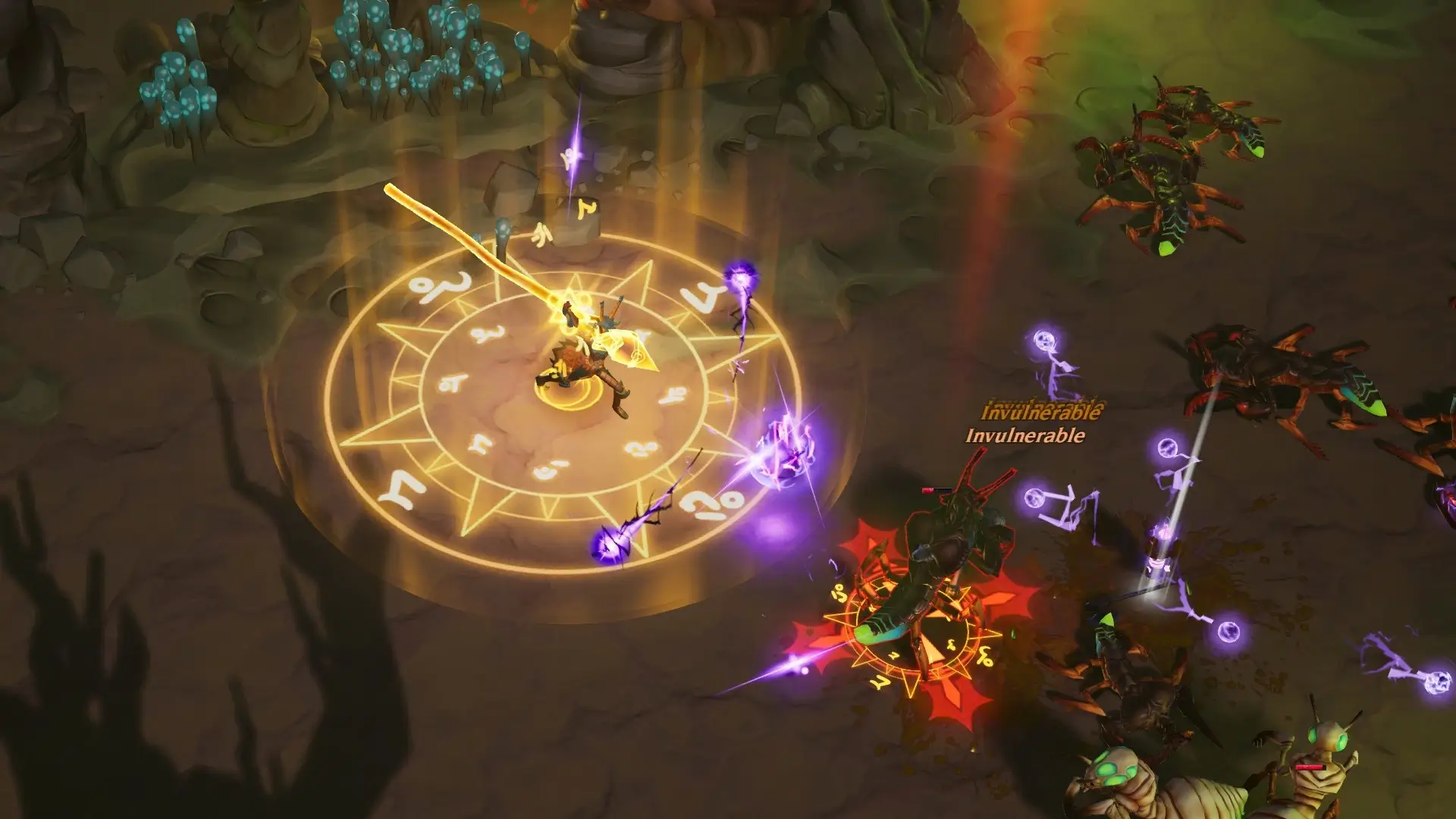
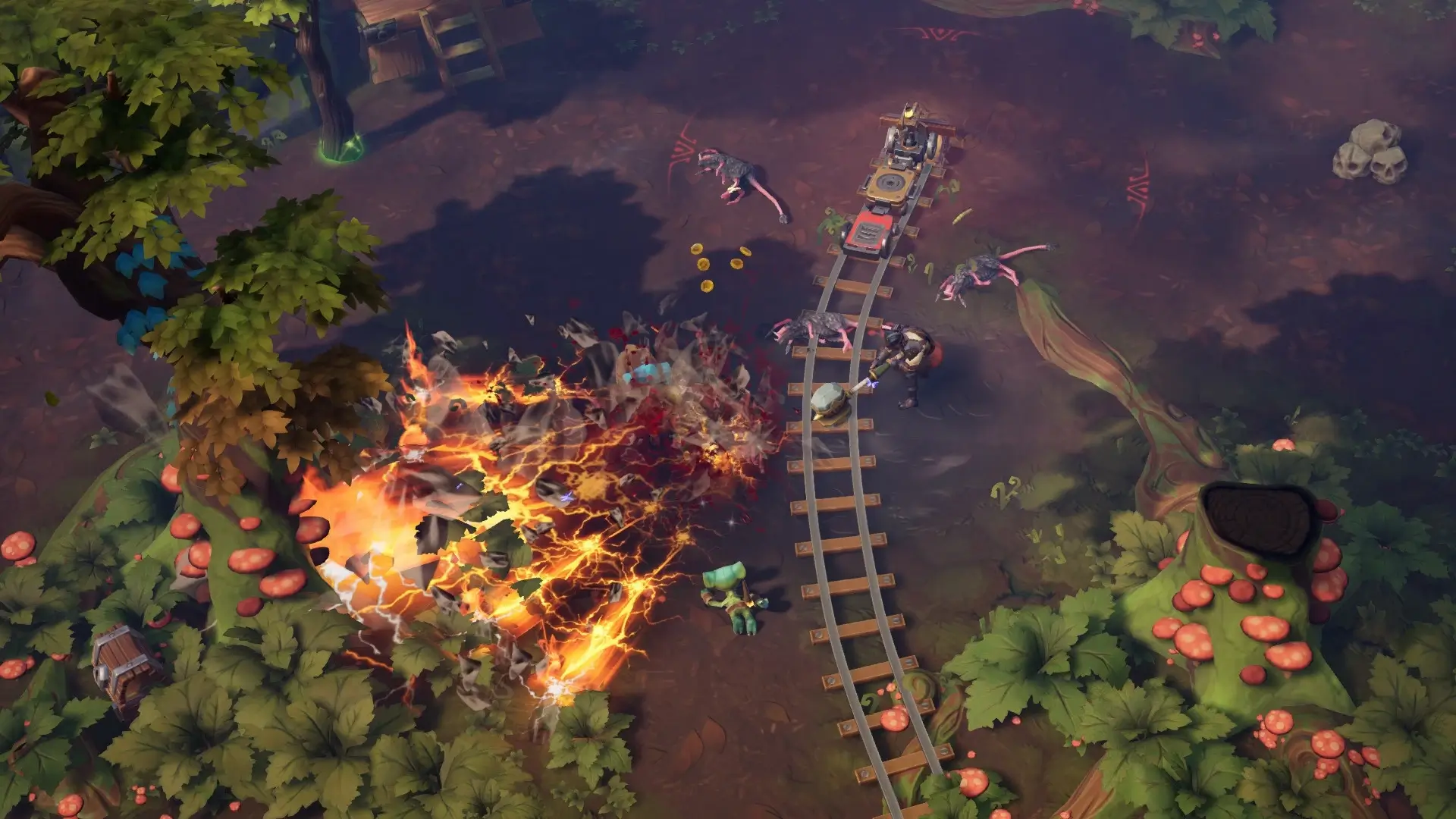
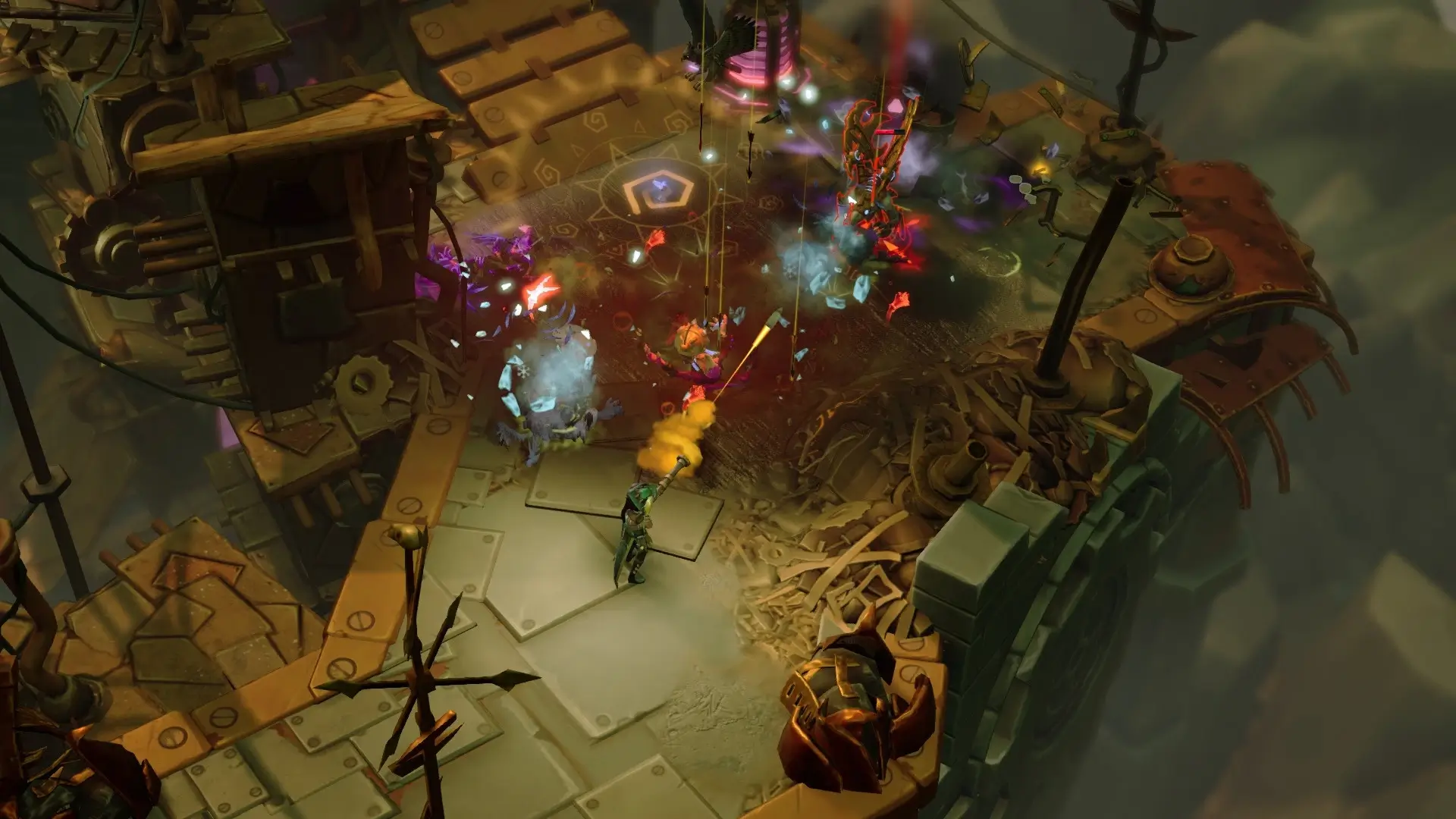
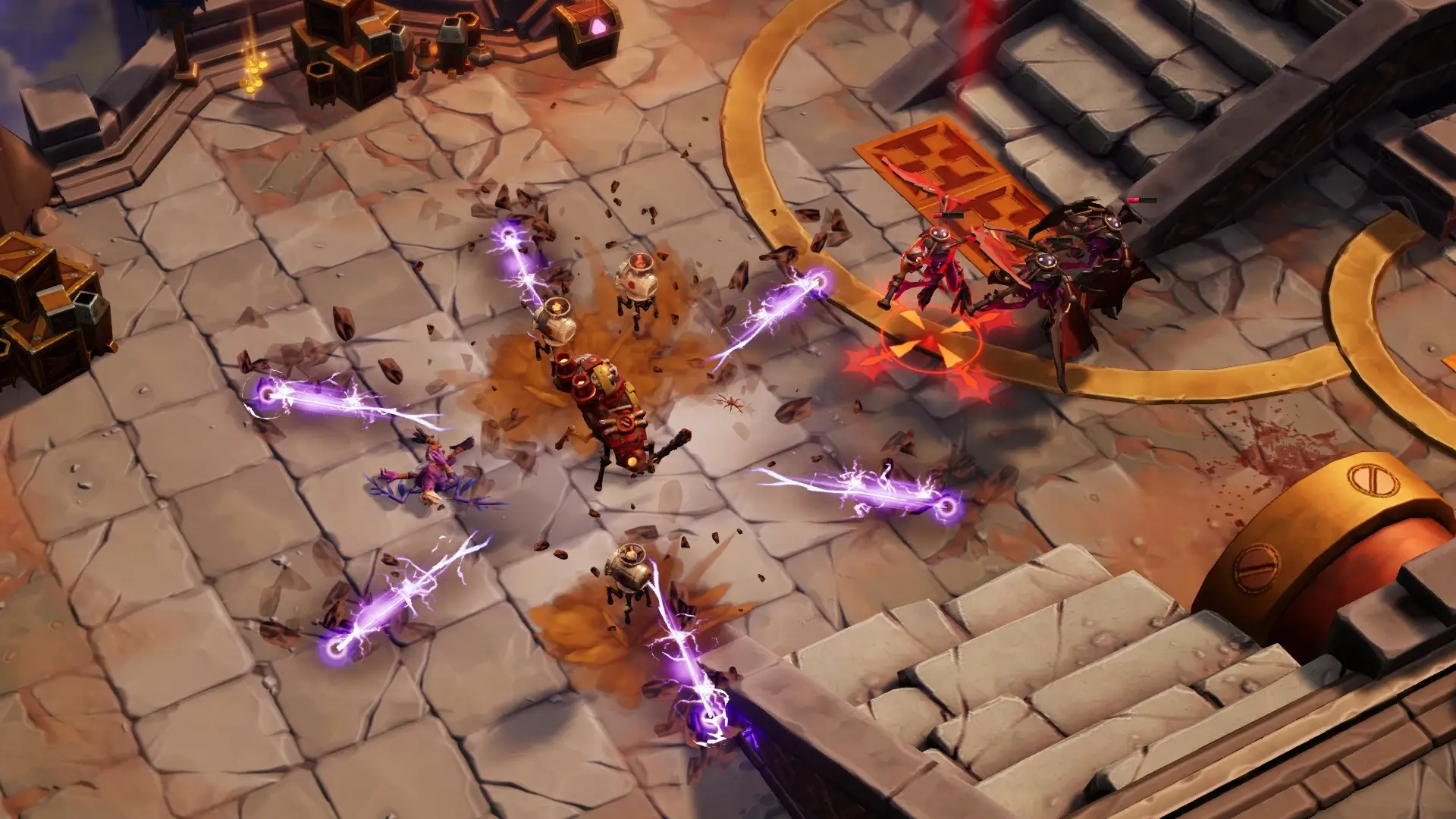
📷 Gameplay Screenshots
🎬 Gameplay Video







Comments
Leave a Comment
Your email address will not be published. Required fields are marked *