Rugby Union Team Manager 3 Torrent Download

Table of Contents
📚 Rugby Union Team Manager 3 Overview
Rugby Union Team Manager 3 offers players full control over managing their own Rugby Union team. This third installment in the series allows players to handle training schedules, coaches, physios, scouting, finances, sponsors, and facilities. The game features over 10,000 senior players to choose from, providing a vast pool of talent for players to manage in tournaments across both the Northern and Southern hemispheres.
The game introduces a new match engine with updated graphics and animations, allowing for more interactions than ever before. The user interface has been completely redesigned, featuring a clean and modern look with helpful tool-tips, help, and tutorials. Managers can now enjoy new types, styles, and attributes, providing a more personalized management experience.
Rugby Union Team Manager 3 includes new executive board evaluations, where the board judges your managerial performance in various ways. Players can engage in new player sales negotiations and explore new tactical options for both attack and defense. The game also offers new financial budgets, players, attributes, kits, and badges, enhancing the management experience.
Built from the ground up, the game incorporates real-life animations and player movements. The animated user interface makes navigation easy and visually appealing. Managers now have attributes similar to players, contributing to an overall rating that reflects their management capabilities.
🎮 Game Information
| 🕹️ TITLE: | Rugby Union Team Manager 3 |
|---|---|
| ⚡ VERSION: | v2021/22 Season Update + DLC |
| 🛠️ DEVELOPER: | Alternative Software Ltd |
| 💻 PUBLISHER: | Alternative Software Ltd |
| 📅 RELEASE DATE: | Oct 8, 2020 |
| 📂 GENRE: | Simulation, Sports |
| 💾 SIZE: | 636.6 MB |
| 🔒 CRACKED BY: | SKiDROW |
| 💸 BUY LINK: | Store Page |
| ⭐ USER RATING: |
⚙️ Installation Instructions
We have simple instructions for downloading and installing the Rugby Union Team Manager 3 torrent game on your Windows operating system. The procedure is the same for all Windows operating systems. Before proceeding, ensure that your system meets the minimum system requirements to play the Game.
You must have zip file extracting software and torrent software installed on your PC. If you do not have these two software programs installed on your PC, then you will first need to download and install the two software programs on your PC before following the steps.
You can use any zip file extracting software and torrent software, (We recommend "WinRAR" and "qBittorrent" Software). WinRAR / 7-Zip / µTorrent Classic / qBittorrent (64-bit) / qBittorrent (32-bit).
Follow the simple instructions:
- First, click on the "Torrent Download" button, and download the torrent Rugby Union Team Manager 3.zip file on your PC.
- Right-click on the Rugby Union Team Manager 3.zip file and click on the "extract here" option from the dropdown menu.
- Double click on the .torrent file. Then, choose the download folder.
- After Download Completed, Open the Rugby Union Team Manager 3 Game folder.
- Double-click on the Setup.exe file.
- Follow the on-screen installation wizard to install the game on your PC.
- You may need to provide administrator permissions for the installation to proceed. If asked, click Yes to continue.
If you get any missing dll errors or the game is not launching, then Download Redist File and install all programs available in the "Redist" folder.
Done!. Now you can launch the game from your desktop.
⬇️ Rugby Union Team Manager 3 Torrent Download Link
🖥️ Minimum Requirements
- OS *: Windows 7 SP1+,Windows 10
- Processor: Intel Core 1.8Ghz+
- Memory: 2 GB RAM
- Graphics: DirectX 10 (shader model 4.0) capabilities
- DirectX: Version 10
- Storage: 3 GB available space
- Additional Notes: Minimum Resolution 1024x600. Please note, Mobile Intel(R) 4 Series Express Chipset Family is not supported.
📷 Gameplay Screenshots
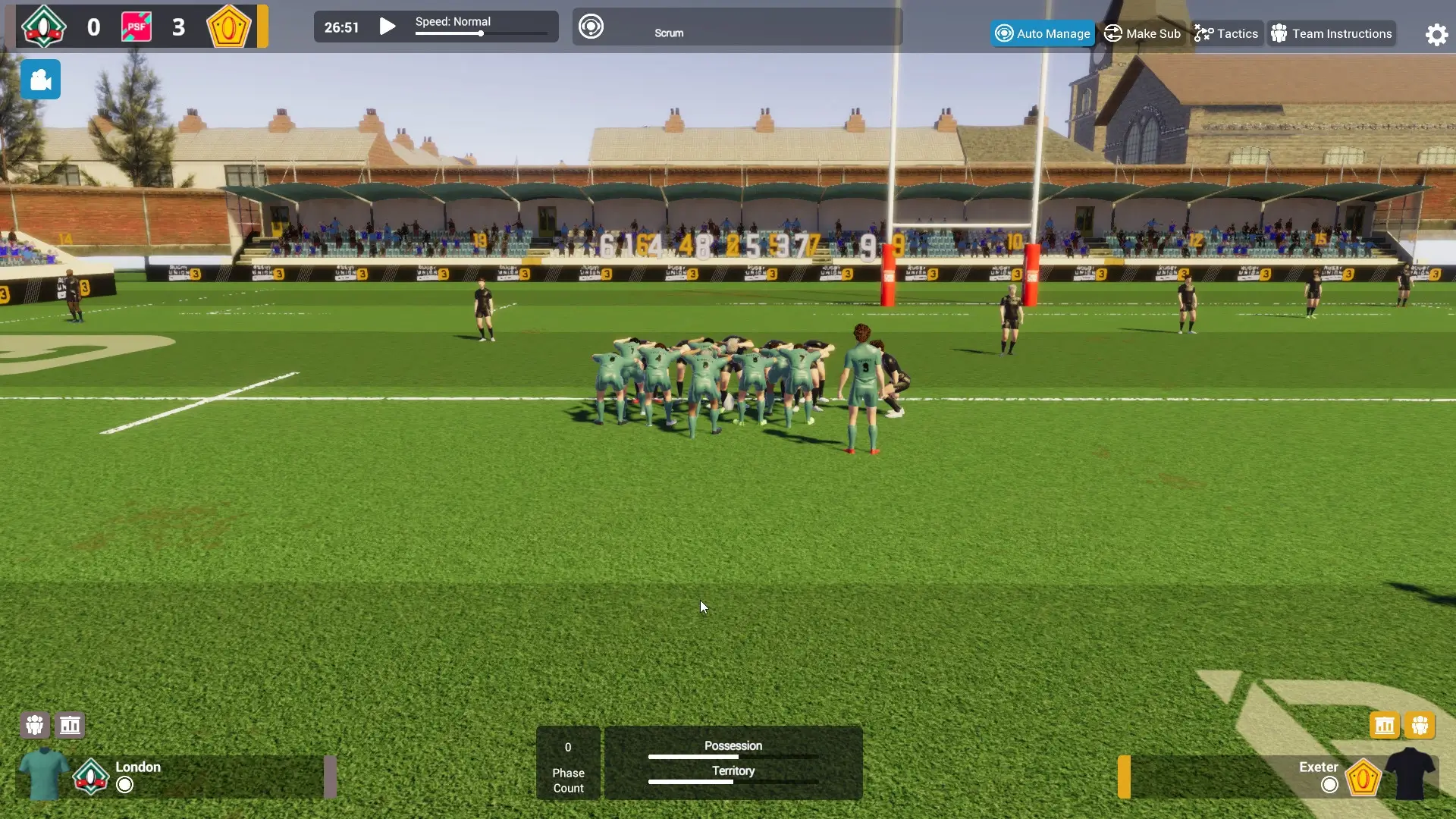
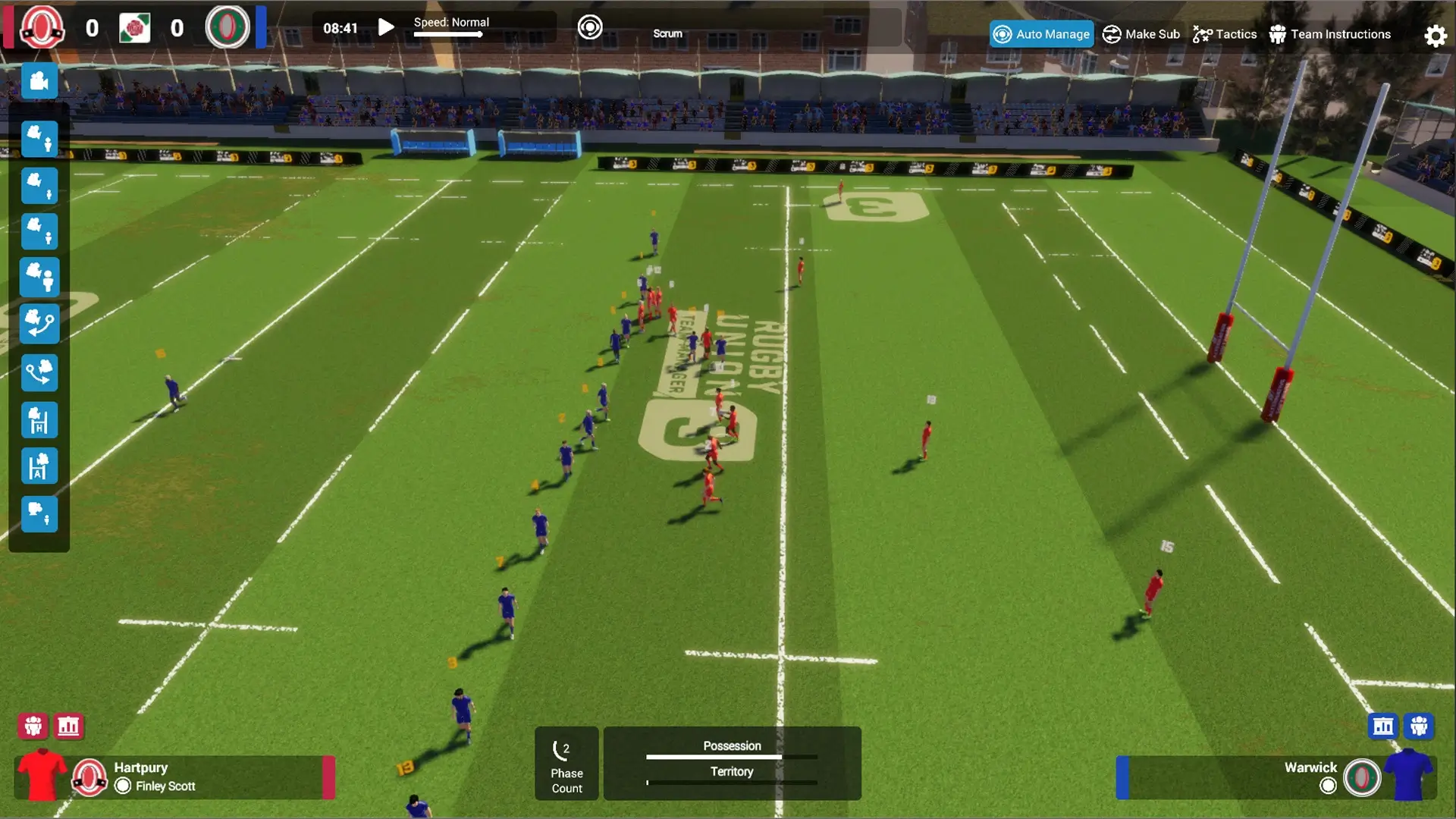
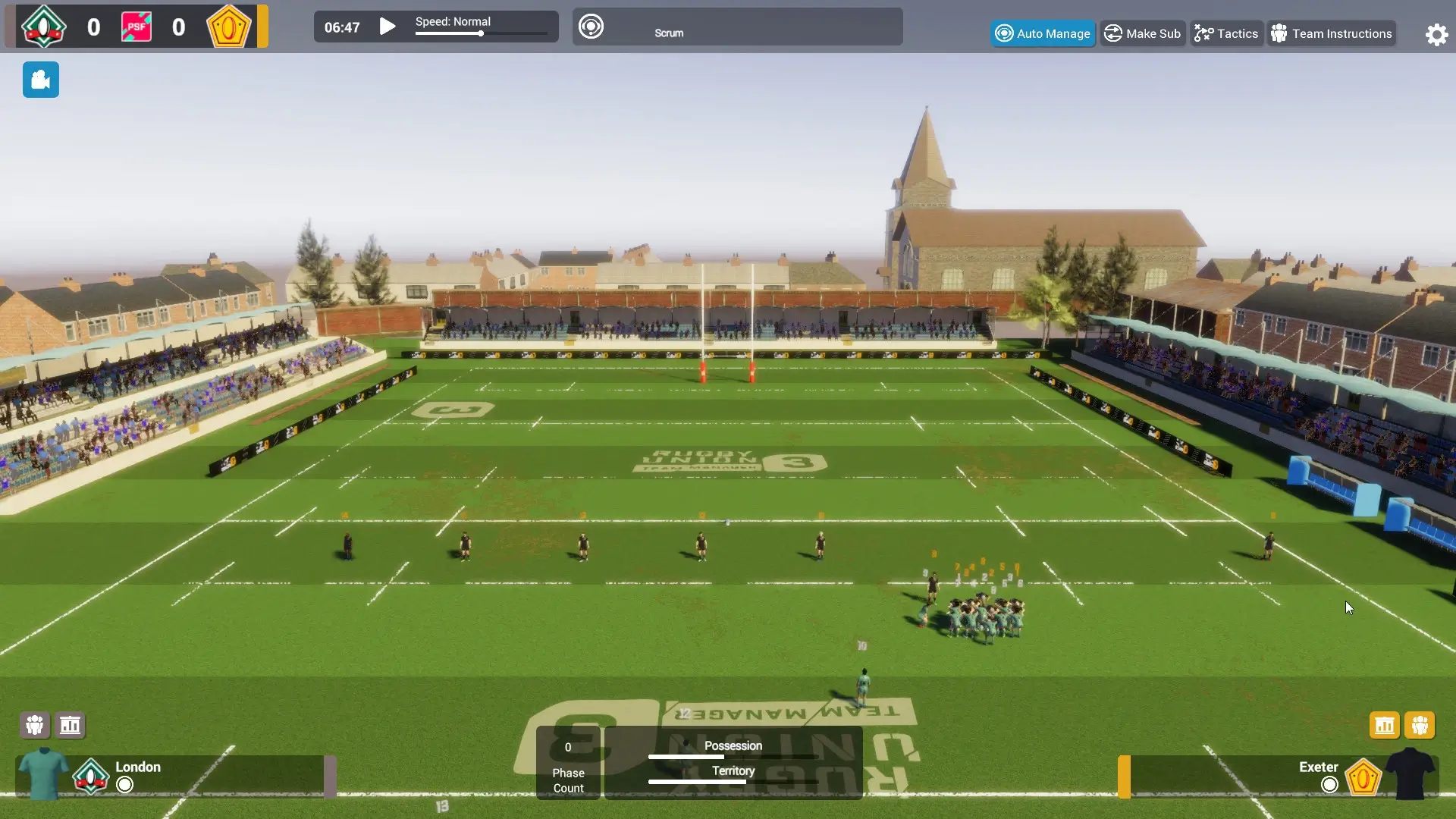
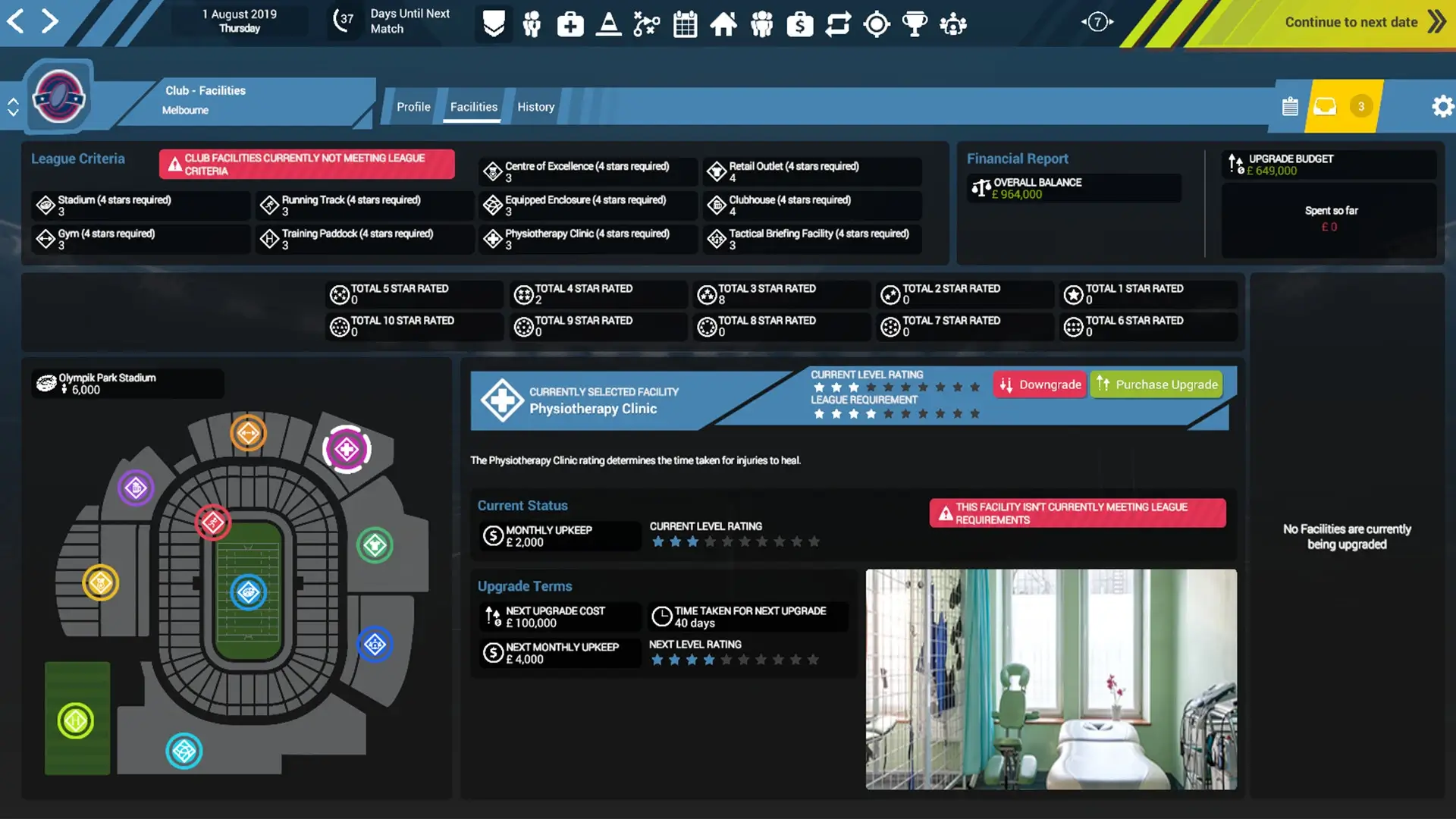
🎬 Gameplay Video



















Comments
Leave a Comment
Your email address will not be published. Required fields are marked *