Natsuki Chronicles Torrent Download

Table of Contents
📚 Natsuki Chronicles Overview
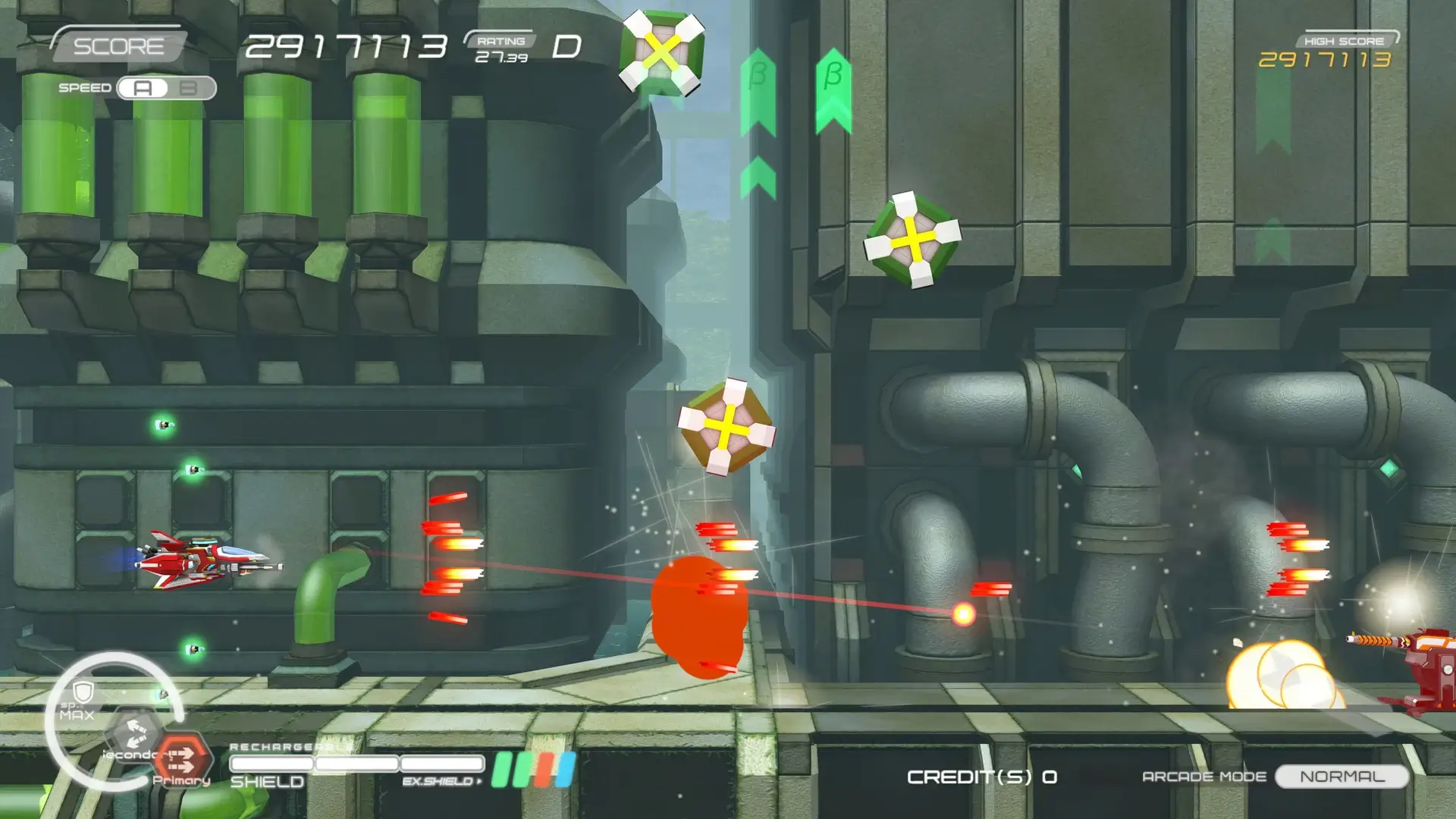
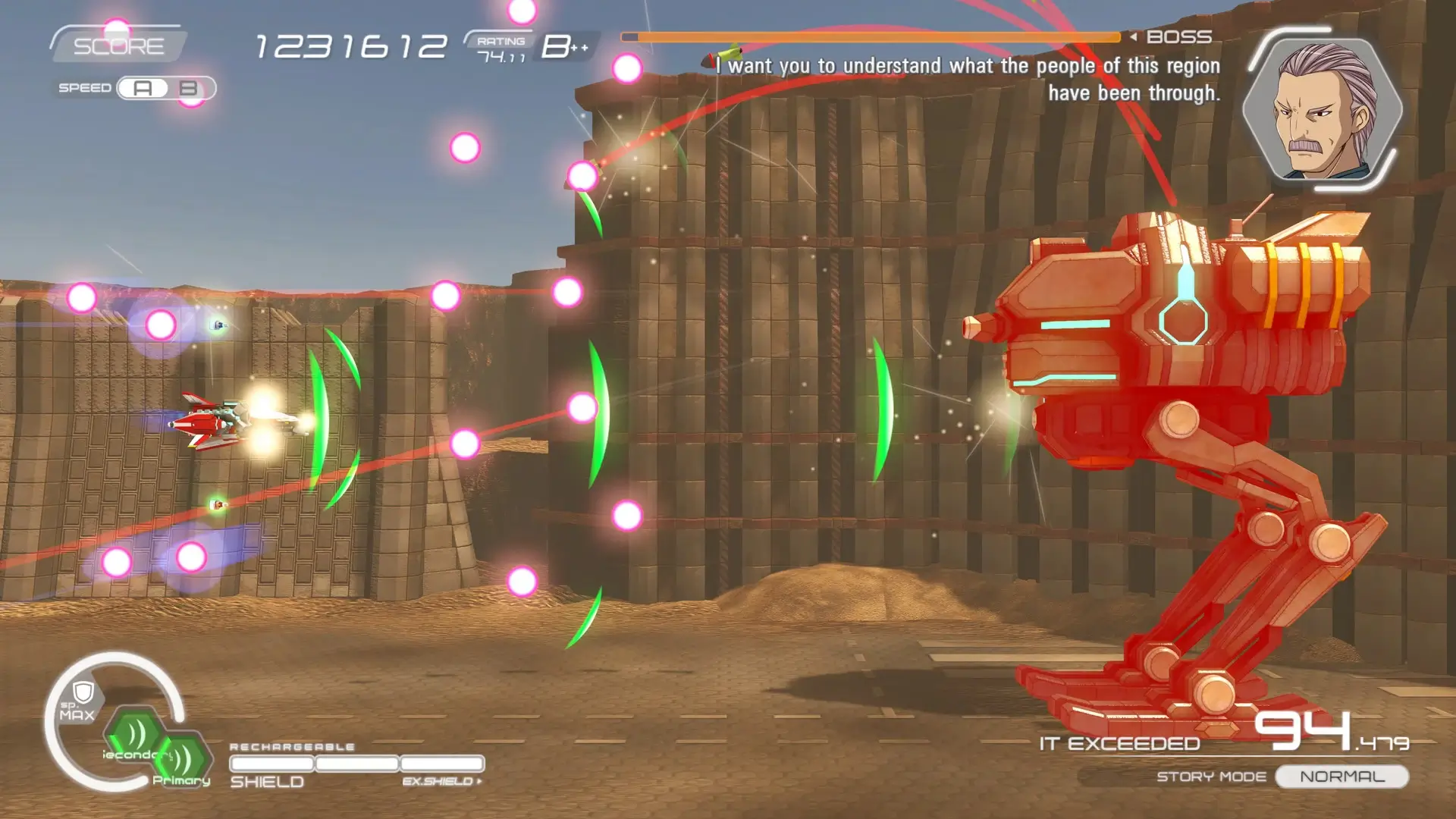
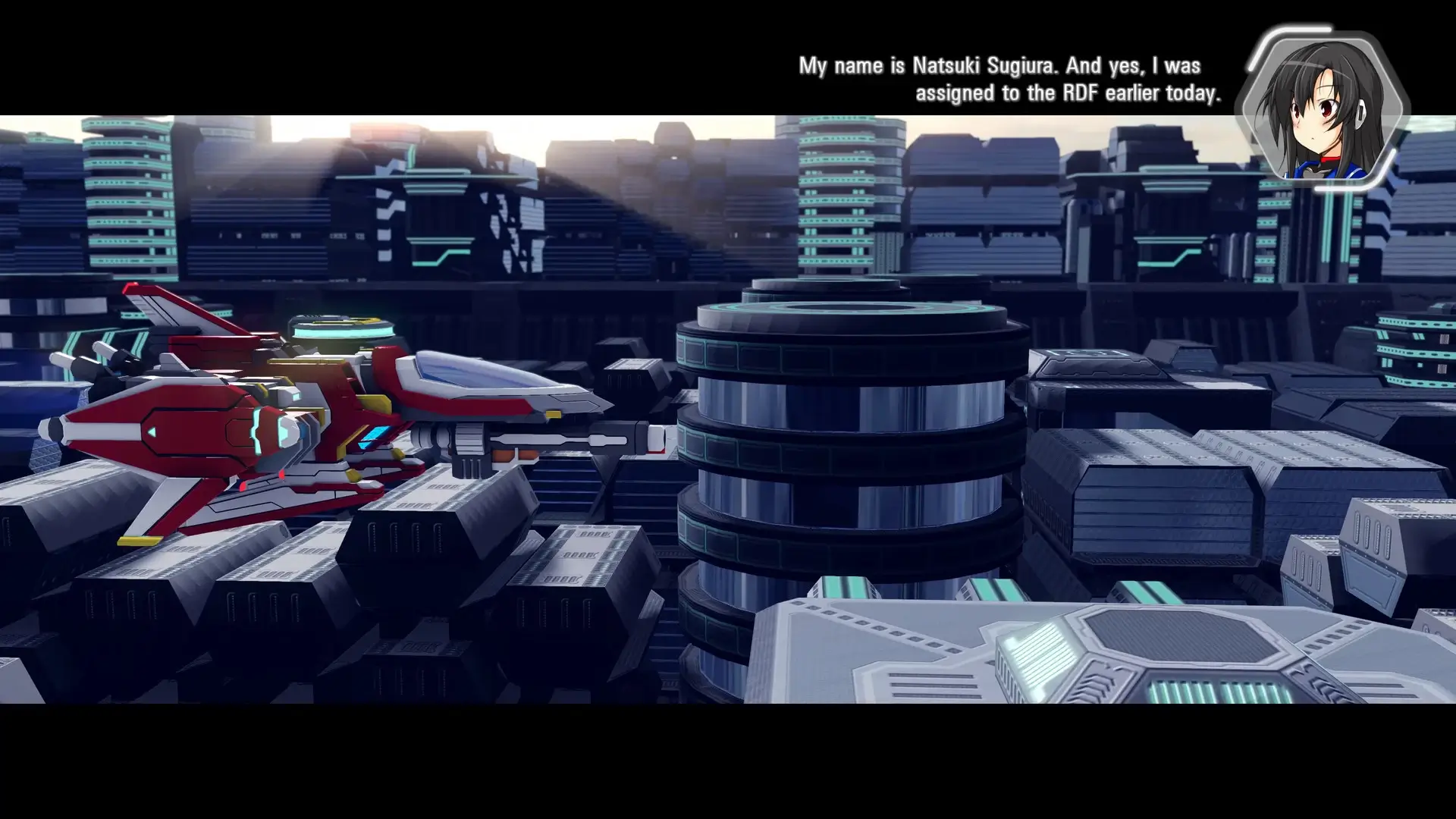
Natsuki Chronicles is a horizontal shoot ’em up game that takes place in the same universe as Ginga Force. It follows the story of Natsuki, a rookie pilot, as players uncover her past and present experiences. The game features a Story Mode that alternates between past and present events over more than ten stages, offering a detailed narrative experience.
In addition to the Story Mode, Natsuki Chronicles offers an Arcade Mode for players seeking quick action. This mode includes online leaderboards, allowing players to compete with others globally. The game provides a significant amount of customization, with players able to choose from combinations of three weapon types, similar to its predecessor, Ginga Force.
A variety of equipment can be discovered in Natsuki Chronicles, encouraging players to replay the game to expand their collection. This aspect of the game adds to its replay value, as players strive to find all available equipment. The game also features a “Bullet Trajectory Display” function, which allows players to observe the direction of enemy bullets, providing a strategic advantage during gameplay.
Natsuki Chronicles combines its engaging story with dynamic gameplay elements, making it a unique addition to the shoot ’em up genre. The game’s connection to Ginga Force, along with its customization options and equipment variety, offers players a rich and detailed gaming experience.
🎮 Game Information
| 🕹️ TITLE: | Natsuki Chronicles |
|---|---|
| ⚡ VERSION: | v1.0.1.2 |
| 🛠️ DEVELOPER: | Qute |
| 💻 PUBLISHER: | Rising Star Games |
| 📅 RELEASE DATE: | Feb 18, 2021 |
| 📂 GENRE: | Action |
| 💾 SIZE: | 1.7 GB |
| 🔒 CRACKED BY: | TiNYiSO |
| 💸 BUY LINK: | Store Page |
| ⭐ USER RATING: |
⚙️ Installation Instructions
We have simple instructions for downloading and installing the Natsuki Chronicles torrent game on your Windows operating system. The procedure is the same for all Windows operating systems. Before proceeding, ensure that your system meets the minimum system requirements to play the Game.
You must have zip file extracting software and torrent software installed on your PC. If you do not have these two software programs installed on your PC, then you will first need to download and install the two software programs on your PC before following the steps.
You can use any zip file extracting software and torrent software, (We recommend "WinRAR" and "qBittorrent" Software). WinRAR / 7-Zip / µTorrent Classic / qBittorrent (64-bit) / qBittorrent (32-bit).
Follow the simple instructions:
- First, click on the "Torrent Download" button, and download the torrent Natsuki Chronicles.zip file on your PC.
- Right-click on the Natsuki Chronicles.zip file and click on the "extract here" option from the dropdown menu.
- Double click on the .torrent file. Then, choose the download folder.
- After Download Completed, Open the Natsuki Chronicles Game folder.
- Double-click on the Setup.exe file.
- Follow the on-screen installation wizard to install the game on your PC.
- You may need to provide administrator permissions for the installation to proceed. If asked, click Yes to continue.
If you get any missing dll errors or the game is not launching, then Download Redist File and install all programs available in the "Redist" folder.
Done!. Now you can launch the game from your desktop.
⬇️ Natsuki Chronicles Torrent Download Link
🖥️ Minimum Requirements
- Requires a 64-bit processor and operating system
- OS *: Windows 10 (64bit), Windows 8.1 (64bit)
- Processor: 2 cores, 2.0GHz or higher
- Memory: 4 GB RAM
- Graphics: GeForce or RADEON, VRAM 2GB or better
- DirectX: Version 11
- Storage: 5 GB available space
- Sound Card: DirectX 9 Compatible
⭐ Recommended Requirements
- Requires a 64-bit processor and operating system
- Processor: 4 cores, 3.0GHz or higher
- Memory: 8 GB RAM
- Graphics: GeForce GTX or RADEON RX, VRAM 4GB or better
📷 Gameplay Screenshots

🎬 Gameplay Video














Comments
Leave a Comment
Your email address will not be published. Required fields are marked *