Nature’s Habit Torrent Download
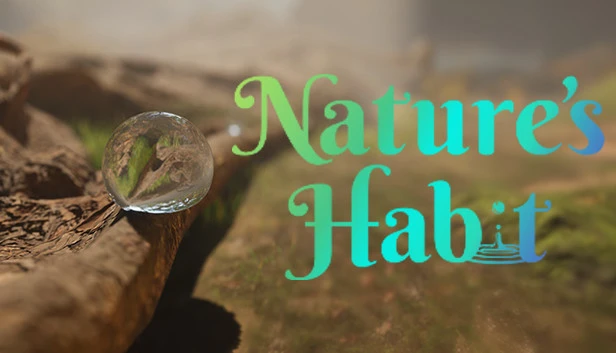
Table of Contents
📚 Nature’s Habit Overview
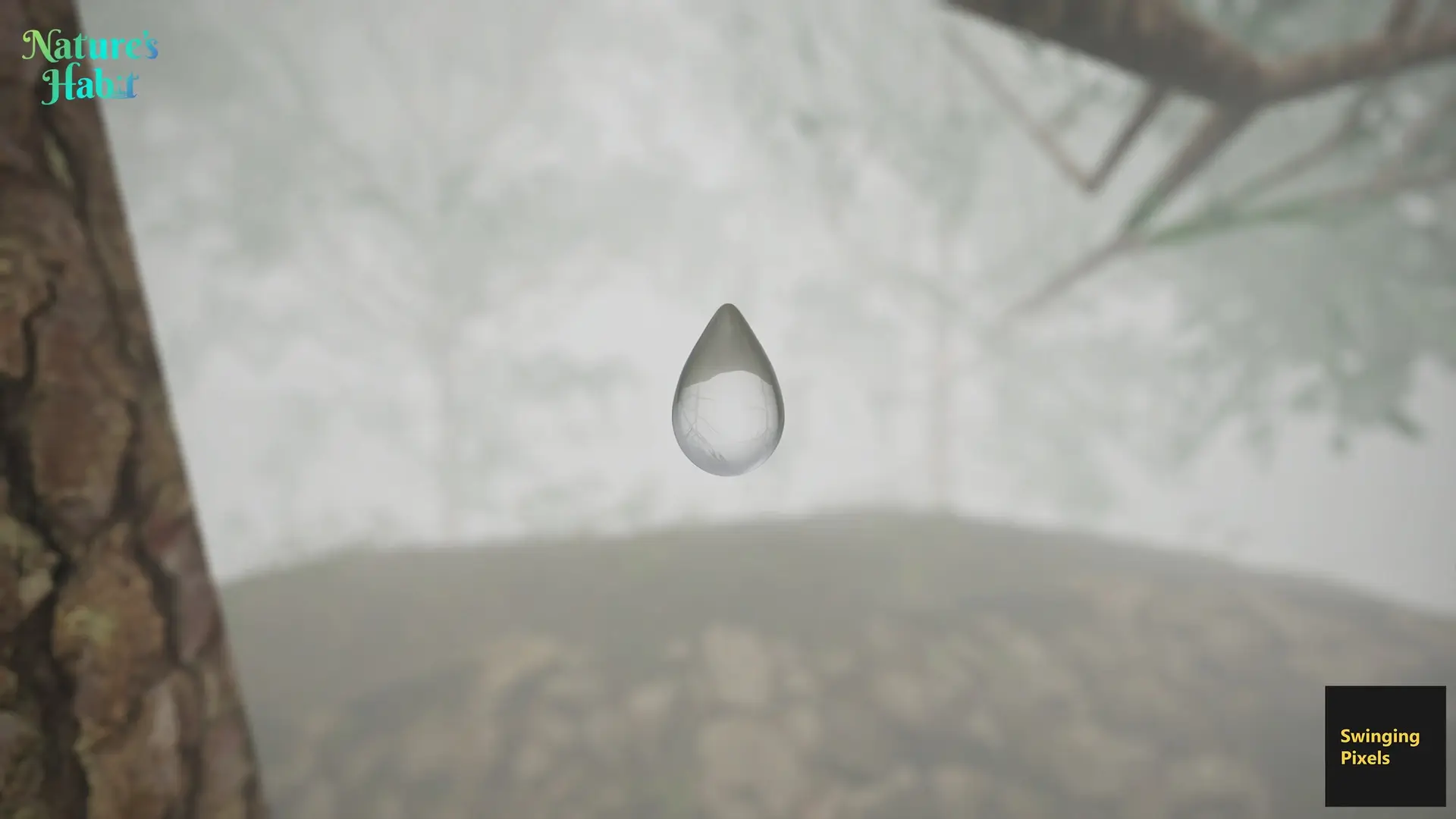
Nature’s Habit is set in the year 2060, where Earth’s ecosphere teeters on the brink of collapse. Players take on the role of a synthetic water drop, a creation of the global scientific group “Clepsydra.” This group of scientists and ecologists is dedicated to finding solutions to the environmental crisis by experimenting with small terrariums. The game focuses on aiding these scientists in their mission to develop self-aware synthetic water capable of addressing environmental challenges.
In Nature’s Habit, players navigate various terrains, both natural and man-made, as they assist Clepsydra in their experiments. The game presents tasks that require the water drop to traverse surfaces and tackle obstacles like concentrated sun rays, windy zones, and synthetic ants. These challenges are designed to test the resilience and adaptability of the synthetic water, pushing players to find ways to overcome these environmental hurdles.
As players progress, they carry the memories of previous synthetic water drop generations that did not survive. This aspect allows players to learn from past mistakes, enhancing their ability to complete the tasks at hand. The ultimate goal is to help Clepsydra create a new generation of synthetic water that can autonomously reach specific locations to aid dying plants or extinguish small fires.
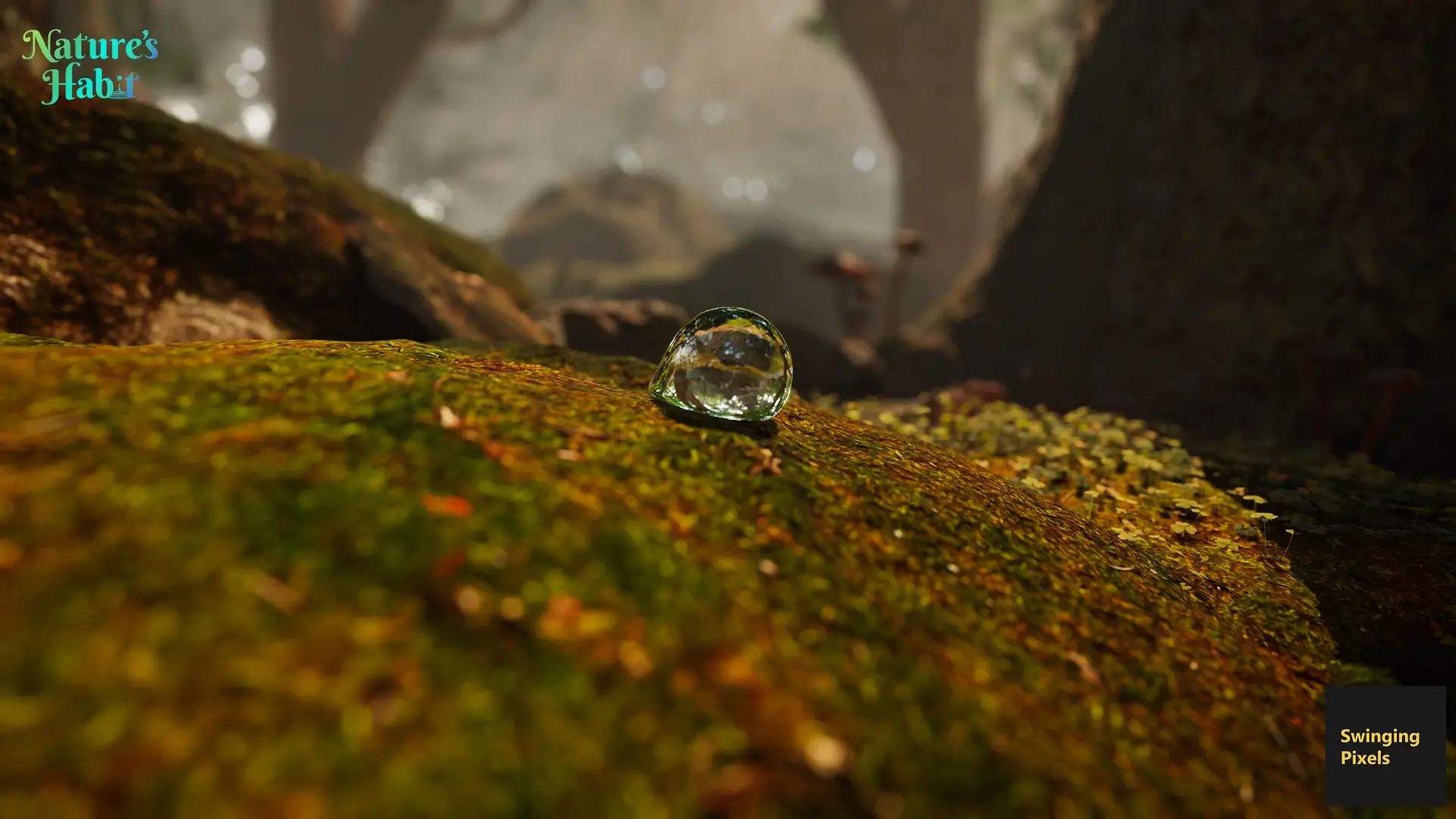
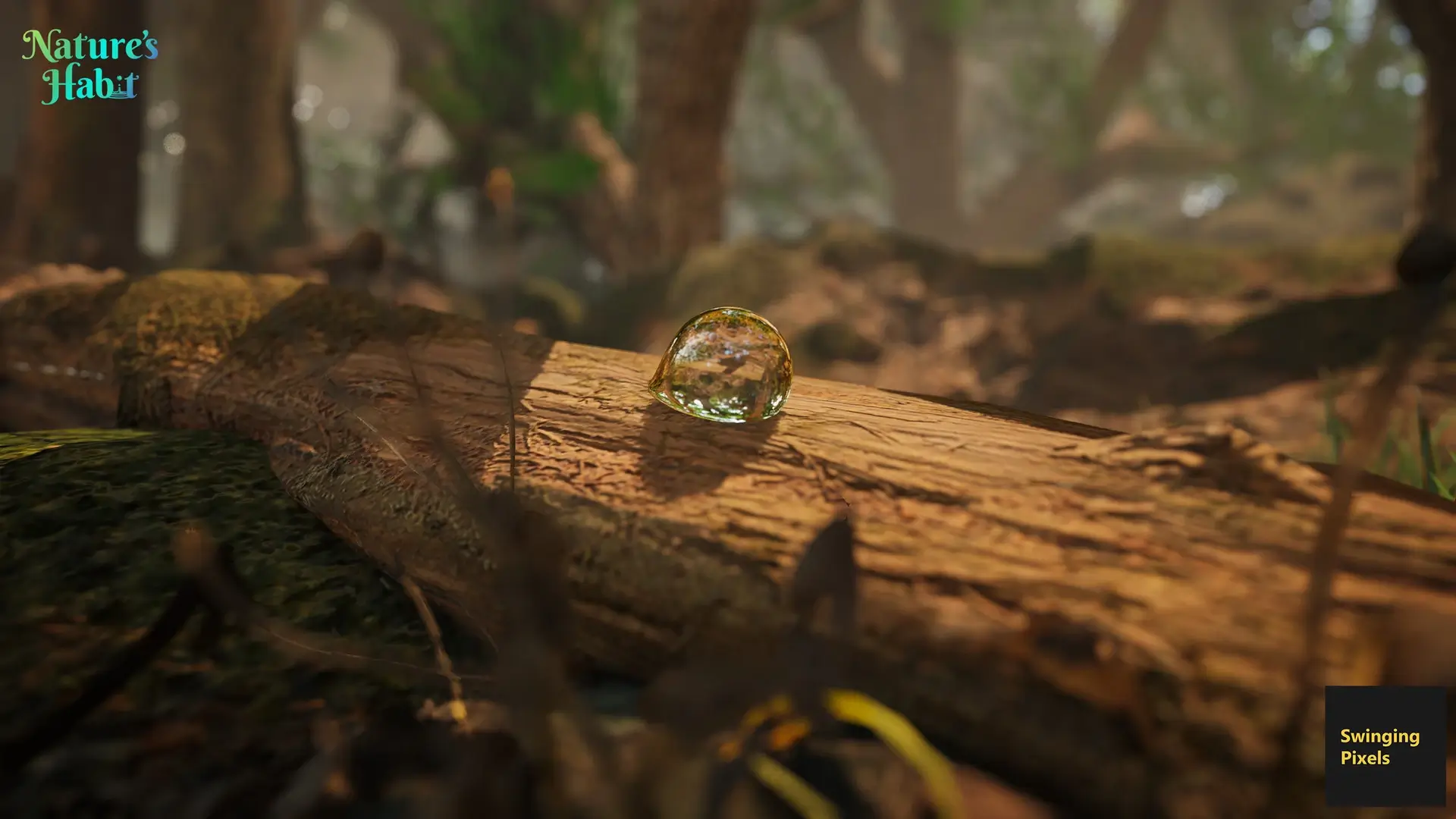
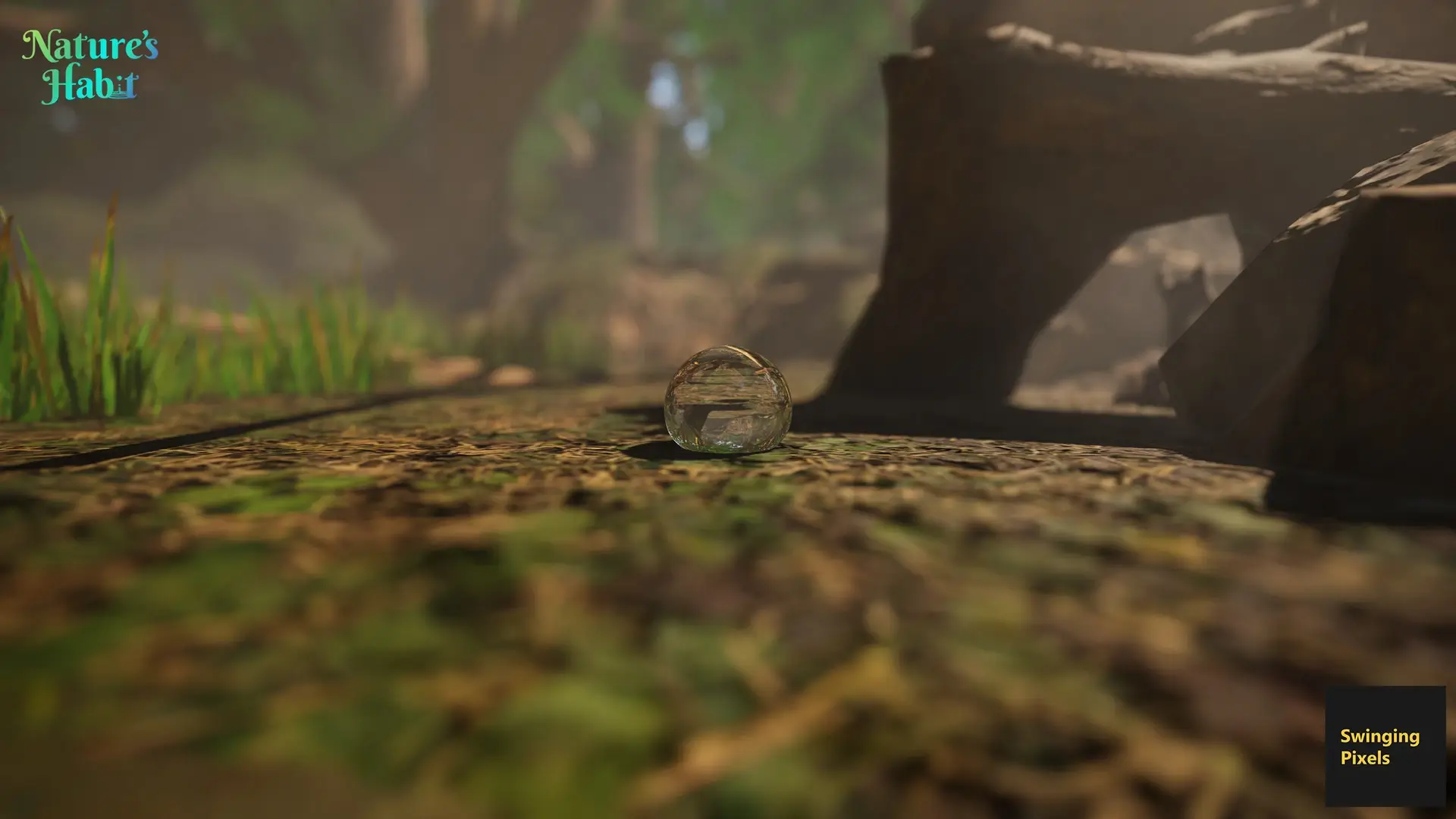
Nature’s Habit offers a cinematic and relaxing experience, allowing players to see the environment from the perspective of a tiny water drop. The game presents a series of miniature worlds, each with its own unique set of challenges and tasks. This perspective encourages players to think creatively about how water interacts with its surroundings and the vital role it plays in sustaining life.
🎮 Game Information
| 🕹️ TITLE: | Nature’s Habit |
|---|---|
| ⚡ VERSION: | v1.0 |
| 🛠️ DEVELOPER: | Wassem Bata, Tariq Hassan |
| 💻 PUBLISHER: | Wassem Bata |
| 📅 RELEASE DATE: | Apr 7, 2022 |
| 📂 GENRE: | Action, Adventure, Simulation |
| 💾 SIZE: | 1.5 GB |
| 🔒 CRACKED BY: | none, DRM-Free |
| 💸 BUY LINK: | Store Page |
| ⭐ USER RATING: |
⚙️ Installation Instructions
We have simple instructions for downloading and installing the Nature’s Habit torrent game on your Windows operating system. The procedure is the same for all Windows operating systems. Before proceeding, ensure that your system meets the minimum system requirements to play the Game.
You must have zip file extracting software and torrent software installed on your PC. If you do not have these two software programs installed on your PC, then you will first need to download and install the two software programs on your PC before following the steps.
You can use any zip file extracting software and torrent software, (We recommend "WinRAR" and "qBittorrent" Software). WinRAR / 7-Zip / µTorrent Classic / qBittorrent (64-bit) / qBittorrent (32-bit).
Follow the simple instructions:
- First, click on the "Torrent Download" button, and download the torrent Nature’s Habit.zip file on your PC.
- Right-click on the Nature’s Habit.zip file and click on the "extract here" option from the dropdown menu.
- Double click on the .torrent file. Then, choose the download folder.
- After Download Completed, Open the Nature’s Habit Game folder.
- Double-click on the Setup.exe file.
- Follow the on-screen installation wizard to install the game on your PC.
- You may need to provide administrator permissions for the installation to proceed. If asked, click Yes to continue.
If you get any missing dll errors or the game is not launching, then Download Redist File and install all programs available in the "Redist" folder.
Done!. Now you can launch the game from your desktop.
⬇️ Nature’s Habit Torrent Download Link
🖥️ Minimum Requirements
- OS *: Windows 7
- Storage: 4 GB available space
- Additional Notes: Mouse/Keyboard
⭐ Recommended Requirements
- OS: Windows 10
- Storage: 4 GB available space
- Additional Notes: Mouse/Keyboard
📷 Gameplay Screenshots
🎬 Gameplay Video

















Comments
Leave a Comment
Your email address will not be published. Required fields are marked *