Zorro: The Chronicles Torrent Download
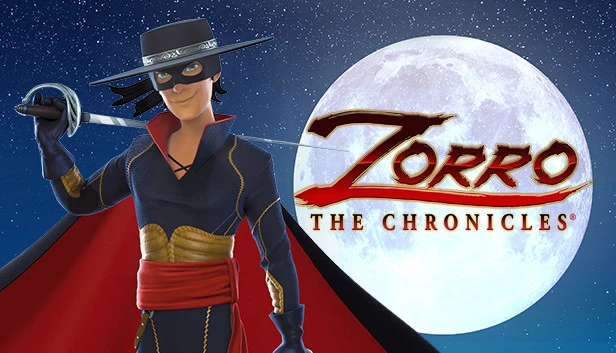
Table of Contents
📚 Zorro: The Chronicles Overview
Zorro: The Chronicles is an action game that draws inspiration from the animated TV series of the same name. Set in 19th century Spanish California, players can take on the role of either Zorro or his sister, Ines. The game focuses on protecting the vulnerable and innocent from an evil general and his army, with an emphasis on restoring justice.
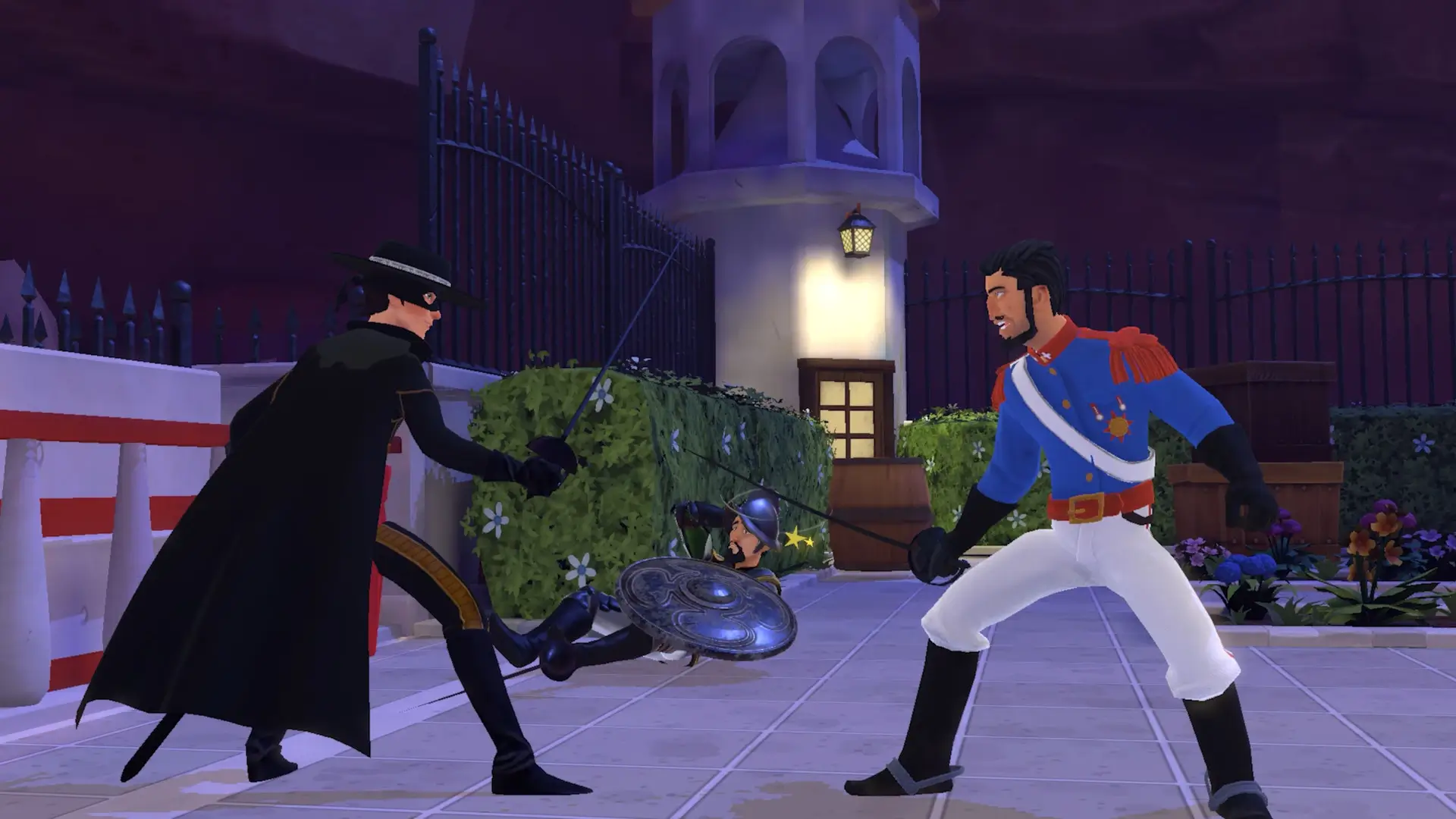
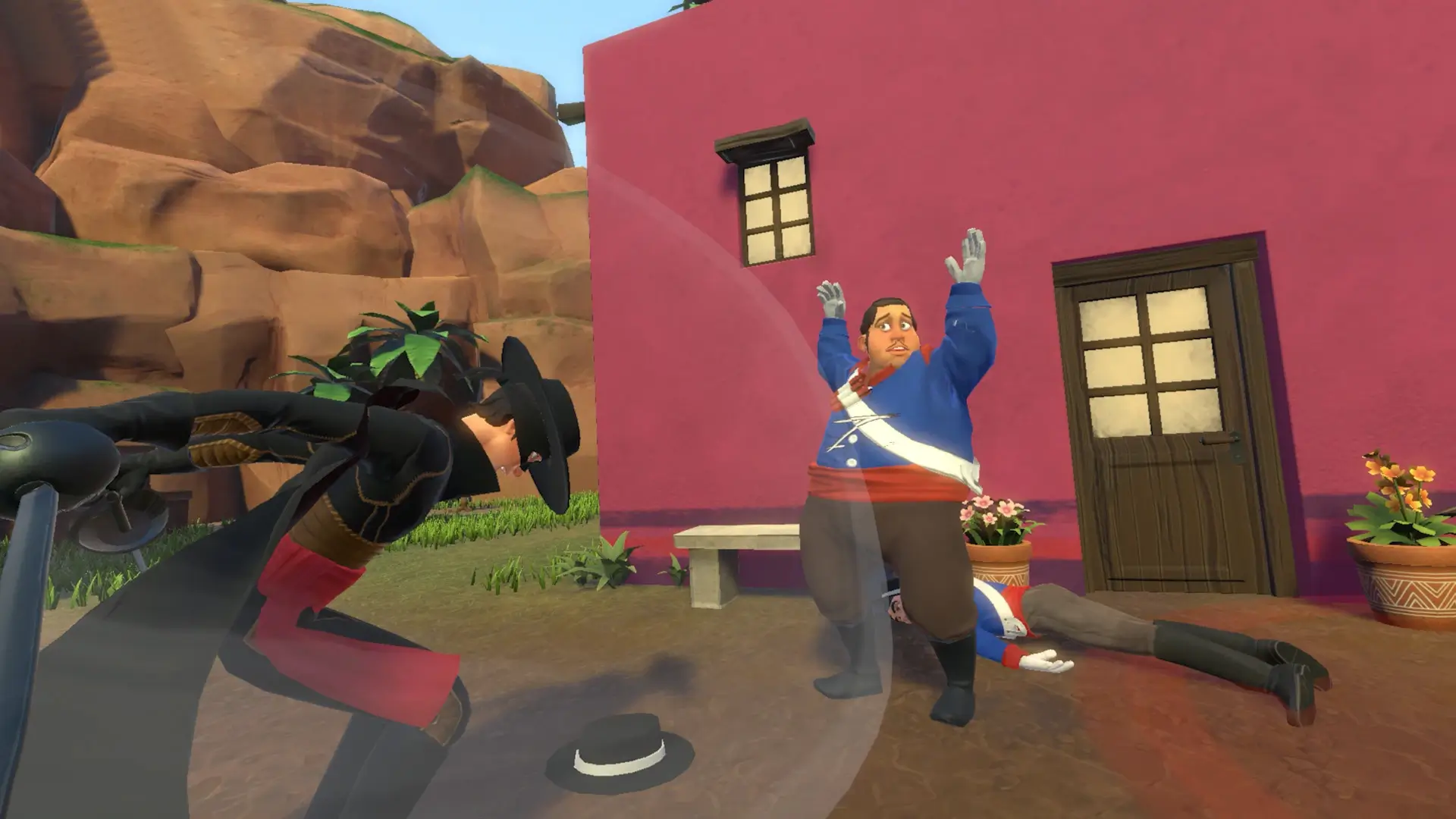
Players can level up their heroes’ skills by unlocking new moves. The game allows you to throw opponents off balance using sword skills, disarm them with a whip lash or sword strike, and perform spectacular moves. Zorro: The Chronicles encourages the use of acrobatic prowess and reflexes to dodge attacks, and players can leave their mark by drawing a “Z” with the tip of their sword.
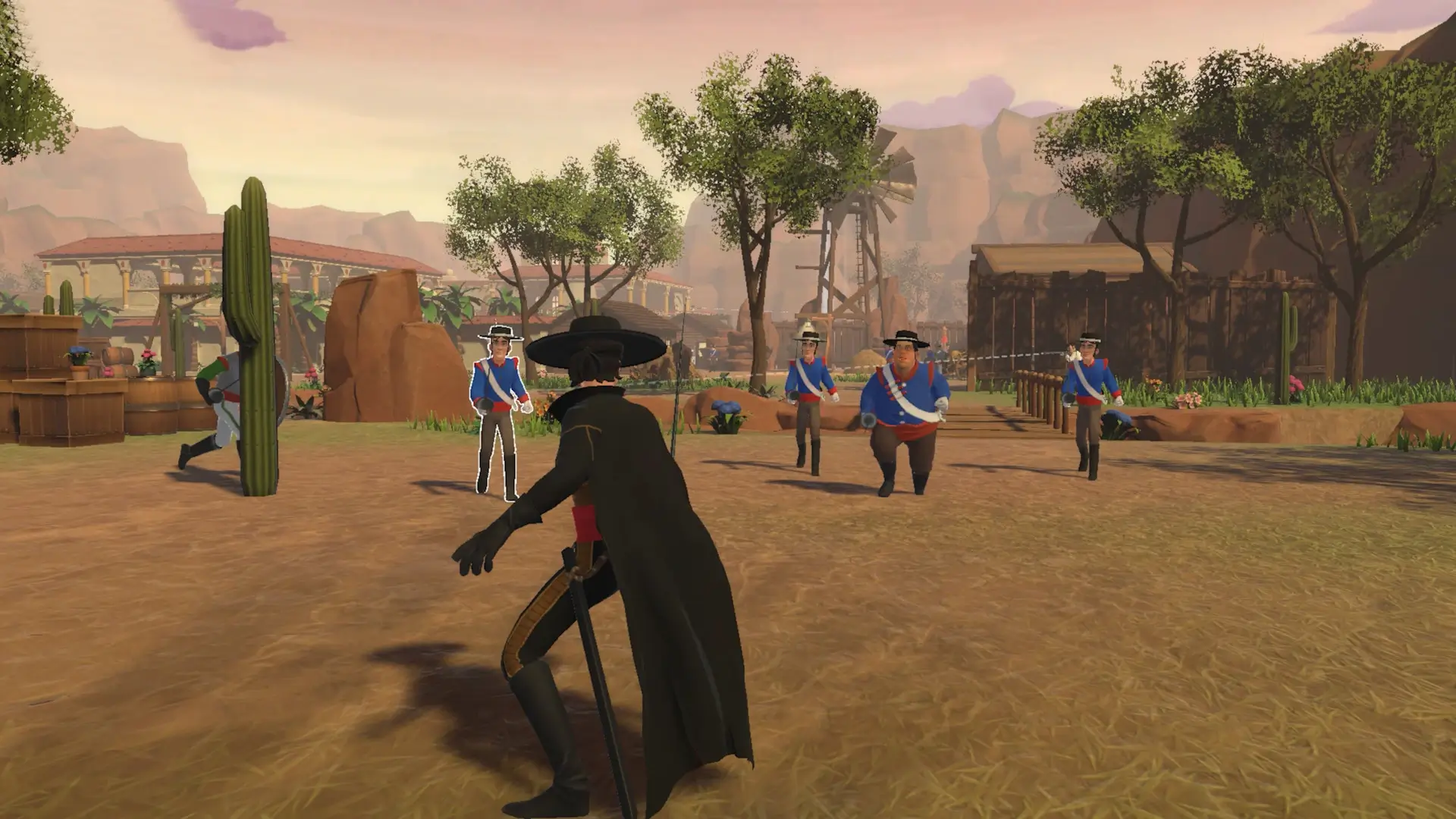
The game features 18 levels where players must adapt their approach according to the situation and enemies. You can use cunning to surprise opponents, sneak around them, or engage in action-filled sword fights. This flexibility in gameplay allows for a variety of strategies and approaches to completing levels.
Zorro: The Chronicles includes a wide range of prominent characters from the animated series. These characters add depth to the narrative and provide players with familiar faces as they navigate the challenges presented by the evil general and his forces.
🎮 Game Information
| 🕹️ TITLE: | Zorro: The Chronicles |
|---|---|
| ⚡ VERSION: | v1.0.0 #19619 |
| 🛠️ DEVELOPER: | BKOM Studios |
| 💻 PUBLISHER: | Nacon |
| 📅 RELEASE DATE: | Jun 16, 2022 |
| 📂 GENRE: | Action, Adventure |
| 💾 SIZE: | 2.6 GB |
| 🔒 CRACKED BY: | DOGE |
| 💸 BUY LINK: | Store Page |
| ⭐ USER RATING: |
⚙️ Installation Instructions
We have simple instructions for downloading and installing the Zorro: The Chronicles torrent game on your Windows operating system. The procedure is the same for all Windows operating systems. Before proceeding, ensure that your system meets the minimum system requirements to play the Game.
You must have zip file extracting software and torrent software installed on your PC. If you do not have these two software programs installed on your PC, then you will first need to download and install the two software programs on your PC before following the steps.
You can use any zip file extracting software and torrent software, (We recommend "WinRAR" and "qBittorrent" Software). WinRAR / 7-Zip / µTorrent Classic / qBittorrent (64-bit) / qBittorrent (32-bit).
Follow the simple instructions:
- First, click on the "Torrent Download" button, and download the torrent Zorro: The Chronicles.zip file on your PC.
- Right-click on the Zorro: The Chronicles.zip file and click on the "extract here" option from the dropdown menu.
- Double click on the .torrent file. Then, choose the download folder.
- After Download Completed, Open the Zorro: The Chronicles Game folder.
- Double-click on the Setup.exe file.
- Follow the on-screen installation wizard to install the game on your PC.
- You may need to provide administrator permissions for the installation to proceed. If asked, click Yes to continue.
If you get any missing dll errors or the game is not launching, then Download Redist File and install all programs available in the "Redist" folder.
Done!. Now you can launch the game from your desktop.
⬇️ Zorro: The Chronicles Torrent Download Link
🖥️ Minimum Requirements
- Requires a 64-bit processor and operating system
- OS: Windows 10
- Processor: Intel Core i3 8100 (3.6 GHz) / AMD Ryzen 3 2200G (3.5 GHz)
- Memory: 8 GB RAM
- Graphics: NVIDIA GeForce GTX 750 (2 GB) / AMD Radeon HD 5970 (2GB)
- DirectX: Version 12
- Storage: 8 GB available space
- Additional Notes:
⭐ Recommended Requirements
- Requires a 64-bit processor and operating system
- OS: Windows 10
- Processor: Intel Core i5 9600k (3.7 GHz) / AMD Ryzen 5 5600x (3.7 GHz)
- Memory: 8 GB RAM
- Graphics: NVIDIA GeForce GTX 1050 Ti (4 GB) / AMD RX 570 (4GB)
- DirectX: Version 12
- Storage: 8 MB available space
- Additional Notes:
📷 Gameplay Screenshots
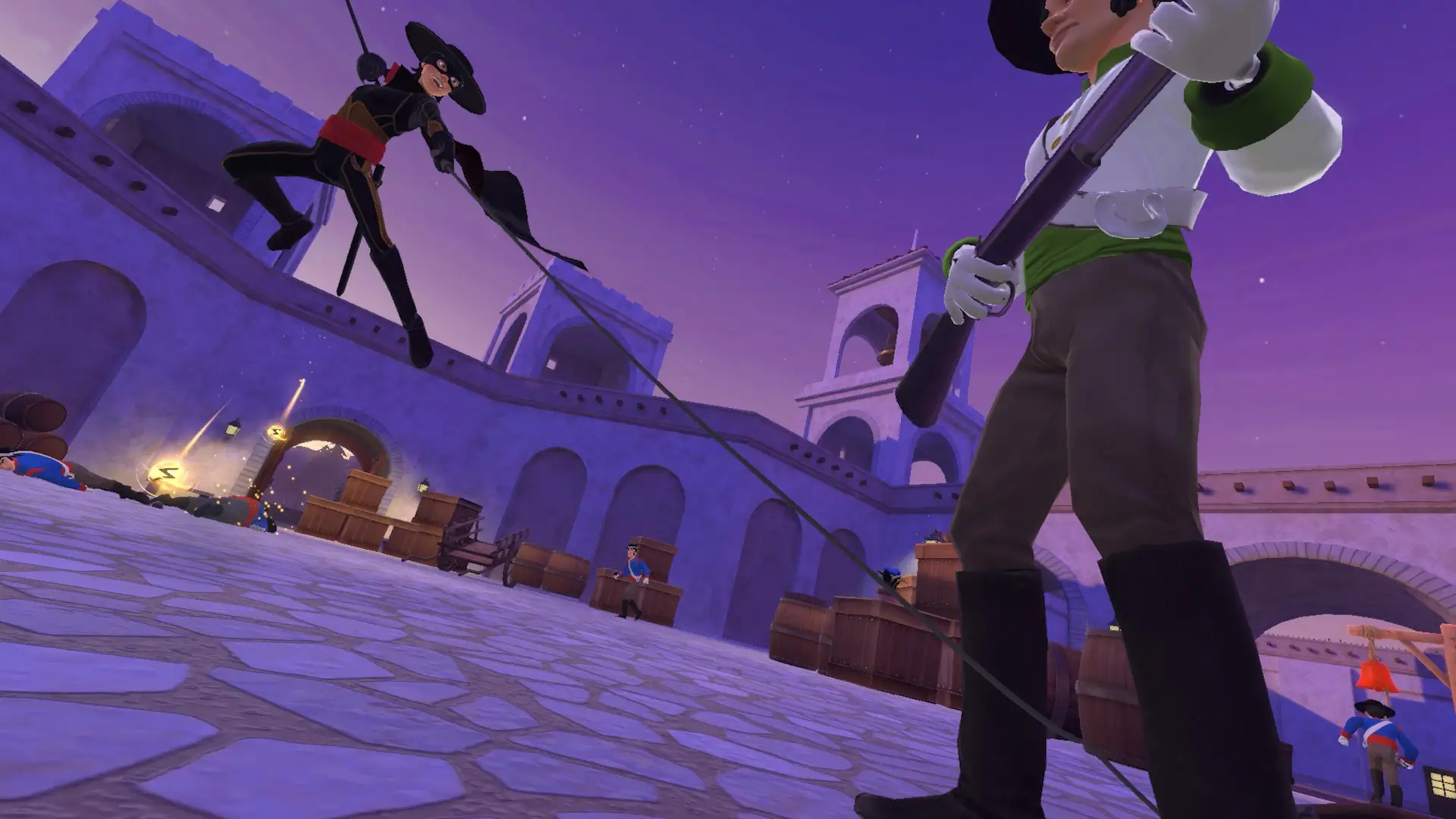
🎬 Gameplay Video












Comments
Leave a Comment
Your email address will not be published. Required fields are marked *