Saga Cube Torrent Download
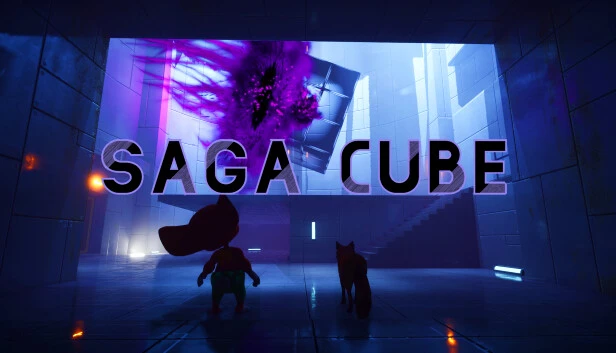
Table of Contents
📚 Saga Cube Overview
Saga Cube invites players to immerse themselves in a captivating adventure alongside Heuggy the mouse and Koda the fox. The game revolves around collecting Angelic Cube fragments to restore harmony between foxes and humans. Players must navigate a series of puzzles that vary significantly from one another, challenging their problem-solving skills in unique ways.
The game features a variety of 3D environments, ranging from ancient ruins to gargoyle dungeons and even settings inspired by Ancient Egypt. Each level is meticulously designed, offering players a chance to explore these environments while solving puzzles. The visual design of these levels adds depth to the storytelling, as players follow Heuggy and Koda on their quest.
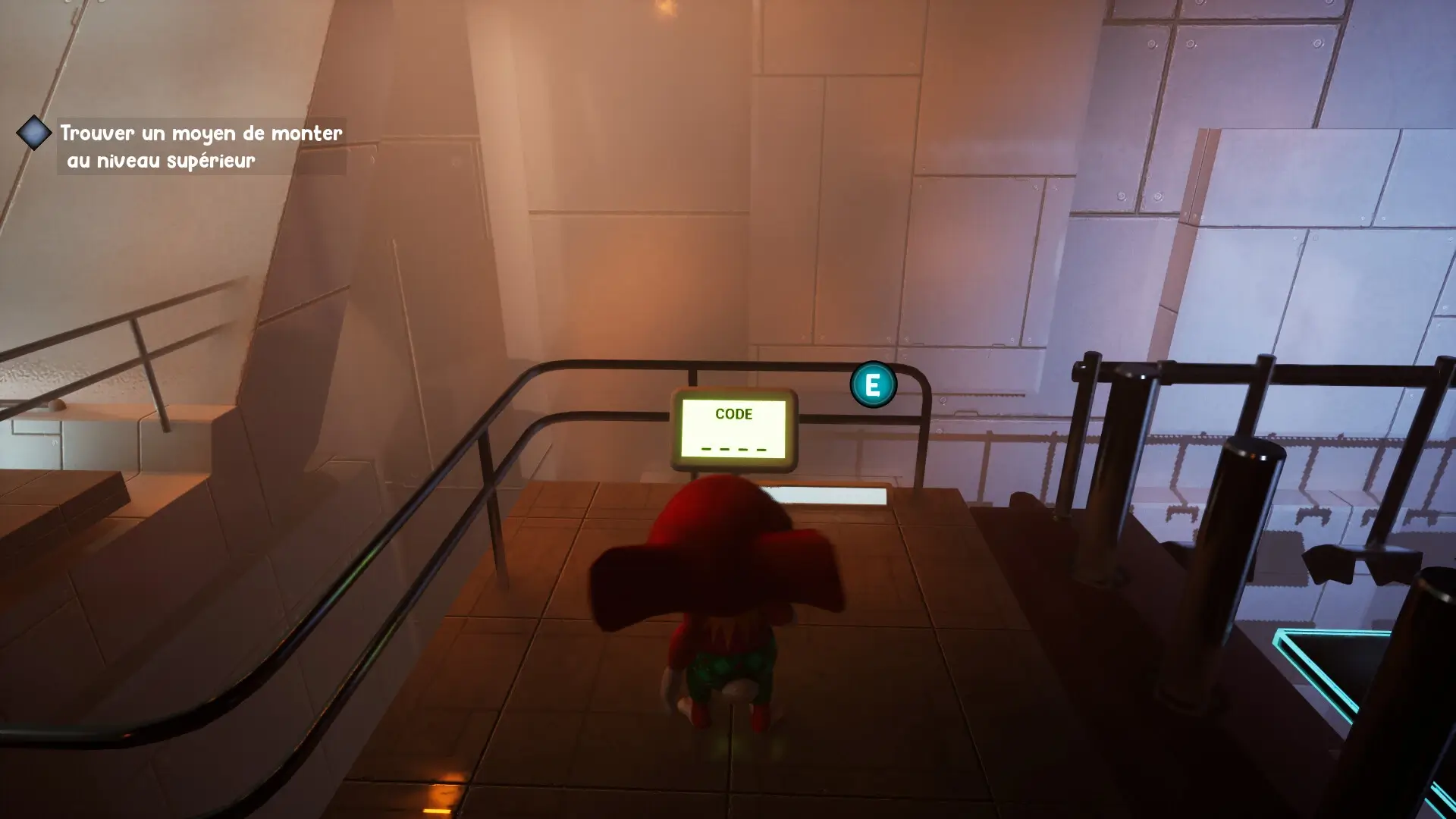
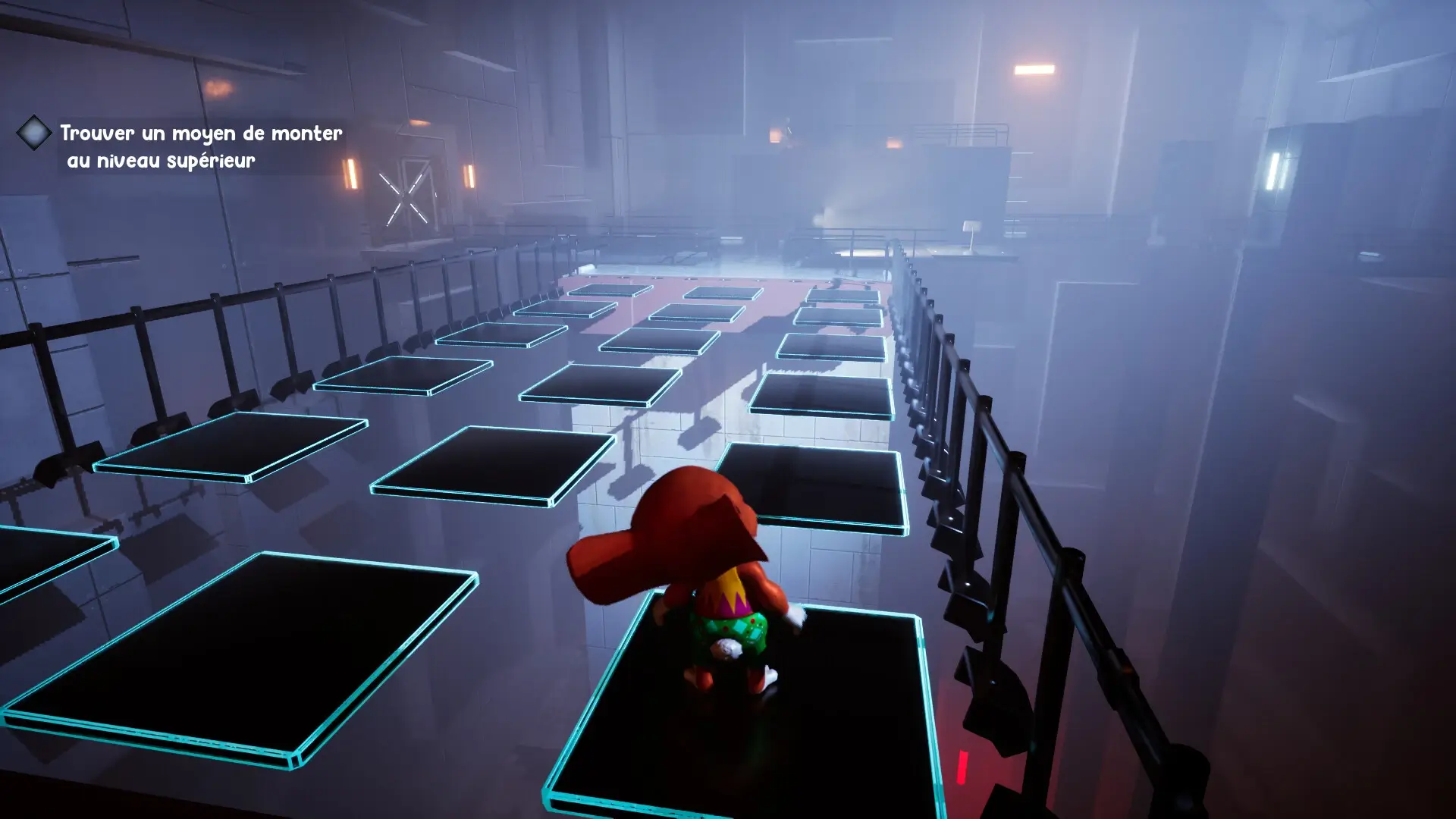
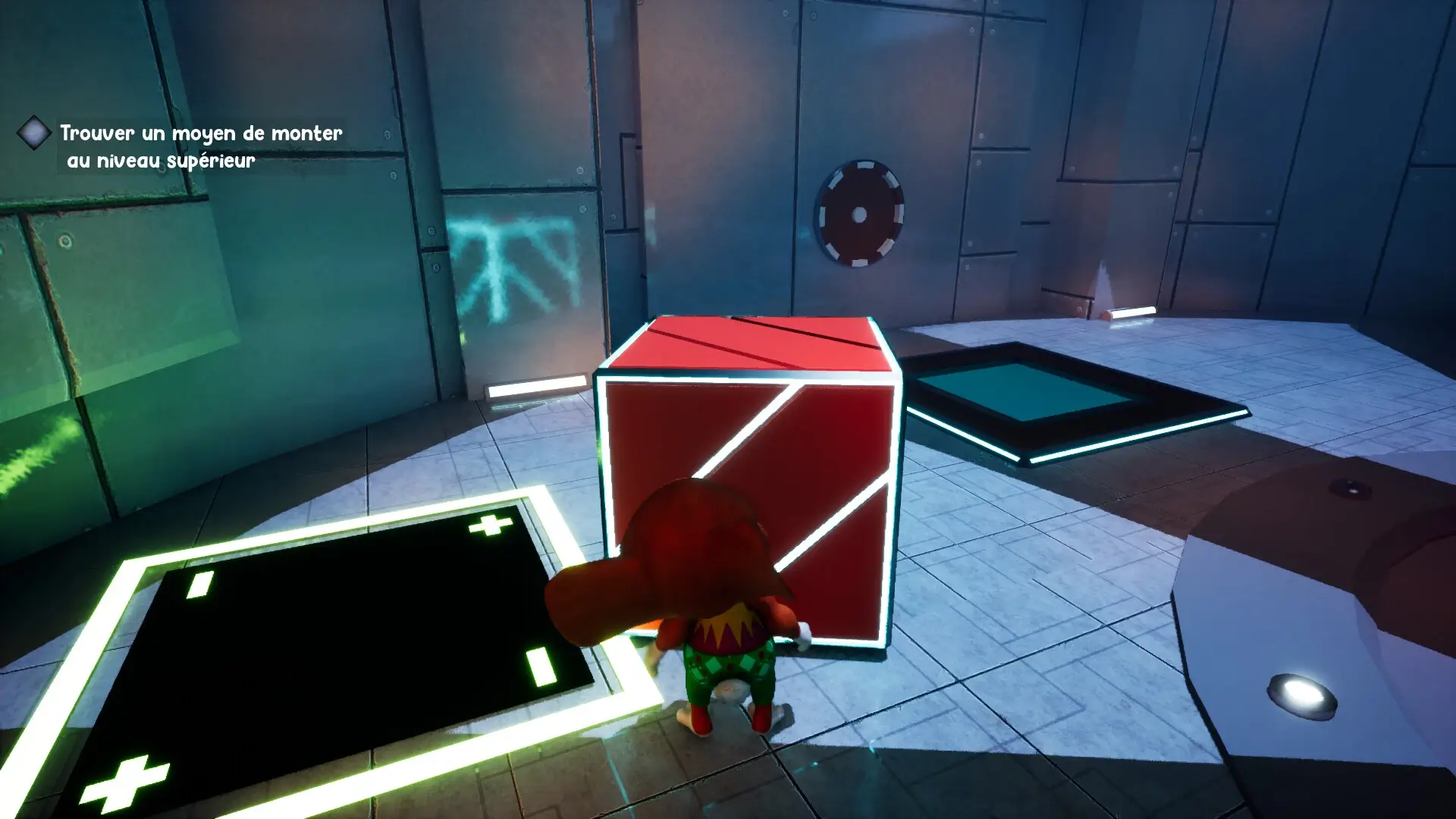
Saga Cube’s gameplay is physics-based, requiring players to jump, push, and think strategically to progress. The unpredictability of the puzzles means that players must remain alert and adaptable, as they never know what to expect next. This dynamic approach to puzzle-solving keeps the gameplay fresh and engaging.
The story of Heuggy and Koda unfolds across various biomes, with each area presenting its own set of challenges and puzzles. As players advance, they uncover more about the relationship between foxes and humans, adding layers to the narrative. The journey of collecting cube fragments is integral to the game’s progression, providing a sense of purpose and continuity.
🎮 Game Information
| 🕹️ TITLE: | Saga Cube |
|---|---|
| ⚡ VERSION: | v1.0 |
| 🛠️ DEVELOPER: | Vlaarsan Studio |
| 💻 PUBLISHER: | Vlaarsan Studio |
| 📅 RELEASE DATE: | Dec 17, 2022 |
| 📂 GENRE: | Adventure, Casual, Indie |
| 💾 SIZE: | 3.9 GB |
| 🔒 CRACKED BY: | none, DRM-Free |
| 💸 BUY LINK: | Store Page |
| ⭐ USER RATING: |
⚙️ Installation Instructions
We have simple instructions for downloading and installing the Saga Cube torrent game on your Windows operating system. The procedure is the same for all Windows operating systems. Before proceeding, ensure that your system meets the minimum system requirements to play the Game.
You must have zip file extracting software and torrent software installed on your PC. If you do not have these two software programs installed on your PC, then you will first need to download and install the two software programs on your PC before following the steps.
You can use any zip file extracting software and torrent software, (We recommend "WinRAR" and "qBittorrent" Software). WinRAR / 7-Zip / µTorrent Classic / qBittorrent (64-bit) / qBittorrent (32-bit).
Follow the simple instructions:
- First, click on the "Torrent Download" button, and download the torrent Saga Cube.zip file on your PC.
- Right-click on the Saga Cube.zip file and click on the "extract here" option from the dropdown menu.
- Double click on the .torrent file. Then, choose the download folder.
- After Download Completed, Open the Saga Cube Game folder.
- Double-click on the Setup.exe file.
- Follow the on-screen installation wizard to install the game on your PC.
- You may need to provide administrator permissions for the installation to proceed. If asked, click Yes to continue.
If you get any missing dll errors or the game is not launching, then Download Redist File and install all programs available in the "Redist" folder.
Done!. Now you can launch the game from your desktop.
⬇️ Saga Cube Torrent Download Link
🖥️ Minimum Requirements
- Requires a 64-bit processor and operating system
- OS *: Windows 8.1 64-bit or Windows 10 64-bit
- Processor: Intel Core i3-2100T or AMD FX 6100
- Memory: 4 GB RAM
- Graphics: Nvidia GeForce GTX 980
- DirectX: Version 11
- Storage: 10 GB available space
⭐ Recommended Requirements
- Requires a 64-bit processor and operating system
- OS *: Windows 8.1 64-bit or Windows 10 64-bit
- Processor: Intel Core i5 3570K or AMD Ryzen 3 1300x
- Memory: 8 GB RAM
- Graphics: Nvidia GeForce GTX 1060
- DirectX: Version 11
- Storage: 10 GB available space
📷 Gameplay Screenshots
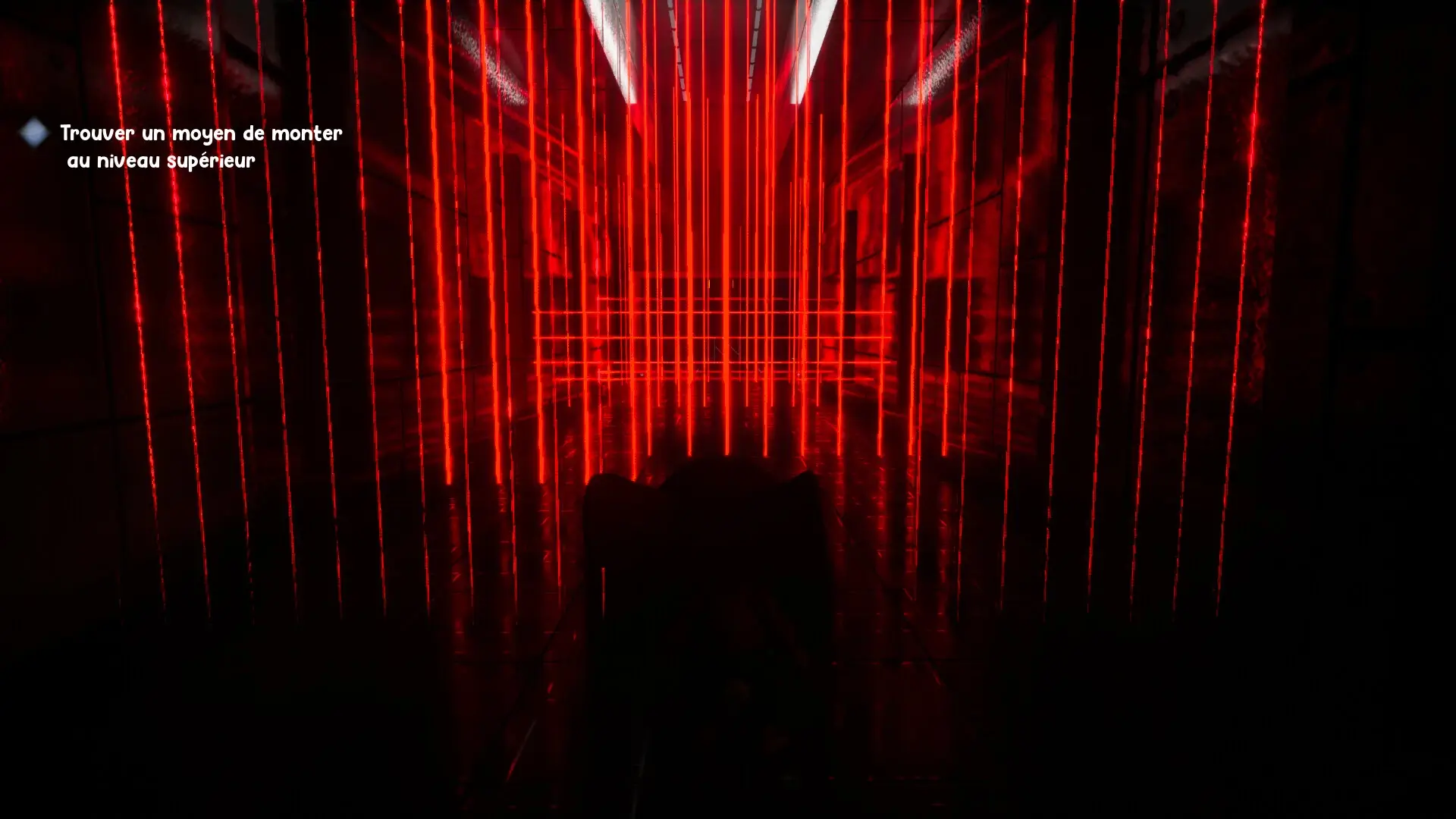
🎬 Gameplay Video















Comments
Leave a Comment
Your email address will not be published. Required fields are marked *