Jukai Maze Torrent Download

Table of Contents
📚 Jukai Maze Overview
Jukai Maze is a sci-fi suspense visual novel set in the mysterious depths of Aokigahara, the dense forest at the foot of Mount Fuji. The story follows Haryu Ryoushi, who enters the forest with his friend Shiu to shoot a vlog about a rumoured research institute studying the afterlife. When night falls and the mist thickens, Shiu disappears without any trace.
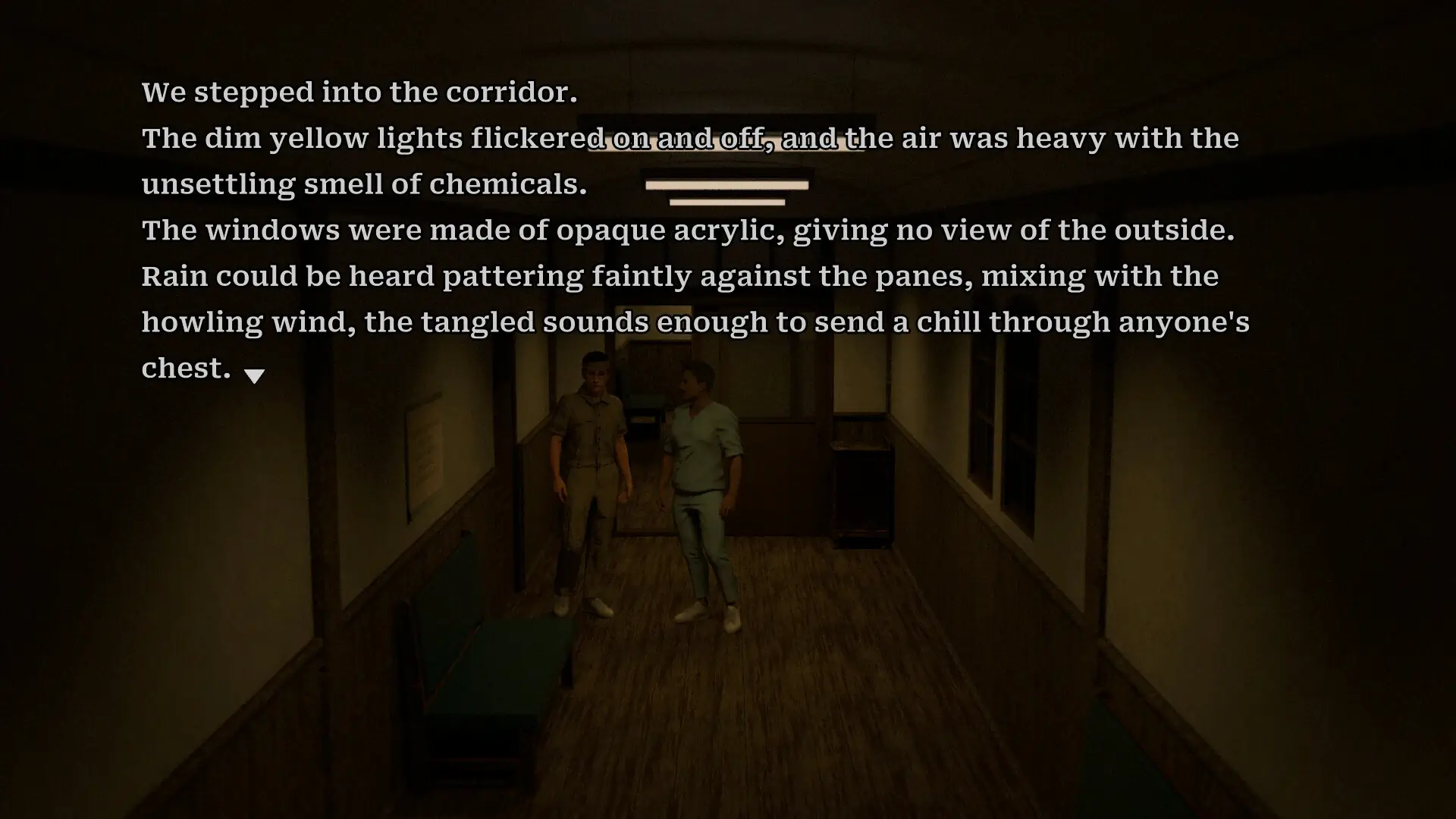
After Shiu vanishes, Ryoushi finds himself pulled into a strange alternate reality. He wakes up inside a psychiatric hospital where the patients say confusing things like “This place is a dream,” “This place is another planet,” and “This place is the afterlife.” The line between what is real and what is not begins to collapse around him completely.
The story then pulls Ryoushi into a baffling murder case inside this strange hospital. As he tries to find Shiu and escape, he must also figure out what this facility is really doing and what connection it has to the afterlife research. The volcanic mountain above and the stirring signs below add more tension to the already unsettling situation Ryoushi is trapped in.
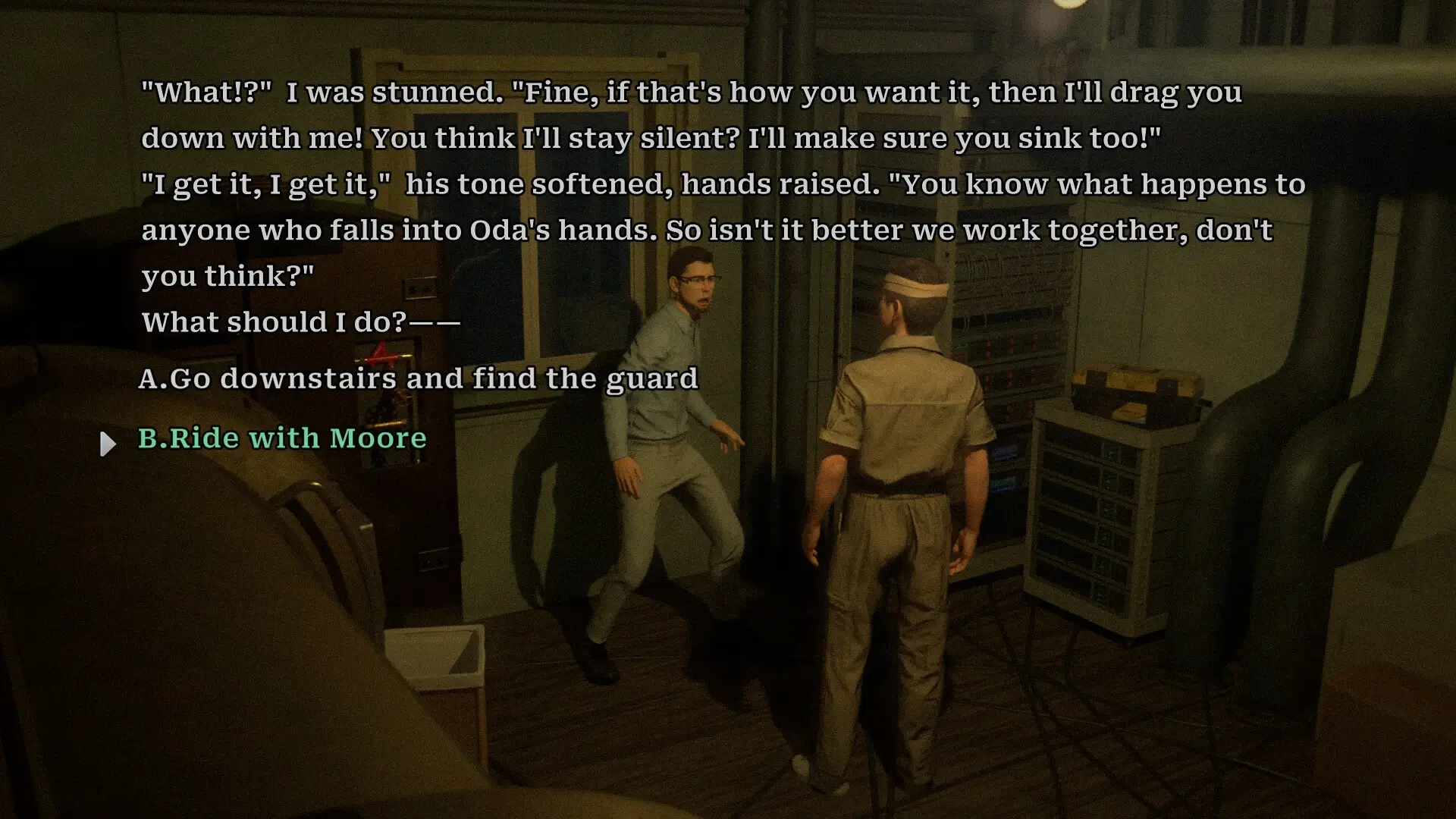
Jukai Maze has a fully branching story where every decision the player takes sends the plot in a completely new direction. There are multiple endings to discover, and players must piece together scattered clues to understand the full truth behind everything happening in the story. The game rewards careful reading and attention to detail.
The game is fully voiced in Japanese, giving the story a strong and expressive audio presentation. The visual style is clean and elegant, with expressive character art that shows emotion clearly. The storytelling is well-structured and easy to follow without feeling rushed or confusing at any point.
🎮 Game Information
| 🕹️ TITLE: | Jukai Maze |
|---|---|
| ⚡ VERSION: | v1.0.8 + Bonus Wallpapers |
| 🛠️ DEVELOPER: | 致意 |
| 💻 PUBLISHER: | 致意 |
| 📅 RELEASE DATE: | Jan 20, 2026 |
| 📂 GENRE: | Adventure, Indie |
| 💾 SIZE: | 2.0 GB |
| 🔒 CRACKED BY: | TENOKE |
| 💸 BUY LINK: | Store Page |
| ⭐ USER RATING: |
⚙️ Installation Instructions
We have simple instructions for downloading and installing the Jukai Maze torrent game on your Windows operating system. The procedure is the same for all Windows operating systems. Before proceeding, ensure that your system meets the minimum system requirements to play the Game.
You must have zip file extracting software and torrent software installed on your PC. If you do not have these two software programs installed on your PC, then you will first need to download and install the two software programs on your PC before following the steps.
You can use any zip file extracting software and torrent software, (We recommend "WinRAR" and "qBittorrent" Software). WinRAR / 7-Zip / µTorrent Classic / qBittorrent (64-bit) / qBittorrent (32-bit).
Follow the simple instructions:
- First, click on the "Torrent Download" button, and download the torrent Jukai Maze.zip file on your PC.
- Right-click on the Jukai Maze.zip file and click on the "extract here" option from the dropdown menu.
- Double click on the .torrent file. Then, choose the download folder.
- After Download Completed, Open the Jukai Maze Game folder.
- Double-click on the Setup.exe file.
- Follow the on-screen installation wizard to install the game on your PC.
- You may need to provide administrator permissions for the installation to proceed. If asked, click Yes to continue.
If you get any missing dll errors or the game is not launching, then Download Redist File and install all programs available in the "Redist" folder.
Done!. Now you can launch the game from your desktop.
⬇️ Jukai Maze Torrent Download Link
🖥️ Minimum Requirements
- OS: Windows 10
- Processor: Intel Core i3-2100 or equivalent
- Memory: 2 GB RAM
- Graphics: NVIDIA GeForce GTX 750 Ti / GTX 960 or better
- DirectX: Version 11
- Storage: 5 GB available space
- Sound Card: DirectX compatible sound card
📷 Gameplay Screenshots


🎬 Gameplay Video

















Comments
Leave a Comment
Your email address will not be published. Required fields are marked *