Evergreen: Mountain Life Simulator Torrent Download

Table of Contents
📚 Evergreen: Mountain Life Simulator Overview
Evergreen: Mountain Life Simulator is a simulation game where players leave city life and start anew in a mountain valley. The game focuses on providing a relaxing and calming experience as players build their homes and gather resources. In Evergreen, players can construct a fully customized cabin, choosing the shape, size, and materials to create a comfortable mountain dwelling.
The game features an intuitive building system that allows players to design their homes with precision. Players can buy furniture and appliances from a nearby village to decorate their cabins. The game encourages exploration and resource collection, as players hunt animals, cut down trees, and gather materials provided by the mountain environment.
In Evergreen, players can travel to a small town using their car to sell collected raw materials to local artisans. This interaction with the village economy allows players to earn money by selling wood, animal skins, and other resources. The game also offers the opportunity to purchase supplies from stores, making life in the wilderness more comfortable.
The emphasis on resource management and building in Evergreen creates a unique simulation experience. Players must balance their time between gathering resources and selling them in the village. This dynamic adds depth to the gameplay, as players strive to build a sustainable life in the mountains.
🎮 Game Information
| 🕹️ TITLE: | Evergreen: Mountain Life Simulator |
|---|---|
| ⚡ VERSION: | v1.0.0 (Release) + Windows 7 Fix |
| 🛠️ DEVELOPER: | Somnambulist Games |
| 💻 PUBLISHER: | Somnambulist Games |
| 📅 RELEASE DATE: | Jul 17, 2023 |
| 📂 GENRE: | Simulation |
| 💾 SIZE: | 6.8 GB |
| 🔒 CRACKED BY: | TENOKE |
| 💸 BUY LINK: | Store Page |
| ⭐ USER RATING: |
⚙️ Installation Instructions
We have simple instructions for downloading and installing the Evergreen: Mountain Life Simulator torrent game on your Windows operating system. The procedure is the same for all Windows operating systems. Before proceeding, ensure that your system meets the minimum system requirements to play the Game.
You must have zip file extracting software and torrent software installed on your PC. If you do not have these two software programs installed on your PC, then you will first need to download and install the two software programs on your PC before following the steps.
You can use any zip file extracting software and torrent software, (We recommend "WinRAR" and "qBittorrent" Software). WinRAR / 7-Zip / µTorrent Classic / qBittorrent (64-bit) / qBittorrent (32-bit).
Follow the simple instructions:
- First, click on the "Torrent Download" button, and download the torrent Evergreen: Mountain Life Simulator.zip file on your PC.
- Right-click on the Evergreen: Mountain Life Simulator.zip file and click on the "extract here" option from the dropdown menu.
- Double click on the .torrent file. Then, choose the download folder.
- After Download Completed, Open the Evergreen: Mountain Life Simulator Game folder.
- Double-click on the Setup.exe file.
- Follow the on-screen installation wizard to install the game on your PC.
- You may need to provide administrator permissions for the installation to proceed. If asked, click Yes to continue.
If you get any missing dll errors or the game is not launching, then Download Redist File and install all programs available in the "Redist" folder.
Done!. Now you can launch the game from your desktop.
⬇️ Evergreen: Mountain Life Simulator Torrent Download Link
🖥️ Minimum Requirements
- OS: Windows 10 x64
- Processor: Intel Core i5-8500 or equivalent
- Memory: 8 GB RAM
- Graphics: NVIDIA GeForce GTX 1060 or equivalent
- DirectX: Version 12
- Storage: 20 GB available space
⭐ Recommended Requirements
- OS: Windows 10 x64
- Processor: Intel Core i7-8700 or equivalent
- Memory: 16 GB RAM
- Graphics: NVIDIA GeForce GTX 1080 or equivalent
- DirectX: Version 12
- Storage: 20 GB available space
📷 Gameplay Screenshots
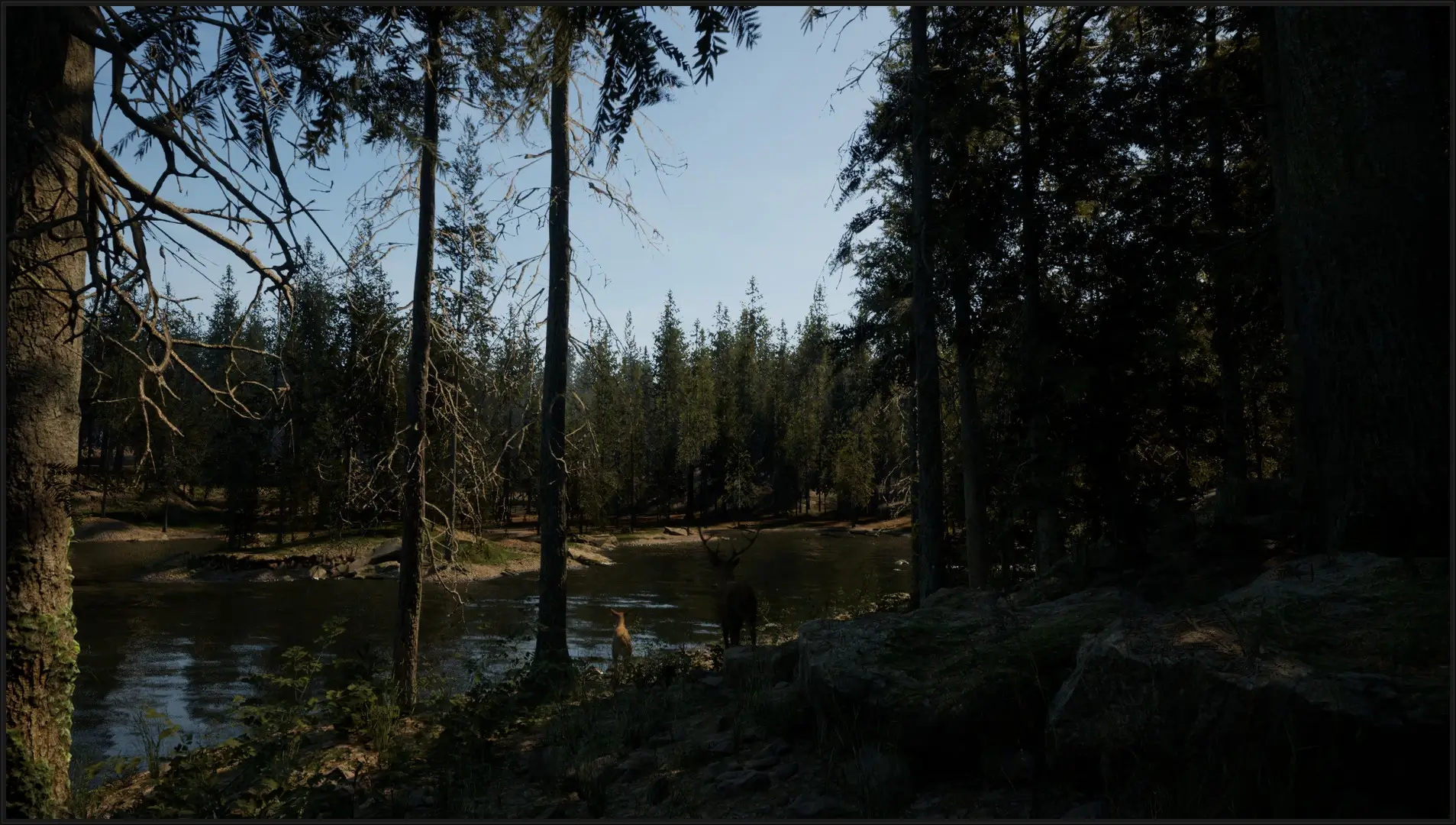
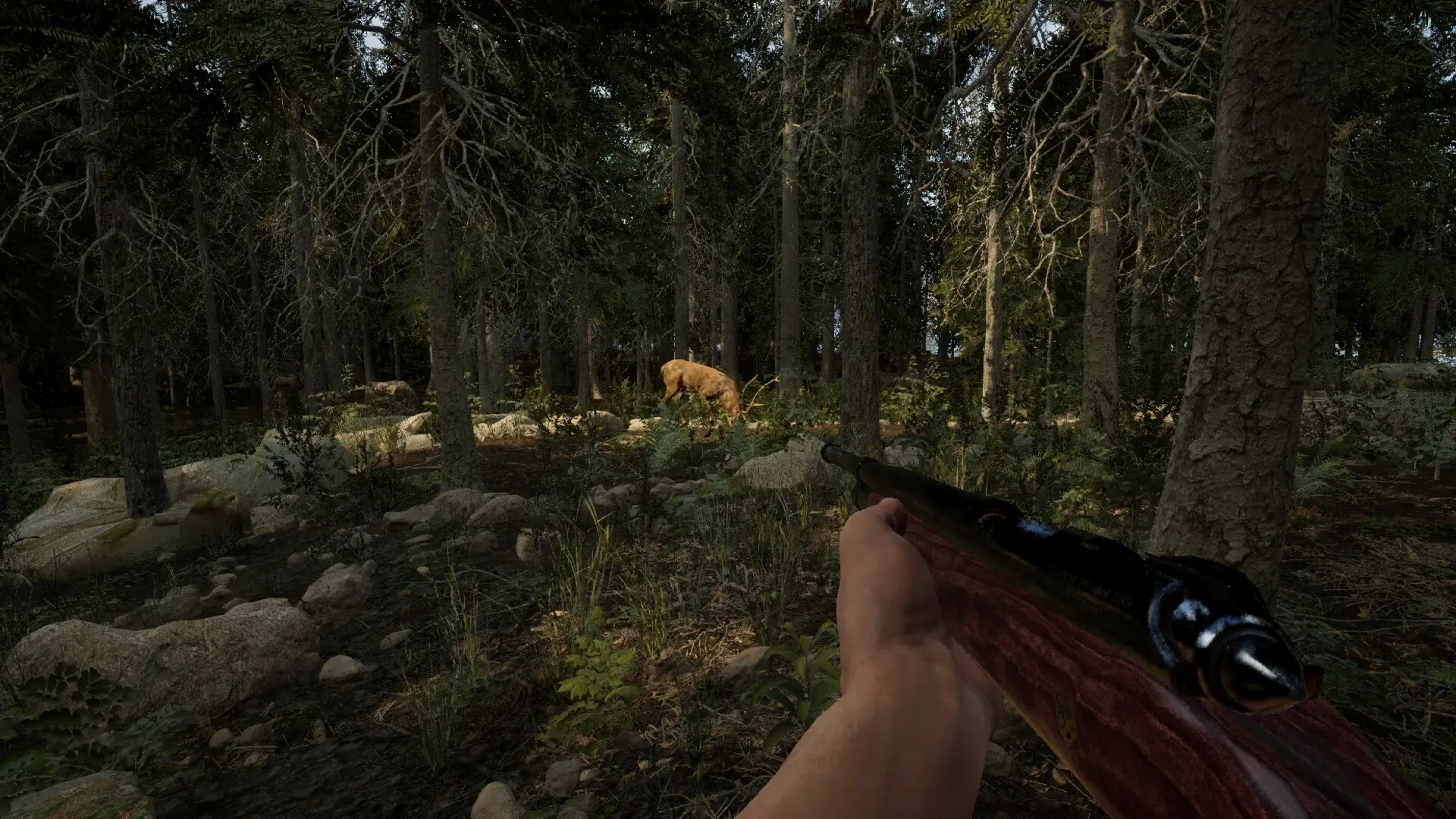
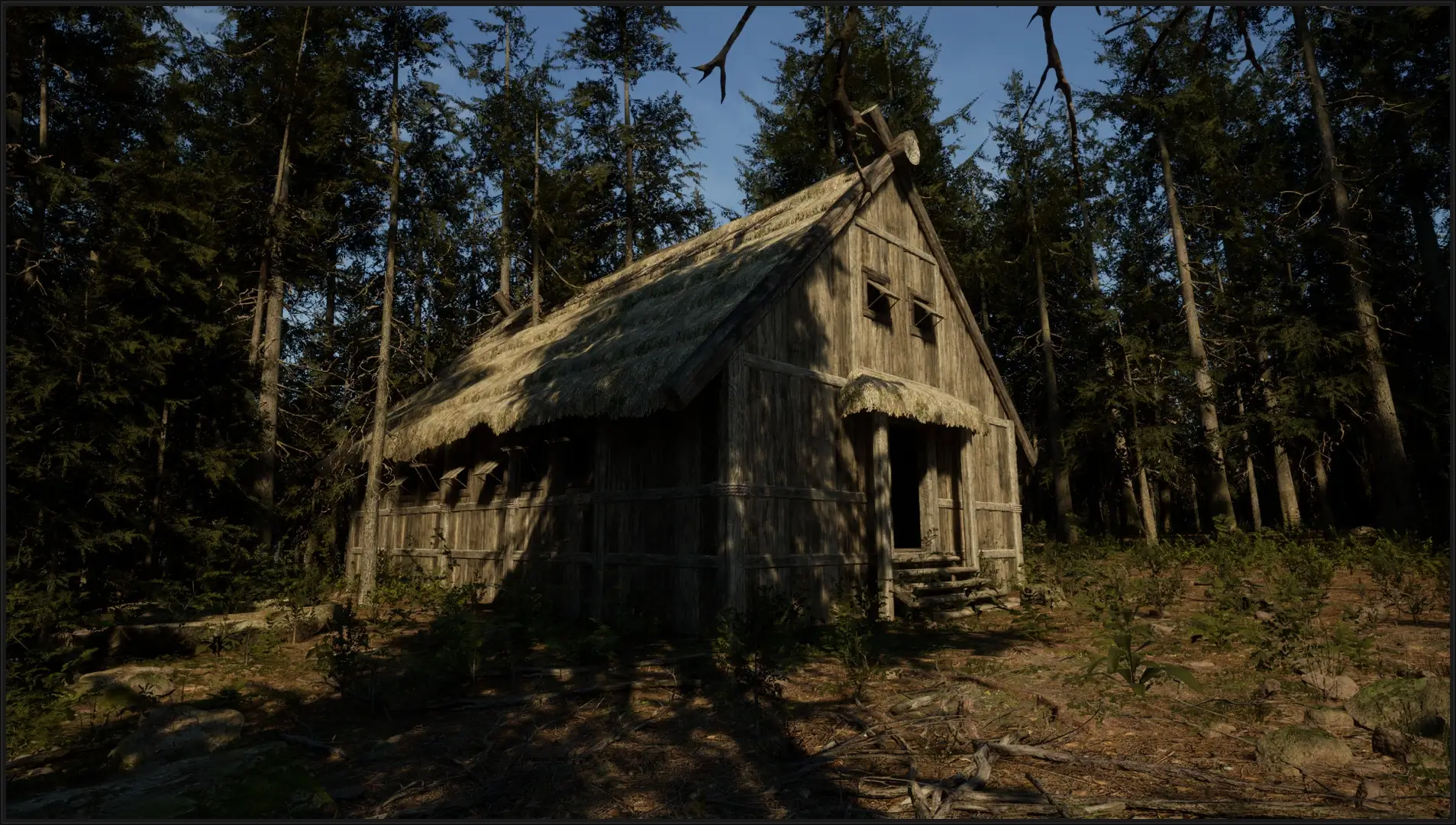

🎬 Gameplay Video



















Comments
Leave a Comment
Your email address will not be published. Required fields are marked *