Tavernacle! Torrent Download
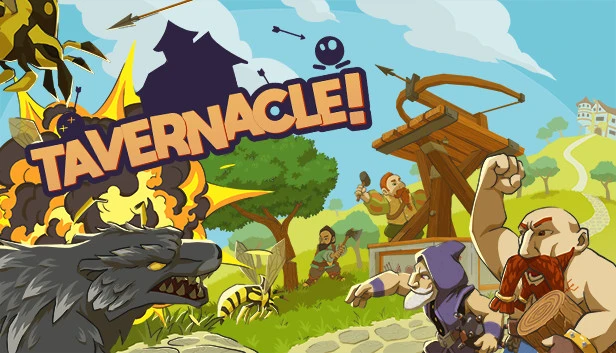
Table of Contents
📚 Tavernacle! Overview
Tavernacle! immerses players in a world where a shadow threatens Upper-Left-Earth, home to the Dwarves. The game tasks players with defending the Dwarven brewery from encroaching monsters. Players must gather resources like rocks, wood, and iron to build a defense against these dark hordes. The focus is on cooperative gameplay, with teams of up to four Dwarves working together.
In Tavernacle!, players are not mere spectators. They are on the front lines, actively hunting resources and dodging enemy attacks. The game emphasizes teamwork, requiring players to communicate and strategize effectively. The cooperative nature is further enhanced by the option to play online or in local split-screen mode, making it perfect for group play.
Resource management is crucial in Tavernacle! Players must mine stone, clear trees, and smelt iron to fortify their defenses. The game challenges players to maintain the brewery’s operation, which is central to Dwarven culture. This task is not just about defense but also about ensuring the brewery continues to produce beer, the lifeblood of the Dwarves.
The game’s setting provides a unique twist on the typical fantasy narrative. Instead of grand battles in the heavens, the action is grounded, with Dwarves taking a hands-on approach to combat. This perspective adds a layer of humor and charm, as players must navigate the challenges of being a Dwarf on the battlefield.
🎮 Game Information
| 🕹️ TITLE: | Tavernacle! |
|---|---|
| ⚡ VERSION: | v1.0.1 |
| 🛠️ DEVELOPER: | Dama Dama Games |
| 💻 PUBLISHER: | indie.io |
| 📅 RELEASE DATE: | Sep 11, 2023 |
| 📂 GENRE: | Action, Indie, Simulation, Strategy |
| 💾 SIZE: | 2.2 GB |
| 🔒 CRACKED BY: | GOG DRM-free |
| 💸 BUY LINK: | Store Page |
| ⭐ USER RATING: |
⚙️ Installation Instructions
We have simple instructions for downloading and installing the Tavernacle! torrent game on your Windows operating system. The procedure is the same for all Windows operating systems. Before proceeding, ensure that your system meets the minimum system requirements to play the Game.
You must have zip file extracting software and torrent software installed on your PC. If you do not have these two software programs installed on your PC, then you will first need to download and install the two software programs on your PC before following the steps.
You can use any zip file extracting software and torrent software, (We recommend "WinRAR" and "qBittorrent" Software). WinRAR / 7-Zip / µTorrent Classic / qBittorrent (64-bit) / qBittorrent (32-bit).
Follow the simple instructions:
- First, click on the "Torrent Download" button, and download the torrent Tavernacle!.zip file on your PC.
- Right-click on the Tavernacle!.zip file and click on the "extract here" option from the dropdown menu.
- Double click on the .torrent file. Then, choose the download folder.
- After Download Completed, Open the Tavernacle! Game folder.
- Double-click on the Setup.exe file.
- Follow the on-screen installation wizard to install the game on your PC.
- You may need to provide administrator permissions for the installation to proceed. If asked, click Yes to continue.
If you get any missing dll errors or the game is not launching, then Download Redist File and install all programs available in the "Redist" folder.
Done!. Now you can launch the game from your desktop.
⬇️ Tavernacle! Torrent Download Link
🖥️ Minimum Requirements
- Requires a 64-bit processor and operating system
- OS *: Windows 7 (64 bits)
- Processor: Dual Core 2.8Ghz
- Memory: 4 GB RAM
- Graphics: GeForce 10 Series or above
- DirectX: Version 11
- Storage: 4 GB available space
- Sound Card: DirectX Compatible Sound Card
⭐ Recommended Requirements
- Requires a 64-bit processor and operating system
- OS *: Windows 7 (64 bits)
- Processor: Dual Core 2.8Ghz
- Memory: 4 GB RAM
- Graphics: GeForce 10 Series or above
- DirectX: Version 11
- Storage: 4 GB available space
- Sound Card: DirectX Compatible Sound Card
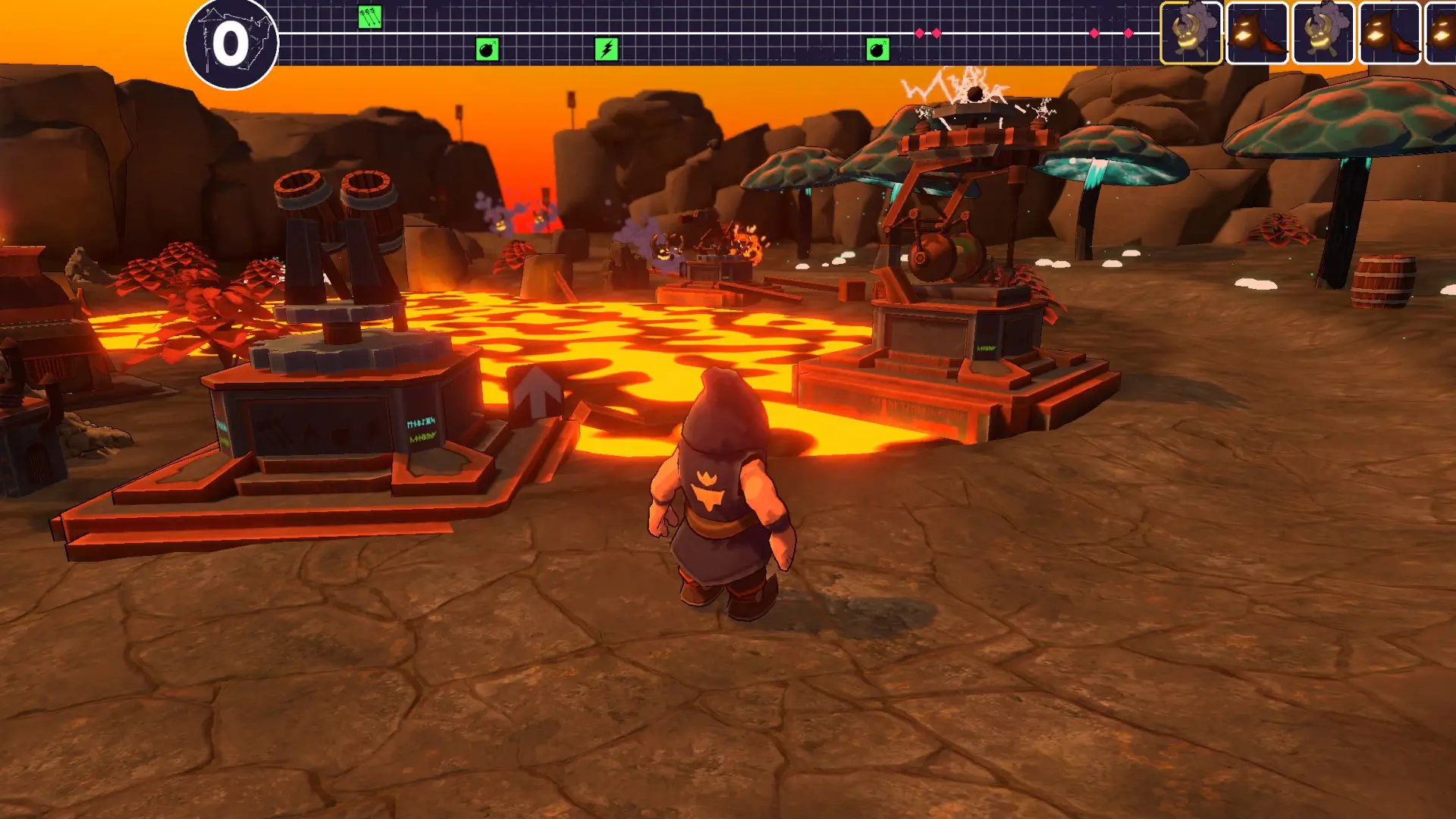
📷 Gameplay Screenshots
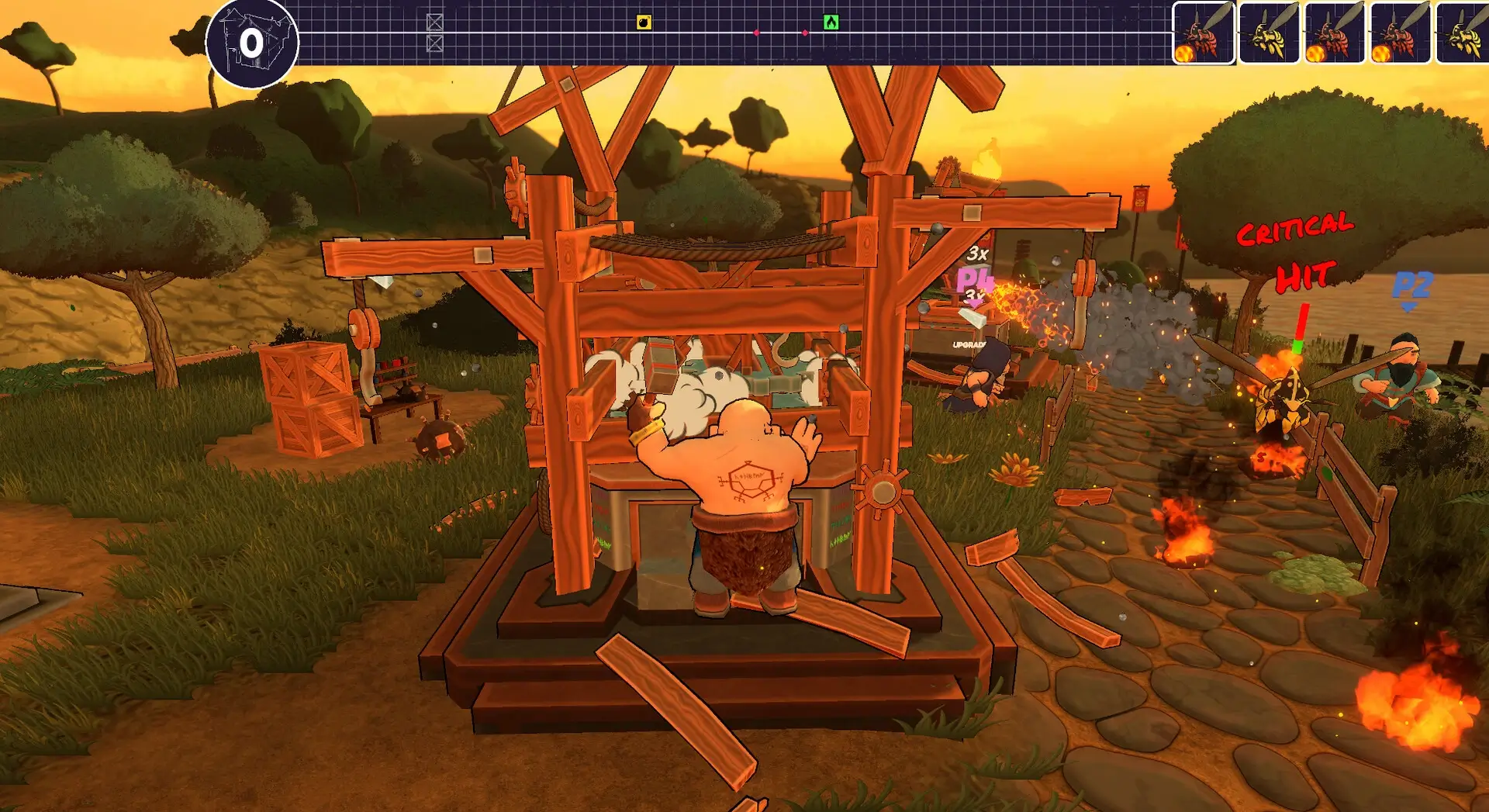
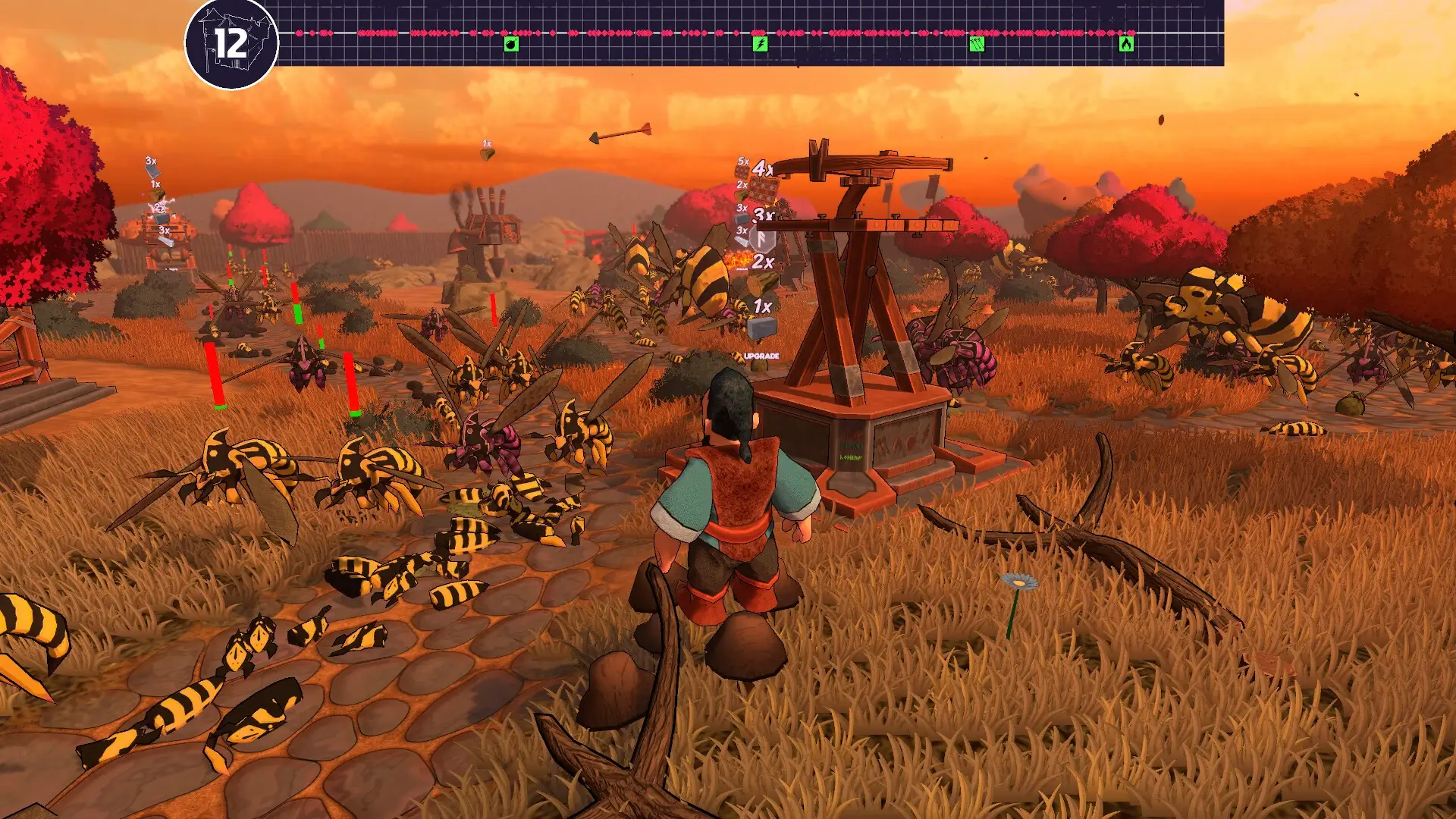
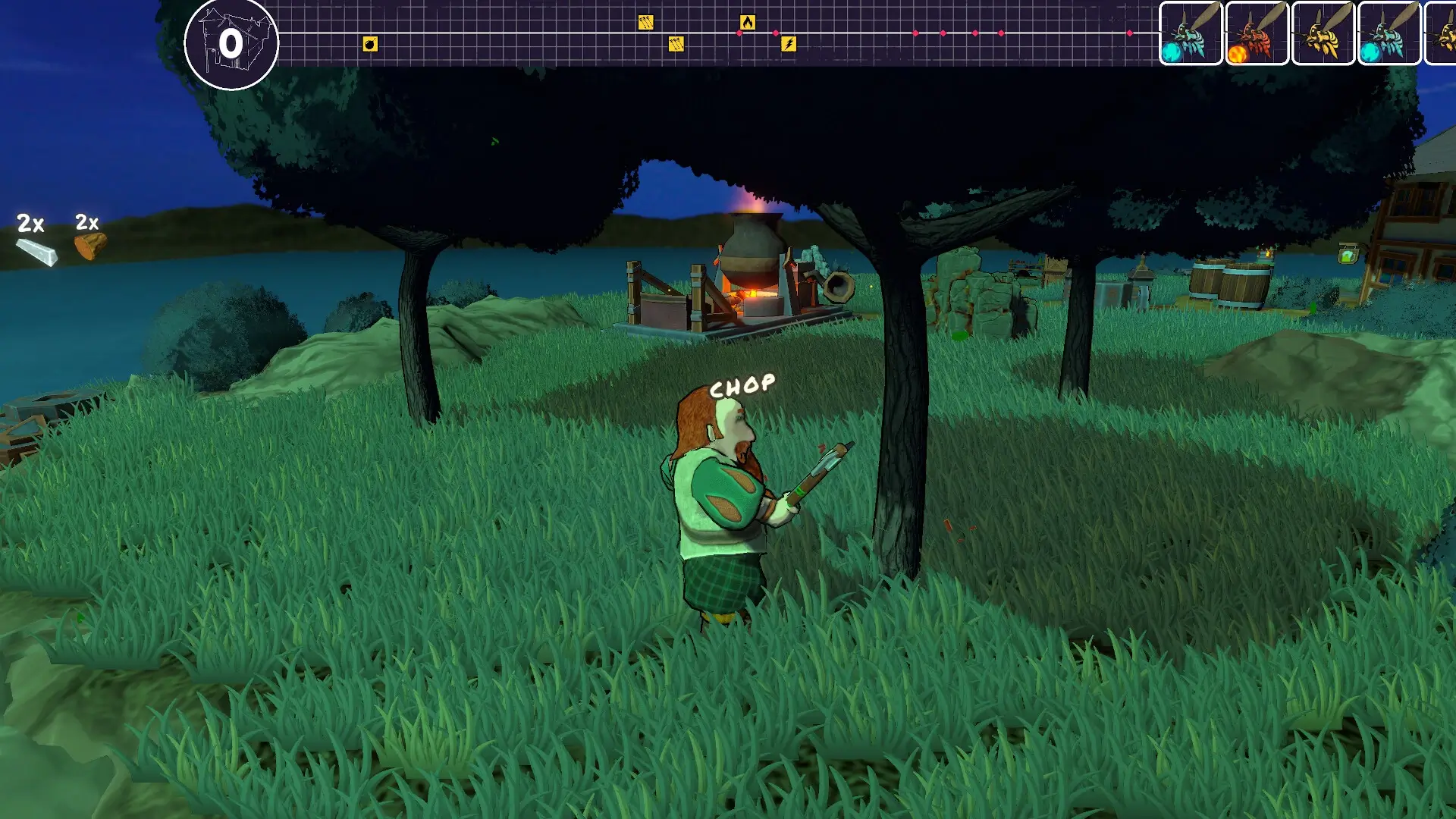
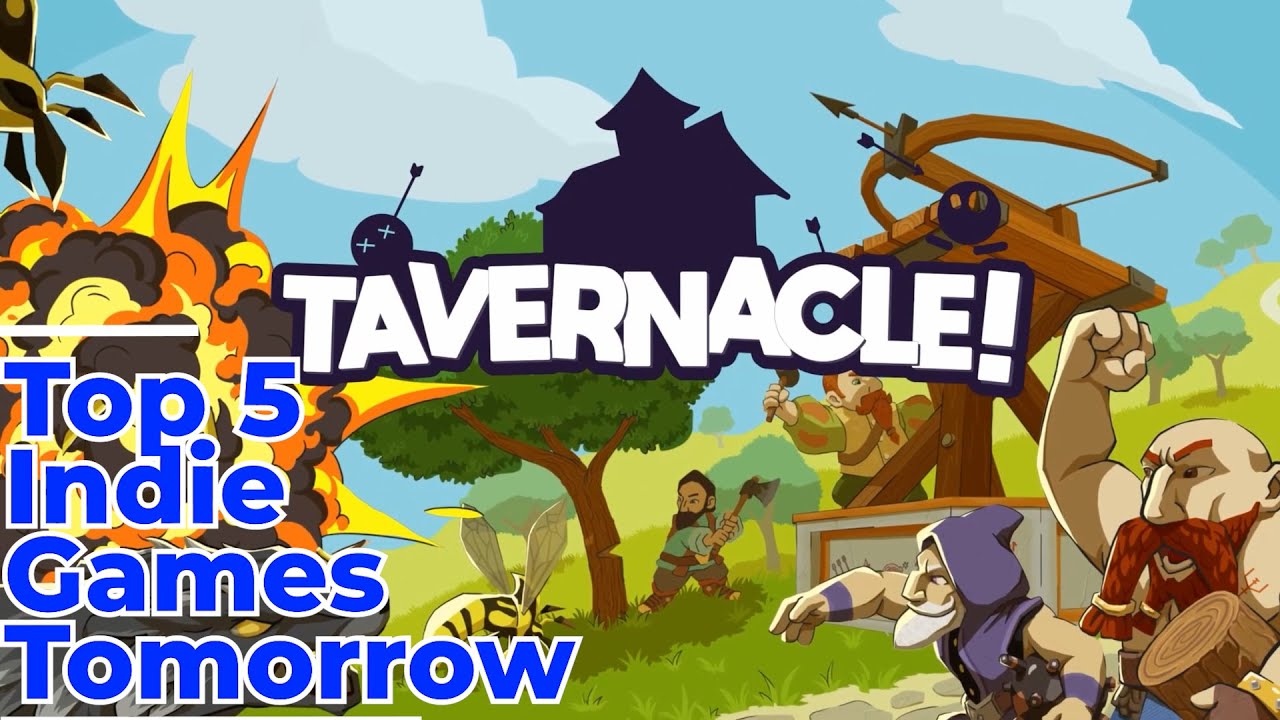
🎬 Gameplay Video









Comments
Leave a Comment
Your email address will not be published. Required fields are marked *