DVR Simulator Torrent Download
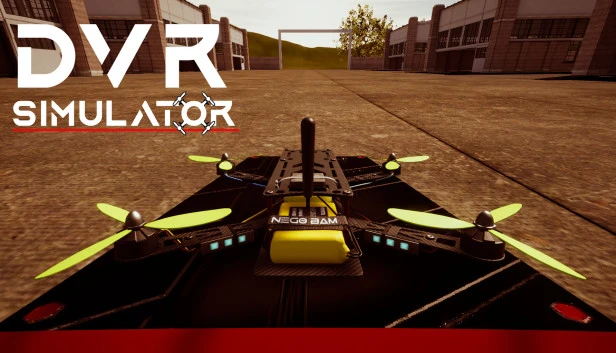
Table of Contents
📚 DVR Simulator Overview
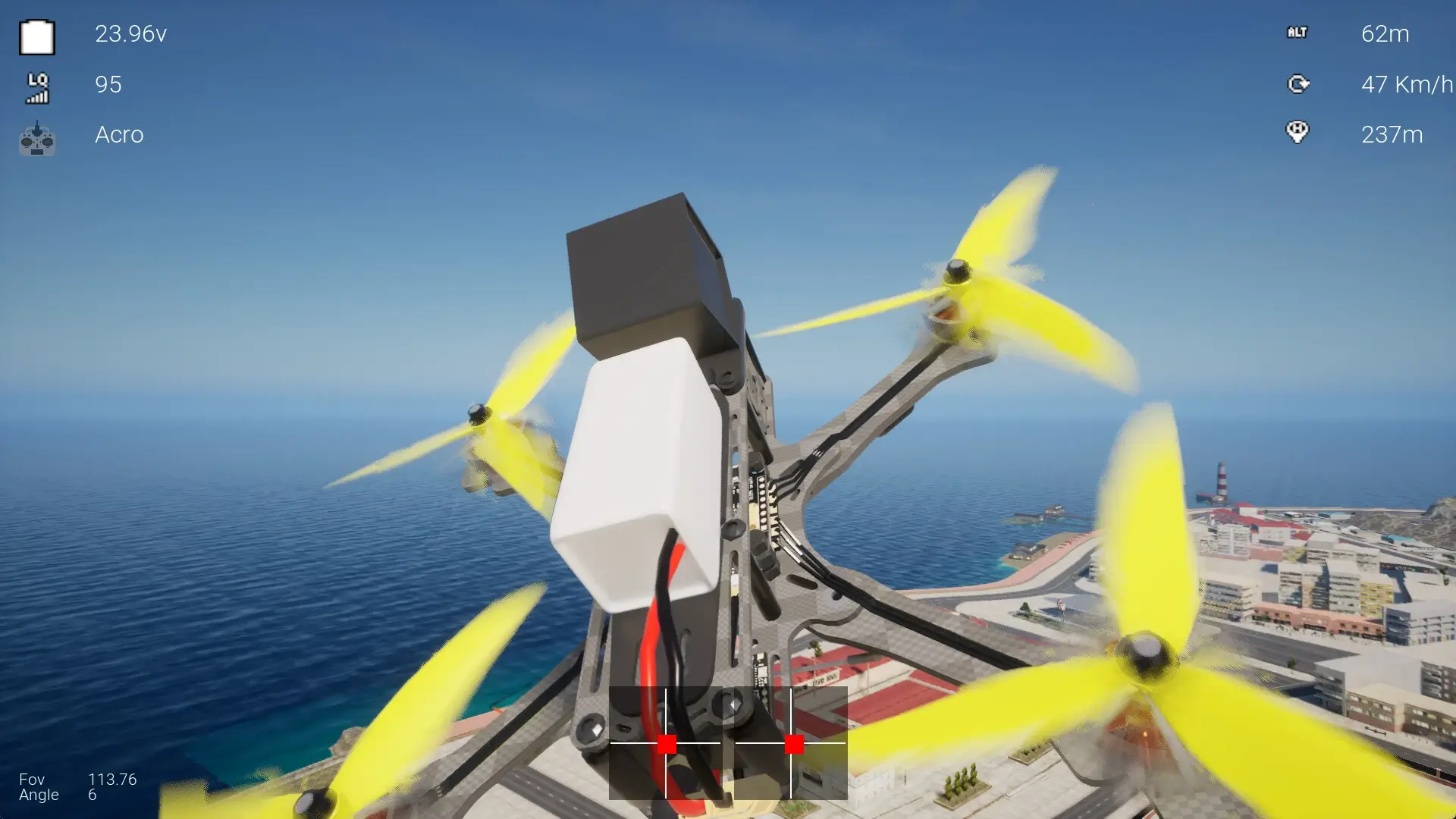
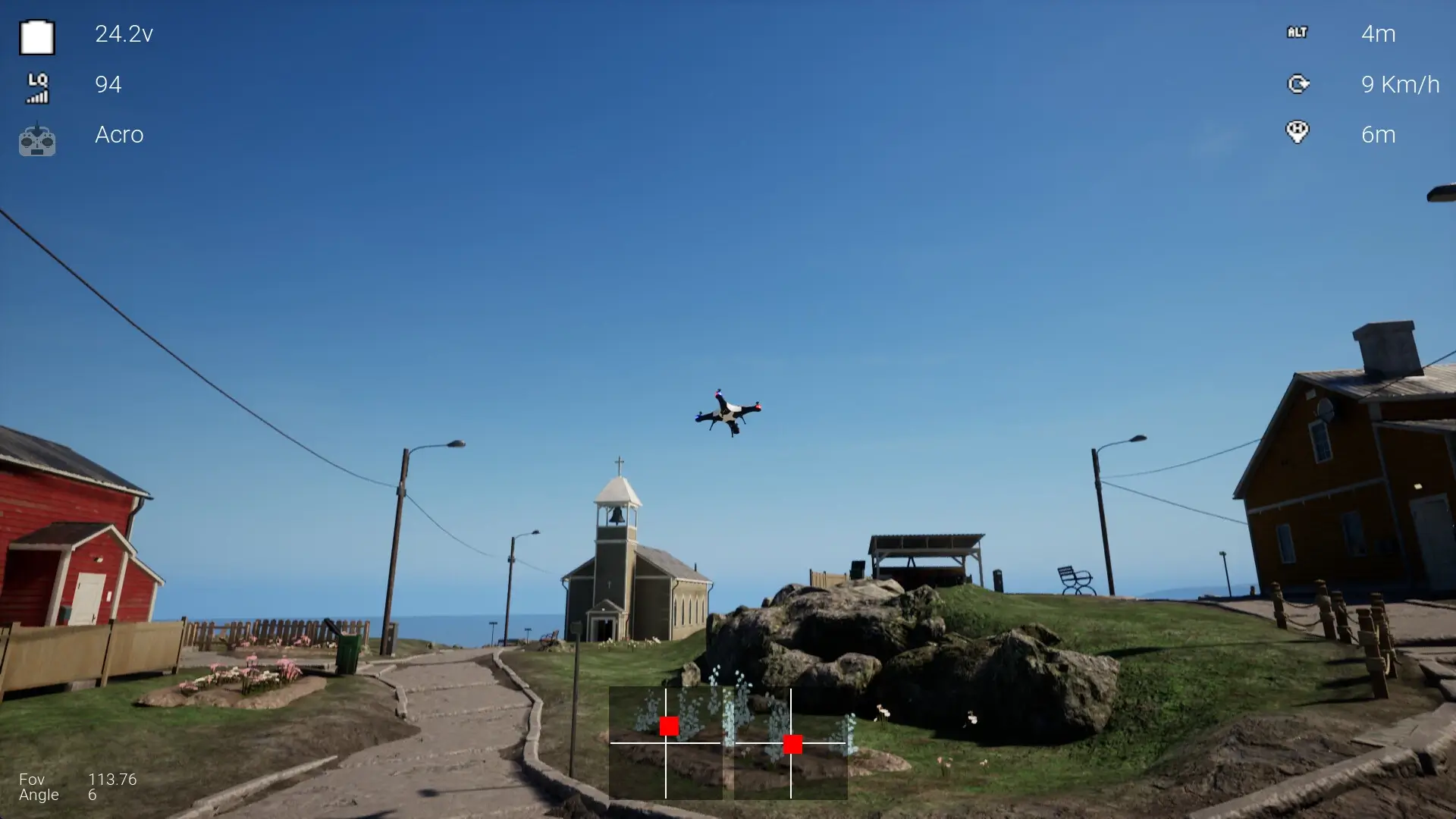
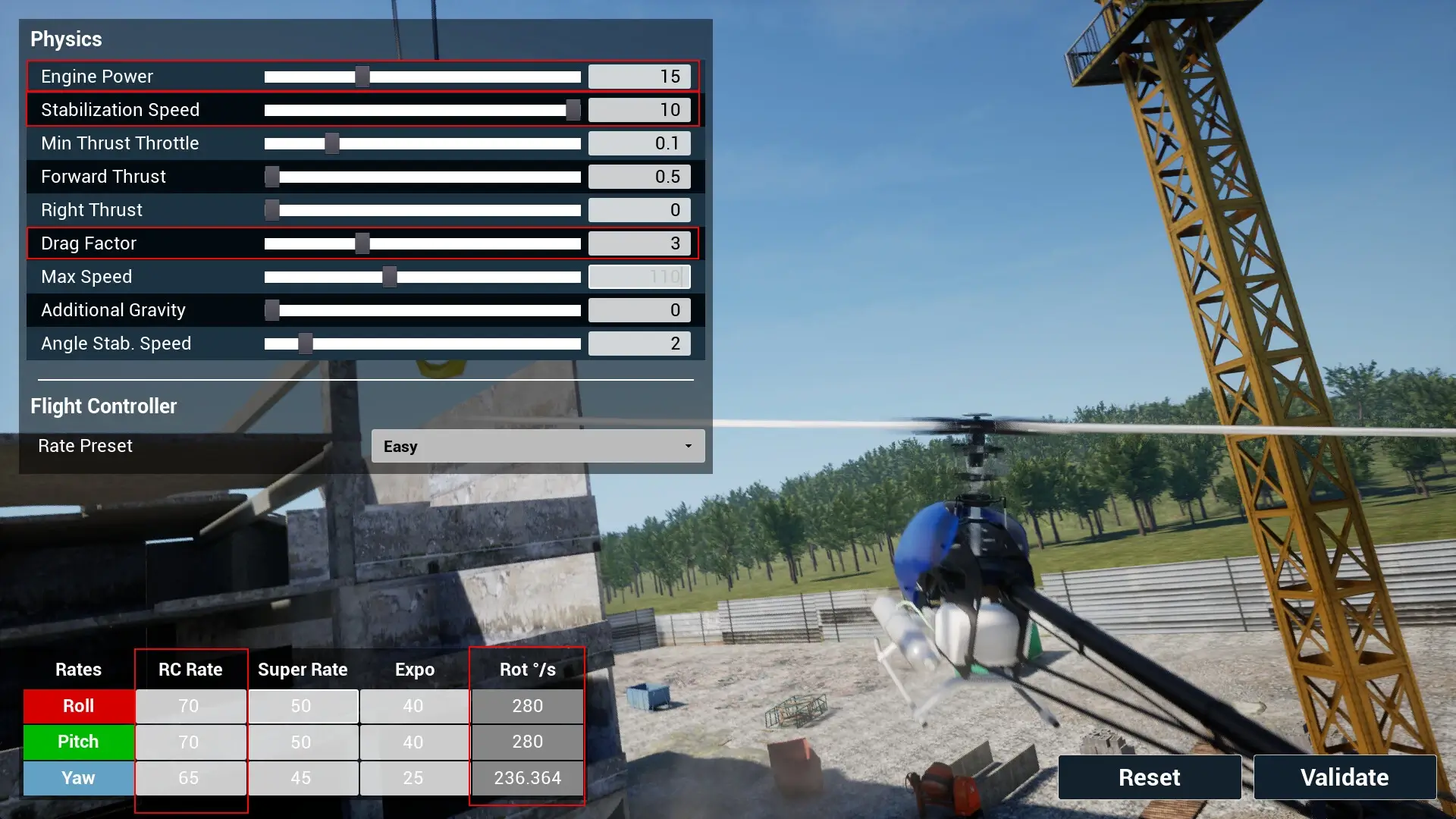
DVR Simulator is a Drone Racing FPV Simulator designed for those who are already FPV pilots. The game offers Freestyle and Racing modes to help players start their training. It includes a physics editor that allows users to adjust parameters such as drag, gravity, and motor power. This feature gives players control over the drone’s behavior in the simulator.
The simulator supports both gamepads and real radio transmitters, providing flexibility in control options. A calibration process is available to configure radio transmitters, and these calibrations can be saved and shared with friends using the same equipment. This ensures that players have a consistent and personalized setup for their drone racing experience.
For those with VR headsets, DVR Simulator offers an option to simulate FPV goggles. The default setting uses the same image for both eyes, minimizing motion sickness and creating an experience similar to watching a large screen. Additionally, players can enable stereo mode for a more immersive experience, though this may lead to motion sickness for some users.
Overall, DVR Simulator provides a comprehensive platform for FPV pilots to practice and enhance their skills. The game’s attention to detail in physics and control customization makes it a valuable tool for drone racing enthusiasts. With its VR capabilities, players can enjoy an authentic FPV experience from the comfort of their homes.
🎮 Game Information
| 🕹️ TITLE: | DVR Simulator |
|---|---|
| ⚡ VERSION: | v1.9.0b |
| 🛠️ DEVELOPER: | Demonixis Games |
| 💻 PUBLISHER: | Demonixis Games |
| 📅 RELEASE DATE: | Dec 1, 2023 |
| 📂 GENRE: | Action, Simulation, Sports |
| 💾 SIZE: | 2.2 GB |
| 🔒 CRACKED BY: | TENOKE |
| 💸 BUY LINK: | Store Page |
| ⭐ USER RATING: |
⚙️ Installation Instructions
We have simple instructions for downloading and installing the DVR Simulator torrent game on your Windows operating system. The procedure is the same for all Windows operating systems. Before proceeding, ensure that your system meets the minimum system requirements to play the Game.
You must have zip file extracting software and torrent software installed on your PC. If you do not have these two software programs installed on your PC, then you will first need to download and install the two software programs on your PC before following the steps.
You can use any zip file extracting software and torrent software, (We recommend "WinRAR" and "qBittorrent" Software). WinRAR / 7-Zip / µTorrent Classic / qBittorrent (64-bit) / qBittorrent (32-bit).
Follow the simple instructions:
- First, click on the "Torrent Download" button, and download the torrent DVR Simulator.zip file on your PC.
- Right-click on the DVR Simulator.zip file and click on the "extract here" option from the dropdown menu.
- Double click on the .torrent file. Then, choose the download folder.
- After Download Completed, Open the DVR Simulator Game folder.
- Double-click on the Setup.exe file.
- Follow the on-screen installation wizard to install the game on your PC.
- You may need to provide administrator permissions for the installation to proceed. If asked, click Yes to continue.
If you get any missing dll errors or the game is not launching, then Download Redist File and install all programs available in the "Redist" folder.
Done!. Now you can launch the game from your desktop.
⬇️ DVR Simulator Torrent Download Link
🖥️ Minimum Requirements
- Requires a 64-bit processor and operating system
- OS *: Windows 7, 8 & 10 (64 bit only)
- Processor: Intel Core i5-4590 / AMD FX 8350
- Memory: 2 GB RAM
- Graphics: DirectX 11 compatible
- DirectX: Version 11
- Storage: 2 GB available space
- Sound Card: DirectX compatible
- VR Support: Oculus PC or OpenXR
⭐ Recommended Requirements
- Requires a 64-bit processor and operating system
- OS *: Windows 7, 8 & 10 (64 bit only)
- Processor: Intel Core i7
- Memory: 8 GB RAM
- Graphics: DirectX 11 compatible
- DirectX: Version 11
- Storage: 4 GB available space
- Sound Card: DirectX compatible
📷 Gameplay Screenshots
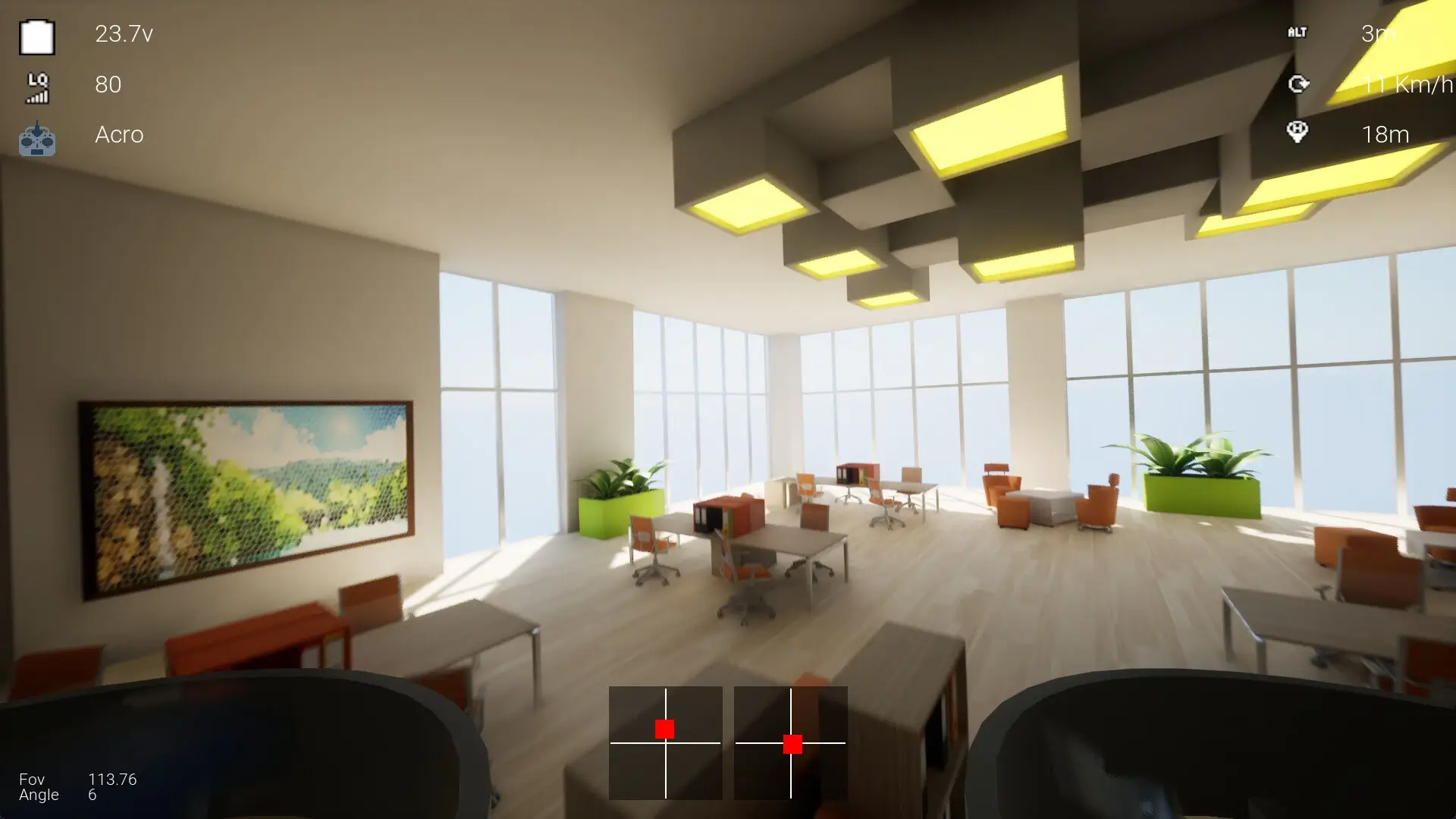
🎬 Gameplay Video










Comments
Leave a Comment
Your email address will not be published. Required fields are marked *