Between the Stars Torrent Download
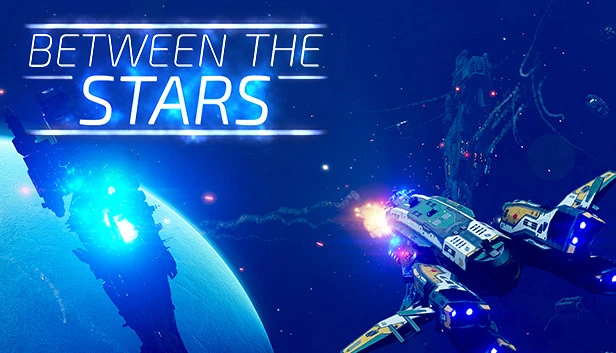
Table of Contents
📚 Between the Stars Overview
Between the Stars is a space action game that puts you in control of an interstellar cruiser. In this game, your mission is to protect civilization from the Children of the Sun, a faction that seeks to dominate border planets. You will navigate the galaxy, encountering new challenges at every warp jump. The game requires you to make tough decisions that impact your ship, crew, and the universe.
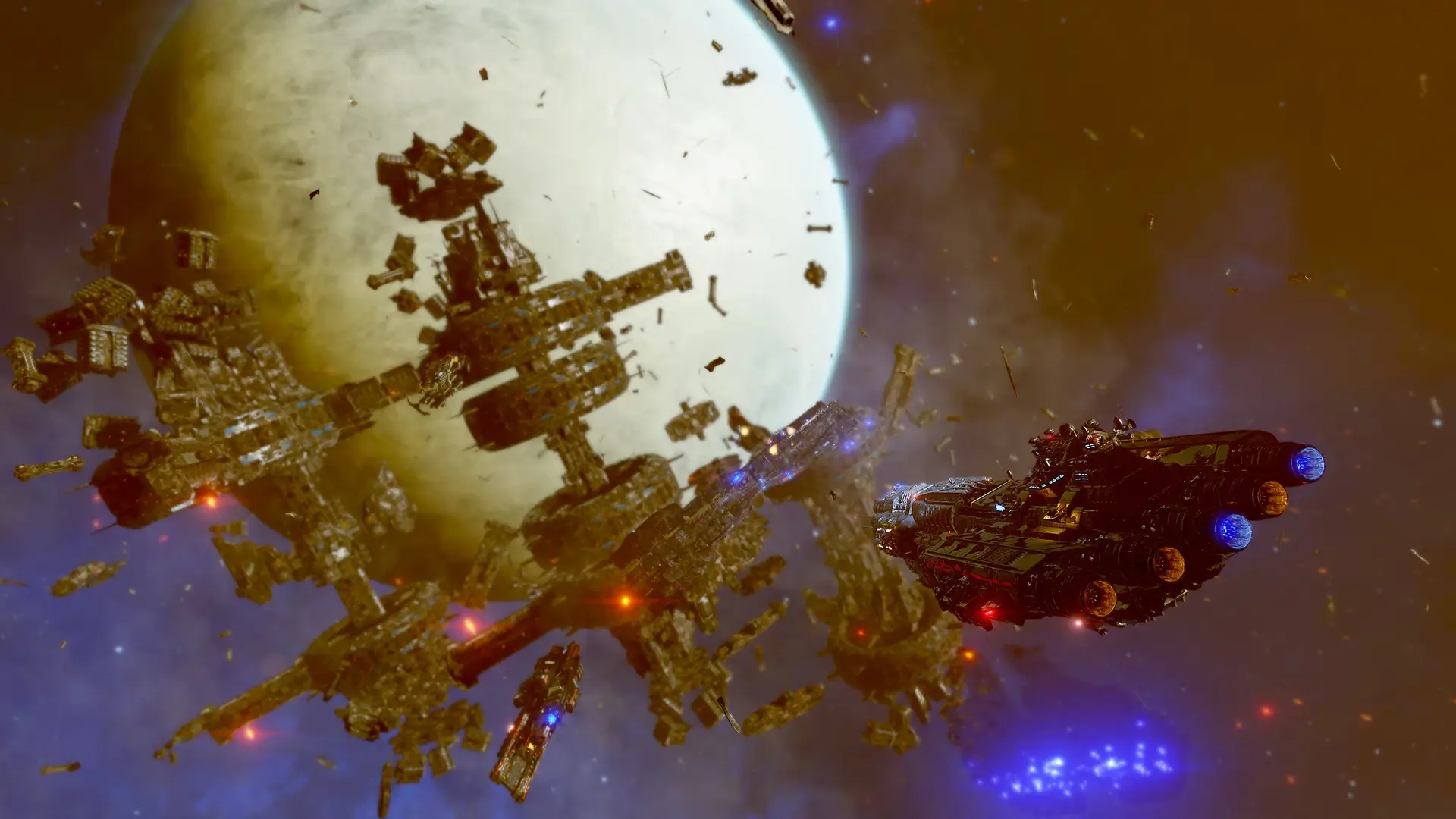
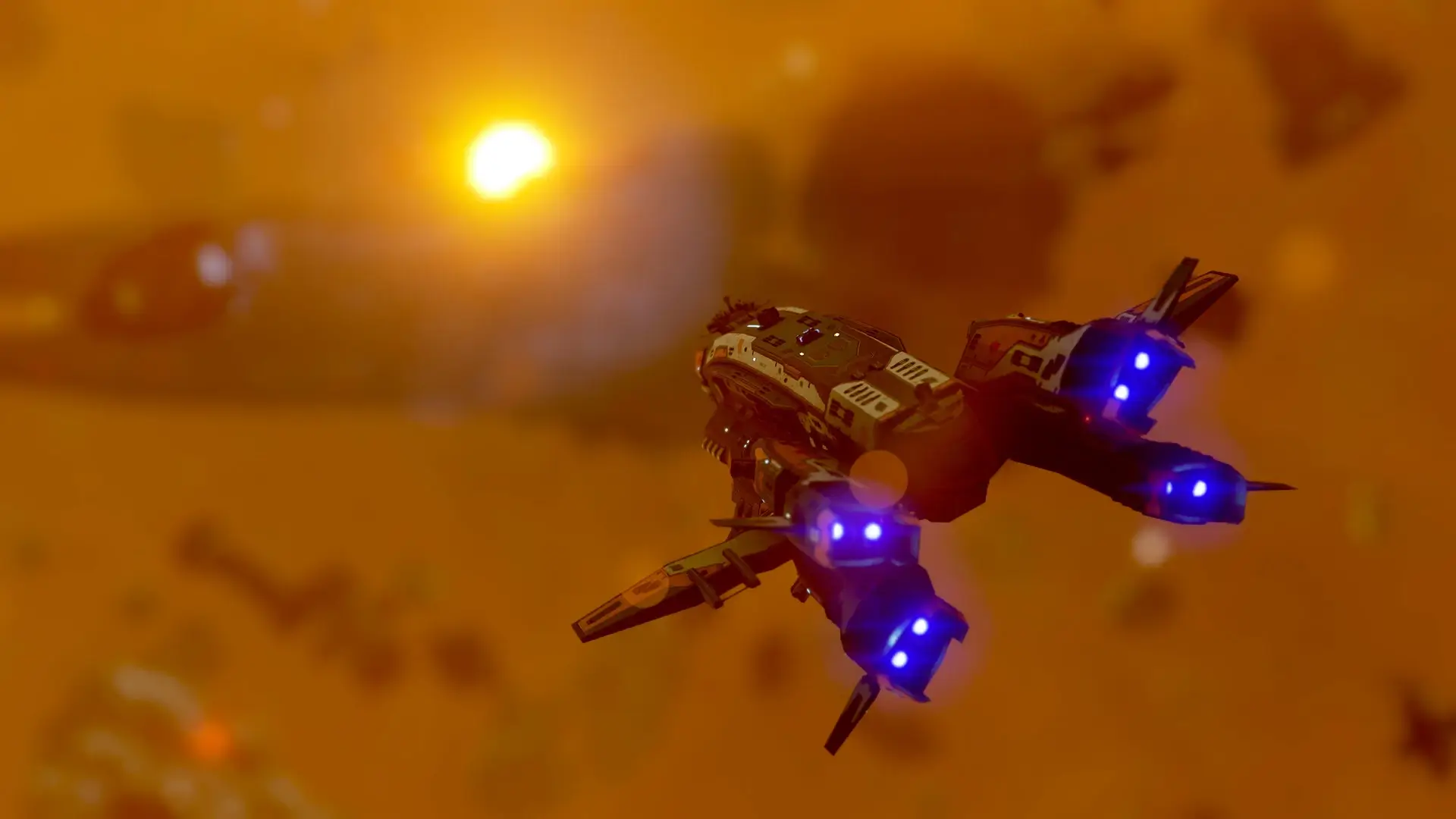
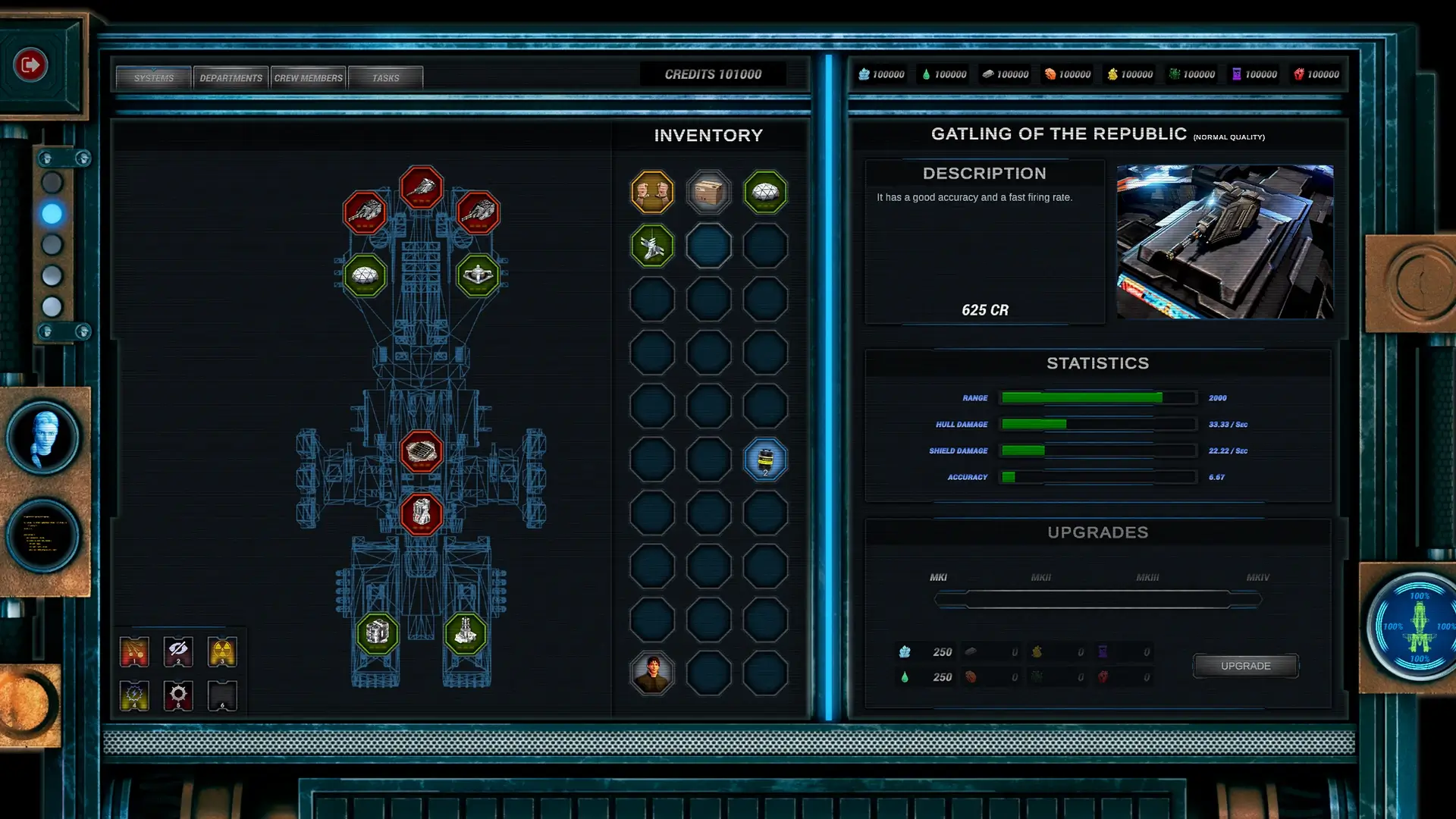
Real-time combat is a key feature of Between the Stars, where you fight intense space battles. Players can use special abilities on their ships at crucial moments to influence the battlefield. The game allows you to unlock, upgrade, and buy various playable ships and their systems, which are essential to conquering the galaxy.
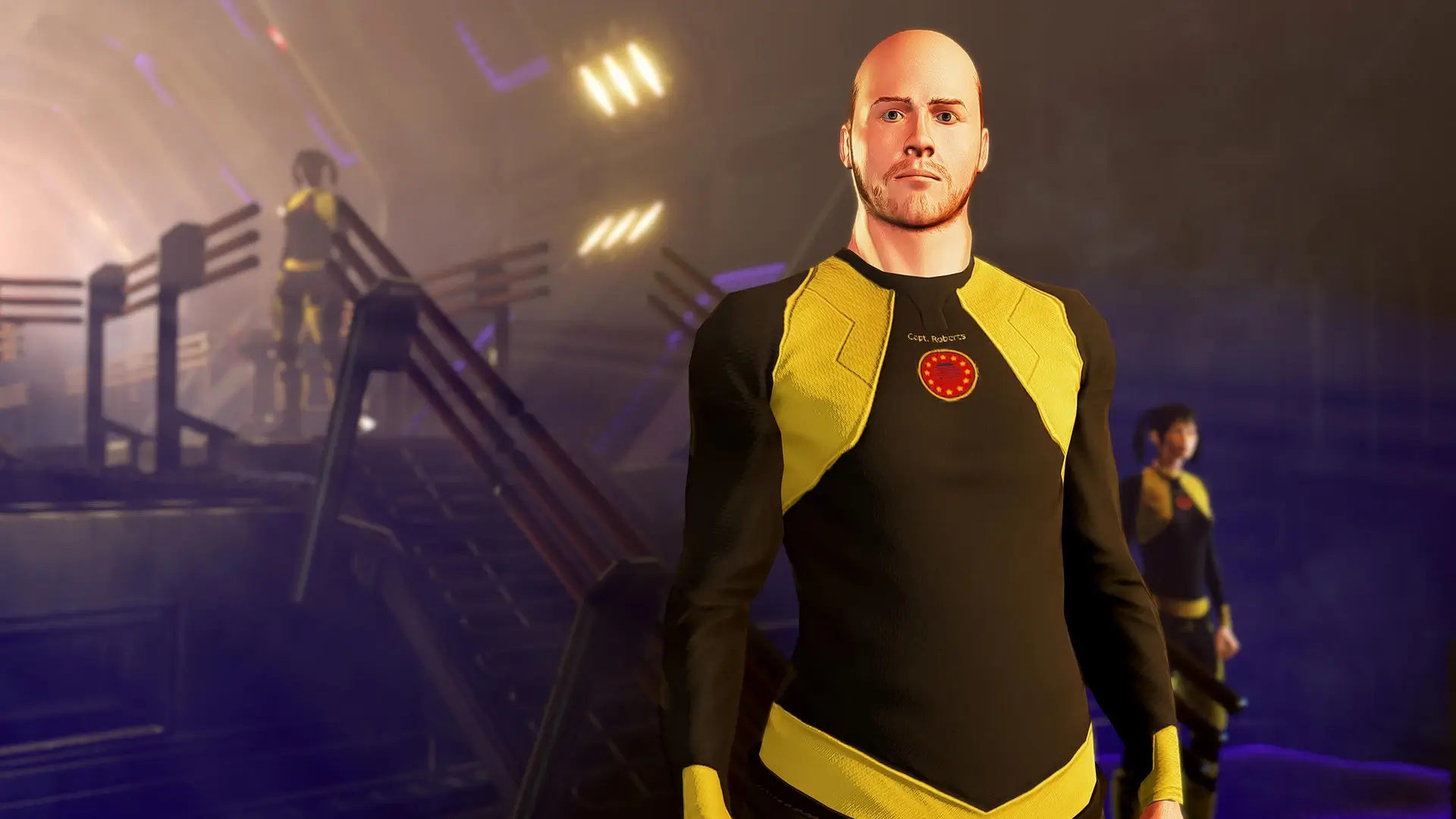
Character development is another significant aspect of the game. You can create a captain and develop them as you progress in the adventure. Leveling up your captain allows you to acquire different attributes based on your decisions. This adds depth to the gameplay as you tailor your captain’s abilities to suit your playstyle.
The game features a procedural universe, allowing you to explore a stellar map filled with events. You can visit space stations and planets across various sectors of the galaxy. Hiring and upgrading your crew is crucial to facing the dangers that the universe presents. Crew management becomes vital as you prepare for the challenges ahead.
🎮 Game Information
| 🕹️ TITLE: | Between the Stars |
|---|---|
| ⚡ VERSION: | v1.0.0.2 + Bonus Soundtrack |
| 🛠️ DEVELOPER: | Isolated Games |
| 💻 PUBLISHER: | Isolated Games |
| 📅 RELEASE DATE: | Mar 7, 2024 |
| 📂 GENRE: | Action, Adventure, Indie, RPG Game |
| 💾 SIZE: | 1.6 GB |
| 🔒 CRACKED BY: | CODEX-RUNE |
| 💸 BUY LINK: | Store Page |
| ⭐ USER RATING: |
⚙️ Installation Instructions
We have simple instructions for downloading and installing the Between the Stars torrent game on your Windows operating system. The procedure is the same for all Windows operating systems. Before proceeding, ensure that your system meets the minimum system requirements to play the Game.
You must have zip file extracting software and torrent software installed on your PC. If you do not have these two software programs installed on your PC, then you will first need to download and install the two software programs on your PC before following the steps.
You can use any zip file extracting software and torrent software, (We recommend "WinRAR" and "qBittorrent" Software). WinRAR / 7-Zip / µTorrent Classic / qBittorrent (64-bit) / qBittorrent (32-bit).
Follow the simple instructions:
- First, click on the "Torrent Download" button, and download the torrent Between the Stars.zip file on your PC.
- Right-click on the Between the Stars.zip file and click on the "extract here" option from the dropdown menu.
- Double click on the .torrent file. Then, choose the download folder.
- After Download Completed, Open the Between the Stars Game folder.
- Double-click on the Setup.exe file.
- Follow the on-screen installation wizard to install the game on your PC.
- You may need to provide administrator permissions for the installation to proceed. If asked, click Yes to continue.
If you get any missing dll errors or the game is not launching, then Download Redist File and install all programs available in the "Redist" folder.
Done!. Now you can launch the game from your desktop.
⬇️ Between the Stars Torrent Download Link
🖥️ Minimum Requirements
- Requires a 64-bit processor and operating system
- OS *: Win 7 SP1, Win 8.1 (64-bit Operating System Required)
- Processor: Intel Core i3-4330 @ 3.50GHz / AMD FX-4330
- Memory: 8 GB RAM
- Graphics: GeForce GTX 660 Ti / Radeon R9 270X
- DirectX: Version 10
- Storage: 5 GB available space
⭐ Recommended Requirements
- Requires a 64-bit processor and operating system
- OS: Windows 10 64bit
- Processor: Intel Core i5-2500K @ 3.30GHz / AMD FX-6300 Six-Core
- Memory: 16 GB RAM
- Graphics: GeForce GTX 1060 / Radeon RX 470
- DirectX: Version 10
- Storage: 5 GB available space
📷 Gameplay Screenshots
🎬 Gameplay Video







Comments
Leave a Comment
Your email address will not be published. Required fields are marked *