Critter Café Torrent Download
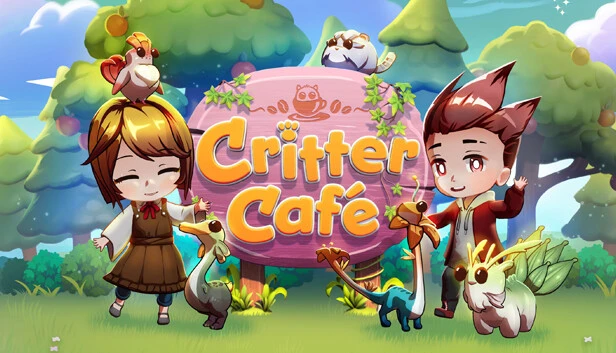
Table of Contents
📚 Critter Café Overview
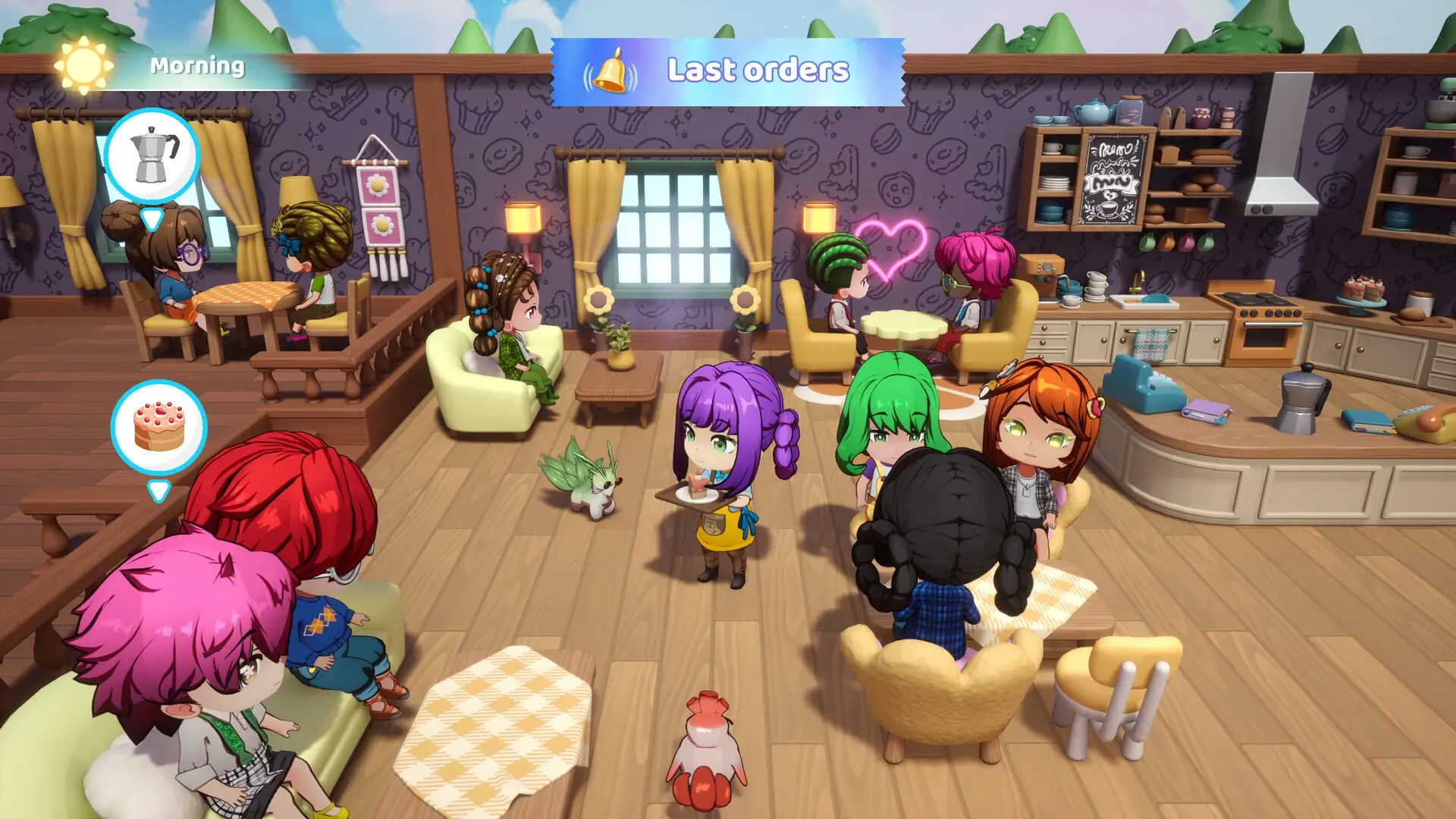
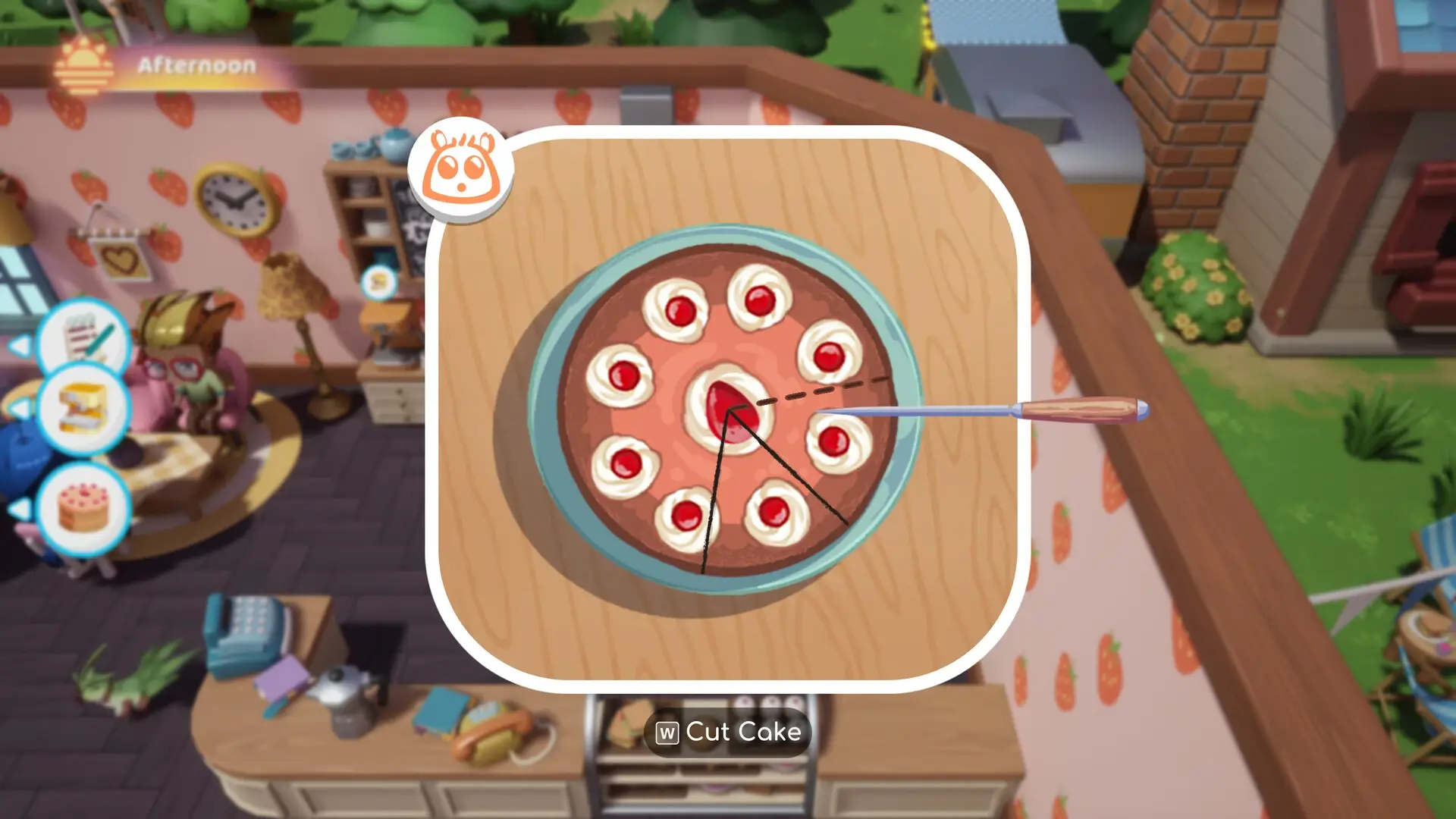
Critter Café invites players to create a cozy café where townsfolk can gather and enjoy the company of adorable critters. The game allows players to perfect latte art, deliver cakes, and serve coffee to eager customers who come to spend time with the café’s charming critters. Players can host critter-themed parties, such as movie nights and birthdays, adding a lively touch to the café environment.
In Critter Café, players will explore the magical Otherlands, where they can discover and save 35 adorable critters, including Mogbert and Glowli. These critters are not just for show; players actively nurture them with love and care. They can play with the critters, feed them various treats, and wash and brush them, fostering a bond that allows critters to develop new traits and unlock cute new looks.
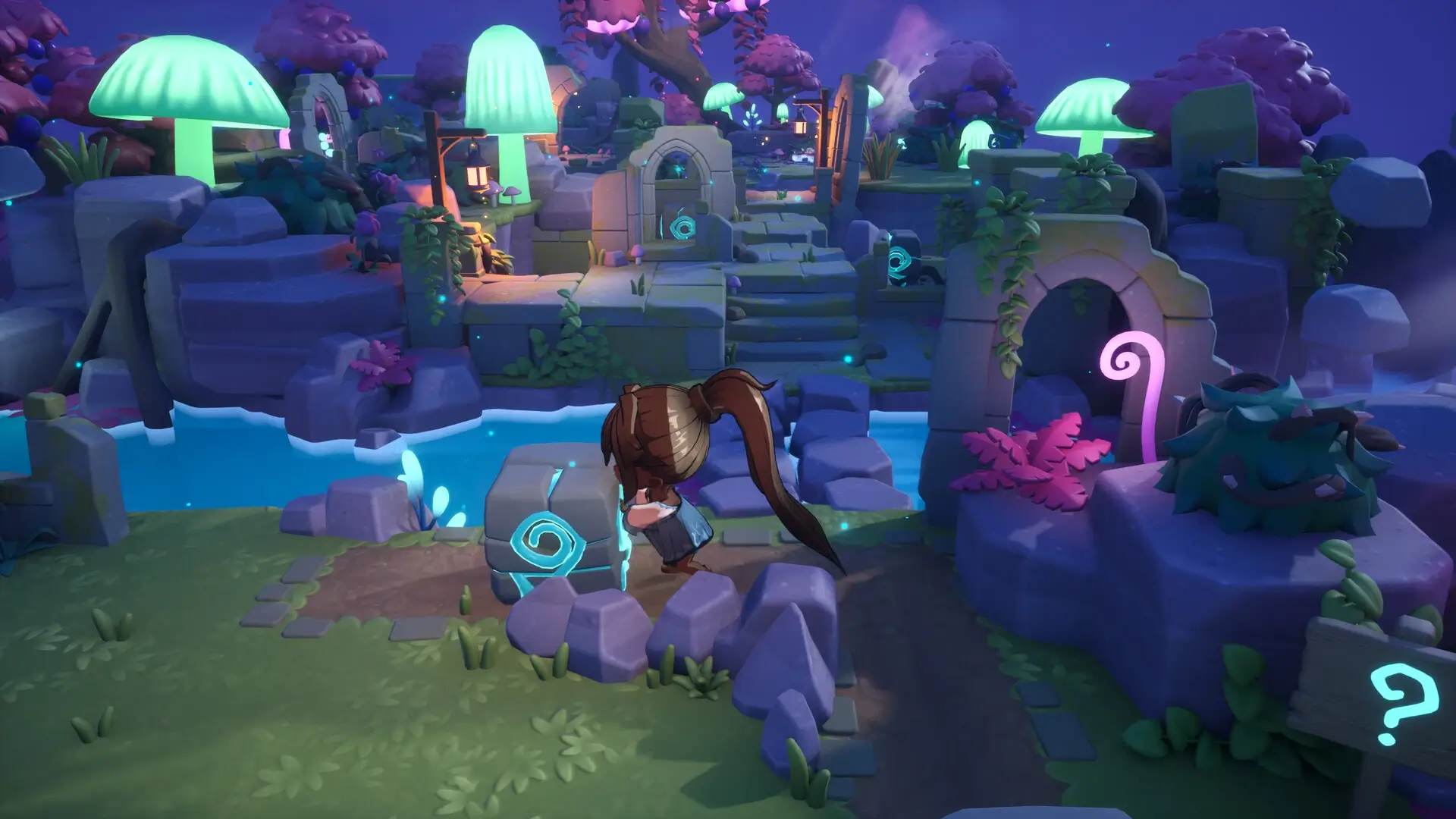
The game also involves receiving mysterious letters about magical portals appearing around Gold Leaf Isle. Players can explore several locations and vibrant areas by traversing these portals to the Otherlands. Navigating puzzles is part of the adventure, as players find new critters to nurture and care for in their café.
Critter Café offers a unique blend of café management and critter care, with a focus on creating a welcoming space for both townsfolk and critters. The game’s emphasis on nurturing relationships with critters and hosting themed parties adds depth to the café experience, making it a delightful adventure for players who enjoy managing a cozy café while exploring magical realms.
🎮 Game Information
| 🕹️ TITLE: | Critter Café |
|---|---|
| ⚡ VERSION: | v1.0 + Windows 7 Fix |
| 🛠️ DEVELOPER: | Sumo Digital |
| 💻 PUBLISHER: | Secret Mode |
| 📅 RELEASE DATE: | Nov 26, 2024 |
| 📂 GENRE: | Adventure, Casual, Simulation |
| 💾 SIZE: | 991.9 MB |
| 🔒 CRACKED BY: | TENOKE |
| 💸 BUY LINK: | Store Page |
| ⭐ USER RATING: |
⚙️ Installation Instructions
We have simple instructions for downloading and installing the Critter Café torrent game on your Windows operating system. The procedure is the same for all Windows operating systems. Before proceeding, ensure that your system meets the minimum system requirements to play the Game.
You must have zip file extracting software and torrent software installed on your PC. If you do not have these two software programs installed on your PC, then you will first need to download and install the two software programs on your PC before following the steps.
You can use any zip file extracting software and torrent software, (We recommend "WinRAR" and "qBittorrent" Software). WinRAR / 7-Zip / µTorrent Classic / qBittorrent (64-bit) / qBittorrent (32-bit).
Follow the simple instructions:
- First, click on the "Torrent Download" button, and download the torrent Critter Café.zip file on your PC.
- Right-click on the Critter Café.zip file and click on the "extract here" option from the dropdown menu.
- Double click on the .torrent file. Then, choose the download folder.
- After Download Completed, Open the Critter Café Game folder.
- Double-click on the Setup.exe file.
- Follow the on-screen installation wizard to install the game on your PC.
- You may need to provide administrator permissions for the installation to proceed. If asked, click Yes to continue.
If you get any missing dll errors or the game is not launching, then Download Redist File and install all programs available in the "Redist" folder.
Done!. Now you can launch the game from your desktop.
⬇️ Critter Café Torrent Download Link
🖥️ Minimum Requirements
- OS: Windows 10 / 11
- Processor: Intel Core i3-12100 CPU @ 3.3 GHz / AMD Ryzen 3 4100
- Memory: 8 GB RAM
- Graphics: NVIDIA GEFORCE GTX 960 / AMD Radeon R9 380
- DirectX: Version 12
- Storage: 10 GB available space
⭐ Recommended Requirements
- OS: Windows 10 / 11
- Processor: Intel Core i5-8400 CPU @ 2.8 GHz / AMD Ryzen 5 1400
- Memory: 8 GB RAM
- Graphics: NVIDIA GEFORCE RTX 1070 / AMD Radeon RX Vega 56
- DirectX: Version 12
- Storage: 10 GB available space
📷 Gameplay Screenshots

🎬 Gameplay Video












Comments
Leave a Comment
Your email address will not be published. Required fields are marked *