Xenowars Torrent Download
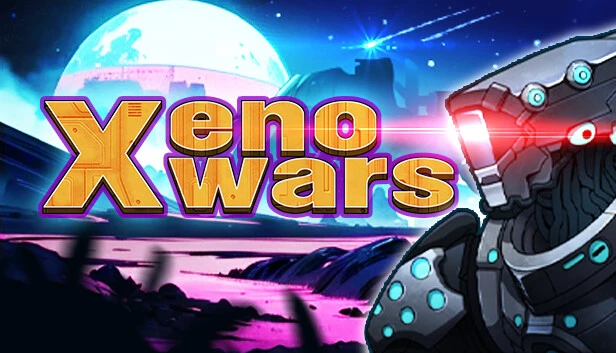
Table of Contents
📚 Xenowars Overview
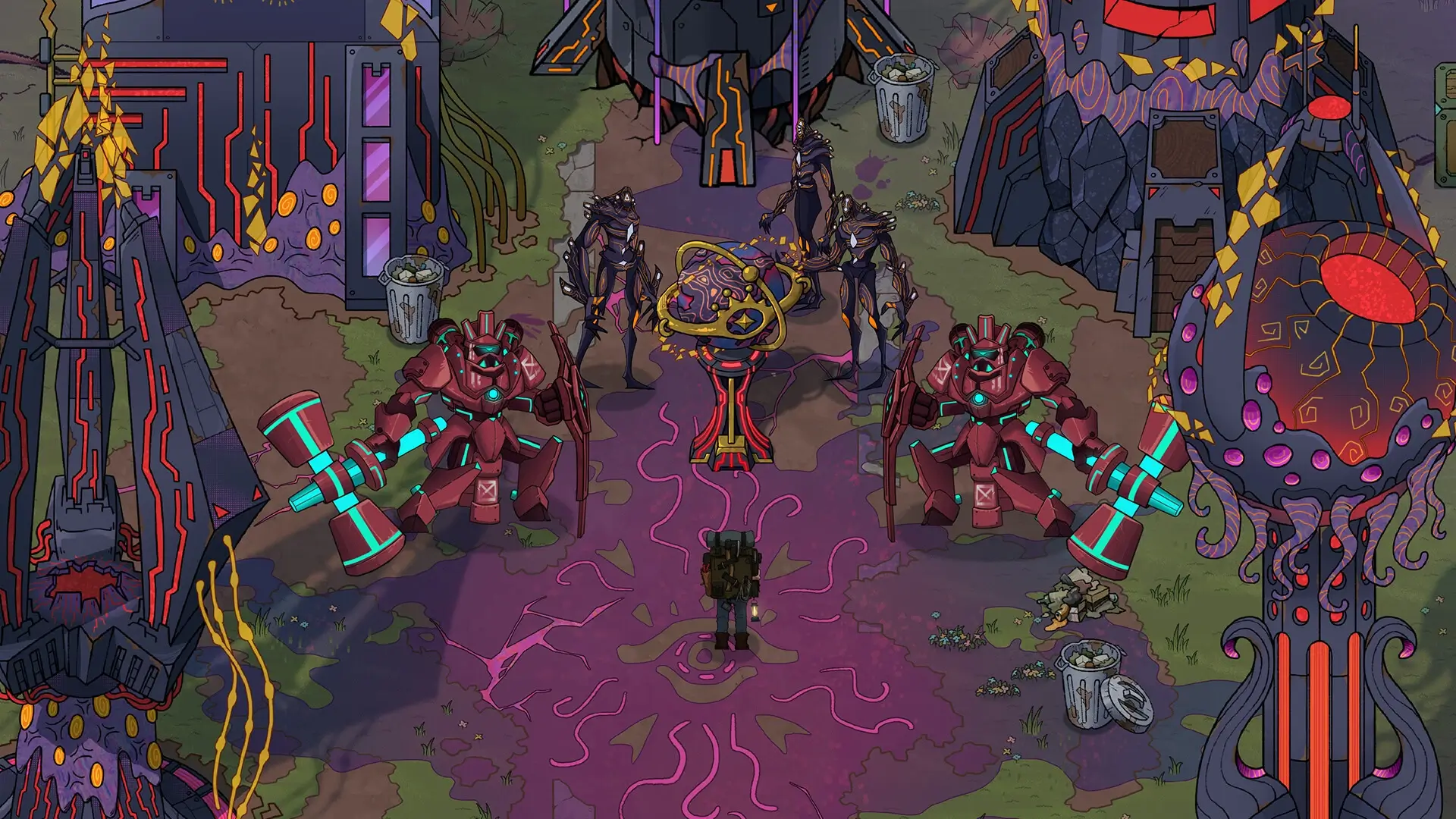
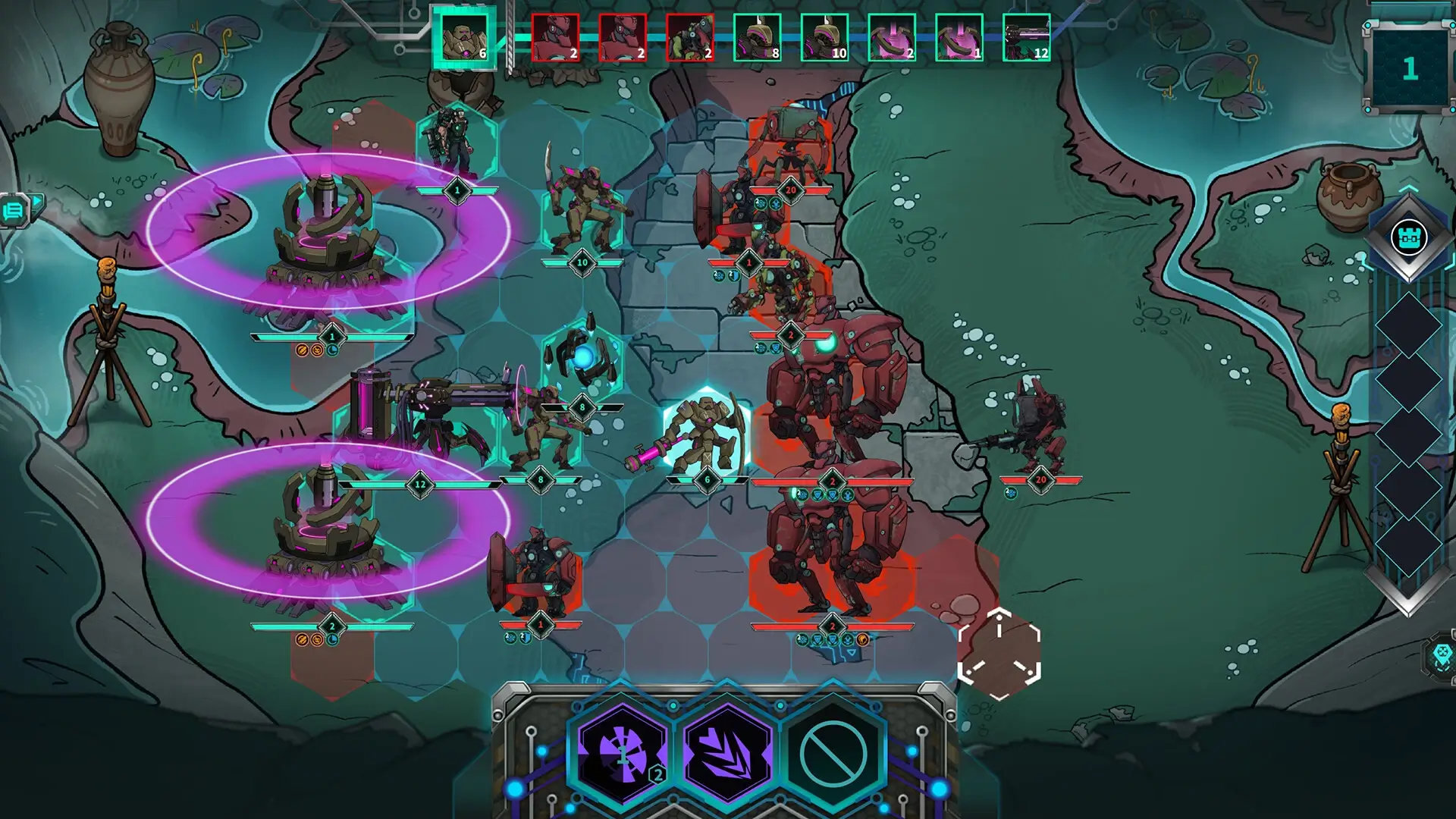
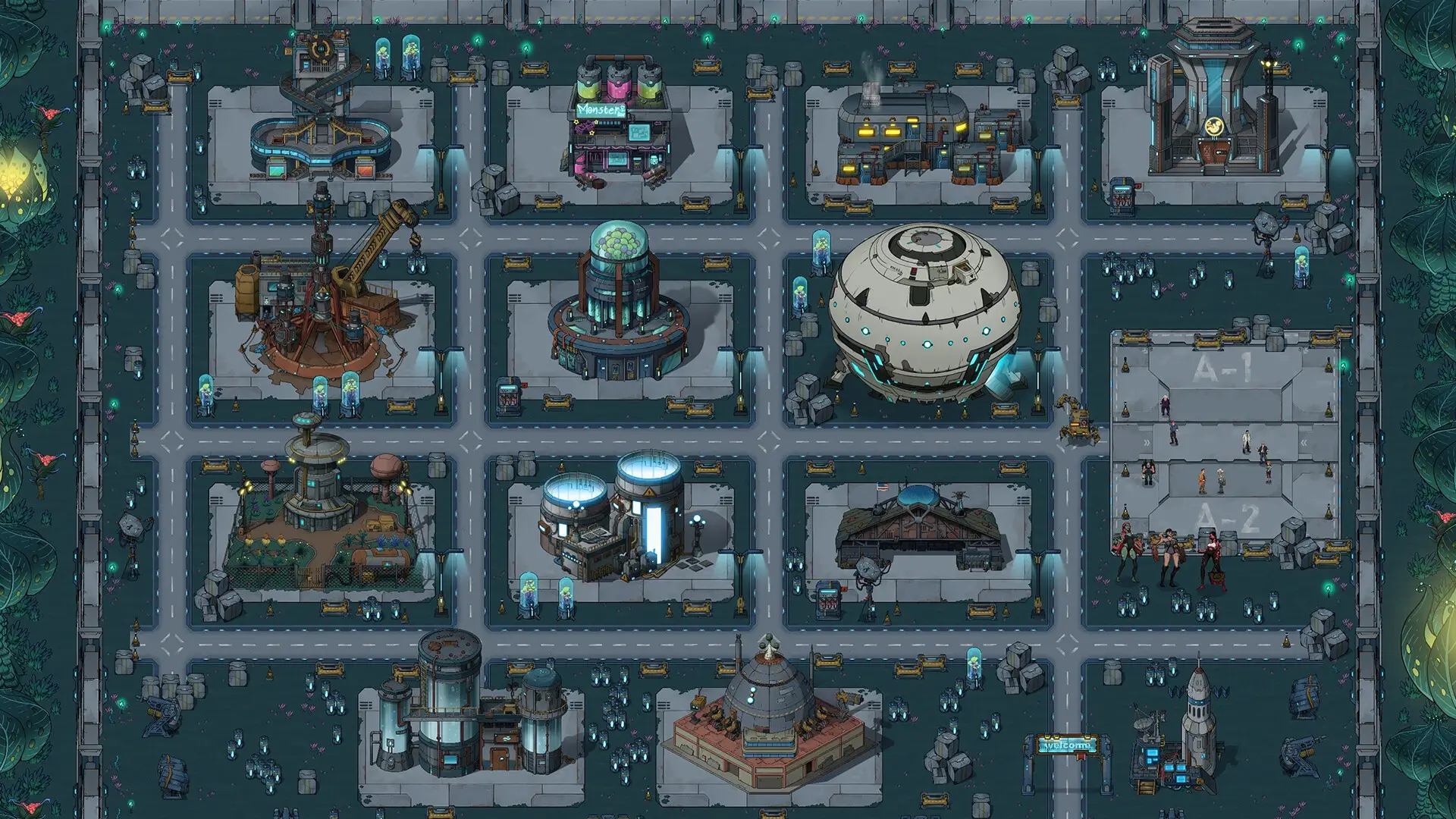
Xenowars invites players to explore alien territories and confront silicon-based lifeforms. Players can collect monster genes for genetic editing, enhancing them to become colossal titans. The game features hundreds of recruitable tactical battle units and a standalone tower defense battle mode. Players can choose their own ending by navigating a rich storyline.
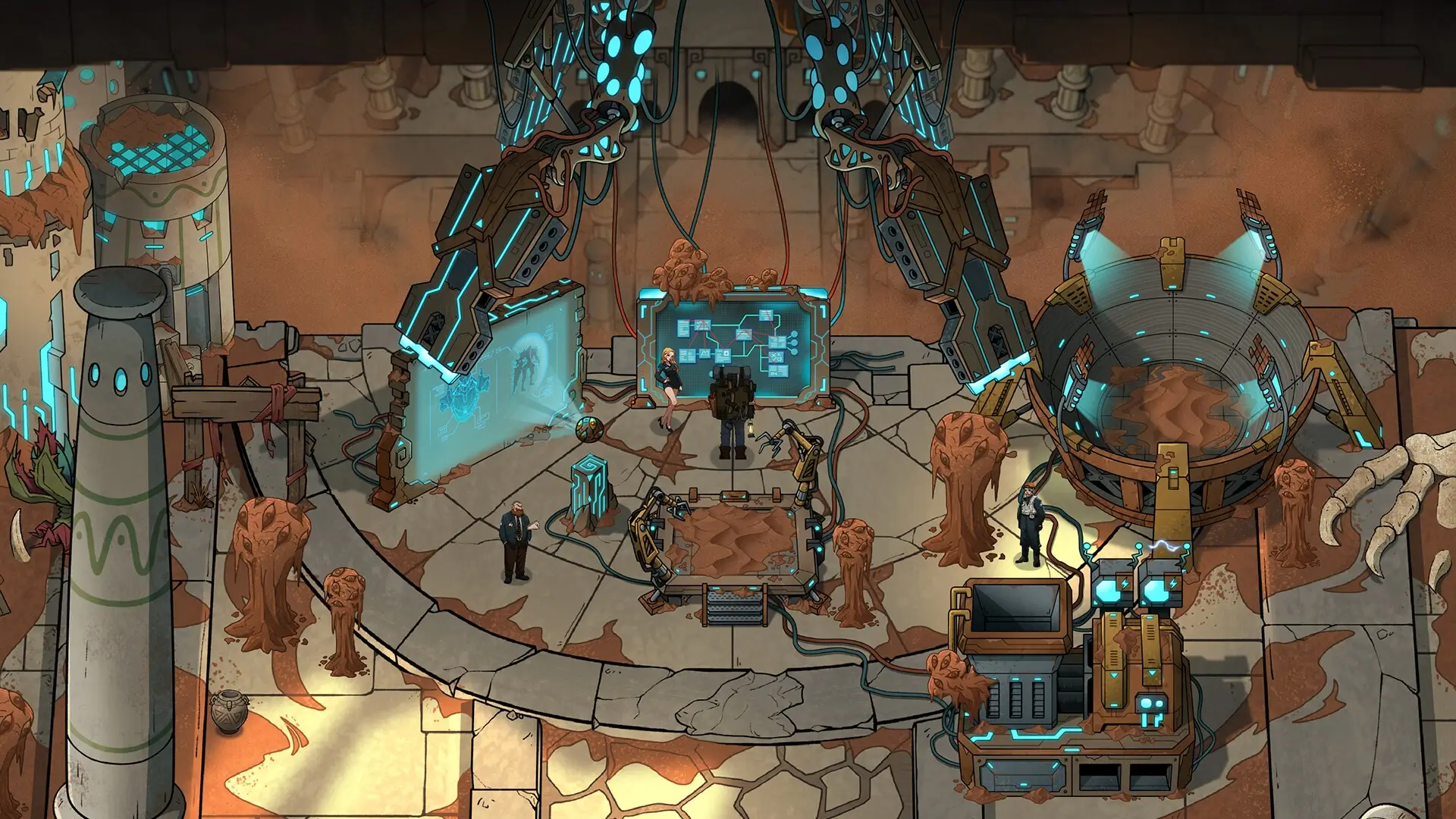
In Xenowars, players can freely create an alien exploration team. The team can include engineers, scientists, mutant warriors, and military personnel. Starting from scratch, players build a base on an alien planet. The game offers a variety of alien civilizations, such as insectoids, silicon-based lifeforms, and super organisms.
Factional conflicts are a key element in Xenowars. Exploration teams from the USA, China, Europe, and other nations compete for resources. The game features thousands of alien creatures, providing a diverse range of interactions. Players must strategically manage their resources and team to succeed in this competitive environment.
Xenowars provides a complex and engaging experience with its diverse gameplay elements. The game’s unique approach to genetic editing and tactical battles sets it apart. Players can immerse themselves in the rich storyline and explore the vast universe of alien civilizations.
🎮 Game Information
| 🕹️ TITLE: | Xenowars |
|---|---|
| ⚡ VERSION: | v1.0 |
| 🛠️ DEVELOPER: | Strategeion Studios |
| 💻 PUBLISHER: | Strategeion Studios |
| 📅 RELEASE DATE: | Oct 28, 2024 |
| 📂 GENRE: | Adventure, RPG Game, Strategy |
| 💾 SIZE: | 2 GB |
| 🔒 CRACKED BY: | TENOKE |
| 💸 BUY LINK: | Store Page |
| ⭐ USER RATING: |
⚙️ Installation Instructions
We have simple instructions for downloading and installing the Xenowars torrent game on your Windows operating system. The procedure is the same for all Windows operating systems. Before proceeding, ensure that your system meets the minimum system requirements to play the Game.
You must have zip file extracting software and torrent software installed on your PC. If you do not have these two software programs installed on your PC, then you will first need to download and install the two software programs on your PC before following the steps.
You can use any zip file extracting software and torrent software, (We recommend "WinRAR" and "qBittorrent" Software). WinRAR / 7-Zip / µTorrent Classic / qBittorrent (64-bit) / qBittorrent (32-bit).
Follow the simple instructions:
- First, click on the "Torrent Download" button, and download the torrent Xenowars.zip file on your PC.
- Right-click on the Xenowars.zip file and click on the "extract here" option from the dropdown menu.
- Double click on the .torrent file. Then, choose the download folder.
- After Download Completed, Open the Xenowars Game folder.
- Double-click on the Setup.exe file.
- Follow the on-screen installation wizard to install the game on your PC.
- You may need to provide administrator permissions for the installation to proceed. If asked, click Yes to continue.
If you get any missing dll errors or the game is not launching, then Download Redist File and install all programs available in the "Redist" folder.
Done!. Now you can launch the game from your desktop.
⬇️ Xenowars Torrent Download Link
🖥️ Minimum Requirements
- Requires a 64-bit processor and operating system
- OS: Windows® 10 64 Bit (latest update) or Windows® 11 64 Bit (latest update)
- Processor: Intel Core i5 2500 or AMD FX-4350
- Memory: 4 GB RAM
- Graphics: Nvidia GTX 660Ti Or AMD R9 270 with 2+ G BOf VRAM
- DirectX: Version 11
- Storage: 4 GB available space
⭐ Recommended Requirements
- Requires a 64-bit processor and operating system
- OS: Windows® 10 64 Bit (latest update) or Windows® 11 64 Bit (latest update)
- Processor: Intel Core i5 6500 or AMD Ryzen 3 1200
- Memory: 8 GB RAM
- Graphics: Nvidia GTX 1060 0r AMD RX 480 with 4+ G BOf VRAM
- DirectX: Version 11
- Storage: 4 GB available space
📷 Gameplay Screenshots
🎬 Gameplay Video

















Comments
Leave a Comment
Your email address will not be published. Required fields are marked *