Ballex²: The Hanging Gardens Torrent Download
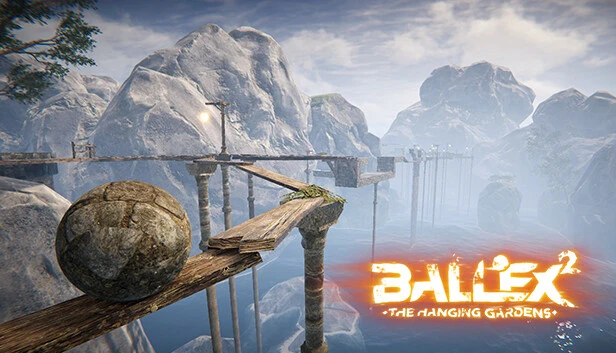
Table of Contents
📚 Ballex²: The Hanging Gardens Overview
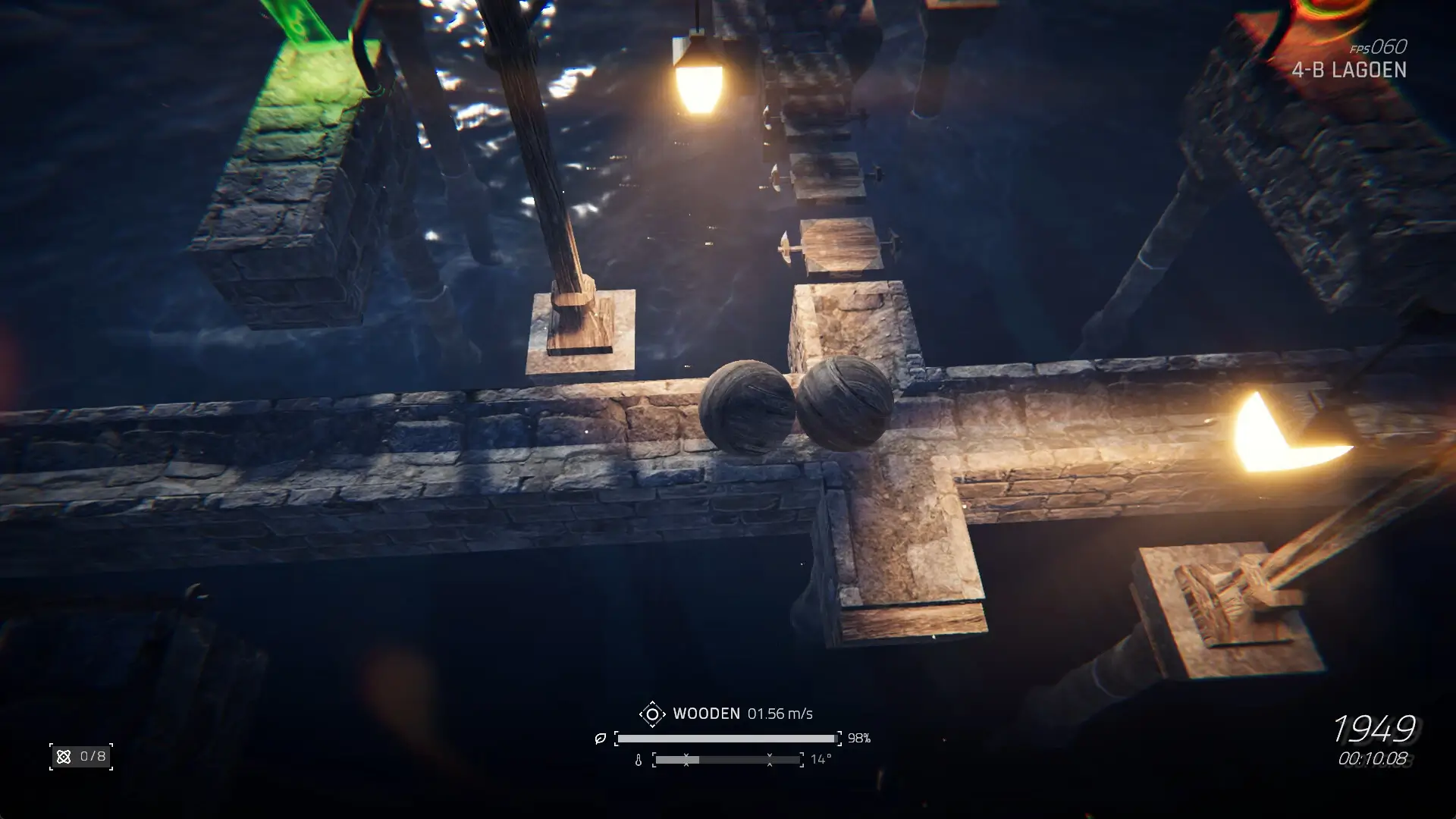
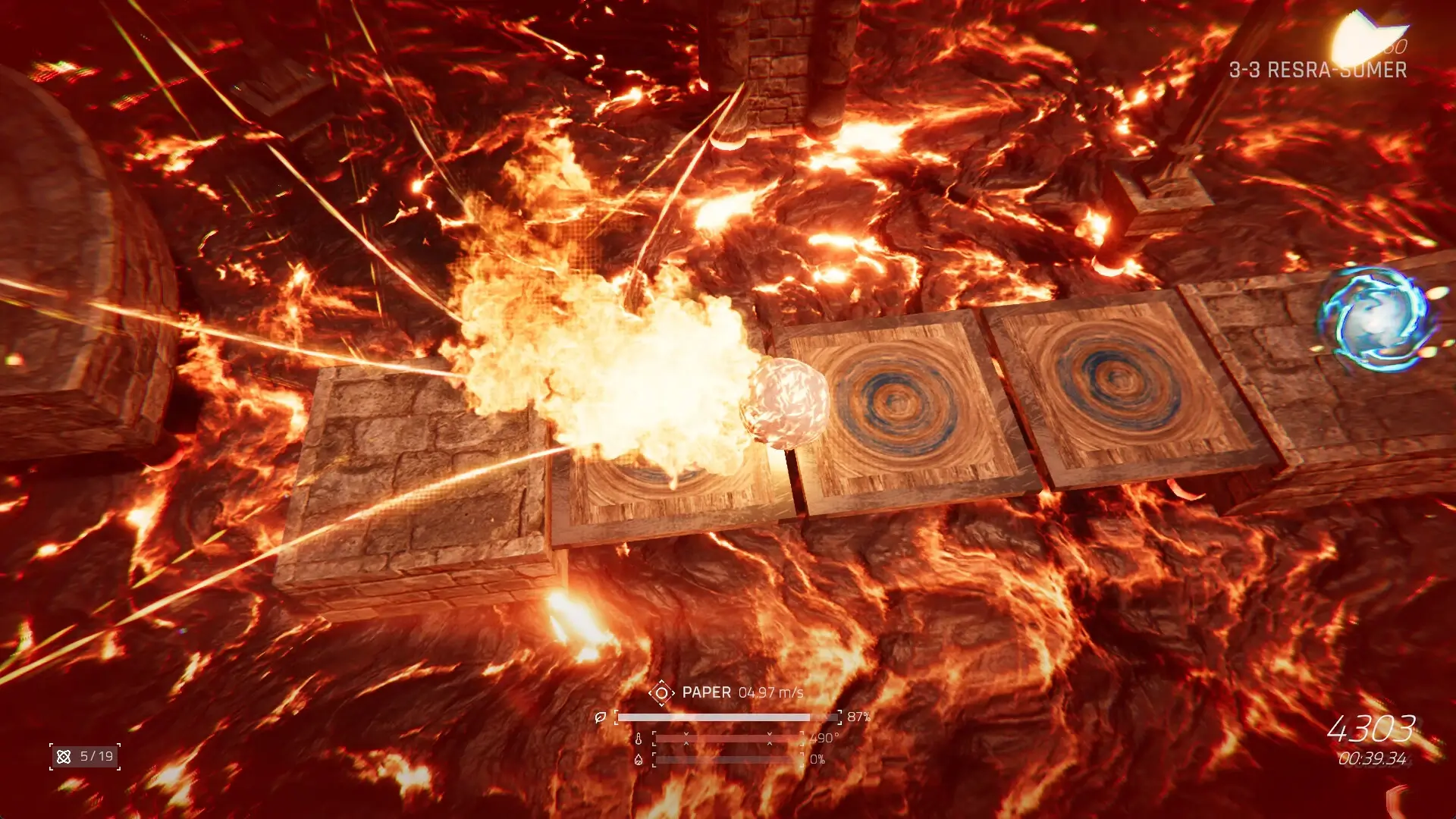
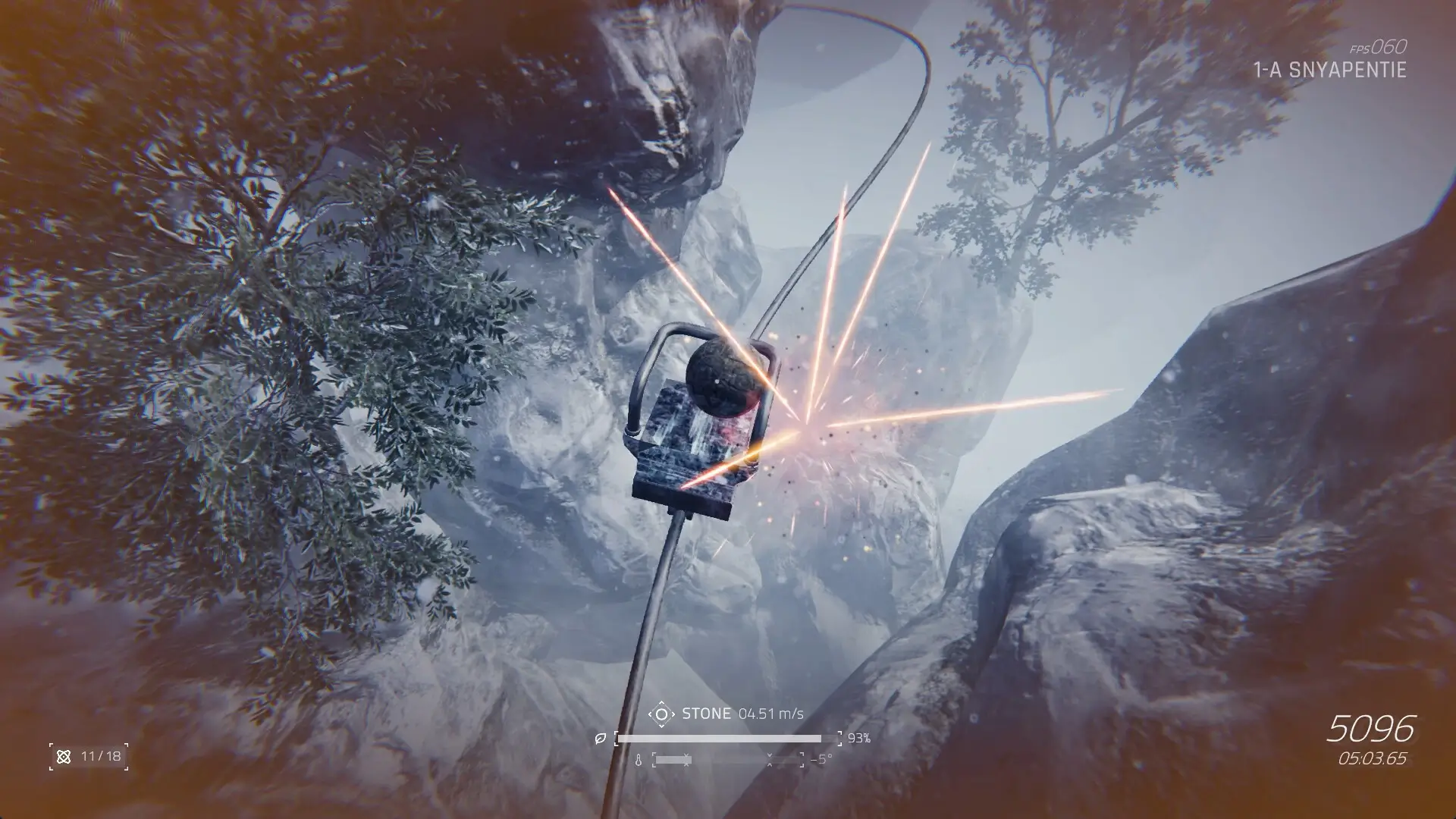
Ballex²: The Hanging Gardens is a physics-driven indie game that challenges players with strategic puzzles in high-altitude settings. Players control nine unique spheres, each with distinct physical properties. These spheres range from classic materials like wood, stone, and paper to new ones like balloon, sponge, and sticky. The game requires players to adapt their strategies according to the environment and puzzles.
The game offers two control modes to suit player preferences. The Classic Four-Directional View Mode allows for precise turning and movement using arrow keys and A/D for camera rotation. Players can switch to a top-down view with the Space key. The Free View Mode provides a more open rolling experience, using WASD for movement and the mouse for camera adjustments.
Ballex² does not include a jump button, focusing instead on mastering gravity and inertia. This design choice adds a layer of challenge, requiring players to navigate the game’s aerial wonders carefully. The absence of jumping makes the game more about strategic movement and understanding the physics of each sphere.
The game’s environments are designed to test the player’s ability to leverage the unique traits of each sphere. Players must trigger mechanisms and navigate obstacles, immersing themselves in a strategic experience. Ballex² combines tactile control with strategic depth, offering a unique challenge for those who enjoy physics-based puzzles.
🎮 Game Information
| 🕹️ TITLE: | Ballex²: The Hanging Gardens |
|---|---|
| ⚡ VERSION: | v1.0 |
| 🛠️ DEVELOPER: | Mushreb Games |
| 💻 PUBLISHER: | Mushreb Games |
| 📅 RELEASE DATE: | Apr 30, 2025 |
| 📂 GENRE: | Adventure, Casual, Indie, Racing |
| 💾 SIZE: | 1.5 GB |
| 🔒 CRACKED BY: | TENOKE |
| 💸 BUY LINK: | Store Page |
| ⭐ USER RATING: |
⚙️ Installation Instructions
We have simple instructions for downloading and installing the Ballex²: The Hanging Gardens torrent game on your Windows operating system. The procedure is the same for all Windows operating systems. Before proceeding, ensure that your system meets the minimum system requirements to play the Game.
You must have zip file extracting software and torrent software installed on your PC. If you do not have these two software programs installed on your PC, then you will first need to download and install the two software programs on your PC before following the steps.
You can use any zip file extracting software and torrent software, (We recommend "WinRAR" and "qBittorrent" Software). WinRAR / 7-Zip / µTorrent Classic / qBittorrent (64-bit) / qBittorrent (32-bit).
Follow the simple instructions:
- First, click on the "Torrent Download" button, and download the torrent Ballex²: The Hanging Gardens.zip file on your PC.
- Right-click on the Ballex²: The Hanging Gardens.zip file and click on the "extract here" option from the dropdown menu.
- Double click on the .torrent file. Then, choose the download folder.
- After Download Completed, Open the Ballex²: The Hanging Gardens Game folder.
- Double-click on the Setup.exe file.
- Follow the on-screen installation wizard to install the game on your PC.
- You may need to provide administrator permissions for the installation to proceed. If asked, click Yes to continue.
If you get any missing dll errors or the game is not launching, then Download Redist File and install all programs available in the "Redist" folder.
Done!. Now you can launch the game from your desktop.
⬇️ Ballex²: The Hanging Gardens Torrent Download Link
🖥️ Minimum Requirements
- Requires a 64-bit processor and operating system
- OS: Windows 10
- Processor: Core i5 9500
- Memory: 8 GB RAM
- Graphics: GTX 1060
- DirectX: Version 12
- Storage: 12 GB available space
⭐ Recommended Requirements
- Requires a 64-bit processor and operating system
- OS: Windows 11
- Processor: Core i7 9700k
- Memory: 16 GB RAM
- Graphics: GTX 2060
- DirectX: Version 12
- Network: Broadband Internet connection
- Storage: 12 GB available space
📷 Gameplay Screenshots
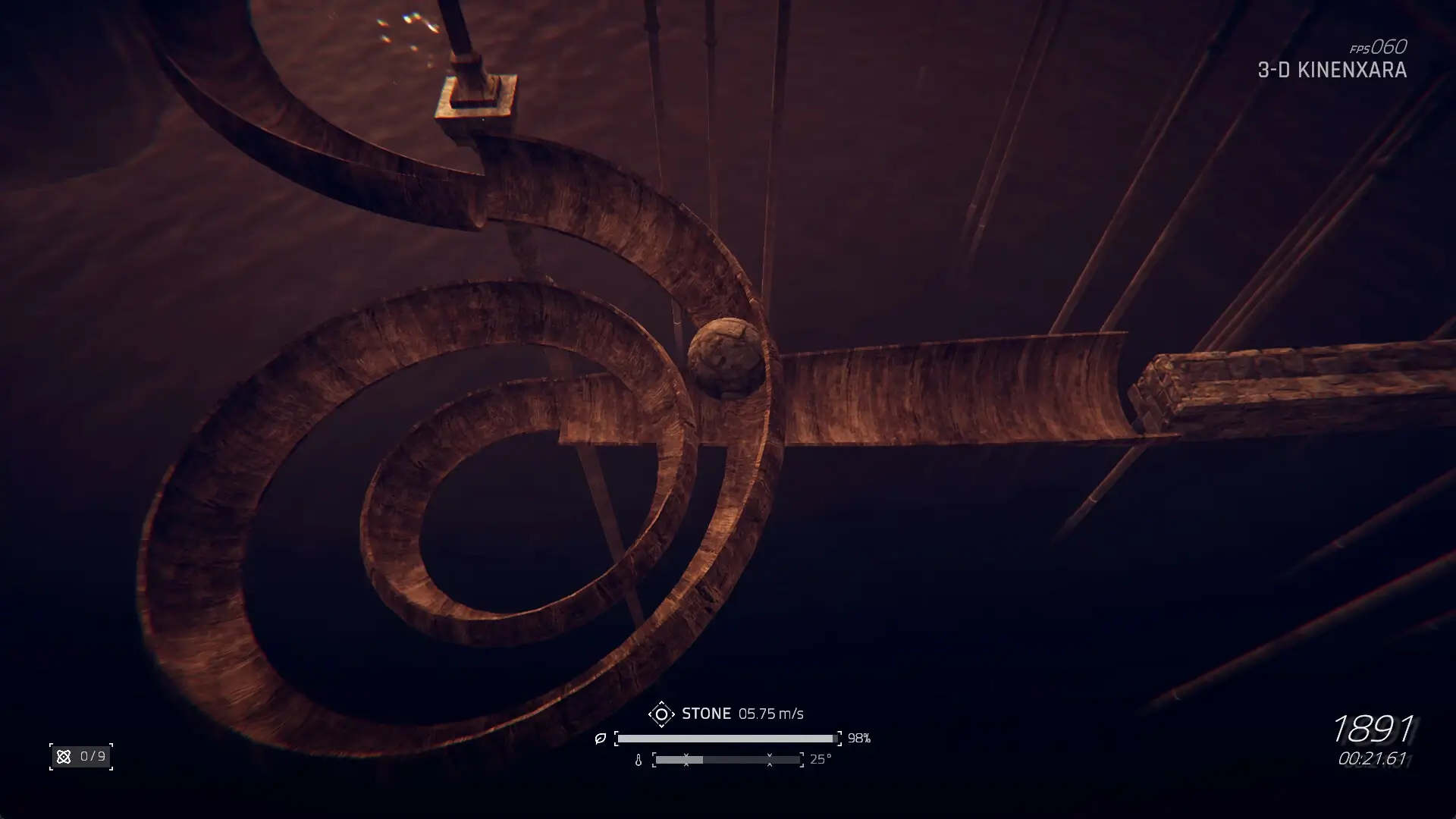
🎬 Gameplay Video











Comments
Leave a Comment
Your email address will not be published. Required fields are marked *