BACKROOMS: LIMINAL ESCAPE Torrent Download
Table of Contents
📚 BACKROOMS: LIMINAL ESCAPE Overview
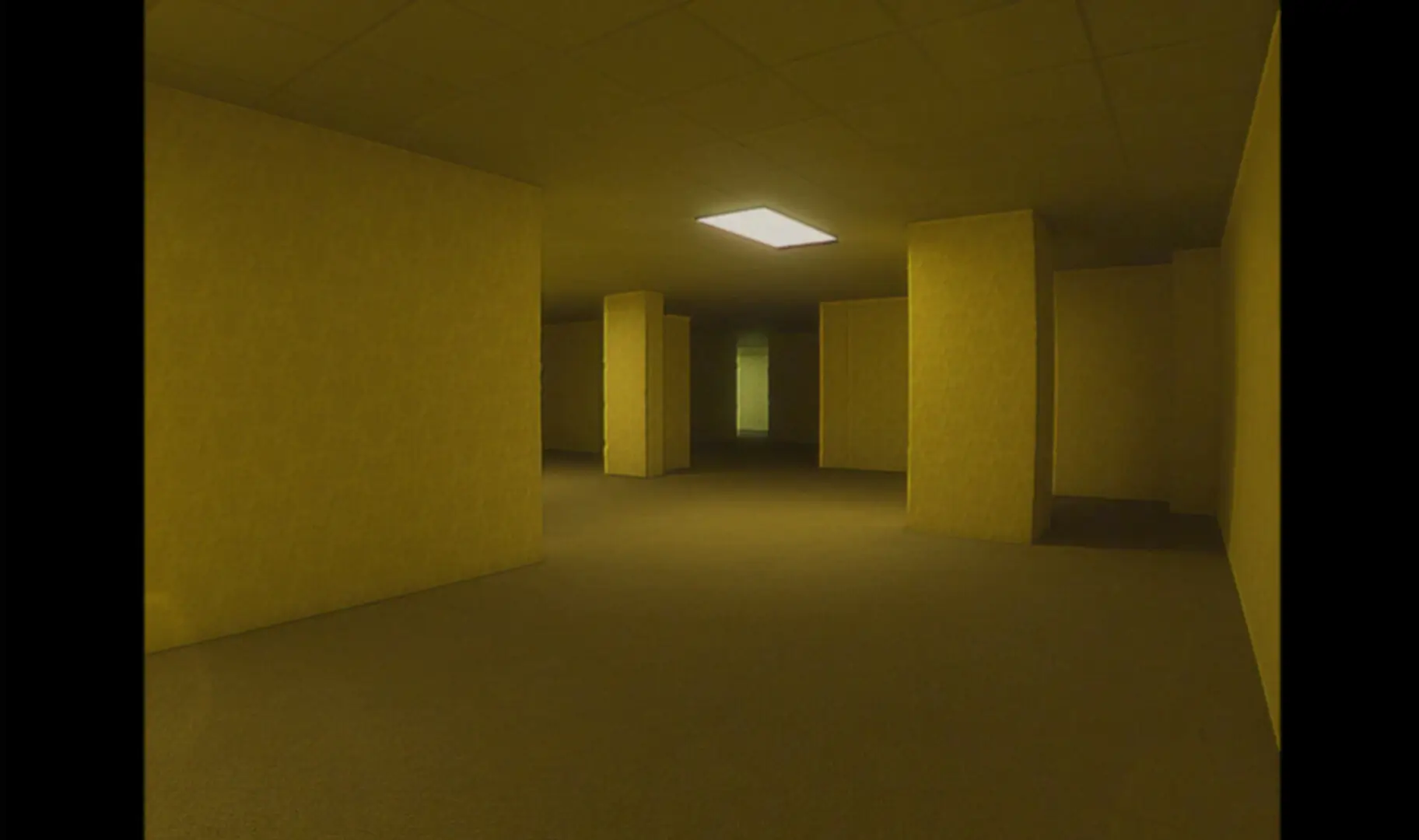
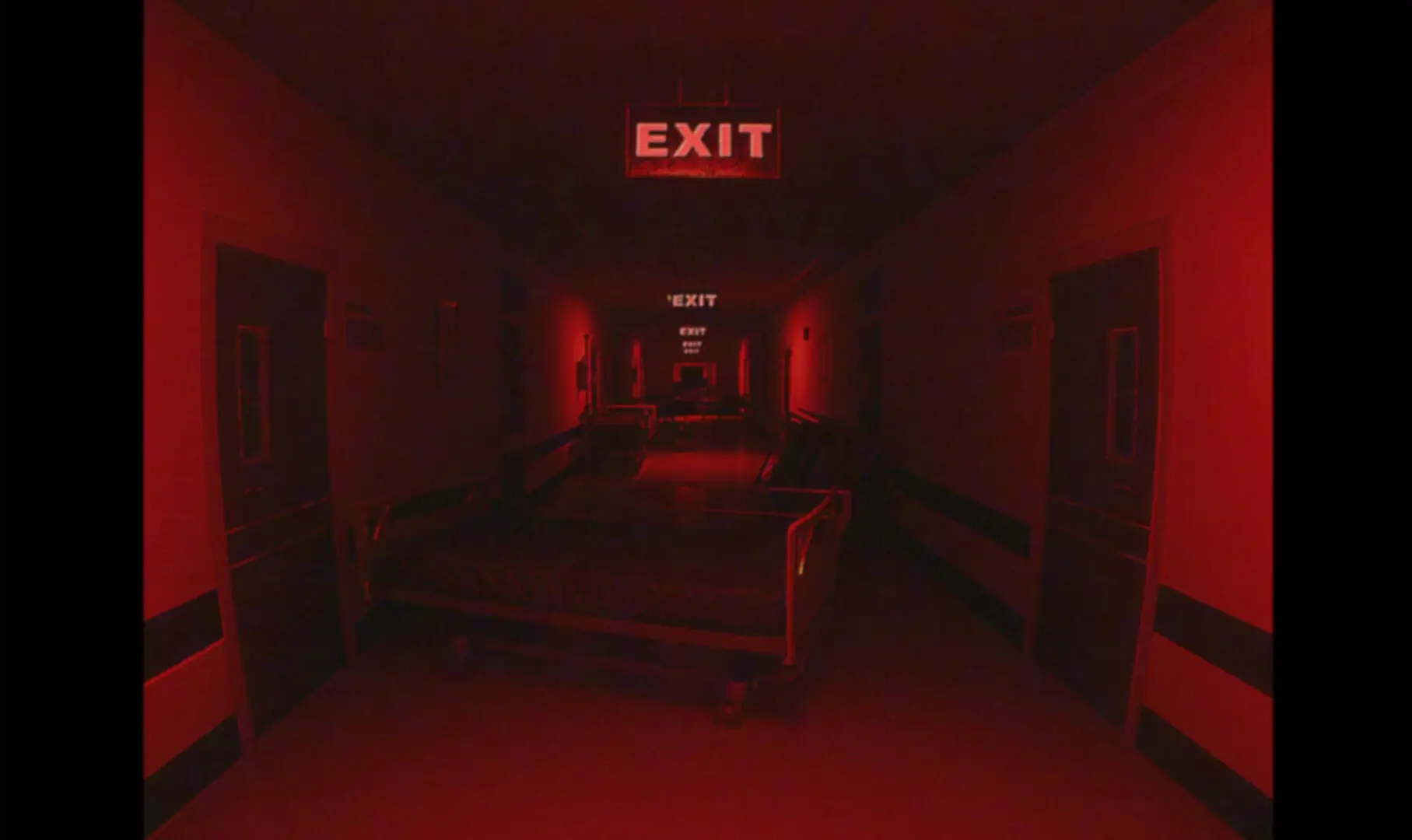
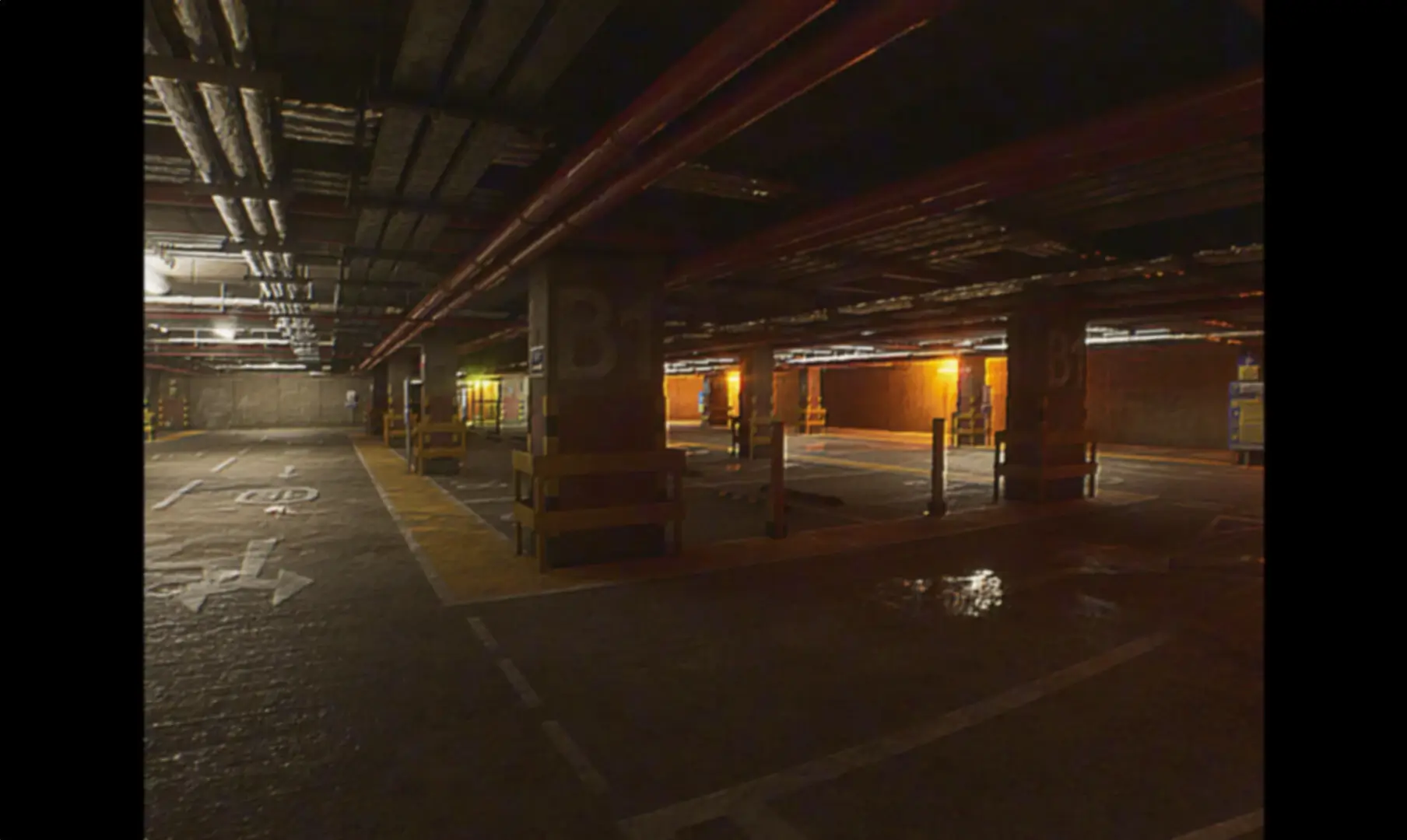
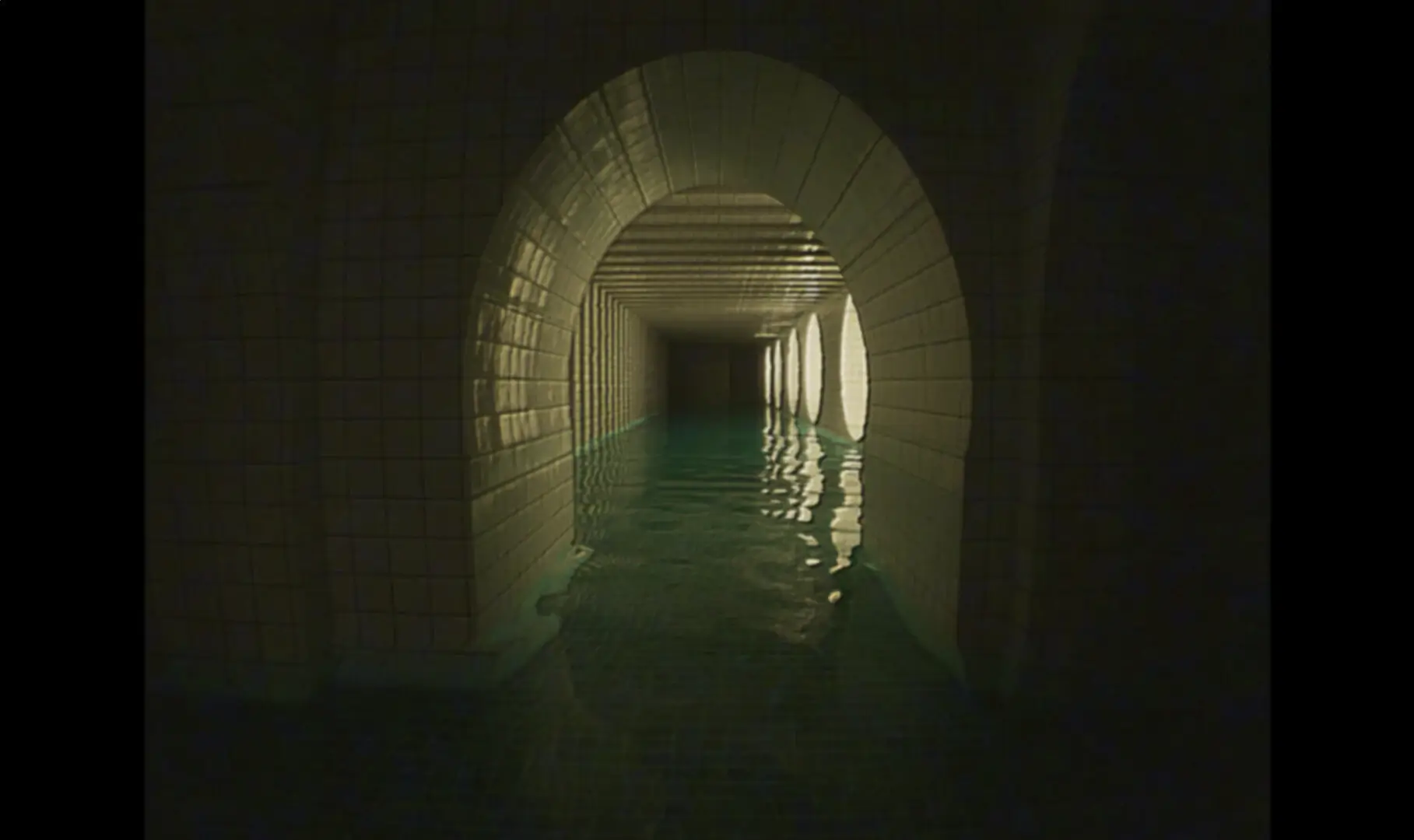
BACKROOMS: LIMINAL ESCAPE is a horror game that takes players into the mysterious Backrooms. The game stands out with its VHS-style visuals, creating a nostalgic yet eerie atmosphere. Players must navigate these unsettling spaces, which are designed with photorealistic graphics. This attention to detail enhances the sense of dread as you explore the unknown.
The game is not just about walking around. It challenges players to run, hide, and stay silent to survive. This variety in gameplay keeps you on your toes, as danger can lurk around any corner. The game offers a wide range of maps, each staying true to the Backrooms lore, adding layers to the mystery.
For those who prefer a less intense experience, BACKROOMS: LIMINAL ESCAPE includes a ‘No Entity’ option. This allows players to explore the 12 levels without encountering any threats. This option can be found in the Extras section of the main menu, providing a more relaxed exploration of the game’s environments.
Additionally, players can disable the VHS effect if they want a different visual experience. This feature allows for a fresh perspective on the game’s graphics, offering a new way to experience the eerie spaces. The combination of these features ensures that players can tailor their experience to suit their preferences.
🎮 Game Information
| 🕹️ TITLE: | BACKROOMS: LIMINAL ESCAPE |
|---|---|
| ⚡ VERSION: | v1.0 |
| 🛠️ DEVELOPER: | kc6067 |
| 💻 PUBLISHER: | kc6067 |
| 📅 RELEASE DATE: | May 12, 2025 |
| 📂 GENRE: | Adventure, Casual, Horror, Indie |
| 💾 SIZE: | 3.5 GB |
| 🔒 CRACKED BY: | TiNYiSO |
| 💸 BUY LINK: | Store Page |
| ⭐ USER RATING: |
⚙️ Installation Instructions
We have simple instructions for downloading and installing the BACKROOMS: LIMINAL ESCAPE torrent game on your Windows operating system. The procedure is the same for all Windows operating systems. Before proceeding, ensure that your system meets the minimum system requirements to play the Game.
You must have zip file extracting software and torrent software installed on your PC. If you do not have these two software programs installed on your PC, then you will first need to download and install the two software programs on your PC before following the steps.
You can use any zip file extracting software and torrent software, (We recommend "WinRAR" and "qBittorrent" Software). WinRAR / 7-Zip / µTorrent Classic / qBittorrent (64-bit) / qBittorrent (32-bit).
Follow the simple instructions:
- First, click on the "Torrent Download" button, and download the torrent BACKROOMS: LIMINAL ESCAPE.zip file on your PC.
- Right-click on the BACKROOMS: LIMINAL ESCAPE.zip file and click on the "extract here" option from the dropdown menu.
- Double click on the .torrent file. Then, choose the download folder.
- After Download Completed, Open the BACKROOMS: LIMINAL ESCAPE Game folder.
- Double-click on the Setup.exe file.
- Follow the on-screen installation wizard to install the game on your PC.
- You may need to provide administrator permissions for the installation to proceed. If asked, click Yes to continue.
If you get any missing dll errors or the game is not launching, then Download Redist File and install all programs available in the "Redist" folder.
Done!. Now you can launch the game from your desktop.
⬇️ BACKROOMS: LIMINAL ESCAPE Torrent Download Link
🖥️ Minimum Requirements
- OS: Requires a 64-bit processor and operating system WINDOWS® 10+(64-BIT Required)
- Processor: Intel® Core™ i5-4460, 2.70GHz or AMD FX™-6300 or better
- Graphics: NVIDIA® GeForce® GTX 760 or AMD Radeon™ R7 260x with 2GB Video RAM
- DirectX: Version 12
- Storage: 5 GB available space
⭐ Recommended Requirements
- OS: Requires a 64-bit processor and operating system WINDOWS® 10+(64-BIT Required)
- Processor: Intel® Core™ i7 3770 3.4GHz or AMD equivalent or better
- Graphics: NVIDIA® GeForce® GTX 1060 with 3GB VRAM
- DirectX: Version 12
- Storage: 5 GB available space
📷 Gameplay Screenshots
🎬 Gameplay Video


















Comments
Leave a Comment
Your email address will not be published. Required fields are marked *